
Operations · Engineering · Trends
Hands-on playbooks, product updates and cross-border insights from the CCloudPhone team.
What Is a Cloud Phone AI Automation Sandbox? How the Data-Never-Leaves-Cloud Mechanism Works
A cloud phone AI automation sandbox runs AI scripts and scheduled tasks inside isolated virtual phones hosted in remote datacenters. Commands execute in a closed loop in the cloud, while account credentials, screenshots and logs stay in encrypted cloud storage instead of landing on your local device. This article breaks down how the sandbox works, the mechanisms that keep data from ever leaving the cloud, how it compares with local script solutions, and the scenarios that benefit most, from batch account operations to scheduled publishing and app testing, plus practical tips for choosing a service.
What Can Agentic Mobile on Cloud Phones Do? Enterprise Automation Scenarios Explained
Agentic Mobile brings AI agents to cloud phones, enabling autonomous mobile operations around the clock without human supervision. Instead of rigid scripts, agents can read the screen, understand tasks, and adapt to pop-ups and exceptions on their own. This article breaks down four core capabilities - always-on operation, batch parallel execution, task orchestration, and isolated environments - and analyzes five enterprise automation scenarios: social media matrix operations, app automated testing, e-commerce and private-domain operations, short video distribution, and data collection and monitoring. It also compares cloud phones with physical device farms and PC emulators, and outlines a three-step path for enterprises to land Agentic Mobile quickly with ChangChang Cloud Phone (ccloudphone).
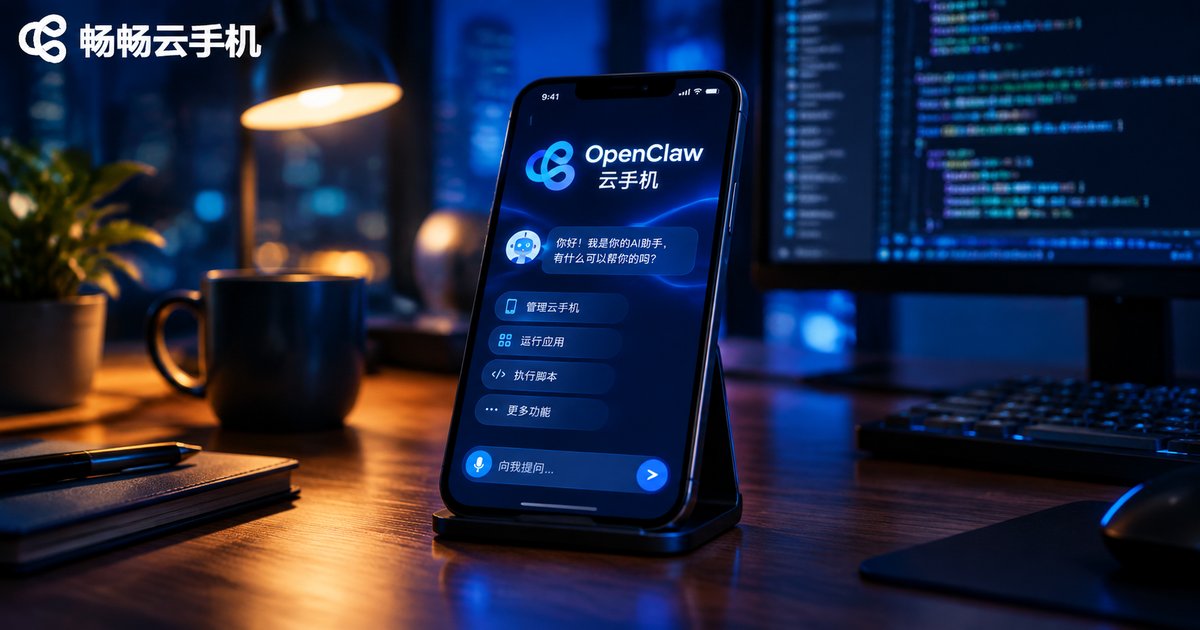
How to Deploy an OpenClaw Agent on a Cloud Phone: AI Automation Integration Workflow
This step-by-step guide shows you how to deploy an OpenClaw AI agent on a cloud phone and turn it into a digital worker that stays online around the clock. It covers why a cloud phone beats a personal device for hosting agents, what to prepare before deployment, and a complete five-step workflow: setting up a terminal, installing Node.js, installing OpenClaw, running the onboarding wizard, and starting the gateway. You will also find practical AI automation scenarios such as scheduled reports, auto replies, in-app automation, and keyword monitoring, plus tips for scaling from a single agent to a full fleet.
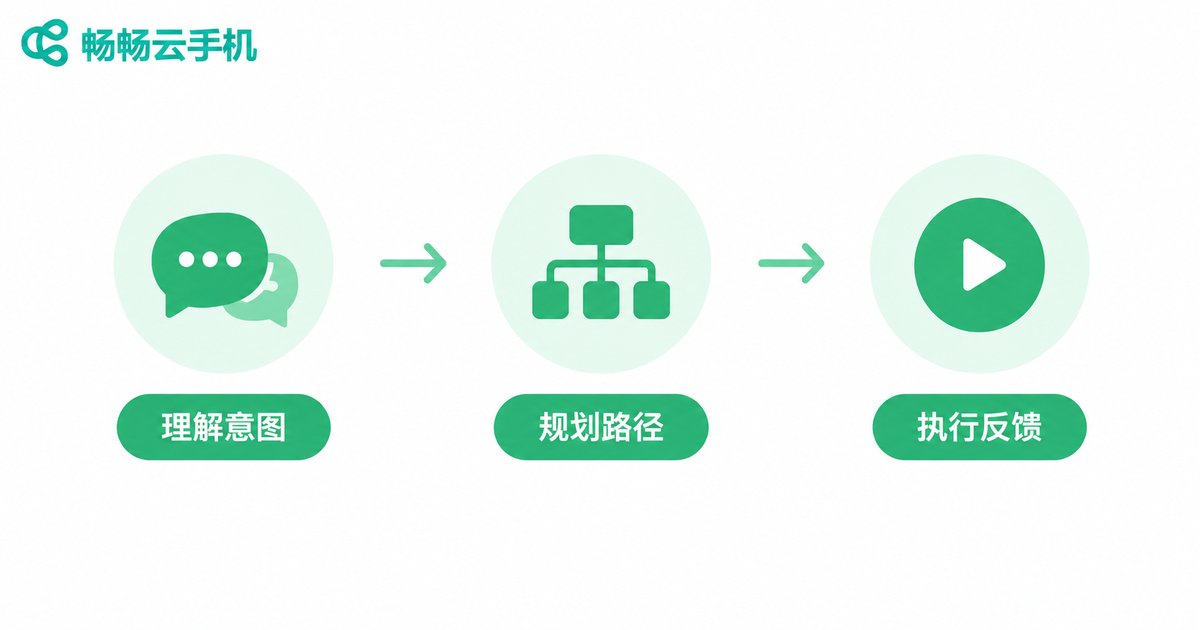
What Is a Cloud Phone AI Agent? A Tutorial for Natural Language Driven Automated Tasks
A cloud phone AI Agent is an intelligent assistant that lives inside your cloud phone: you describe what you want in plain language, and it plans the steps, opens the right apps, and completes repetitive tasks such as daily check-ins, game farming, and scheduled posting entirely on its own. This guide explains in simple terms how a cloud phone AI Agent understands and executes your commands, compares which tasks are worth automating, and walks you through a step-by-step tutorial for launching natural language driven automated tasks on ChangChang Cloud Phone (ccloudphone). You will also find four practical tips for writing clearer instructions, a look at why cloud phones are the ideal home for AI agents, and answers to the most frequently asked questions.
Can Cloud Phones Run All Android Apps? A Hands-On Compatibility Checklist
Can a cloud phone run every Android app? Based on hands-on tests of more than 40 popular apps, this guide delivers a practical compatibility checklist across six categories: social and chat, short video, mobile gaming, productivity, finance, and lifestyle services. You will learn why cloud phones behave almost like real ARM devices, which apps tend to fail — including banking apps with strict security checks, NFC-dependent features, and a few games with anti-cheat detection — and how to work around these limits. The article also explains the three core technologies behind cloud phone compatibility and provides a simple three-step method to test any app yourself before committing to a cloud phone service.
Cloud Phone vs Cloud Gaming: Full System vs Streaming Comparison
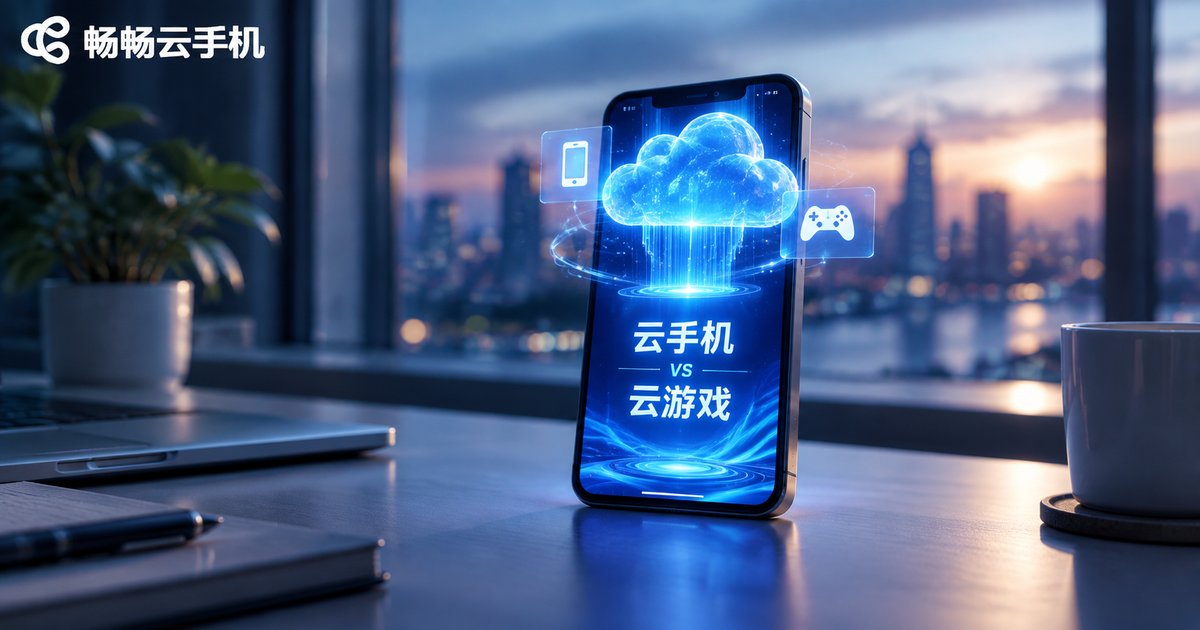
Cloud phones and cloud gaming sound similar, but they solve different problems. A cloud phone is a complete Android system running in the cloud: you can install any app, manage multiple accounts, and keep tasks running 24/7 even when your own device is offline. Cloud gaming, on the other hand, streams a game's video output to your screen and only lets you play titles in its library. This article breaks down the differences across architecture, functionality, use cases, and network requirements, and helps you decide which service fits your needs.
What Are the Default Resolution and Android Version of Cloud Phones? Factory Parameters Explained
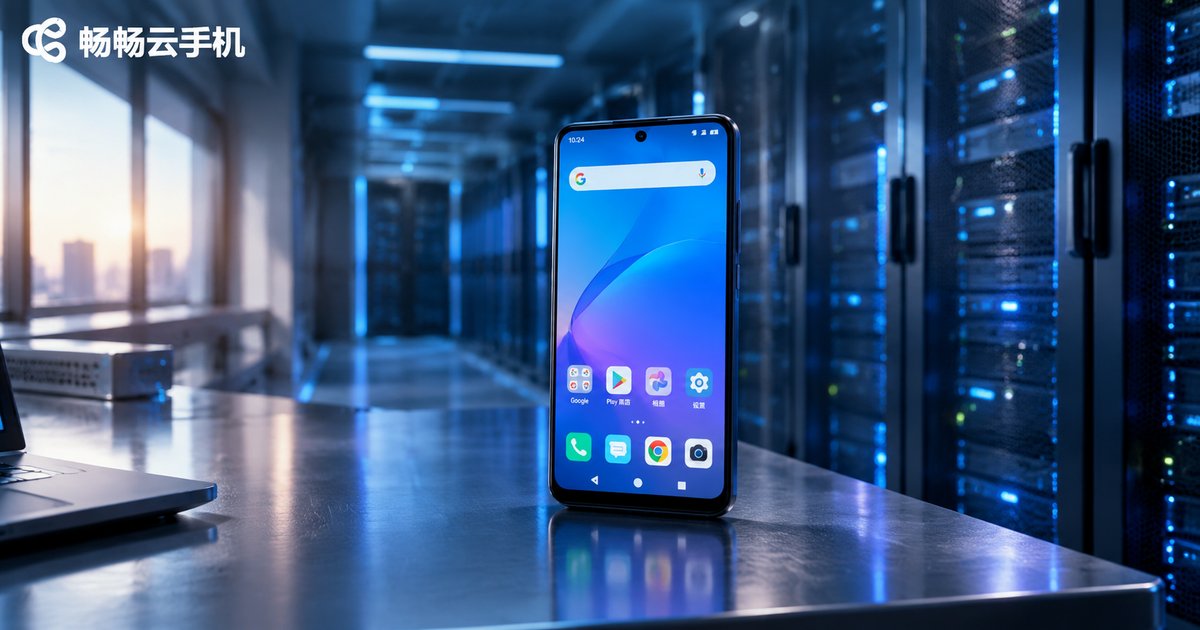
Cloud phones are real Android devices running in remote data centers, and their factory parameters determine picture clarity, performance, and app compatibility. This guide explains what factory settings mean, why most cloud phones default to 720x1280 resolution, which Android versions are commonly used, and how resolution and system version affect multi-instance gaming, idle farming, and daily use. You will also learn how to check the current parameters on your device, whether they can be adjusted, and what to confirm before purchasing, so you can choose a cloud phone configuration that truly matches your needs.
Will Data Be Cleared After Cloud Phone Disconnection: A Guide to Cloud Storage Persistence
Will your data disappear when a cloud phone disconnects? In most cases, no. A cloud phone runs on remote servers, and your data is stored in professional data centers rather than on your local device. Disconnecting only interrupts the video stream — the cloud host continues running or stands by according to your plan, keeping apps, game progress, and files fully intact. Real data loss usually comes from expired plans or account deletion, not temporary disconnections. This article explains how cloud storage persistence works, which scenarios carry real risk, and how to protect your data with confidence.

Does Using a Cloud Phone for Downloads and Videos Eat Your Mobile Data? How Data Attribution Works
Worried that downloading movies or streaming videos inside a cloud phone will eat up your mobile data? The answer lies in how data attribution works. Apps inside a cloud phone run in a remote data center, so downloads and playback consume the cloud side's network — not your SIM plan. What your phone actually receives is a live video stream of the cloud phone's screen, and that is the only part that uses your data. This article explains the two data channels in plain language, shows which operations consume local data and which don't, provides rough usage estimates by streaming quality, and shares practical data-saving tips plus answers to the most frequently asked questions.
Does Cloud Phone Support SIM Card Binding: Virtual Carrier Configuration Explained
Cloud phones run entirely on remote servers, which means they have no physical SIM card slot and cannot accept a physical SIM card. However, through virtual carrier configuration, a cloud phone can define carrier name, network type, and APN settings at the system level, creating a realistic carrier environment for apps that check such details. This article explains why cloud phones have no SIM slot, how virtual carrier configuration works, and its most common use cases, including app testing, multi-account operations, and verification code handling. It also compares physical SIM solutions with cloud-based carrier configuration and introduces ChangChang Cloud Phone (ccloudphone) as a stable Android cloud environment.
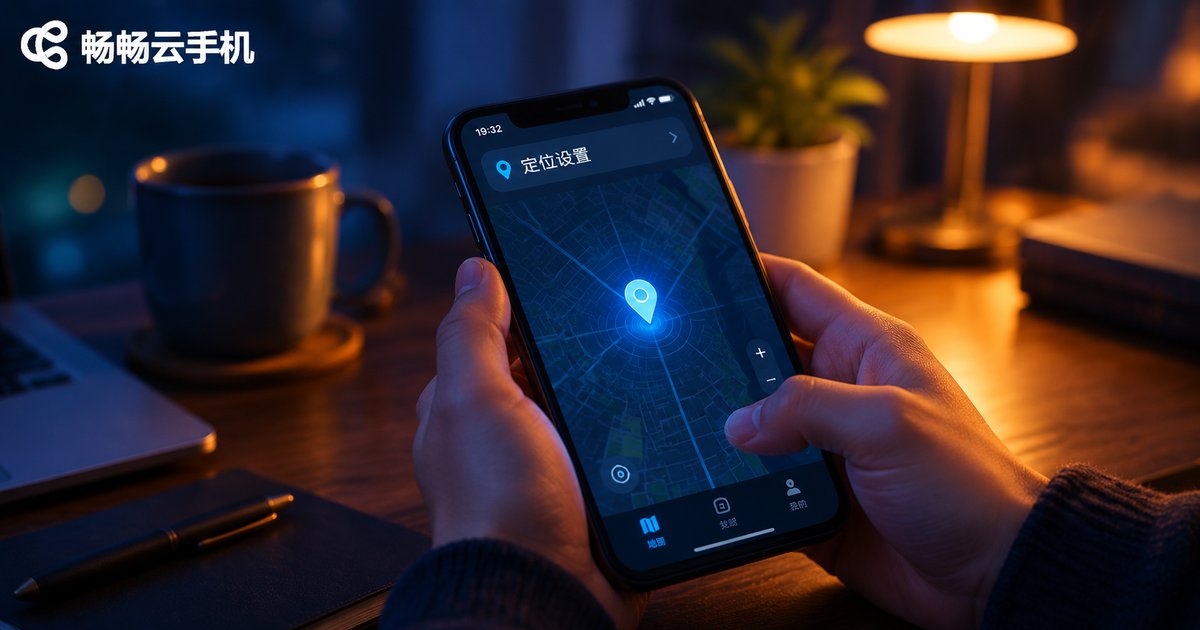
How to Fix App Location Issues on Cloud Phones: Permission & Mock Location Setup Guide
When an app on your cloud phone can't get your location, the cause is usually a denied permission or a misconfigured mock location — not a broken device. This guide walks you through a simple three-step fix: enable the app's location permission and the system location toggle, set up the mock location correctly and restart the app, then run through a troubleshooting checklist for drifting coordinates and detection issues. You'll also learn why ccloudphone is a reliable choice for running check-in, navigation, and other location-based apps around the clock, plus answers to the most frequently asked questions.
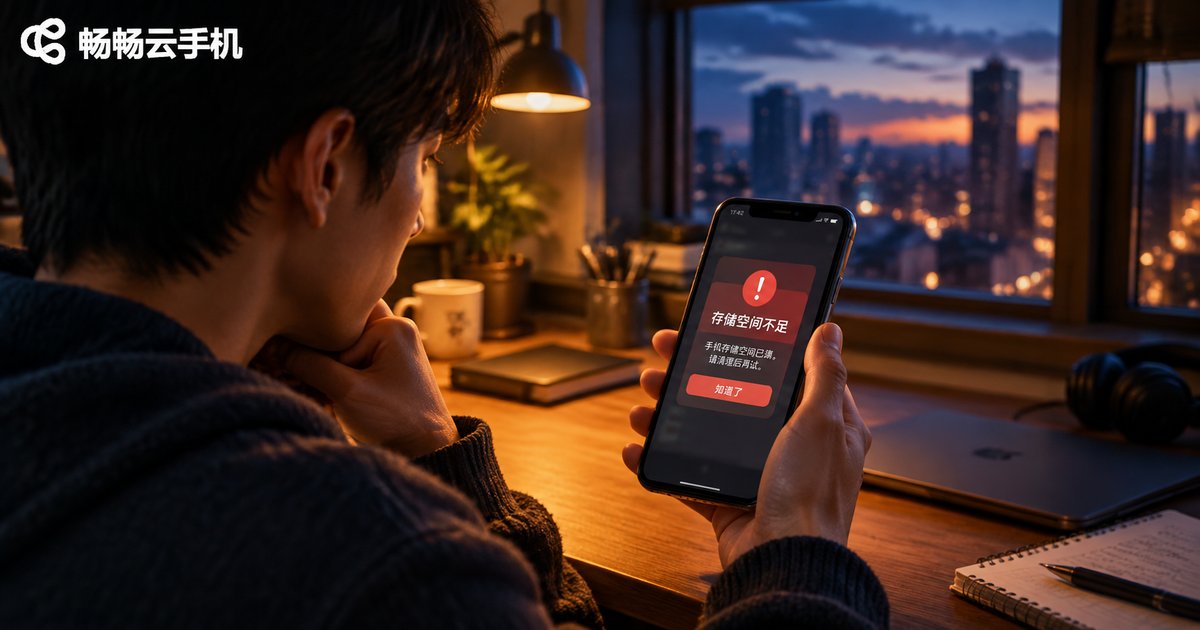
What to Do When Your Cloud Phone Shows Insufficient Memory: Storage Cleanup and Expansion Guide
When a cloud phone warns about insufficient memory, it usually means the storage is full rather than the RAM. This guide first helps you tell the two problems apart, then walks you through a four-step cleanup: clearing app caches, removing unused apps and leftover installation packages, tidying up chat files, and restarting the device. If you run many apps or use your cloud phone long term, choosing a cloud phone configuration with more storage is the better long-term fix — no new device or memory card required, and services like ChangChang Cloud Phone (ccloudphone) let you pick a larger storage option through the official website. A FAQ section at the end answers the most common storage questions.