
Cloud Phone vs Cloud Gaming: Full System vs Streaming Comparison
In One Sentence: A Full System vs. a Video Stream
People often confuse the two because both offload computing to the cloud. But the difference is fundamental. A cloud phone gives you a complete Android system running in a data center—you can install apps, sign in to accounts, and keep tasks running just like on a real phone. Cloud gaming only gives you a live video stream of a game, and what you can play is limited to the platform's library.
What Exactly Is a Cloud Phone?
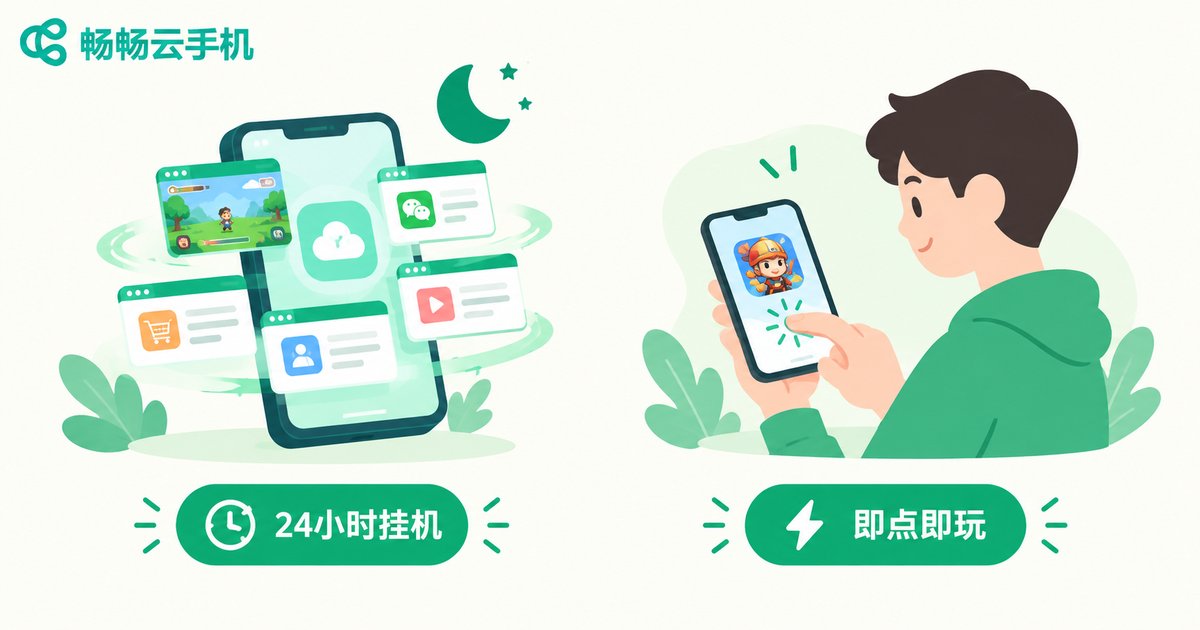
A cloud phone is a virtual Android device hosted in the cloud, with its own independent Android system and storage. You connect to it remotely from your phone or computer to install apps, play games, and manage accounts. Crucially, it keeps running in the cloud even after you disconnect—afk farming, downloads, and account nurturing all continue. Think of it as an Android phone that never sits in your pocket and stays on 24/7.
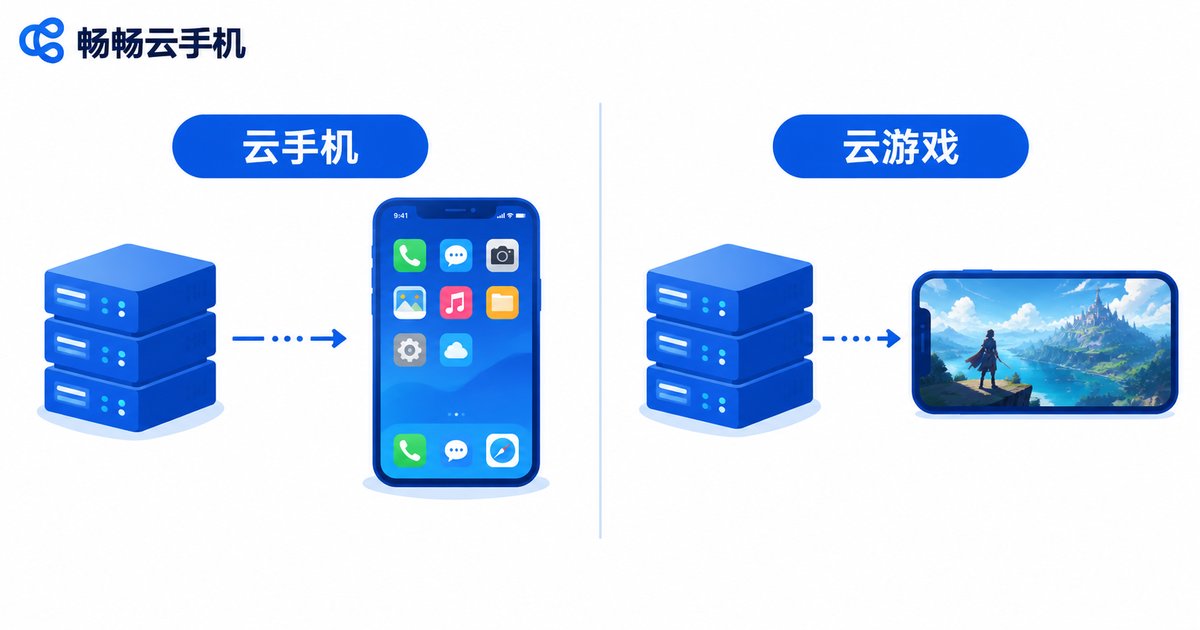
Because it is a full system, any app—games, social media, tools—can be installed. Use cases go far beyond gaming: multi-account operation, sandboxed testing of unfamiliar apps, and giving old devices a second life.
What Exactly Is Cloud Gaming?
Cloud gaming runs and renders the game on remote servers, compresses the frames into a video stream, and pushes it to your screen while your inputs travel back in real time. Your device is just a display plus a controller. The upside: no downloads, no hardware upgrades—instant access to big titles. The downside: you can only play what the platform offers, and the experience is highly sensitive to network latency.
Key Differences at a Glance
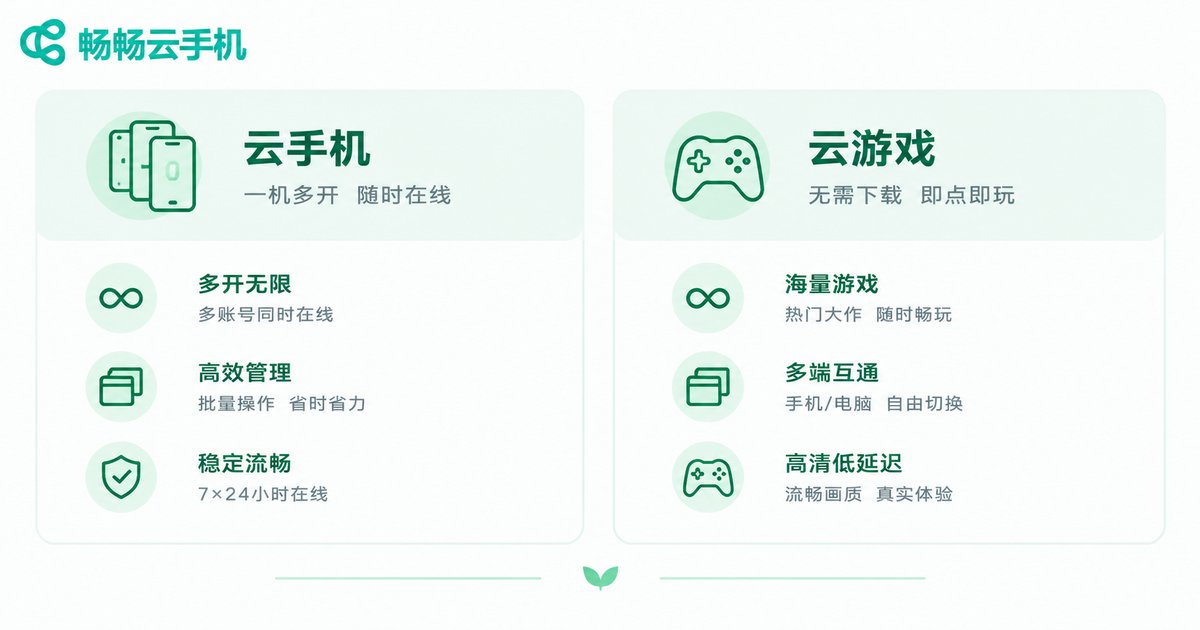
| Dimension | Cloud Phone | Cloud Gaming |
|---|---|---|
| Essence | A complete virtual Android system | Real-time game video streaming |
| What you can install | Any app, any game | Only titles in the platform library |
| After disconnecting | Keeps running in the cloud, 24/7 uptime | Stops immediately, no background mode |
| Multi-instance | Multiple cloud phones and app cloning | Usually one account, one game |
| Network demand | Low; idle tasks use almost no local data | High; sensitive to bandwidth and latency |
| Local hardware load | Near zero; no local storage used | Low, but streams video continuously |
| Best for | Afk gamers, multi-account users, studios | Players who want instant, download-free play |
Which One Fits Your Needs?
Choose a cloud phone if: you play idle or afk mobile games that need to stay online around the clock; you run multiple game or social accounts; you want to test unfamiliar apps in an isolated environment; or your old phone is too slow for modern apps. The always-on capability is what makes a cloud phone irreplaceable.
Choose cloud gaming if: you just want to occasionally try a big-title game without downloading tens of gigabytes, with no long-term commitment—play and go.
Why a Cloud Phone Is the More Complete Choice
In terms of capability, a cloud phone is a superset of cloud gaming: it can install and run any mobile game while also offering the full-system benefits of afk uptime, multi-instance support, and account management. Take CCloudPhone as an example: it delivers a stable Android cloud environment with multi-instance support and 24/7 online uptime, so game farming and multi-account management can all be handled from an ordinary phone—no local storage, no overheating, no battery drain. Visit the official CCloudPhone website at ccloudphone to learn more.
FAQ
Q: Can a cloud phone and cloud gaming replace each other?
Not entirely. Cloud gaming is limited to its library and cannot run tasks in the background. A cloud phone can install any app or game and covers far more scenarios, making it the more practical choice in most cases.
Q: How is the graphics quality on a cloud phone?
A cloud phone is a real Android device in the cloud, so quality depends on the cloud hardware and your network—typically comparable to a mid-to-high-end physical phone, regardless of your local device's performance.
Q: Does a cloud phone use a lot of mobile data?
Streaming the screen while you actively use it consumes some data, but tasks run in the cloud—once you disconnect, local data usage is nearly zero, which is lighter than running big games locally.
Q: Is a cloud phone safe?
Yes, with a reputable provider. Platforms like CCloudPhone isolate and protect your data; as a good habit, avoid storing sensitive payment details on the cloud device.
Q: My internet isn't great. Can I still use a cloud phone?
Yes. Cloud phones have lower network requirements than cloud gaming—regular 4G/5G or home Wi-Fi is enough for smooth control, and cloud tasks keep running even if your connection drops temporarily.


