
Operations · Engineering · Trends
Hands-on playbooks, product updates and cross-border insights from the CCloudPhone team.
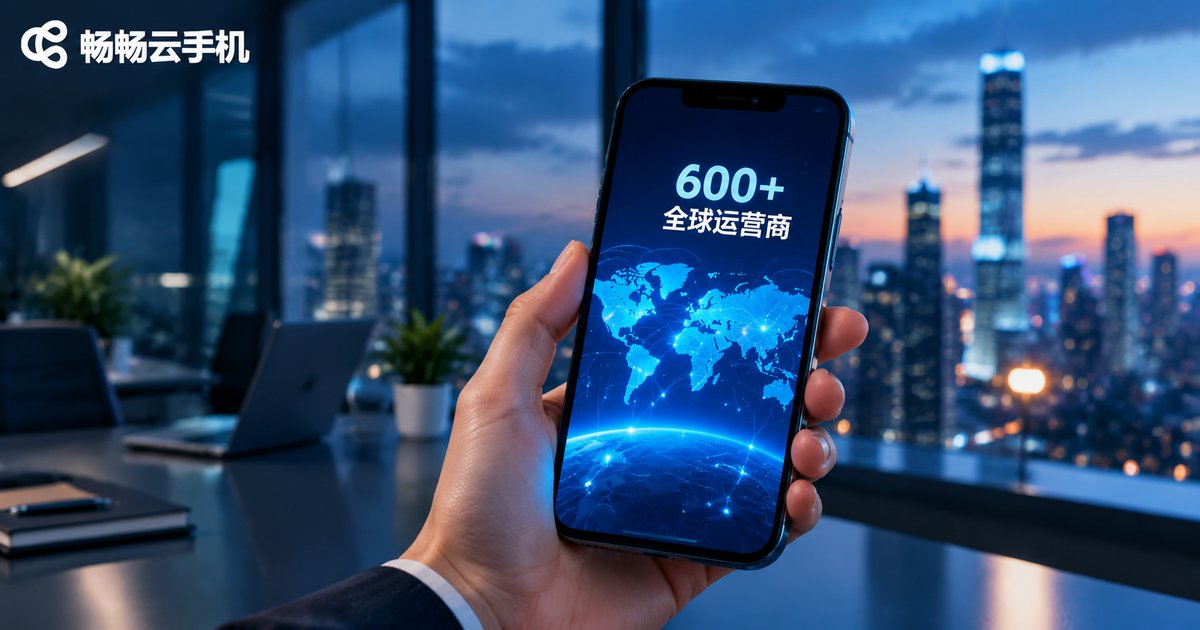
How Many SIM Carrier Configurations Does a Cloud Phone Support? 600+ Global Virtual Carrier Profiles Explained
A cloud phone has no physical SIM slot, yet it can present a complete carrier identity through virtual SIM carrier configuration. This article explains in plain language how MCC/MNC codes, IMSI/ICCID numbers and SPN names work, why coverage of 600+ global carrier profiles matters, and how these profiles support app overseas testing, cross-border operations, game verification and ad campaign checks. It also walks through the setup process on ChangChang Cloud Phone (ccloudphone) and answers the most frequently asked questions about virtual carrier settings.
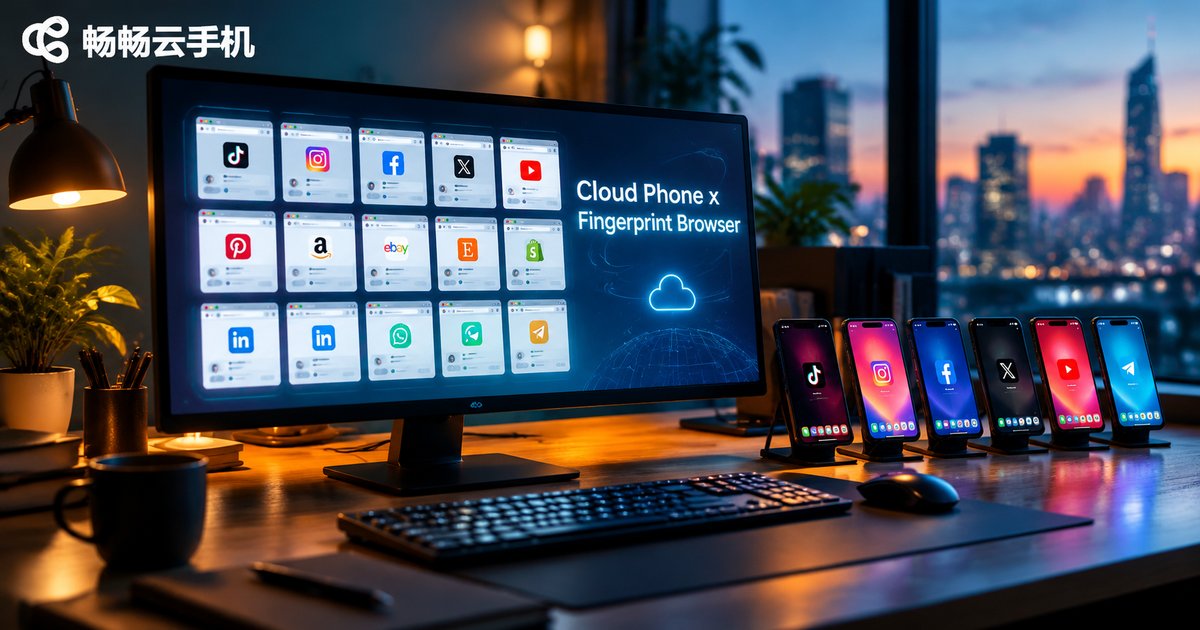
How to Combine Cloud Phones with Fingerprint Browsers: Mobile + Desktop Setup Guide
Fingerprint browsers excel at isolating multiple accounts in desktop web environments, while cloud phones provide real Android environments for mobile apps. Used together, they cover every terminal that platform risk-control systems can see. This guide explains how the two tools divide their roles, shares three proven combination workflows, walks through a five-step implementation process, and highlights the most common pitfalls to avoid. Whether you run cross-border e-commerce stores, social media account matrices, or app-based operations, this mobile-plus-desktop framework helps you build a stable and scalable multi-account system.
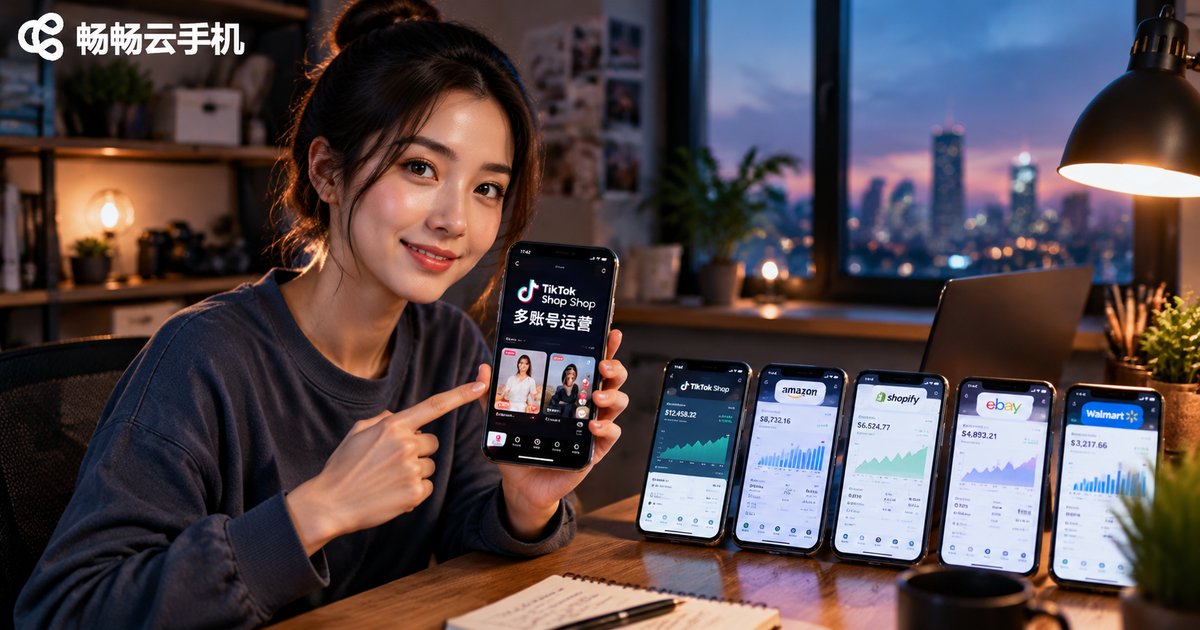
How to Use Cloud Phones for TikTok Shop: A Hands-On Guide to Mobile Multi-Account Management
Running multiple TikTok Shop accounts on physical devices is expensive, chaotic, and easy to get wrong. This guide explains how a cloud phone solves the problem: independent Android environments run in the cloud, letting you manage dozens of accounts from a single device. We break down five real-world scenarios—store matrices, short-video funnels, live-stream support, team collaboration, and new-account nurturing—then walk through a four-step workflow for mobile multi-account management, from planning your matrix to weekly data reviews. A comparison table shows how cloud phones outperform stacks of physical phones on cost, switching, uptime, and scaling, while practical tips and an FAQ help you avoid common pitfalls and scale with confidence.
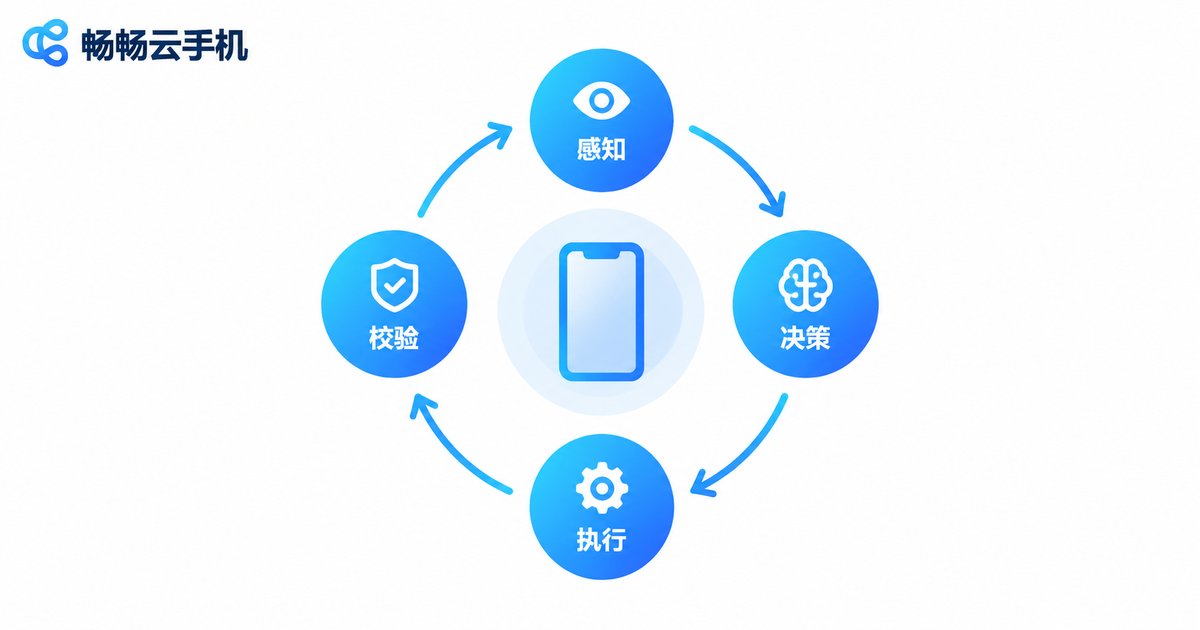
What Can Agentic Mobile on Cloud Phones Do? Enterprise Workflow Automation and Mobile App Testing Scenarios
Agentic Mobile enables AI to operate smartphones the way a human does — understanding the screen, planning steps, and performing real taps and inputs. This article explains its perception–decision–action loop and explores two major application areas: enterprise workflow automation, including e-commerce operations, social media management and data entry, and mobile app testing, covering UI automation, compatibility, regression and stability testing. It also compares cloud phones with physical device farms and explains why CCloudPhone, with its 24/7 cloud Android instances and batch group control, is an ideal foundation for running Agentic Mobile workloads at scale.
How to Use Cloud Phone LLM Automation: Qwen Cloud Integration Tutorial
This step-by-step tutorial shows you how to connect Alibaba's Qwen large language model to a cloud phone, turning an AI brain plus cloud hands into real intelligent automation. You will learn the core concept, prepare a Qwen API key, run your first Python call, build a screenshot-based feedback loop with Qwen-VL, and assemble a full multi-account content pipeline. Practical tips on prompt templates, task queuing and error handling are included, so repetitive daily operations run around the clock in the cloud while you simply review the results.
What Is a Cloud Phone Automation Execution Sandbox? How Cloud Task Execution Keeps Data in the Cloud
A cloud phone automation execution sandbox is an isolated task environment running on cloud servers. Instead of executing scripts on your own phone or computer, automation jobs run inside a virtual phone hosted in a data center, where account credentials, logs, and intermediate data never leave the cloud. Your local device acts only as a remote viewer and control panel. This article explains, in plain language, the complete workflow of task dispatch, sandboxed execution, process logging, and result delivery; compares local automation with cloud sandbox execution in terms of stability, security, and scalability; and outlines typical use cases such as multi-account operations, app testing, and long-running scheduled jobs, along with practical tips for choosing a reliable cloud phone provider.

What Is a Cloud Phone AI Agent? Automate Cross-App Tasks in the Cloud with Natural Language
A cloud phone AI Agent is an intelligent assistant that lives on a cloud-based Android device. You describe a task in plain natural language, and the agent understands your intent, breaks it into steps, operates across multiple apps, and reports the results — all in the cloud, around the clock, independent of your local phone. This article explains how natural language becomes automated actions, why cross-app tasks are where agents shine, how cloud execution compares with manual operation, and how to build your own always-on cloud automation environment with ccloudphone. If you juggle content publishing, information gathering, e-commerce back offices, or daily in-app chores, a cloud phone AI Agent can turn hours of repetitive tapping into a single sentence.

Can Cloud Phones Run All Android Apps? Compatibility Checklist for Social, Office & Utility Apps
Cloud phones run a real Android system on remote servers, which means the vast majority of Android apps install and work just like on a physical device. This guide breaks down compatibility into three practical categories: social apps (WeChat, QQ, Telegram and more), office apps (DingTalk, WeCom, Feishu, WPS Office) and utility apps (browsers, cloud storage, download managers). You will learn which apps run flawlessly, which need extra attention such as strictly risk-controlled banking apps, and which features like NFC and fingerprint payments are limited by hardware. A comparison table, a three-step testing method and a FAQ section are included, along with tips on verifying compatibility using ccloudphone, a cloud phone service with a complete Android environment and multi-instance management.
Cloud Phone vs Cloud Gaming: Complete System vs Streaming, Explained
Cloud phones and cloud gaming both rely on cloud computing, but they are fundamentally different. Cloud gaming streams video of a game running on a remote server: you can only play the titles a platform offers, and everything ends when the session closes. A cloud phone, on the other hand, is a complete Android system running in the cloud — you can freely install apps, keep it online 24/7 for AFK farming, and run multiple instances for multi-account management. This article explains how each technology works, compares them in a clear table, helps you decide which one fits your needs, and shows how ccloudphone delivers a reliable second phone in the cloud.
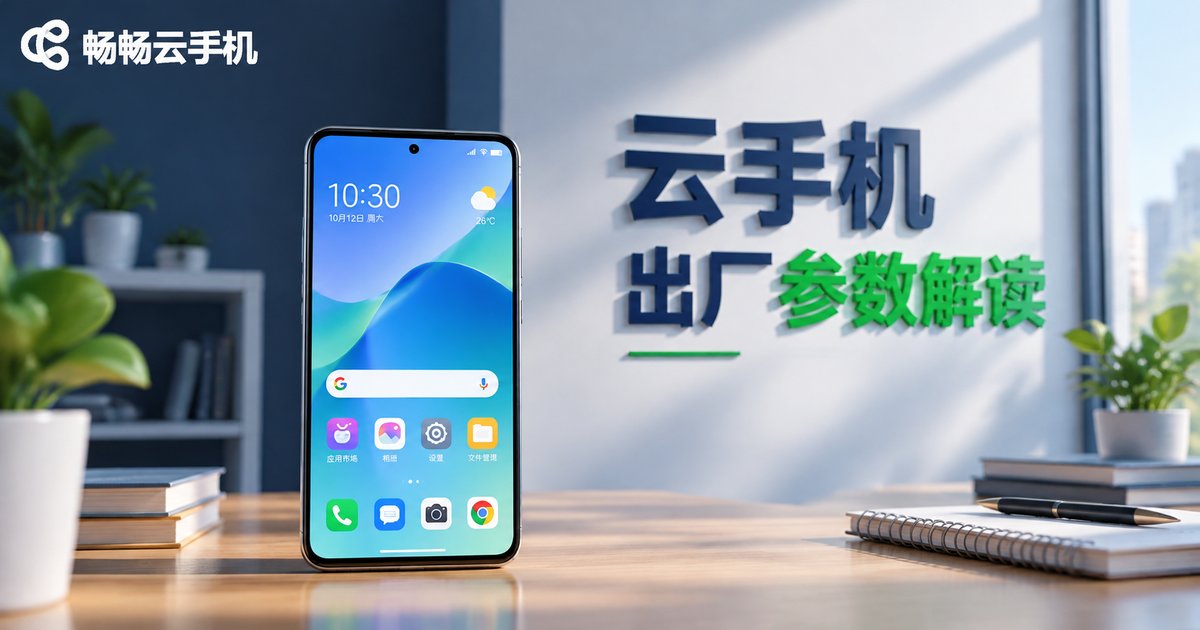
What Are the Default Resolution and Android Version of Cloud Phones? A Complete Guide to Factory Settings
The factory parameters of a cloud phone directly shape your experience. This guide explains the default screen resolution tiers (720P and 1080P) and the mainstream Android versions (Android 9 to 12) that cloud phones ship with, how these specs affect multi-instance gaming and app compatibility, and which scenarios each configuration suits best. You will also learn how to check your own cloud phone's resolution and Android version in the settings menu, so you can pick the right device model before you buy and avoid costly trial and error.
Does Cloud Phone Data Get Wiped After Disconnecting? Understanding Cloud Storage Persistence
Many users worry that closing the remote connection to a cloud phone will wipe their apps, game progress, and account data. In reality, a cloud phone is a virtual device running on remote servers, and all data is written directly to cloud storage — your local phone is only a window for viewing and control. This article explains where cloud phone data actually lives, what happens after a disconnect, which operations truly erase data, such as factory reset or deleting an instance, and how to keep your cloud data safe. It also shows how ChangChang Cloud Phone keeps instances running around the clock so you can pick up right where you left off.
Does a Cloud Phone Use Your Mobile Data for Downloads and Videos? How Data Attribution Works
When you download files or stream videos inside a cloud phone, where does the data actually go? This article explains the data attribution mechanism behind cloud phones: the traffic for the content itself is consumed on the cloud server, while your physical phone only carries the lightweight screen-streaming feed that mirrors the display. Through a clear scenario comparison table, we break down who consumes what in typical cases such as game downloads, video streaming, and background tasks, analyze the three factors that determine your local data usage, and share practical tips to keep it low, so you can enjoy a cloud phone without worrying about your mobile plan.