

Does Cloud Phone Data Get Wiped After Disconnecting? Understanding Cloud Storage Persistence
The Short Answer: Disconnecting Does Not Delete Your Data
Many first-time cloud phone users share the same worry: if the network drops, the client closes, or my physical phone powers off, will the game progress, chat history, and account data inside my cloud phone disappear too?
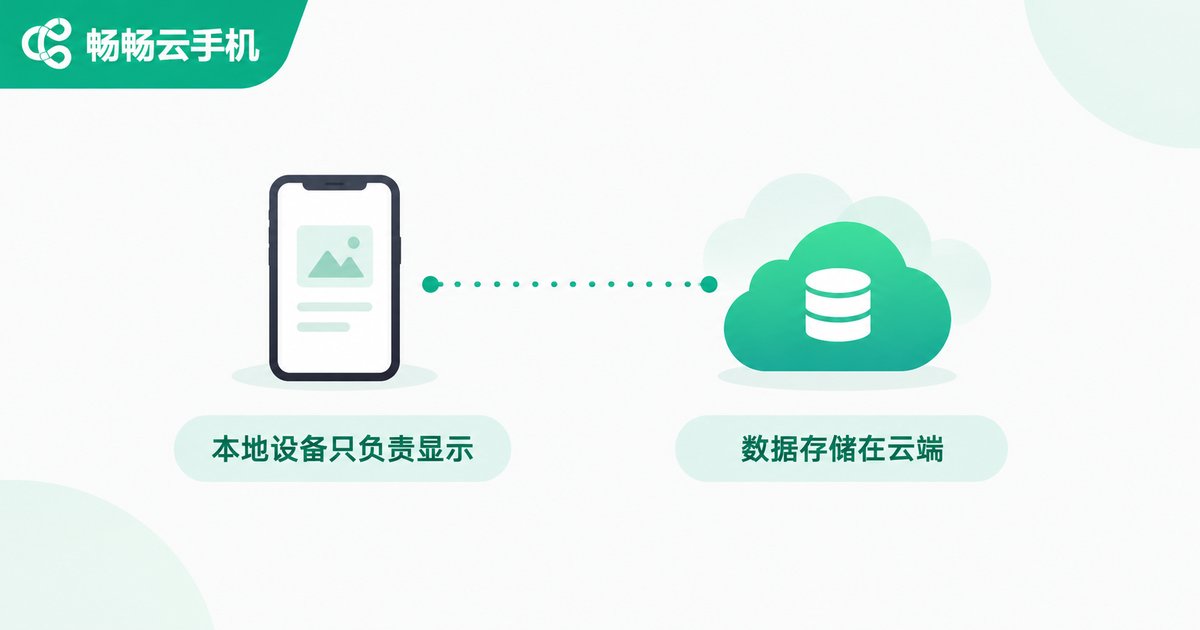
The answer is clear: No. A cloud phone is essentially a virtual phone running on a cloud server. All of your data is stored in cloud storage, not on the screen of the physical phone in your hand. The remote connection is just a window through which you view and control the cloud phone — close the window, and everything inside the room stays exactly where it was.
Where Does Cloud Phone Data Actually Live?
To understand cloud data persistence, you first need to separate two concepts: the local device and the cloud instance.
When you install an app, sign in to an account, or download a file inside a cloud phone, those actions happen on the virtual phone in the cloud, and the data is written directly to the provider's storage system. Your physical phone only does two things: it sends your taps and swipes up, and it streams the screen back down.
This means: losing your local connection, switching phones, or uninstalling the client app will not affect your cloud data. As long as you log back in with the same account, the cloud phone is exactly as you left it — same apps, same progress, same settings.
What Happens in the Cloud After You Disconnect?
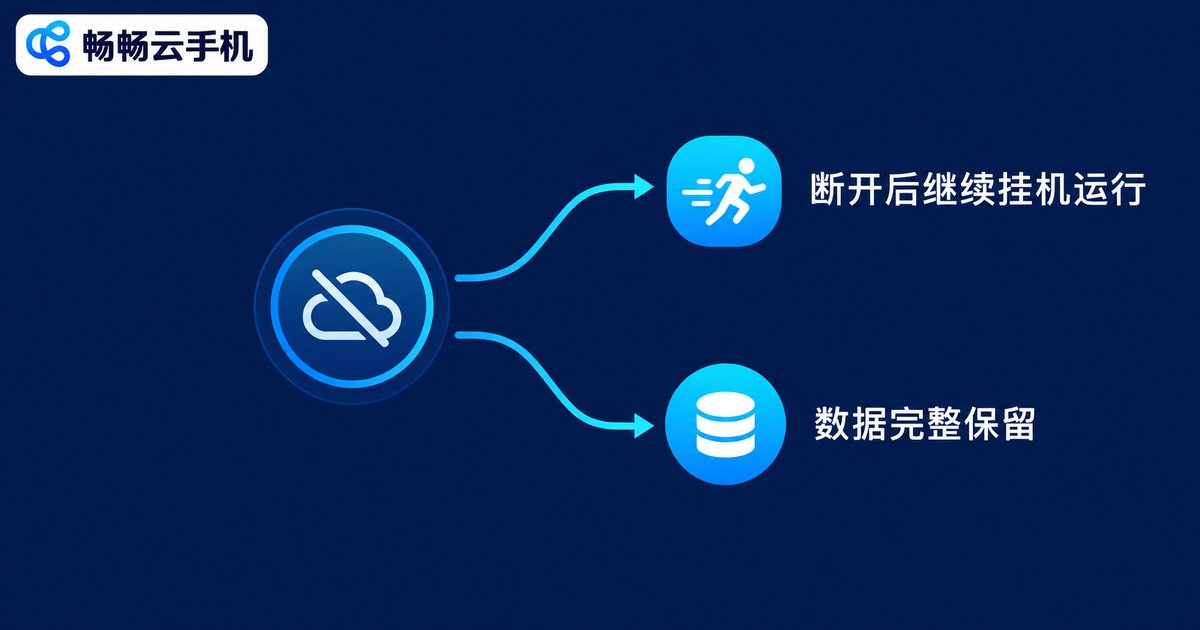
After the remote connection ends, the cloud phone does not vanish. It enters one of two common states:
1. Keeps running (idle mode): Most cloud phones keep running after you disconnect, so game farming, downloads, and app keep-alive tasks continue as usual. When you reconnect, you see everything that happened while you were away.
2. Data retained, screen paused: Even if the instance is put to sleep by the scheduler, the data on its disk remains fully intact, and everything is right where you left it when you reconnect.
The thing that actually decides whether data is kept is never the act of connecting or disconnecting — it is what you do to the instance itself.
When Does Data Really Get Erased?
The table below helps you tell at a glance:
| Action | Is data kept? |
|---|---|
| Disconnecting / network drop | Kept |
| Closing the client / switching devices | Kept |
| Normal shutdown and restart of the cloud phone | Kept |
| Manual factory reset / one-tap new device | Erased |
| Deleting the instance or closing the account | Erased |
As you can see, only deliberate destructive actions erase data. Functions like factory reset and one-tap new device are, in fact, features people use on purpose — when you need a brand-new device environment, resetting returns the cloud phone to its initial state. That is by design, not data loss.
Four Practical Tips to Keep Your Cloud Data Safe
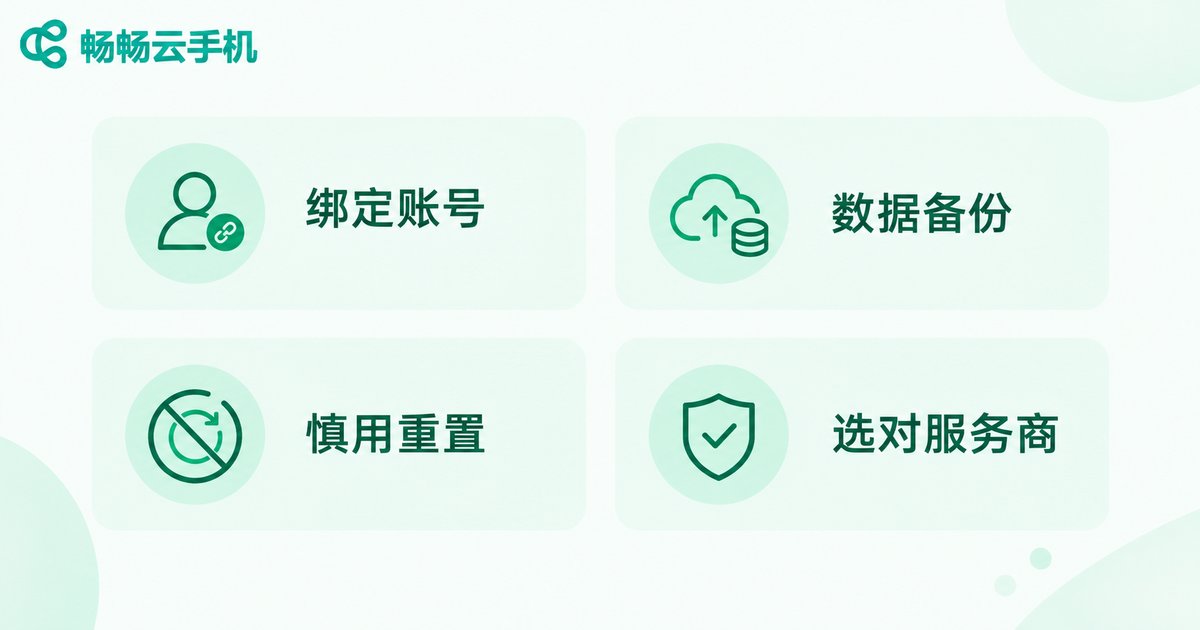
1. Bind and remember your account: Cloud phone data follows the account. Your account is the only key to recovering your data, so bind a phone number and enable verification.
2. Keep a second copy of important data: Link games to their official accounts and back up files to cloud storage regularly — double insurance brings peace of mind.
3. Be careful with reset functions: Before running factory reset or one-tap new device, make sure there is nothing inside you still need.
4. Choose a provider with solid data persistence: Take ChangChang Cloud Phone (ccloudphone) as an example: instance data is stored on cloud servers, keeps running after you disconnect, and picks up exactly where you left off when you reconnect — ideal for long-term idle running and switching between devices.
FAQ
Q: Will my game go offline inside the cloud phone if I disconnect or close the client?
A: No. The cloud phone runs independently in the cloud, so the game can keep farming after you disconnect, and progress continues when you return.
Q: If I log in from another phone, will my data still be there?
A: Yes. Data is stored in the cloud, not on your local device. Any device logged into the same account sees the same cloud phone.
Q: Do cloud phones automatically wipe data after a certain period?
A: Not during normal active use. Data is only erased when you reset the device, delete the instance, or stop using the account — see your provider's documentation for details.
Q: How do I completely delete data inside a cloud phone?
A: You can uninstall apps and delete files manually inside the cloud phone, or use the factory reset / one-tap new device function to return the instance to its initial state.


