
What Are the Default Resolution and Android Version of Cloud Phones? A Complete Guide to Factory Settings
What Do the Factory Parameters of a Cloud Phone Mean?
When people try a cloud phone for the first time, the same question always comes up: what exactly is this invisible phone running under the hood? What resolution does it use, and which Android version does it run? These parameters affect not only picture clarity but also multi-instance gaming, app compatibility, and overall smoothness. A cloud phone actually runs on servers in a data center, and every instance is assigned a fixed set of baseline specs at creation — the so-called factory parameters, mainly including screen resolution, Android version, CPU and memory allocation, and storage. Unlike a physical phone, these specs are uniformly configured by the provider, so you can start right away without flashing or tweaking anything.
What Is the Default Resolution of a Cloud Phone?
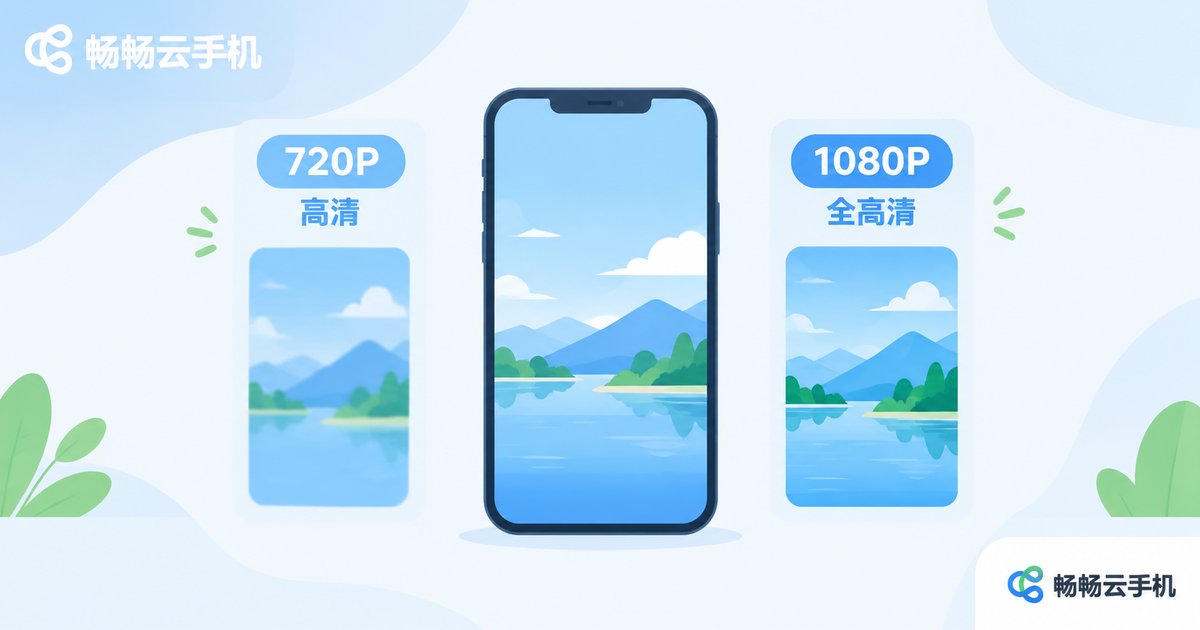
Most mainstream cloud phones ship with one of two default resolution tiers:
| Resolution Tier | Common Size | Best For |
|---|---|---|
| 720P HD | 720×1280 | Multi-instance AFK gaming and everyday apps — smooth and resource-friendly |
| 1080P Full HD | 1080×1920 | Graphics-heavy games, demos and screen recording |
To balance smoothness and server load, most cloud phones default to the 720P tier. Users who need sharper visuals can switch to 1080P on supported devices or plans. A higher resolution means a finer picture but also more bandwidth and computing power, so do not blindly max it out for multi-instance scenarios.
Which Android Version Do Cloud Phones Run?
The Android version determines which apps and games your cloud phone can run. Today most cloud phones run Android 9 through Android 12:
| Android Version | Compatibility Notes |
|---|---|
| Android 9 / 10 | Classic and stable, compatible with most older games and automation tools |
| Android 11 / 12 | Newer system, better compatibility with the latest apps and mainstream mobile games |
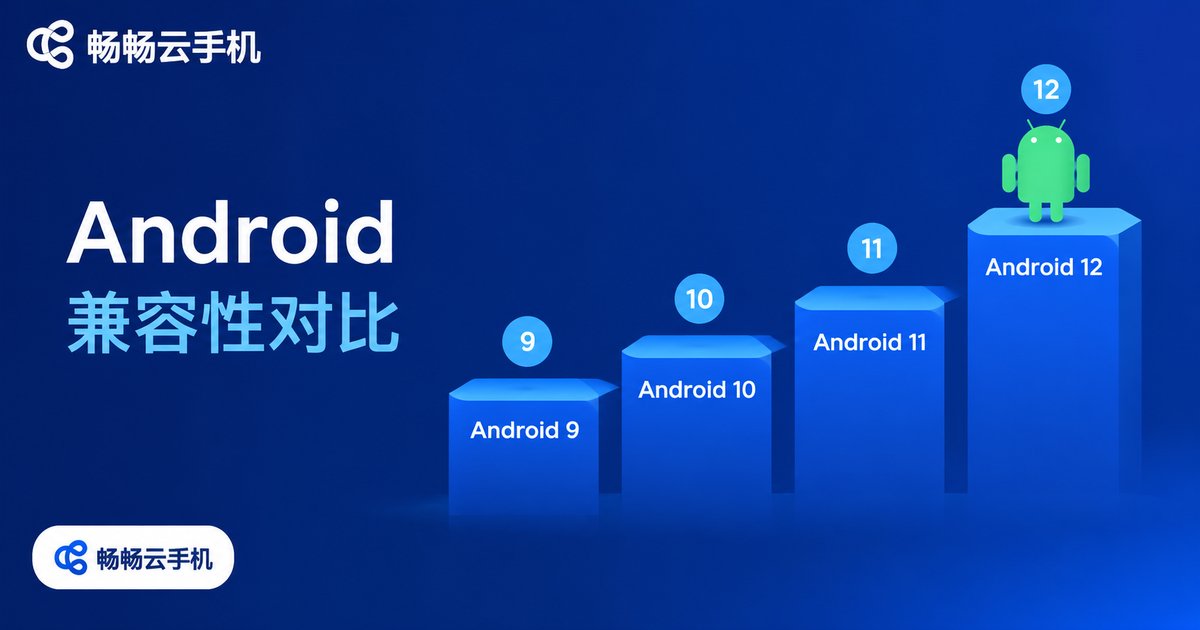
Do not assume newer is always better — it depends on what you run. For multi-instance older games, a stable older version is often the safer choice; for new games and new apps, pick a device running Android 11 or above.
How to Check Your Cloud Phone's Parameters
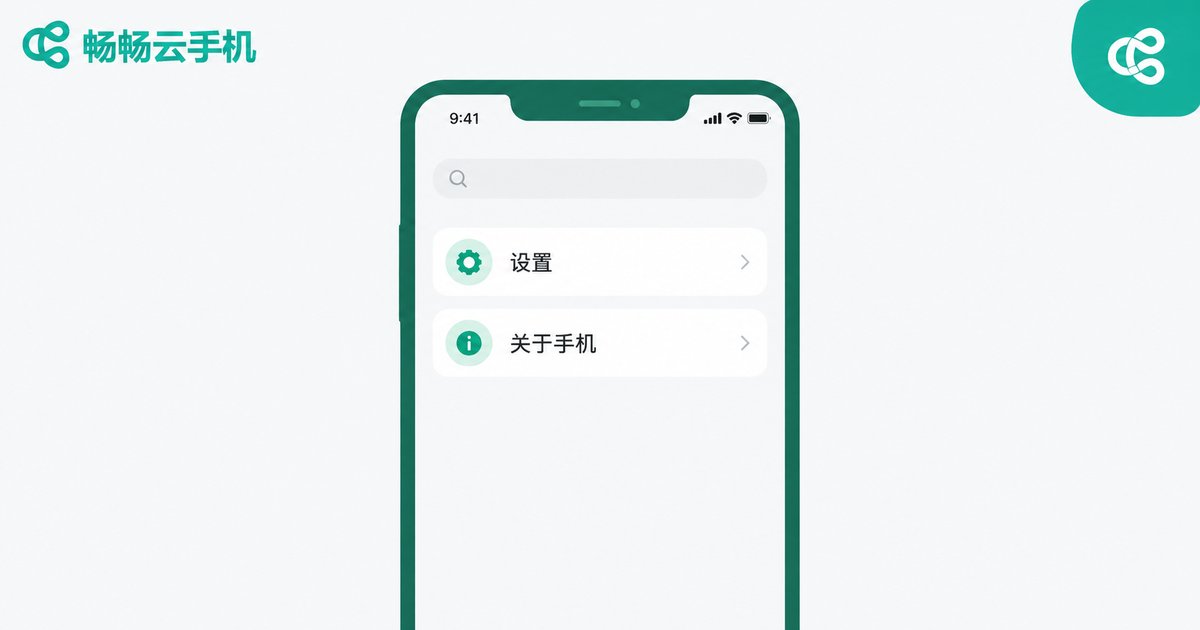
It works just like a physical phone: open Settings → About Phone inside your cloud phone to see the current system version, resolution, and other basic specs. Take ccloudphone as an example: after creating a cloud phone, open the About Phone page in Settings to view the current Android version and resolution, and the detailed specs of every device model are listed on the official website, so you can confirm the fit before you order.
Can You Change the Resolution or Android Version?
For resolution, some cloud phones allow manual switching in settings, which takes effect after a restart. The Android version, however, is usually tied to the device model and cannot be upgraded across major versions. That is why choosing the right model upfront matters more than adjusting later — define your use case first, then match it against the spec sheet to avoid detours.
FAQ
Q: Is a higher resolution always better on a cloud phone?
Not necessarily. Higher resolution consumes more resources. For multi-instance AFK gaming, 720P is often more stable and fluid; go 1080P only when you truly need sharper visuals.
Q: Will an older Android version affect my games?
It depends on the game's requirements. Most mainstream mobile games run fine on Android 9 or above; only certain new titles or apps that rely on newer system components need Android 11 or higher.
Q: Where can I see the exact specs of a ccloudphone device?
Open the About Phone page in Settings inside your cloud phone to check the system version and resolution of your current device. The model pages on the official website also list detailed specs for each device.
Q: Can I change my cloud phone's parameters anytime?
Resolution can be adjusted on models that support switching, while the Android version is generally fixed to the device model. If the current specs no longer meet your needs, switch to or add a suitable model.


