
Operations · Engineering · Trends
Hands-on playbooks, product updates and cross-border insights from the CCloudPhone team.

How to Choose Cloud Phone Tiers by Need: Parameter Matching for Light Idling and Moderate Multi-Instance
Choosing a cloud phone tier is not about paying more, but matching specs to your scenario. This guide breaks down the four core specifications — CPU cores, RAM, resolution, and bandwidth — and maps them to two common use cases. For light idling (check-ins, daily quests, staying online), 1-2 cores with 2-4GB of RAM and SD/720P resolution are enough, and stability matters more than raw power. For moderate multi-instance use (5-15 instances), CPU comes first: estimate roughly 1 core and 1GB per instance and keep 20% headroom. The article includes a side-by-side comparison table, a 3-step test-first selection method, and an overview of ChangChang Cloud Phone's tiered configurations and group-control features, helping you pick the right tier without overpaying.

How Big Is the Touch Latency Gap Between Cloud Phones and Real Phones? A Hands-On Multi-Device Comparison
How much slower is a cloud phone than a real one? Using 240fps high-speed camera measurements and blind testing, we compared touch latency between a real phone and a cloud phone across taps, swipes, and in-game actions. The results: on broadband Wi-Fi the gap is only about 20–50 milliseconds — imperceptible in daily use — while on mobile networks it widens to 40–60ms yet remains smooth. We also examined how consistent the feel is when switching between phone, tablet, and computer, and share four practical tips to minimize latency so you can decide whether a cloud phone fits your workflow.

Which Cloud Phone Region Has the Lowest Latency? Node Location and Business Matching Guide
Cloud phone smoothness depends heavily on where your node is located. This guide breaks latency into three legs — your device to the node, the node to the target server, and processing inside the node — then matches typical scenarios such as competitive mobile gaming, multi-account idle operation, live streaming, and app testing with concrete node selection advice. You will also get a practical three-step testing method, including peak-hour re-tests, to identify the lowest-latency and most stable node for your workload. Whether you chase every millisecond in games or simply need accounts to stay online reliably, this article helps you match node geography to your business.

How to Configure Cloud Phone Intranet Interconnection: Network Isolation Across Regional Cloud Services Explained
This guide explains cloud phone intranet interconnection in plain language: what it is, why cloud services in different regions are isolated by default, and which prerequisites must be met before devices can communicate over an internal network. You will learn a complete five-step workflow: verifying region and VPC, noting internal IPs, opening security group rules, testing connectivity, and connecting your business systems. A troubleshooting table covers the most common failures, from cross-region isolation to blocked ports, while a best-practices section helps you plan deployment, minimize attack surface, and maintain an IP inventory. The FAQ answers frequent questions about cross-region linking, ping tests, data security, and performance impact.
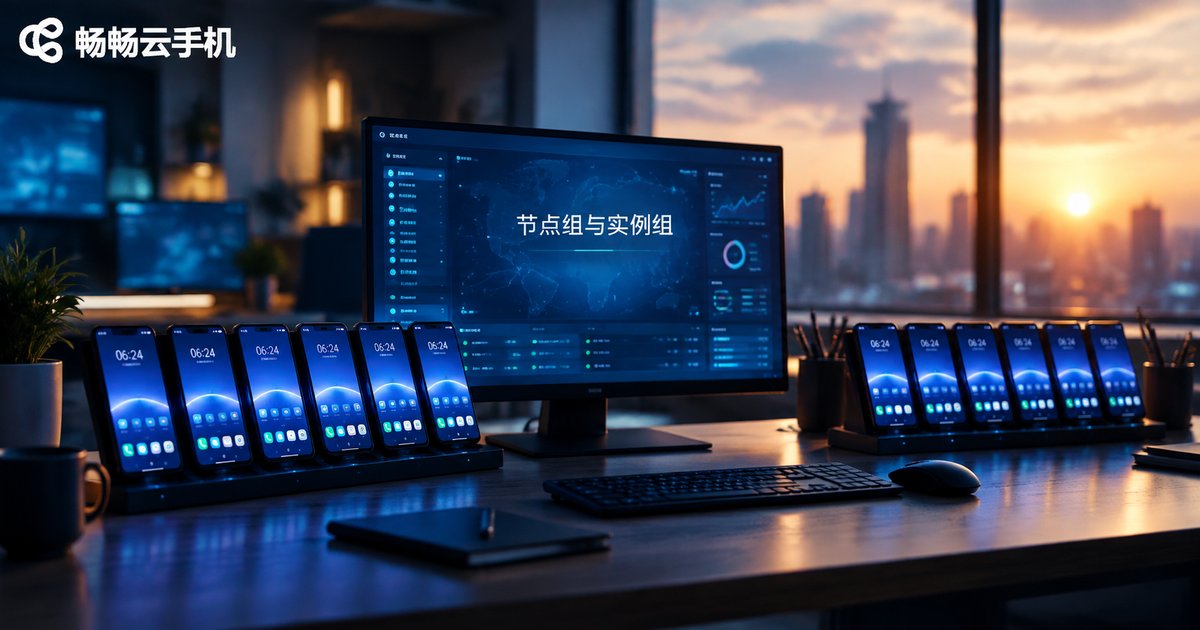
Cloud Phone Node Groups vs Instance Groups: How Vendors Organize Resources
Confused by node groups and instance groups in cloud phone platforms? This article explains both concepts in plain language. A node group organizes cloud phones by their underlying server resources, which matters for network identity and regional attributes. An instance group organizes phones by business purpose, making batch operations and project management far easier. We also compare three common resource management approaches used across the industry—infrastructure-first, business-first, and a two-layer structure—and show how each affects daily operations. Finally, you get practical advice on choosing the right grouping model for your team size, plus a look at how ChangChang Cloud Phone (ccloudphone) handles group and batch management.
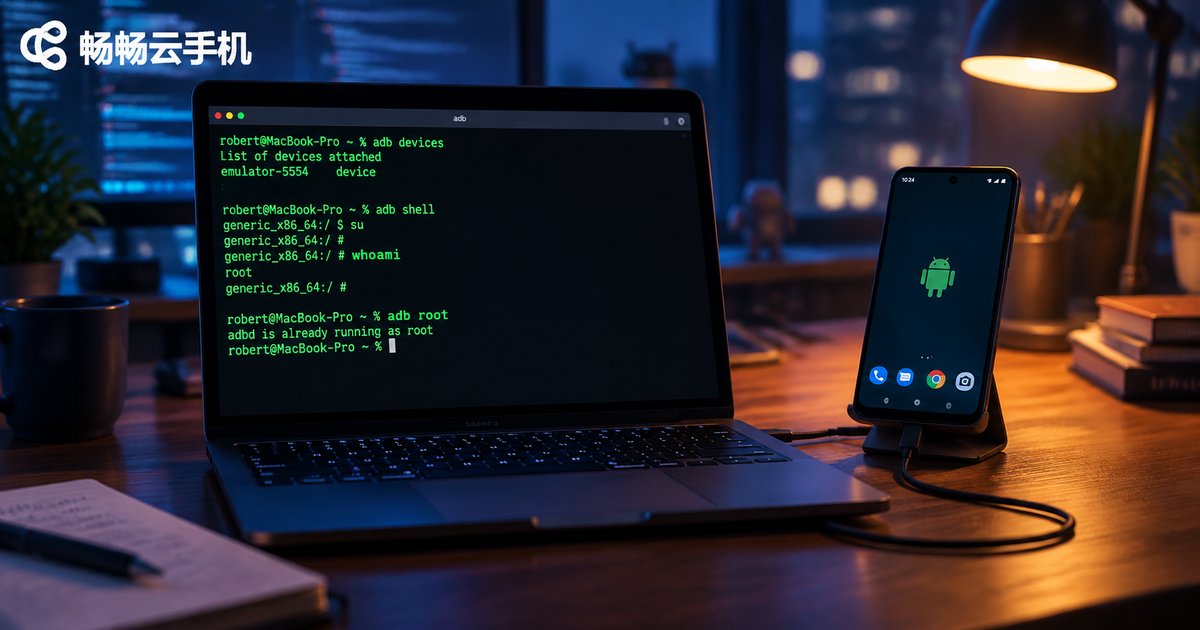
Does a Cloud Phone Have Root Access After ADB Connection? setenforce and remount Explained
Does a cloud phone grant root access after an ADB connection? The answer depends on the system image your provider ships. This guide breaks down the two operations every developer needs to know: setenforce, which switches SELinux between enforcing and permissive modes, and remount, which re-mounts the read-only /system partition as writable. You will get a complete command workflow covering adb root, disable-verity, reboot and remount, plus a troubleshooting table for common errors such as 'adbd cannot run as root' and 'Operation not permitted'. We also look at how ChangChang Cloud Phone (ccloudphone) supports ADB debugging for system-level customization.
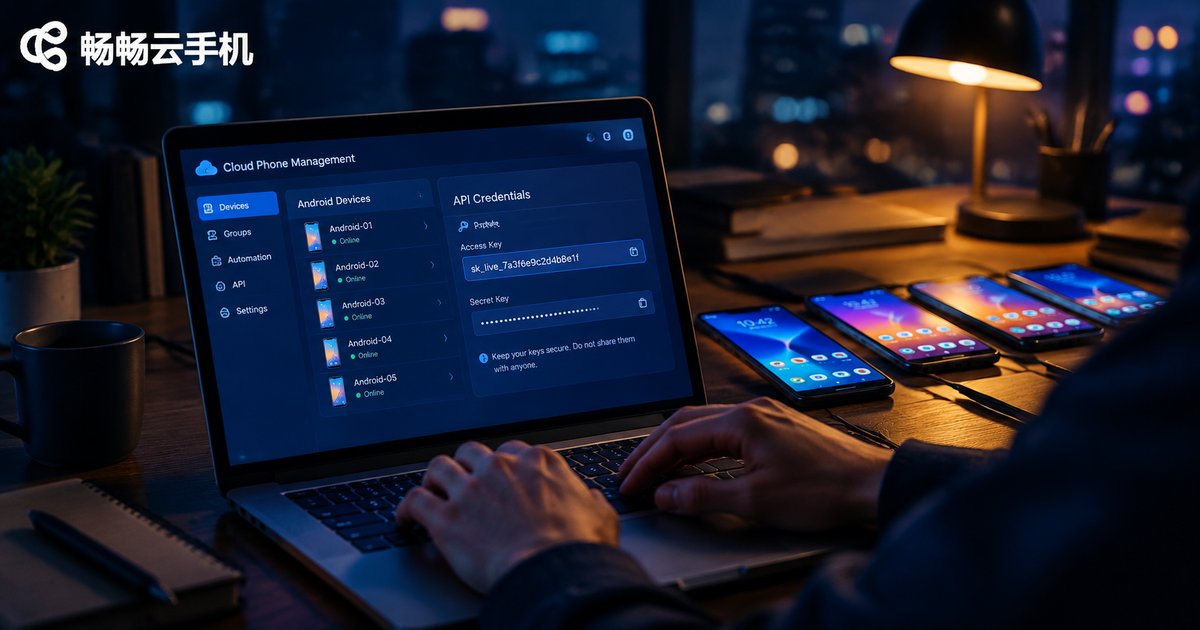
How to Get Cloud Phone Access Key and Secret Key: Developer API Authentication Tutorial
This hands-on guide shows developers how to obtain the Access Key and Secret Key for a cloud phone platform and complete API authentication. It explains what the two credentials are and how they differ, walks through creating and safely storing your keys in the 畅畅云手机 console step by step, provides a ready-to-use Python HMAC-SHA256 signature example, and shares security best practices such as IP whitelists and key rotation. An FAQ at the end helps you quickly resolve common issues like a lost Secret Key or persistent signature errors, so you can finish cloud phone API integration with confidence.
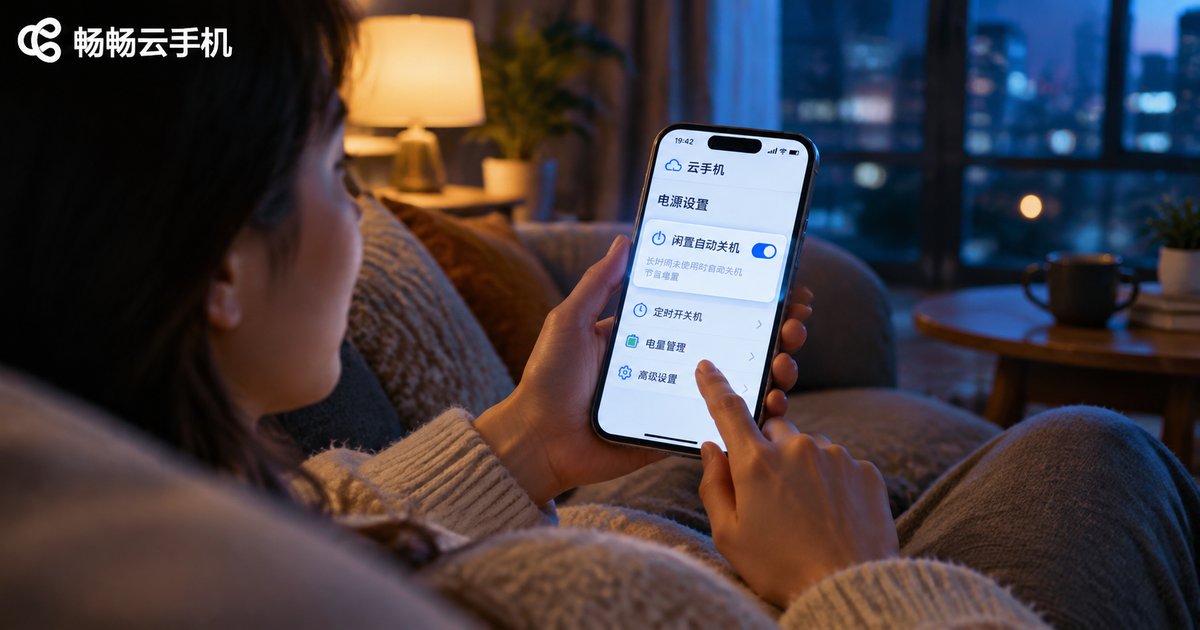
How to Set Auto Shutdown for Idle Cloud Phones? HarmonyOS Cloud Phone Idle Management Guide
A cloud phone keeps running on remote servers by default, which can quietly burn through your plan time and battery. This guide explains what idle auto shutdown is, why it matters, and walks you through the general steps to enable it in any cloud phone app. HarmonyOS users will also find a dedicated section on system-level idle management, covering app launch management, battery policies, and background task locking, so the cloud phone is neither killed by mistake nor left draining power. A troubleshooting checklist and an FAQ round out the article, helping you keep every cloud phone instance efficient, secure, and easy to manage.

How to Use Cloud Phone Custom Images: App Installation Scope & Network Whitelist Configuration Guide
This guide walks you through cloud phone custom images step by step: configure one master device, save it as an image, then use app installation scope to control which apps can be installed and a network access whitelist to define which sites and servers each device may reach. You get a four-step setup tutorial for both features, a post-configuration verification checklist, and practical troubleshooting tips for the most common failures. The article also shows how CCloudPhone helps you manage an entire cloud phone fleet with consistent, secure, and replicable configurations.

Is Cloud Phone Data Safe? Cloud Container Isolation and Pixel Streaming Explained
Is your data actually safe on a cloud phone? This article explains, in plain language, the two core security mechanisms behind the technology. Cloud container isolation turns every cloud phone instance into an independent vault: app data never mixes between users and cannot reach the photos or contacts on your local device. Pixel streaming means only compressed screen frames—not raw data—travel over the network, so sensitive information never lands on your phone. The article also compares cloud phones with local app installation in a simple table and closes with practical habits for safer everyday use.

What Is Cloud Phone Edge Computing? How Falling ARM Server Costs Improve Your Experience
A cloud phone edge computing solution simply means moving the ARM servers that run Android from distant central data centers to nodes much closer to you. This article explains edge computing in plain language, breaks down the three main reasons ARM server costs keep falling, and shows how those savings translate into lower latency, better value for money, and wider node coverage. If you use cloud phones for gaming, multi-account workflows, or long idle sessions, understanding edge computing helps you focus on the metrics that actually shape how a service feels. A practical FAQ is included at the end.

What Is Cloud Phone 15-Minute Billing? Cost Analysis for Short Tasks and Flexible Usage
15-minute billing is the pay-as-you-go model for cloud phones: usage is counted in 15-minute units, the meter starts when a device boots and stops when it shuts down, and any partial unit is billed in full. It suits short, scattered tasks such as daily check-ins, multi-account rotation, and app testing, so you only pay for time actually used. This article breaks down the billing rules with a simple cost formula, compares pay-as-you-go with monthly plans to find the break-even point, and shares practical tips for cutting costs on CC Cloud Phone (ccloudphone).