

How to Choose Cloud Phone Tiers by Need: Parameter Matching for Light Idling and Moderate Multi-Instance
First, Understand What Cloud Phone 'Tiers' Actually Change
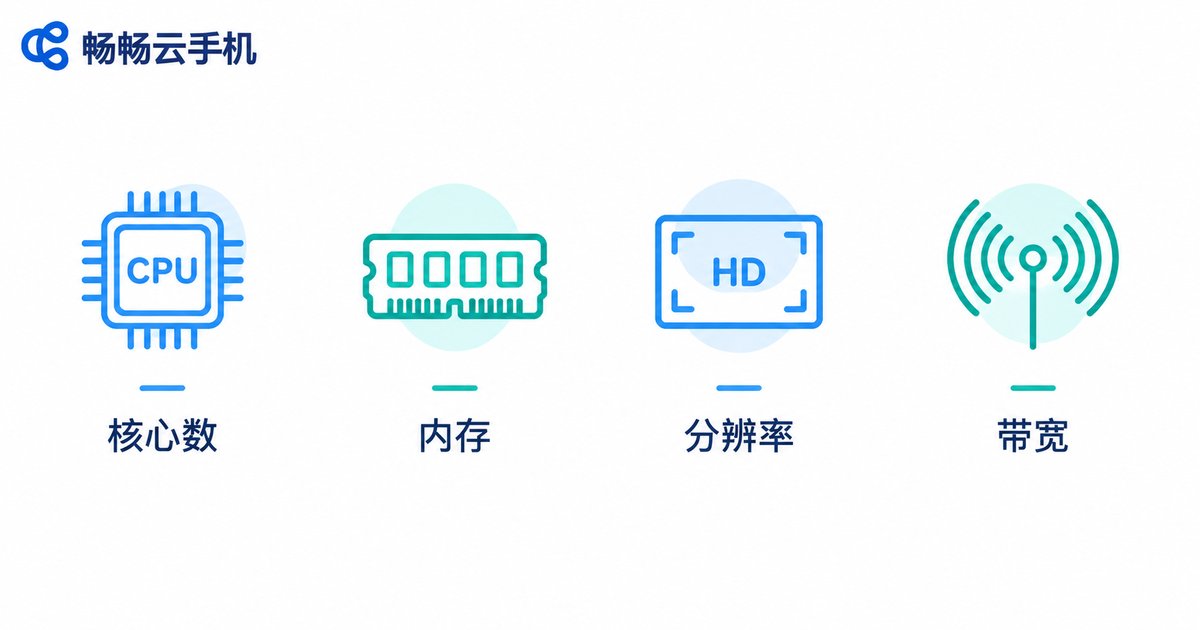
For anyone using a cloud phone for the first time, the hardest decision is usually not which provider to pick, but which tier to choose. The gap between tiers hides in a few core specifications: CPU cores, RAM, resolution, and bandwidth. Tiered configuration simply packages these specs into different levels with pay-as-you-need pricing — the more games you keep running or windows you open, the higher the tier you need; if you only check in and idle daily, a low tier is actually the better deal.
The core logic of tier selection comes down to one sentence: match the specs to your scenario instead of blindly buying the highest tier. Below we break down the two most common scenarios — light idling and moderate multi-instance use.
Core Specs at a Glance: What Each One Controls
Before choosing a tier, spend one minute understanding how each spec affects the real experience:
| Spec | What it decides | Symptom when insufficient |
|---|---|---|
| CPU cores | Capacity to handle tasks in parallel | Frame drops and slow loading in multi-instance mode |
| RAM | How many apps can stay resident | Background apps killed, games crash |
| Resolution | Visual clarity vs rendering load | Blurry image, or high resolution slows everything down |
| Bandwidth | Streaming quality and input latency | Laggy controls, stuttery video |
In short: CPU and RAM decide how much you can run; resolution and bandwidth decide how smooth it looks. Idlers should focus on RAM and stability, multi-instance users on CPU.
Light Idling: Enough Is Enough — Don't Pay for Idle Performance
Typical light-idle needs: daily auto check-ins, keeping games running for routine quests, progression tasks, or simply staying online on an app. These workloads are light, low-concurrency, and resolution-insensitive — many idle tasks can even lower resolution and disable HD rendering to save resources.
Matching guidelines:
1. CPU: 1-2 cores is plenty. Idle tasks are mostly 'waiting' loads with very low CPU usage, unless you run three or more large 3D games at once.
2. RAM: start at 2GB; 3-4GB is safer. A single idling game runs on 2GB, but leave headroom for the system so background processes aren't killed and you don't get disconnected.
3. Resolution: pick SD or 720P. Idling doesn't need pretty graphics; lower resolution runs smoother and uses less data.
4. Uptime matters more than specs. What idlers fear most is disconnection. When choosing a tier, prioritize the provider's stability and offline hosting capability over raw specs.
Moderate Multi-Instance: CPU First, Keep 20% Headroom
Moderate multi-instance typically means running 5-15 instances simultaneously — for example, managing accounts in bulk, multi-account farming, or matrix content distribution. At this scale you enter the 'spec-sensitive zone': too low and everything stutters, too high and you waste budget.
Matching guidelines:
1. Do the math first: per-instance needs × instance count. Budget roughly 1 core and 1GB per instance; ten instances need a resource pool of at least 8-12 cores and 12GB+ of RAM, depending on whether you run lightweight apps or large games.
2. CPU cores are the top priority. Eight out of ten multi-instance stutter issues come from CPU shortage. When in doubt, choose tighter RAM over a weaker CPU.
3. Lower resolution by one notch across the board. Rendering HD on ten windows at once doubles bandwidth and rendering pressure; 720P is the sweet spot between efficiency and readability.
4. Use group control to cut operating cost. Moderate multi-instance users should pick a service that supports group control (batch operations) — one master device controlling all instances is an order-of-magnitude efficiency gain.
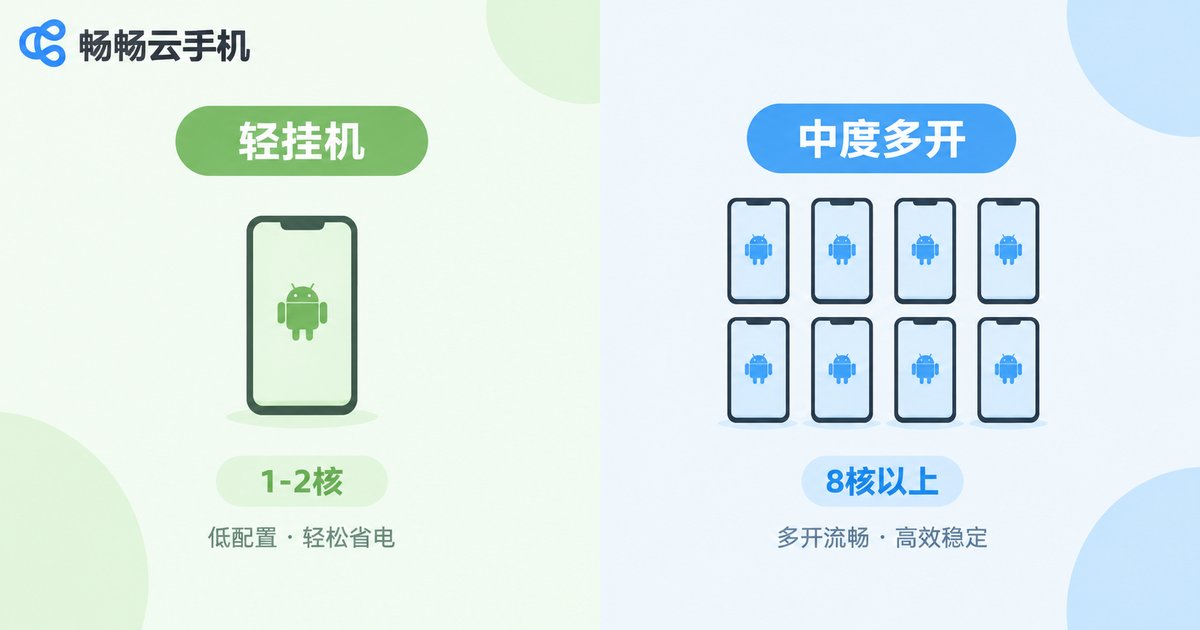
Light Idling vs Moderate Multi-Instance: One Table to Decide
| Item | Light idling | Moderate multi-instance |
|---|---|---|
| Typical use | Check-ins, daily quests, staying online | Multi-account operation, batch tasks |
| Instance count | 1-3 | 5-15 |
| CPU need | 1-2 cores | 8+ core pool |
| RAM need | 2-4GB | 12GB+ |
| Resolution | SD / 720P | 720P, uniformly set |
| Selection rule | Stability above all | CPU first, keep headroom |
The 3-Step Method: Test First, Then Commit
Step 1: List your requirements. Write down the apps you need to run, how many instances, and daily uptime, then estimate your spec range using the table above.
Step 2: Trial-run the lowest sufficient tier. Pick the tier you believe is 'just enough' and test it for 1-2 days, watching for frame drops at peak hours and background kills.
Step 3: Upgrade one tier or stay put based on results. Smooth? Stay. Marginal? Move up one tier — and remember multi-instance setups should reserve about 20% performance headroom for version updates and temporary extra instances.
Providers like ChangChang Cloud Phone offer multiple tiered configurations and group-control batch management, covering everything from lightweight idle tiers to multi-instance performance tiers. Check the current tier specs on the official website (ccloudphone), then use the 3-step method above to test cheaply and find your best-fit tier.
FAQ
Q: Is a higher tier always more stable for idling?
Not necessarily. Stability depends mostly on the provider's data centers and scheduling, not raw specs. For light idling, a low tier plus a stable connection beats overspending on high specs.
Q: How do I convert instance count into CPU cores?
Rule of thumb: 0.5-1 core per instance for lightweight apps, 1-2 cores per instance for large 3D games. Ten lightweight instances fit an 8-core pool; ten game instances need 12+ cores with headroom.
Q: Does lowering resolution affect idle tasks?
Most idle tasks (check-ins, dailies, background presence) don't depend on high resolution; lowering it saves resources and reduces disconnects. Only script-based screen recognition benefits from higher resolution.
Q: Should I buy high first and downgrade later?
Better the other way around: trial low, then upgrade. Validating real demand on the lowest sufficient tier avoids paying for idle performance long term.
Q: Is ChangChang Cloud Phone suitable for moderate multi-instance use?
Yes. ChangChang Cloud Phone offers multiple tiers and group-control batch operations; multi-instance users can pick a performance tier and manage everything centrally. See the official website (ccloudphone) for up-to-date tier specs.


