
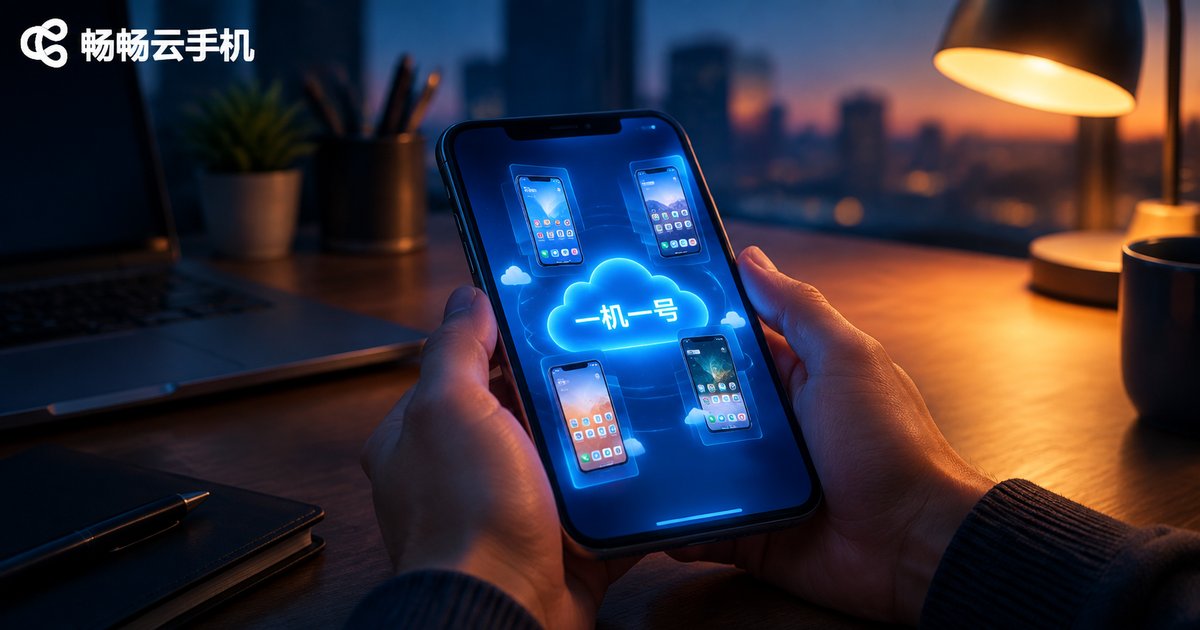
How to Configure One-Device-One-Account Environments for Cloud Phone Multi-Instance Account Farming: Independent Device Fingerprint and Account Isolation Solutions
Why Account Farming Demands One Device, One Account
When people start running accounts in bulk, they often log in and out of a dozen accounts on a single phone, or cram every account into the same environment with basic multi-instance apps. It looks efficient, but the risk is enormous. Platform risk-control systems use device fingerprints to judge whether accounts come from the same device. Once flagged as linked accounts, the best case is reduced reach, and the worst case is a mass ban that wipes out your entire account-building investment.
One device, one account means each device logs into exactly one account, giving every account an independent, stable, non-linked running environment. It is the safest account-farming approach under today's risk-control conditions. Since preparing dozens of physical phones is unrealistic for most people, cloud phone multi-instancing becomes the most cost-effective solution.
What Is Hidden Inside a Device Fingerprint?
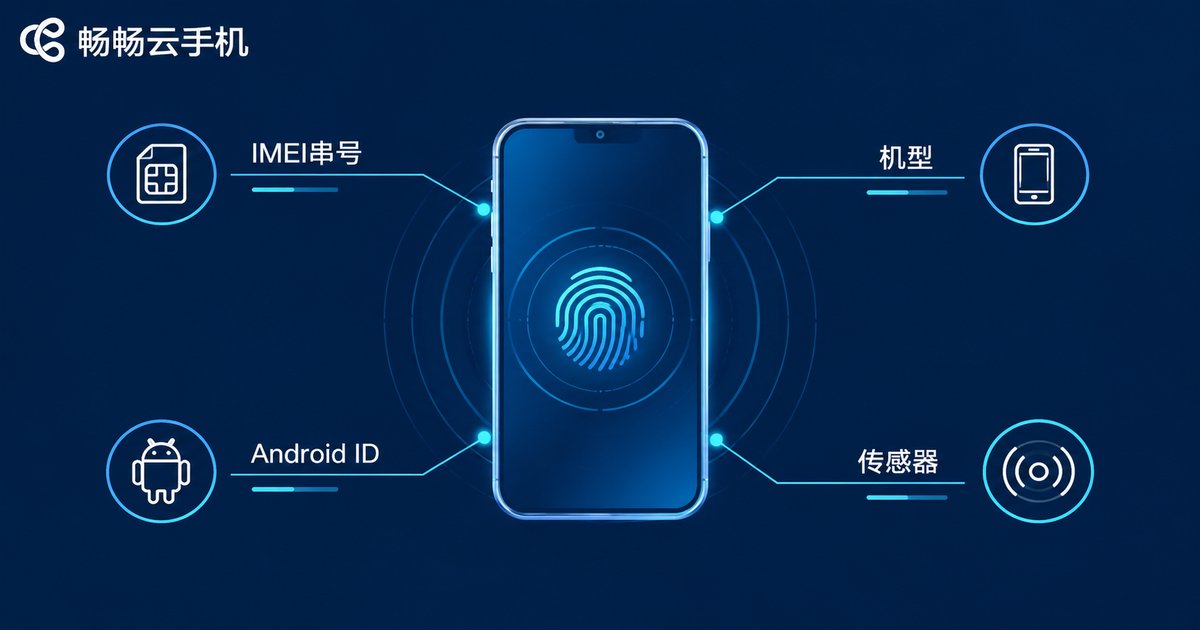
Many beginners believe that switching to a new account means a new identity. In the platform's eyes, however, the device's identity card is far harder to disguise than the account itself. A device fingerprint is a unique identifier composed of a set of hardware and system parameters, mainly including:
Hardware layer: IMEI serial number, device model, screen resolution, sensor configuration, battery status, and more;
System layer: Android ID, OS version, MAC address, installed app list, language and timezone, and more;
Behavior layer: typing rhythm, swiping habits, typical active hours, and other usage traits.
If several accounts share the same device fingerprint, they remain different masks on the same phone in the risk-control system, no matter how you change avatars or nicknames. That is why independent device fingerprints are the foundation of any one-device-one-account strategy.
Comparing Three Multi-Instance Methods: Where Cloud Phones Win
| Method | Fingerprint independence | Cost | Stability |
|---|---|---|---|
| Multiple physical phones | Fully independent | High purchase and maintenance costs | Stable but hard to manage at scale |
| Local multi-instance apps | Parameters easily identical | Low | Depends on local performance, prone to lag |
| Cloud phone multi-instance | Independent parameters per cloud device | Pay as needed, controllable | Runs in the cloud, online around the clock |
As the table shows, cloud phones strike the best balance between cost and stability: each cloud phone is an Android instance running independently in the cloud, fully isolated from the others, and it consumes none of your local phone's memory or battery.
Four Steps to Configure a One-Device-One-Account Environment
Step 1: Choose a reliable cloud phone service. Focus on three things: whether every cloud device comes with independent device parameters, whether multi-instance management is convenient, and whether performance is stable and smooth.
Step 2: Initialize each cloud phone separately. After getting a new cloud phone, do not rush to log in. First check the device model and system parameters to make sure every cloud device carries distinct device characteristics, just like a freshly unboxed phone.
Step 3: One account, one device, dedicated use. Each account logs into its assigned cloud phone only — never mix or swap logins. After login, keep the device fixed long-term so that person, account, and device stay strictly one-to-one.
Step 4: Keep consistent usage habits. Go online at relatively fixed times each day and mimic the rhythm of a real user; avoid mechanical bursts of likes and follows within short periods.
One-device-one-account checklist:
1. Every cloud device has unique, non-identical parameters
2. One account bound to exactly one cloud device
3. Login device stays fixed long-term, no random switching
4. Regular hours, natural human-like behavior
5. No file sharing or cross-friending between cloud devices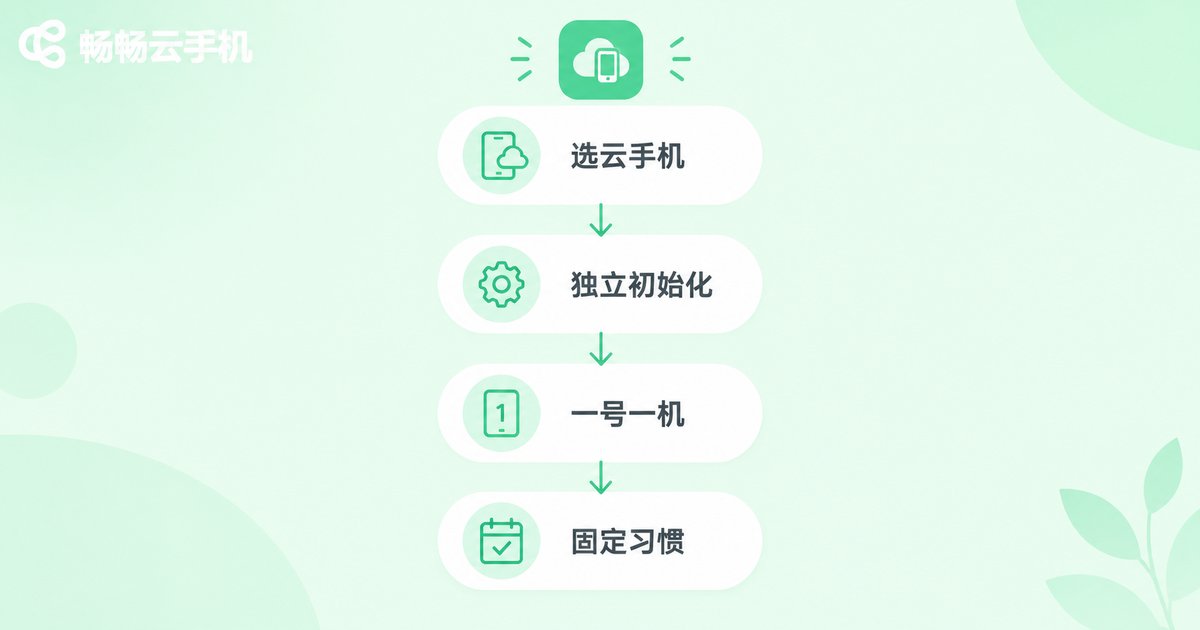
Daily Isolation Rules for Account Farming
A well-configured environment is only step one; daily details also decide whether your accounts survive. Account isolation is not just device isolation — it is behavioral isolation:
Content isolation: differentiate the style and niche of each account; avoid publishing highly similar copy and images across accounts;
Interaction isolation: do not let account A constantly like and comment on account B; obvious interaction loops are easily flagged as fake engagement;
Environment isolation: keep a stable network and login environment for every cloud phone and avoid frequently changing login locations;
Profile isolation: keep registration details and bound information one set per account, never reused.
Stick to these rules for two to four weeks and your accounts will gain noticeably more weight and activity, making later content operations and monetization far smoother.
Why We Recommend ChangChang Cloud Phone (ccloudphone)
Among the available options, ChangChang Cloud Phone (ccloudphone) is an ideal fit for one-device-one-account farming. It runs Android on cloud servers, where every cloud phone is an independent instance with independent device parameters and isolated data — a natural match for this scenario.
For account farmers, the advantages are practical: always online in the cloud, with no dependence on your local phone staying powered on, so idle running is more stable; hassle-free multi-instance management, letting you view and operate all cloud phones from a single screen; flexible scaling, so you can add cloud phones anytime your account matrix grows instead of stockpiling physical handsets. Whether you are a solo operator just starting out or a team managing accounts at scale, start with a small number of cloud phones, validate the workflow, then expand gradually.
FAQ
Q: How many accounts can one cloud phone hold?
We recommend one account per cloud phone — strict one-device-one-account. Switching between multiple accounts inside one cloud phone keeps the same device fingerprint, so linkage risk remains.
Q: Is a cloud phone's device fingerprint like a real phone's?
A cloud phone is a genuinely running Android system with complete device parameters. With services like ChangChang Cloud Phone, every cloud device's characteristics are independent; sticking to one account per device effectively reduces linkage risk.
Q: Can I switch devices during the farming period?
Try not to. Frequent device switching is a key risk-control trigger. Once the environment is configured, keep it fixed long-term and let the account bond deeply with its cloud phone.
Q: How long should a new account be farmed?
At least two weeks is recommended. Spend the first three days on light actions such as browsing and liking, then gradually increase posting and interaction — slow and steady wins.
Q: Can my accounts interact with each other at all?
It is not forbidden, but control the frequency and paths and avoid obvious interaction loops. The safest approach is to let every account grow independently.


