
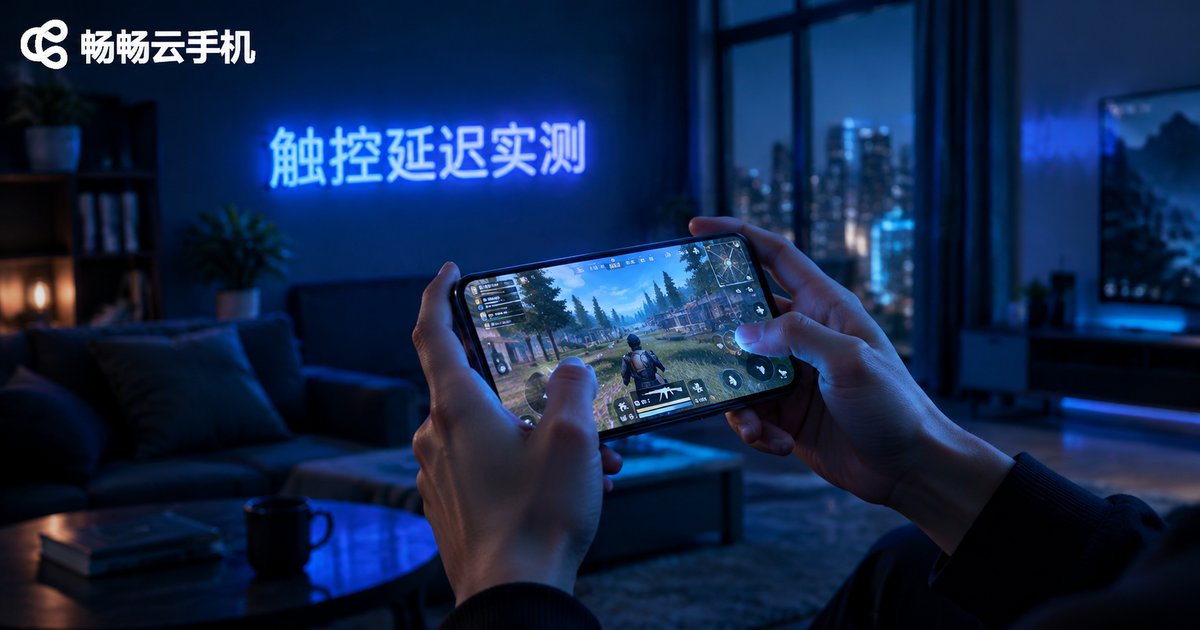
How Big Is the Touch Latency Gap Between Cloud Phones and Real Phones? A Hands-On Multi-Device Comparison
Bottom Line Up Front: Almost Unnoticeable Daily, Felt Only in Extreme Scenarios
The biggest concern people have about cloud phones comes down to one word: latency. How long after you tap does the screen respond? Does scrolling feel laggy? Can skills in games fire instantly? To find out, we put a flagship real phone and a cloud phone head-to-head in a touch latency comparison test.
The conclusion first: on a good network, the touch latency gap between a cloud phone and a real phone is roughly 20–50 milliseconds. For context, human perception of touch latency kicks in at around 70–100ms — meaning in most everyday operations, you simply won't feel the difference.
How We Tested
Feelings alone are not reliable, so we used two cross-validation methods:
Method one: high-speed camera measurement. We filmed the screen at 240fps, counting frames from the moment a finger touched the screen to the moment visual feedback appeared, then converted to milliseconds. Each action was tested 20 times and averaged.
Method two: blind testing. Five colleagues alternated between the real phone and the cloud phone — scrolling lists, tapping buttons, playing the same casual game — and tried to guess which was which.
Test environment: 500M broadband + 5GHz Wi-Fi with the nearest cloud node selected; a control round was run on 4G/5G mobile networks.
Real Test Data
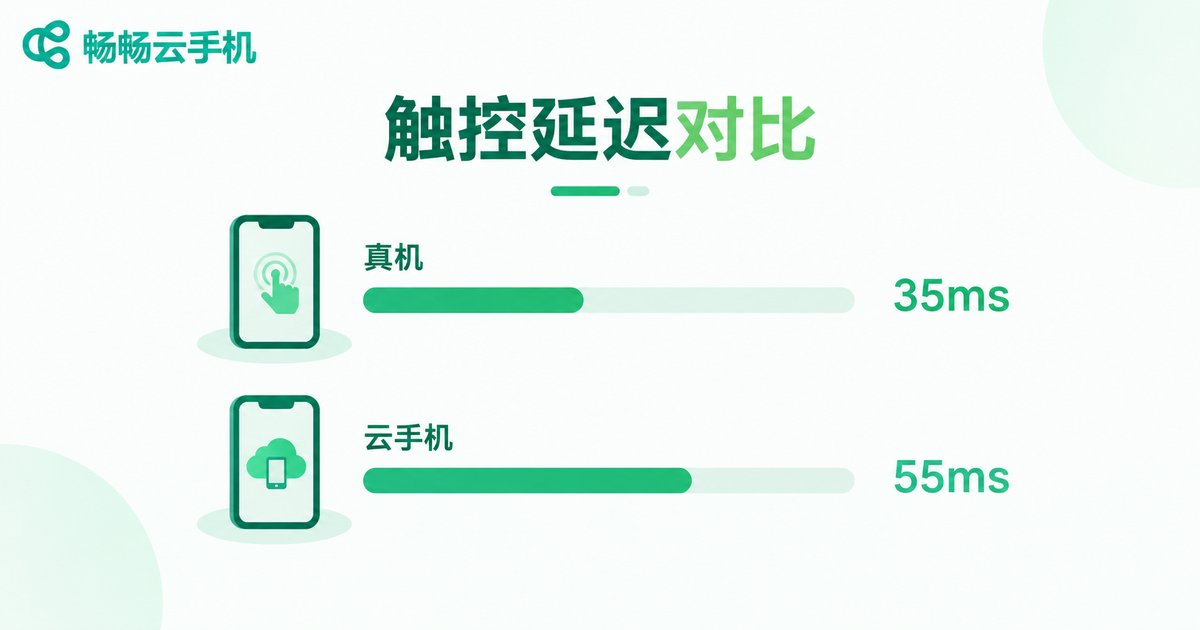
Here are the averages from the high-speed camera tests:
| Test Item | Real Phone | Cloud Phone (Broadband Wi-Fi) | Cloud Phone (Mobile Network) |
|---|---|---|---|
| Tap response | ~35ms | ~55ms | ~80ms |
| Scroll follow delay | ~40ms | ~65ms | ~95ms |
| In-game skill release | ~45ms | ~70ms | ~110ms |
As you can see, on a good network the cloud phone is only about 20ms slower than a real phone — a gap that is virtually imperceptible when watching videos, browsing apps, or running background tasks. On mobile networks the gap widens to 40–60ms: noticeable if you look for it, but far from laggy.
Multi-Device Switching: The Cloud Phone's Hidden Advantage
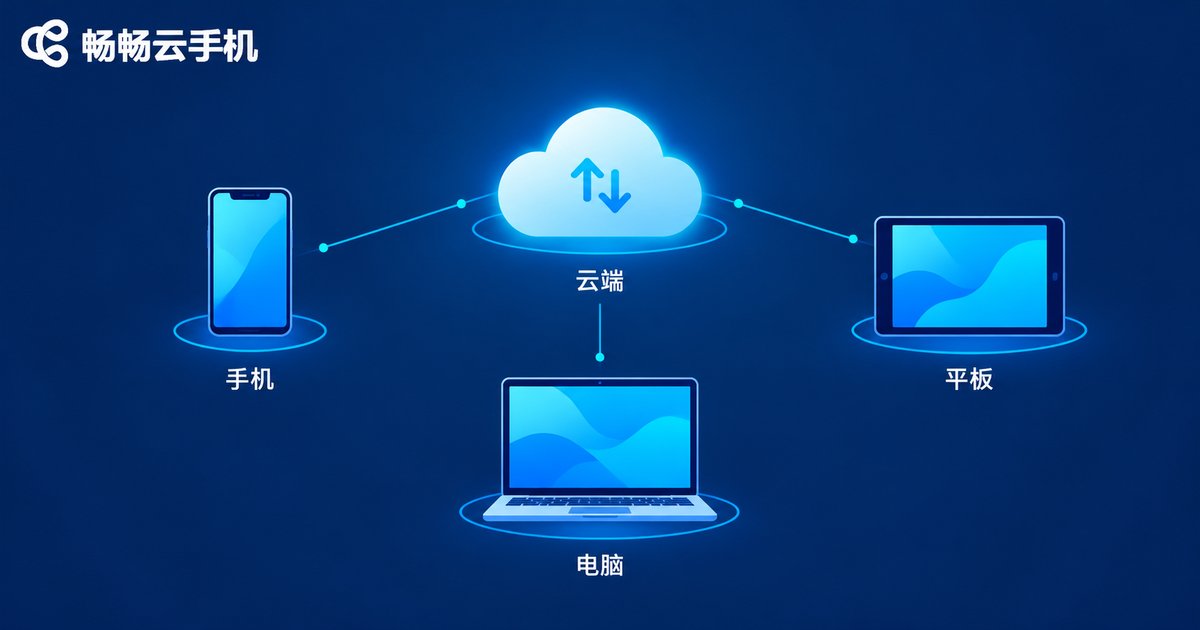
The most interesting finding was actually multi-device switching. Switching between real phones means dealing with data sync issues, repeated logins, and game progress transfers. With a cloud phone, everything lives in the cloud — start on your phone, continue on your computer, with your screen state, progress, and logins perfectly consistent.
In terms of feel, the cloud phone maintains essentially the same touch latency across phone, tablet, and computer, because all computation happens in the cloud — the local device only handles video streaming and touch input. Real phones, by contrast, feel noticeably different depending on hardware age — an old phone simply feels duller than a new one.
The blind test backed this up: three of five colleagues mistook the smooth cloud phone for the real one, and only in the rhythm-game segment — where touch sensitivity matters most — could they reliably tell them apart.
Where the Gap Shows — and Where It Doesn't
Where it's noticeable: high-tempo FPS gunfights and rhythm-game combos that demand millisecond-level response. If you're a competitive-tier player, stick with a real phone for ranked matches.
Where it's imperceptible: short videos, online shopping, reading, idle grinding, multi-account management, everyday productivity apps — these scenarios simply aren't fast enough for a 20–50ms gap to cross the perception threshold.
Four Tips to Minimize Cloud Phone Latency
1. Use 5GHz Wi-Fi or a wired connection: network jitter affects latency far more than the cloud phone itself.
2. Choose the nearest node: shorter physical distance means shorter transmission time.
3. Close bandwidth-heavy local apps: downloads and cloud sync steal bandwidth and slow down video streaming.
4. Balance resolution and smoothness: maxing out graphics adds streaming overhead; lowering resolution noticeably improves responsiveness.
Want to Try It Yourself? Meet ChangChang Cloud Phone
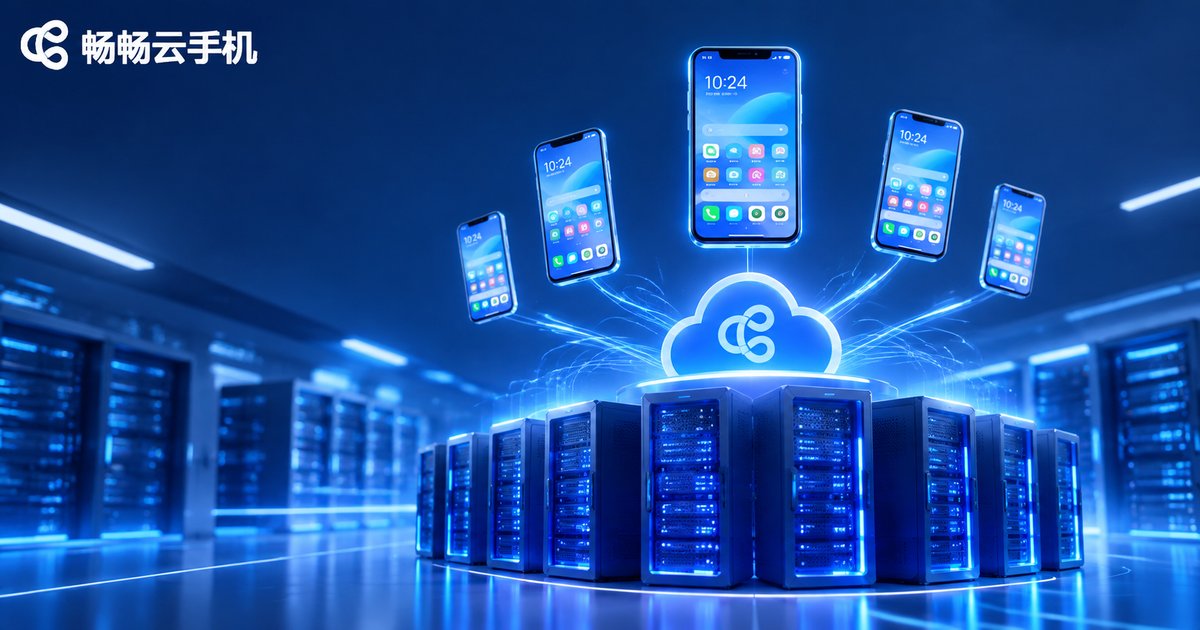
If the numbers made you curious, give ChangChang Cloud Phone a try. It runs a full Android system in the cloud — log in to your cloud phone from your phone or computer, with data stored in the cloud so nothing is lost when you switch devices. Visit the official site ccloudphone to learn more and get hands-on, then run the same tests yourself — it's more convincing than any review.
FAQ
Q: Will cloud phone latency make games laggy?
On a good network, overall touch latency stays in the tens of milliseconds — fully adequate for casual gaming and idle tasks. For millisecond-critical competitive play, factor in your own network conditions.
Q: Will my game progress be lost after switching devices?
No. All cloud phone data lives in the cloud; after logging in on another device, your progress and login states are exactly as you left them.
Q: Is latency much higher on mobile data?
Roughly 20–40ms higher than broadband Wi-Fi. On strong 5G it stays near the perception threshold — fine for everyday use.
Q: How can I check whether a cloud phone's latency is acceptable?
Use our method: film the tap-to-feedback moment in slow motion and count the frames, or simply play a familiar game and feel the responsiveness.


