
Operations · Engineering · Trends
Hands-on playbooks, product updates and cross-border insights from the CCloudPhone team.

Which Device Scenarios Suit Cloud Phone Batch Control? Grouping Strategy by Unified Status and Unified Purpose
Cloud phone batch control lets one operator manage dozens or even hundreds of devices, but as the fleet grows, commands sent to the wrong phones and exceptions hiding among healthy devices become real risks. This article breaks down the six device scenarios where batch control delivers the most value, from game multi-account farming and short-video matrices to e-commerce and app testing. It then introduces a two-dimensional grouping strategy — unified status plus unified purpose: first split your fleet into pools by business line, then subdivide each pool by running state. The result: every command lands on the right devices and every exception is visible at a glance, with practical tips on implementing the workflow using ccloudphone.
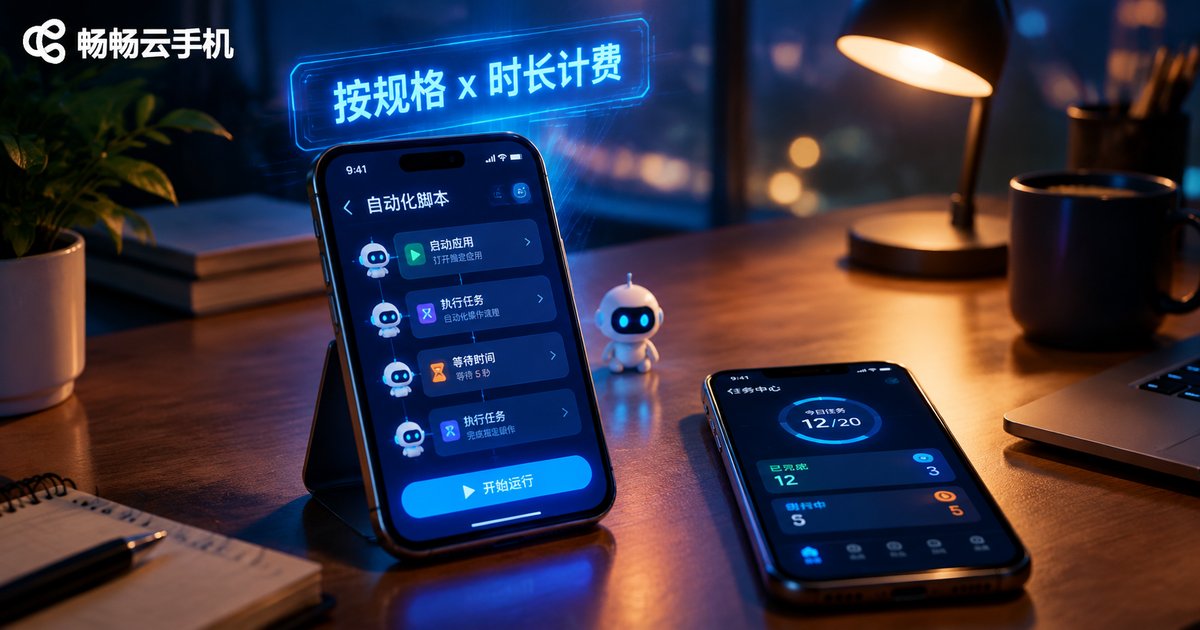
How Are Cloud Phone AI Automation Tasks Billed? A Guide to Instance Specs and Usage Duration Pricing
How are AI automation tasks on cloud phones billed? Costs come down to two dimensions: instance specifications and usage duration. Specs (CPU, memory, resolution) set the unit price, while duration (monthly plans vs pay-as-you-go) sets the total. This guide compares the two billing modes, walks through a three-step cost estimation method, and shares five practical money-saving tips for tasks ranging from auto check-ins to multi-instance control. It also introduces the flexible specs and duration options of ChangChang Cloud Phone (ccloudphone).

How Good Is the Graphics Rendering Performance of Cloud Android Containers in Cloud Phones? A Primer on High Frame Rate, Low Latency Streaming
A cloud phone does not render graphics on the device in your hand. Instead, ARM servers in a data center run independent Android containers that handle the entire rendering pipeline. This article explains in plain language how cloud containers render frames, and how each image travels through capture, hardware encoding, low-latency UDP-based streaming, local decoding and display. It breaks down why high frame rates and low latency are achievable, examines the three real-world factors that decide smoothness — network quality, cloud hardware specs and encoding tuning — and shows how ChangChang Cloud Phone (ccloudphone) applies these principles so even aging phones can run graphics-heavy games smoothly, with a FAQ at the end.
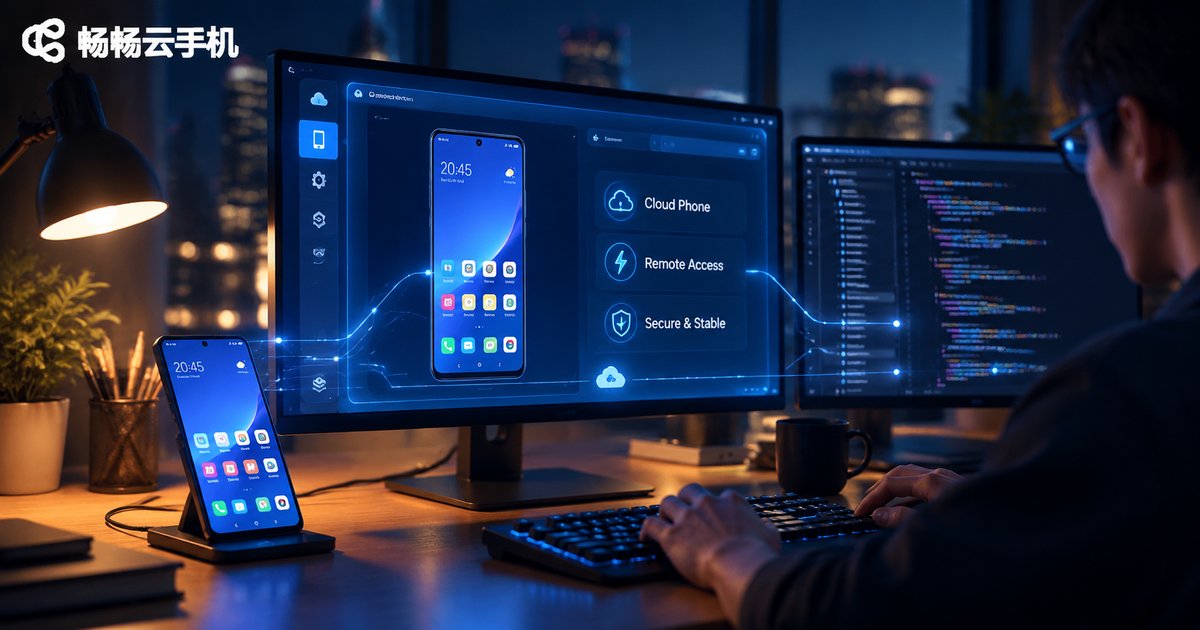
Which Large Models Do Cloud Phone AI Automation Frameworks Support? Qwen3-VL Integration and Intent Recognition Principles
The core of a cloud phone AI automation framework is letting a large model understand the phone screen and operate the device on your behalf. This article maps the three model categories such frameworks support: vision-language models, text reasoning models, and lightweight edge models. It explains why Qwen3-VL has become a popular choice: native GUI understanding, strong Chinese comprehension, a full range of model sizes, and stable structured output. You will also find a minimal Qwen3-VL integration code example, a breakdown of the four-layer intent recognition principle (intent classification, parameter extraction, task orchestration, and feedback correction), and practical guidance for running everything stably around the clock on ccloudphone.
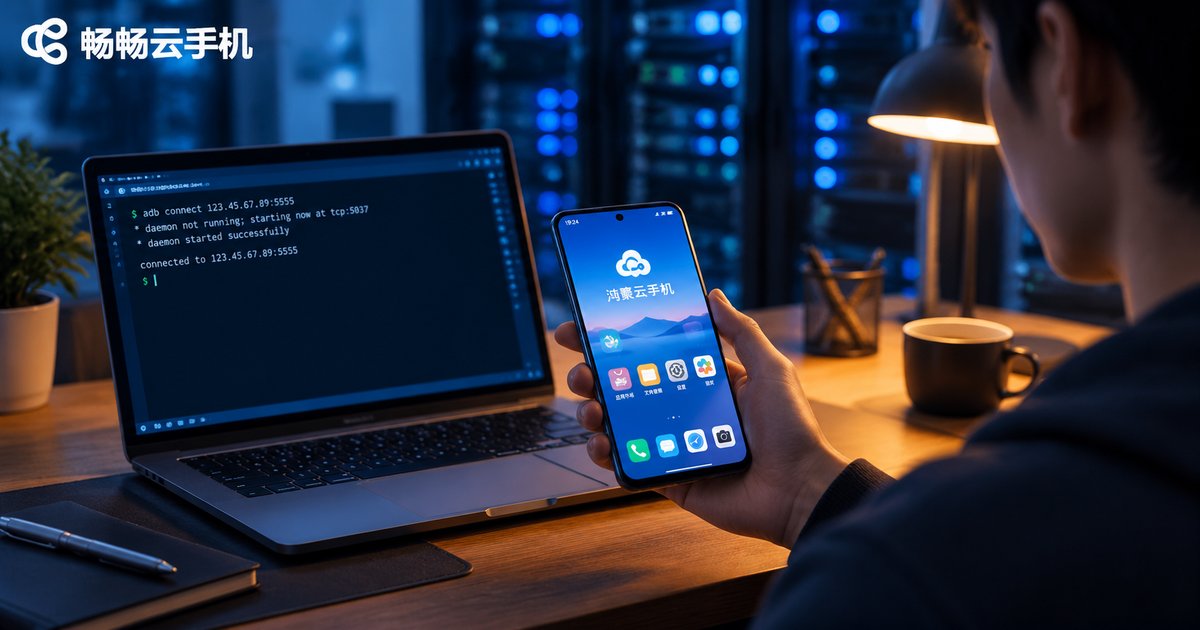
Does Cloud Phone Support HarmonyOS? HarmonyOS Cloud Phone Creation and CLI Tunnel Setup Tutorial
Can you use a cloud phone on HarmonyOS? Yes. This guide first explains how different HarmonyOS versions work with cloud phones, then walks you through creating a cloud phone instance on a HarmonyOS device in five steps. For developers, it also provides a complete CLI tunnel tutorial covering tool installation, account login, tunnel creation, and local connection verification for automation and debugging. A FAQ section at the end answers common questions about performance, HarmonyOS NEXT compatibility, and data syncing, helping you master HarmonyOS cloud phones in one read.
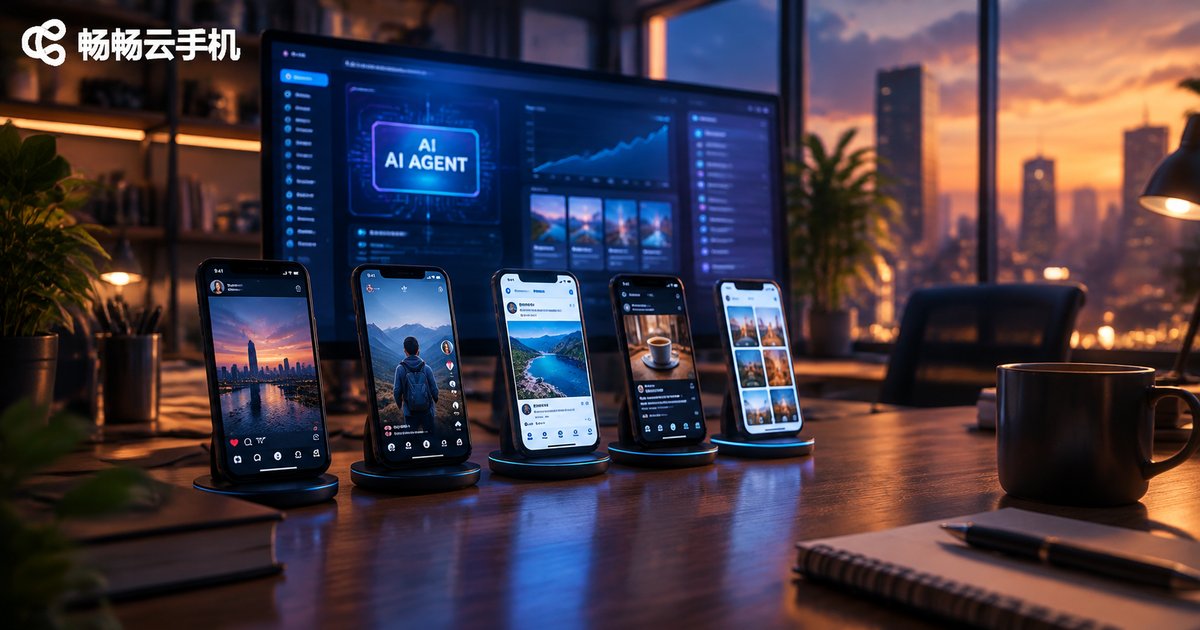
How to Use AI Agents in Cloud Phone Marketing: Building an AIGC Content Production and Distribution Workflow
This guide explains how to put AI Agents to work in cloud phone marketing. It walks you through building a fully automated AIGC content pipeline, from topic research and AI-generated copy, images, and video to quality review and multi-platform distribution. You will learn why cloud phones, with their 24/7 uptime, isolated multi-instance environments, and batch group control, are the ideal home for always-on marketing Agents. A practical four-step implementation plan covers environment setup, Agent configuration, small-scale piloting, and scaling into a full account matrix, helping one or two operators achieve the output of an entire team.
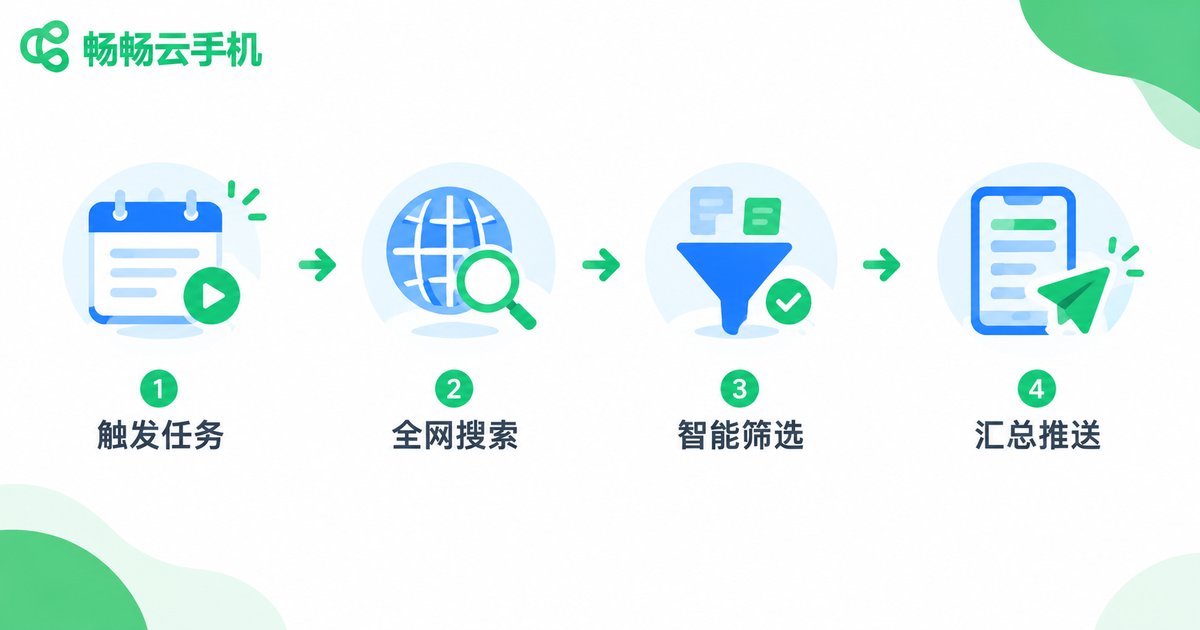
How to Use AI Agents for Data Collection on Cloud Phones: Full-Web Search and Scheduled Task Configuration
This guide explains how to run AI Agents on cloud phones for automated data collection. It covers why the cloud phone plus AI Agent combo suits always-on information gathering, walks through a four-step method for configuring full-web search tasks, and details scheduled trigger setup including frequency selection, staggered execution, and failure retries. A complete hands-on workflow and a comparison table against manual collection are included. The article recommends CCloudPhone for its stable 24/7 connectivity and multi-instance support, and closes with answers to the most common beginner questions.
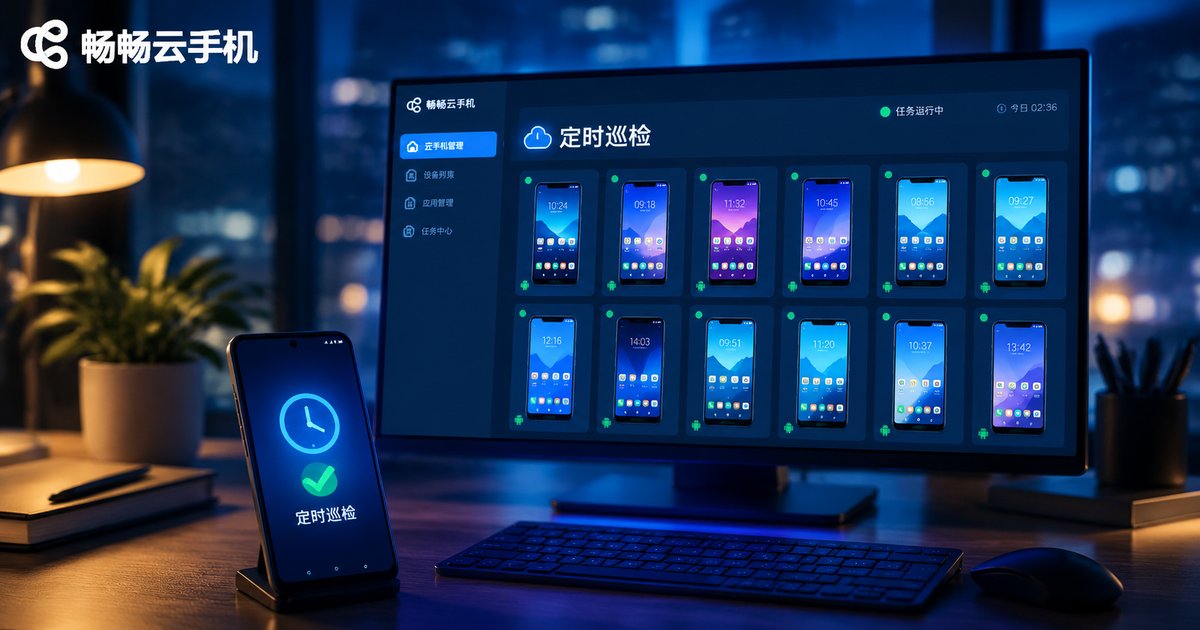
How to Implement Scheduled App Inspection on Cloud Phones: Automated Monitoring Task Setup Guide
This guide explains how to implement scheduled app inspection on cloud phones. It covers typical use cases and why cloud phones are ideal hosts for 24/7 monitoring, then compares three approaches — built-in app timers, cloud phone scheduled tasks, and automation scripts — by difficulty and flexibility. A five-step tutorial walks through preparing the environment, defining inspection criteria, building check actions, setting scheduled triggers, and collecting results with alerts, complete with copy-ready command examples. Five stability tips cover retries, evidence trails, cross-checking with multiple devices, environment maintenance, and frequency control. A FAQ answers common questions about shutdowns, multi-app inspection, coding requirements, and risk control. ccloudphone is recommended as a reliable service for long-running inspection workloads.
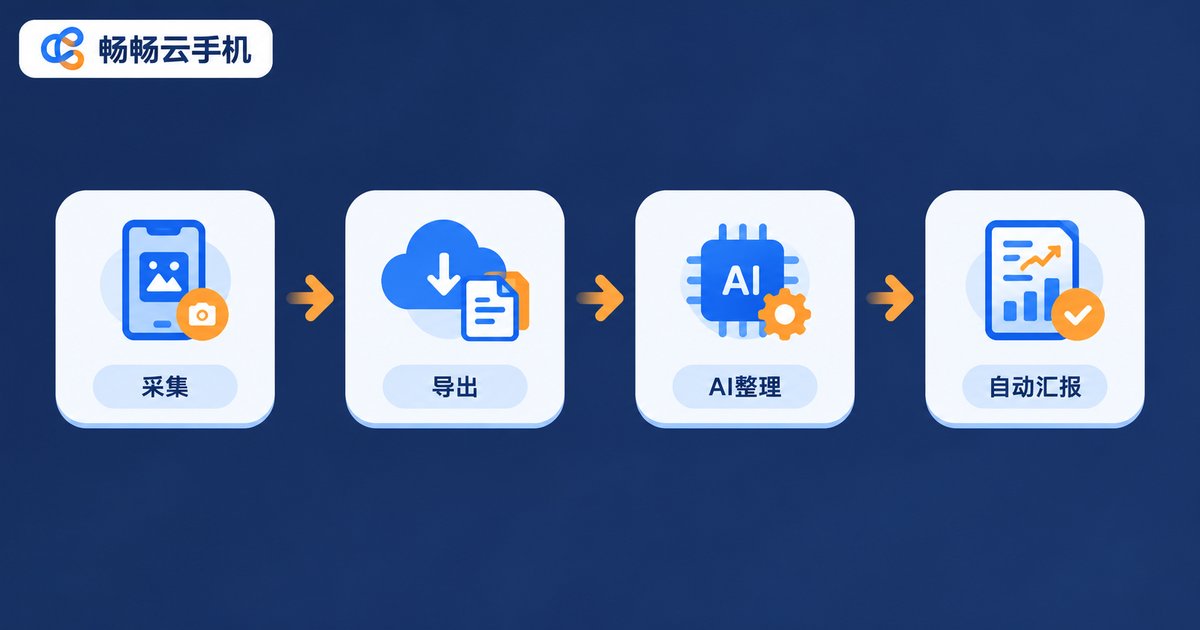
How to Extract Cross-App Data with Cloud Phones: AI Auto-Export and Reporting Setup Workflow
A complete beginner-friendly guide to cross-app data extraction with cloud phones. Learn how to set up your cloud device environment, schedule automatic collection tasks across multiple apps, and let AI recognize, clean, and organize raw data into ready-to-read reports delivered on schedule. The article breaks the workflow into four stages—collect, export, AI organizing, and auto-reporting—supported by a comparison table, a real multi-store e-commerce case study, and a practical pitfall-avoidance checklist. Turn hours of daily manual copy-paste work into a fully automated pipeline that runs in the cloud around the clock.
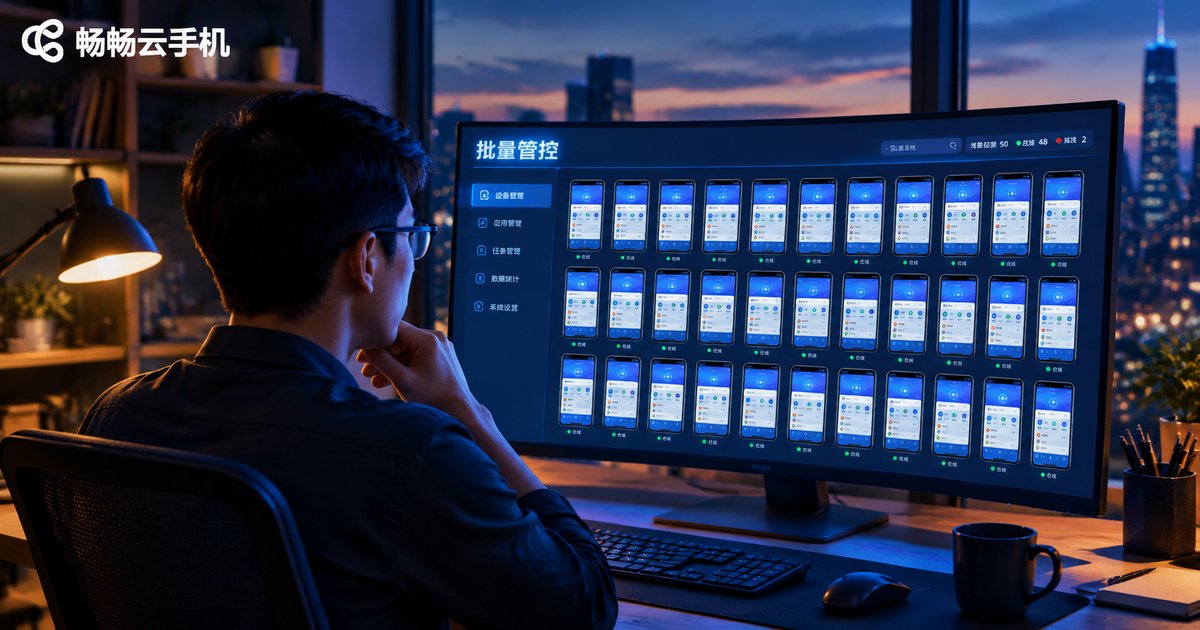
How to Batch Install Apps and Execute Tasks on Cloud Phones: Multi-Device Unified Management Tutorial
This tutorial explains how to batch install apps and batch execute tasks on cloud phones. It covers the complete four-step installation workflow—upload one APK, select target devices, deploy in parallel, and track progress—plus two approaches to batch task execution: synchronized master-device control and script dispatch with scheduled runs. You will also learn four core techniques for unified multi-device management, including device grouping, scheduled tasks, log reviews, and small-scale pilots. Using CCloudPhone as the example platform, the guide includes a manual-versus-batch efficiency comparison table and an FAQ, helping matrix operators, multi-instance gamers, and app testers manage dozens or hundreds of cloud phones with far less effort.
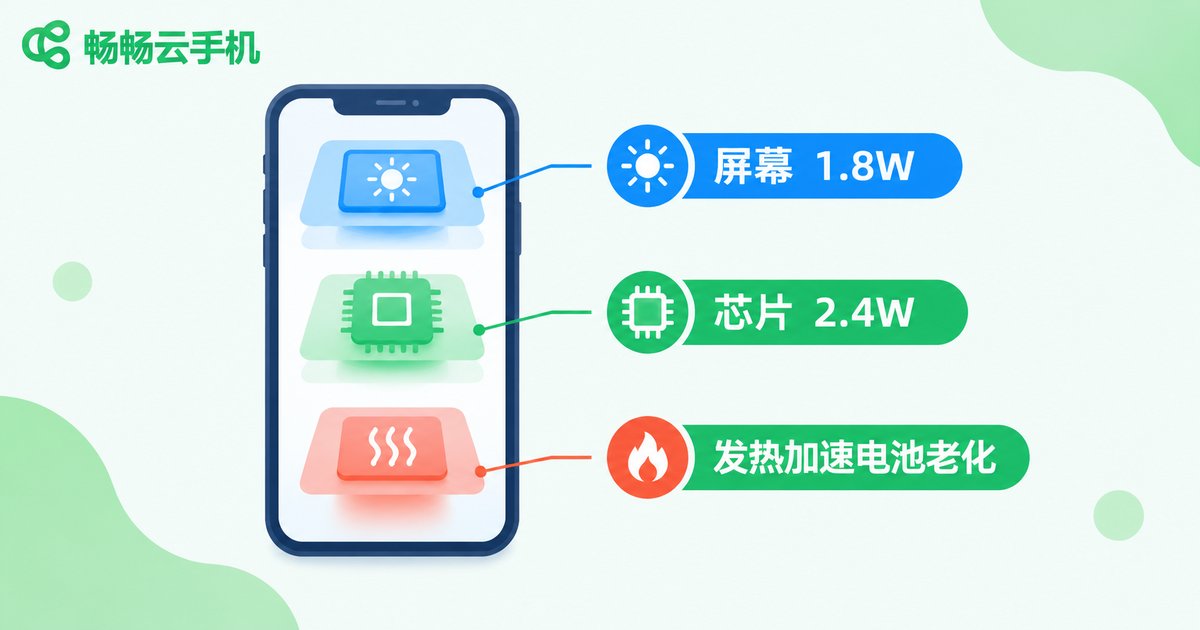
Cloud Phone AFK vs. Keeping Your Screen On All Night: Which Saves More Power? Real Data Revealed
Leaving your screen on all night is the old-school way to keep AFK tasks running, but an active screen and busy chipset keep power draw high, along with heat and battery aging. Our real-world test compared both methods over 8 hours: screen-on AFK averaged about 4.2W (0.034 kWh), while cloud phone AFK kept the physical phone at just 0.2W in screen-off standby — saving over 95% power. Beyond electricity, cloud phones also win on task stability and multi-instance management, making them the smarter way to AFK.
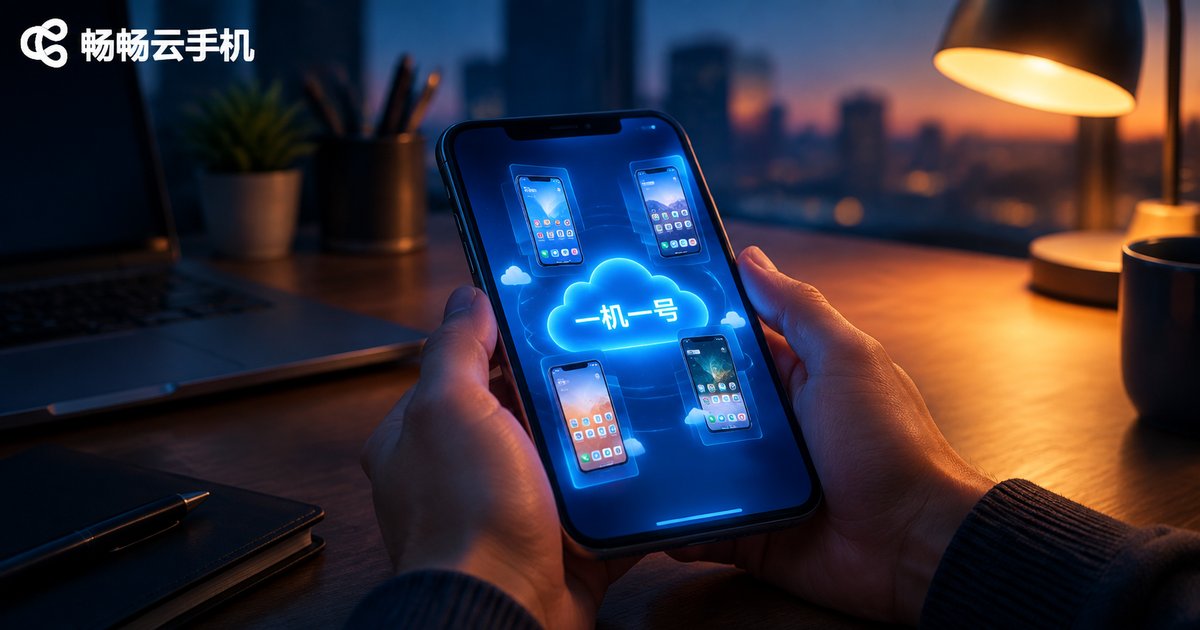
How to Configure One-Device-One-Account Environments for Cloud Phone Multi-Instance Account Farming: Independent Device Fingerprint and Account Isolation Solutions
Mass account farming lives or dies on whether platforms can link your accounts together. This guide walks you through building a proper one-device-one-account environment with cloud phone multi-instancing: what a device fingerprint really contains, how to initialize every cloud phone with independent parameters, how to bind one account to one device, and how to keep daily behavior isolated. It also compares physical phones, local multi-instance apps, and cloud phones on cost, fingerprint independence, and stability, showing why cloud phones deliver the best balance. Follow this playbook to run a stable, isolated, and scalable account matrix where every account grows safely on its own device.