
Operations · Engineering · Trends
Hands-on playbooks, product updates and cross-border insights from the CCloudPhone team.
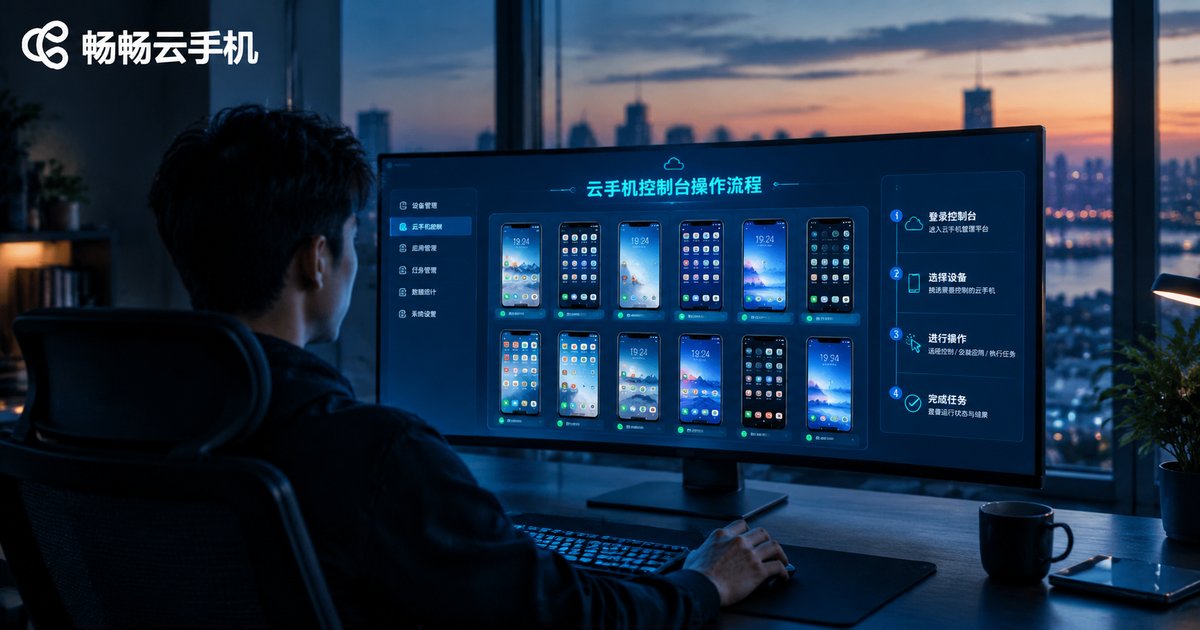
What Is the Cloud Phone Console Operation Flow? Complete Steps from Registration to Instance Allocation
This guide walks you through the complete cloud phone console workflow step by step: registering an account, logging in to the console, creating your first cloud phone instance, allocating devices into groups, connecting to a cloud phone, and handling daily operations. Every step is explained in plain, beginner-friendly language with no technical jargon required. Whether you manage one device or hundreds, following this workflow helps you get started with ccloudphone quickly and keep your entire cloud phone fleet organized, stable, and easy to control from a single web-based console.

Understanding Cloud Phone Billing Models: Per Cabinet vs Per Instance vs Pay-As-You-Go
Cloud phone platforms usually bill in three ways: per cabinet, per instance, and pay-as-you-go by usage time. Cabinet-based billing works like renting an entire floor — the lowest unit cost, ideal for studios running dozens or hundreds of phones around the clock. Instance-based billing is like renting a single room — one phone, one subscription, perfect for small teams and long-term individual users. Usage-based billing works like a utility bill — you pay only for the hours your phones actually run, ideal for temporary projects and testing. This article breaks down how each model works, who it suits and how the costs compare, then offers scenario-based advice to help you pick the most cost-effective option.

How to Quickly Understand Cloud Phone Basics: From ARM Virtualization to a Full Android System
Curious about cloud phones but put off by technical jargon? This beginner-friendly guide explains the whole picture in plain language. A cloud phone is a complete Android system running in a data center: ARM virtualization slices a physical server into many independent virtual phones, while your own device simply streams the screen and sends back your taps. You will learn how ARM virtualization works, how a full Android stack is deployed on top of it, and how cloud phones differ from real handsets and PC emulators in cost, availability, and compatibility. The article also covers everyday use cases such as gaming, multi-account management, and app testing, walks through a simple onboarding process, and answers common questions about lag, data usage, and account safety.
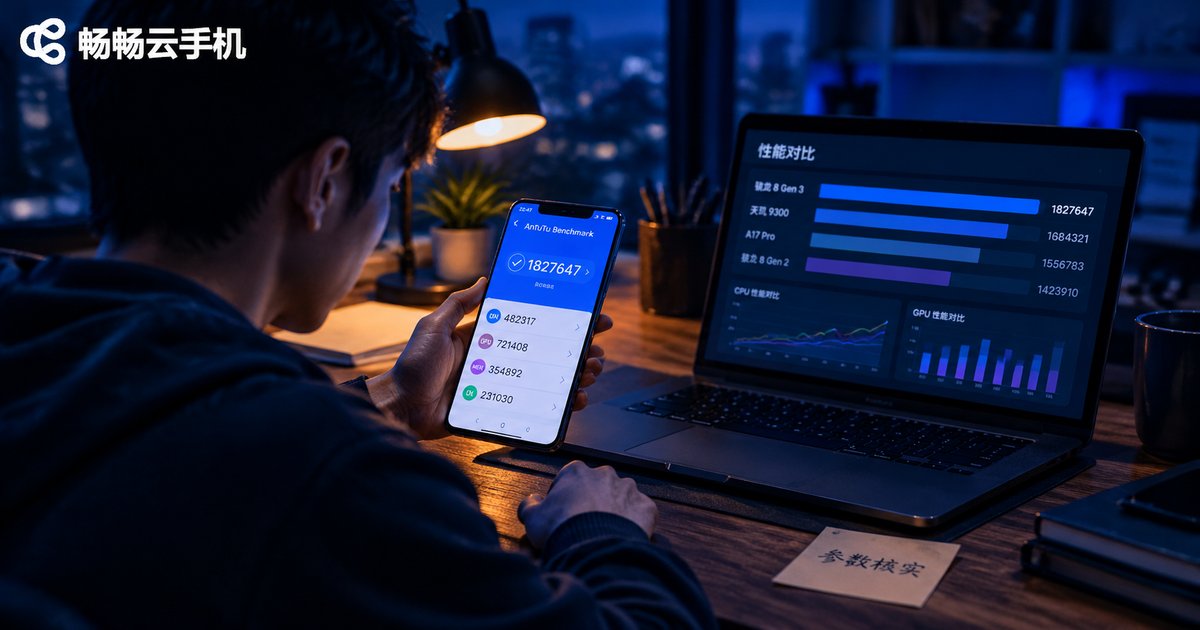
How to Spot Fake Cloud Phone Specs: Performance Metrics to Verify Before You Buy
Cloud phones run in remote data centers, so vendors can inflate specs with little risk of being caught: shared compute sold as 'dedicated flagship cores,' compressed streams marketed as '2K ultra HD,' throttled instances dressed up as 'unlimited multi-open.' This guide breaks down the five most common false-advertising tricks, then lists six metrics you must verify before paying: CPU compute, memory, resolution and frame rate, network latency, storage, and long-term stability. Each metric comes with a practical verification method, plus a three-step field test — benchmark, multi-instance stress test, and multi-day soak test — that exposes inflated claims. Use this checklist to choose a cloud phone service whose real-world performance matches the spec sheet, including what to check when evaluating providers such as CCloudPhone (ccloudphone).

Do 8-Core 16GB Cloud Phone Specs Really Matter? A Deep Dive into the Real Causes of Lag
8-core CPU and 16GB RAM are the headline specs on every cloud phone product page, but they are far from the whole story behind smooth performance. This article breaks down how cloud phones actually work and examines the real causes of lag: network latency and jitter, server-side resource contention, stream quality settings, local decoding performance and per-app workload. You will get a simple diagnostic table to identify which type of lag you are experiencing, practical optimization tips, and a clear answer to whether premium specs are genuinely worth paying for. If you have ever wondered why two cloud phones with identical 8-core 16GB configurations feel completely different, this deep dive gives you actionable answers.
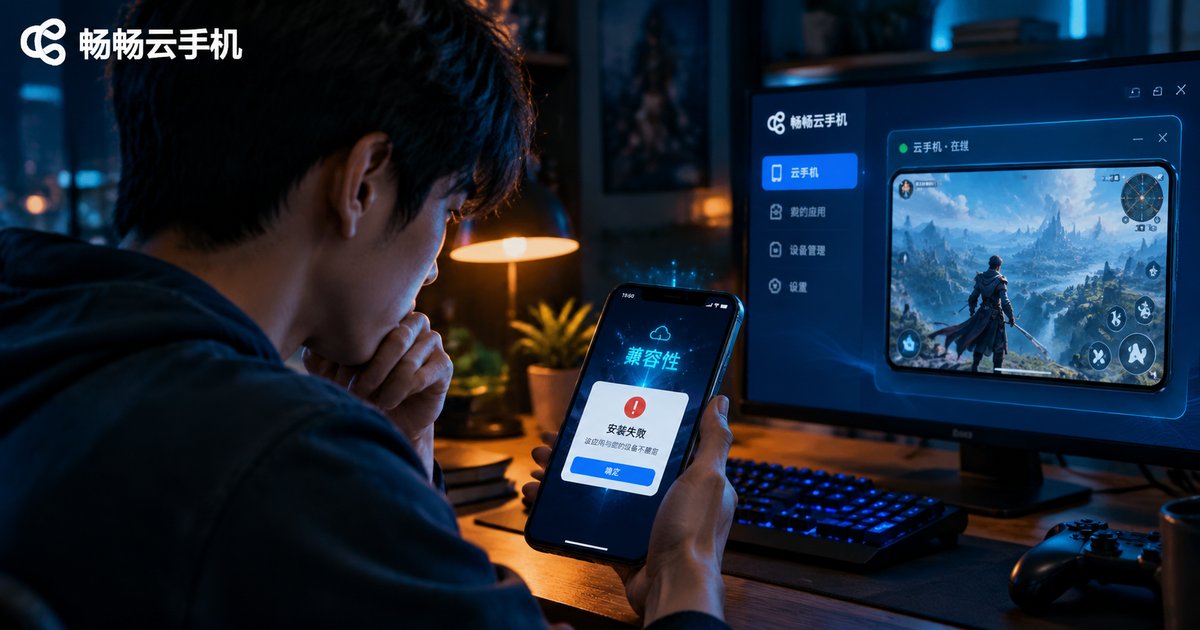
Are Cloud Phone App Installation Failures Caused by Low Android Versions? A Root Cause Analysis of Compatibility
When an app refuses to install on a cloud phone, the Android version is the first suspect — and for good reason. Version mismatch is one of the most common root causes, but it is far from the only one. CPU architecture differences, missing 64-bit support, outdated system components, corrupted installation packages, restrictive security policies and full storage can all block installation. This article explains how Android version compatibility actually works on cloud phones, breaks down the six most common root causes, provides a symptom-to-solution table for quick troubleshooting, and shows what to check before buying — for example, verifying supported Android versions with ChangChang Cloud Phone (ccloudphone) — so you can avoid compatibility pitfalls from the start.

Switch Android Versions on a Cloud Phone Without a New Device or Data Loss
Switching Android versions on a cloud phone does not require buying a new device. A cloud phone is a virtual Android device running on cloud servers: the system image is decoupled from hardware and user data is stored separately, so you can change the Android version on the same device and keep your data. This article explains why cloud phones can switch versions freely, compares them with physical phones, and walks through a complete keep-data switching workflow using CCloudPhone as an example, from backup and device selection to choosing a version, confirming the keep-data option and verifying your apps, plus practical tips and FAQs.
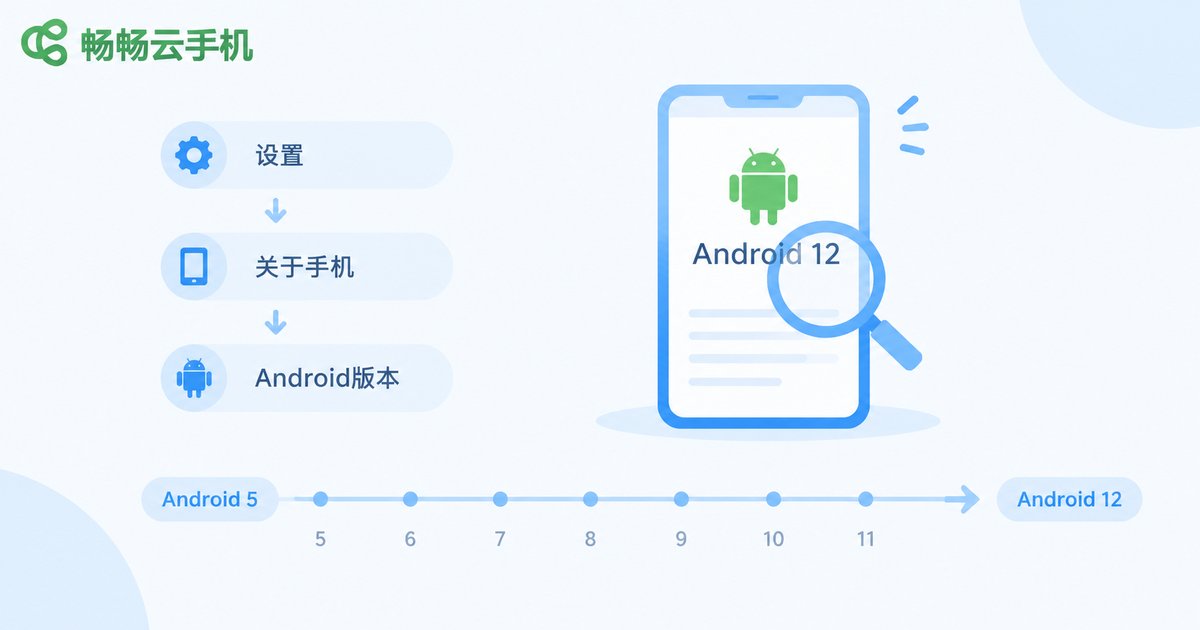
Cloud Phone Won't Install Old or Niche Apps? How to Troubleshoot System Version Compatibility
When niche or legacy apps refuse to install on a cloud phone, the APK is usually fine — the real culprit is an Android version or 32-bit/64-bit architecture mismatch. This guide walks you through a four-step diagnosis: check the cloud phone's Android version, verify the app's minimum system requirement, rule out architecture conflicts, then inspect installation permissions, cloud storage and APK integrity. You will also learn why 'problem parsing the package' errors happen and how to pick the right APK build. A quick-reference symptom table and a practical FAQ help you pinpoint the cause and get your old apps running smoothly.
Can One Cloud Phone Handle Both Old and New Apps? A Solution for Free System Version Switching Without Data Loss
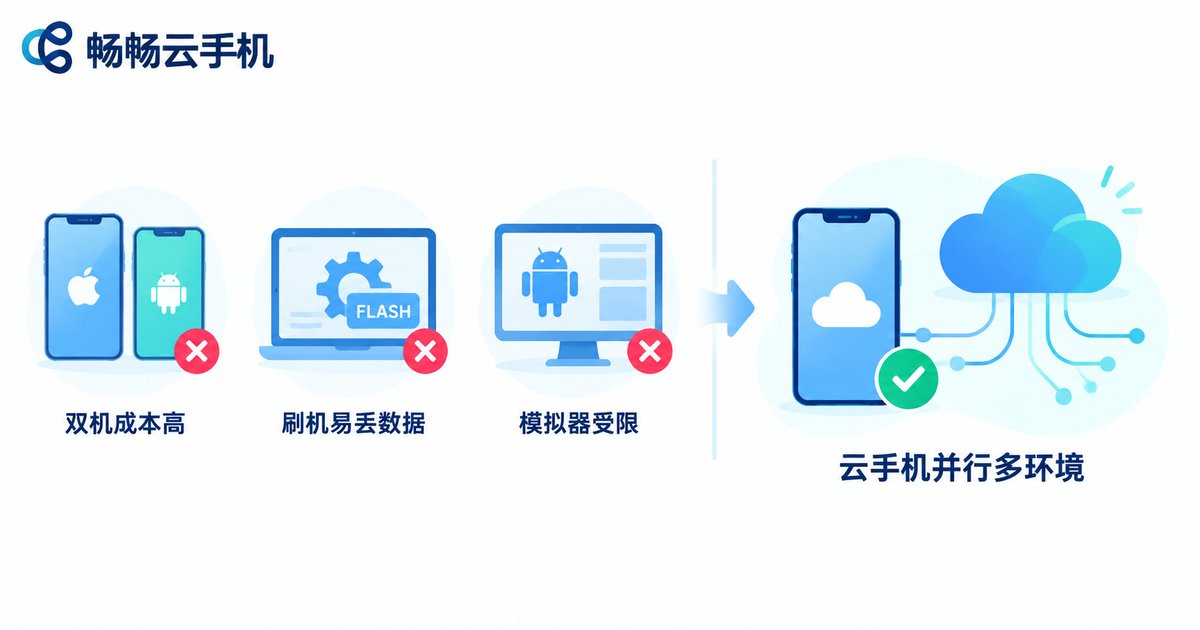
Old apps crash on new Android versions, while new apps demand the latest system—can one device really serve both? This article explains how cloud phones solve the compatibility dilemma: run multiple independent cloud phone instances with different Android versions, assign each app to the environment it needs, and keep all data safely stored in the cloud. Switch between environments freely without wiping anything, and learn practical tips for using ChangChang Cloud Phone (ccloudphone) to keep legacy and modern apps running side by side.
How to Operate Cloud Phones in Batches Safely: Group First, Test Small, Scale Gradually
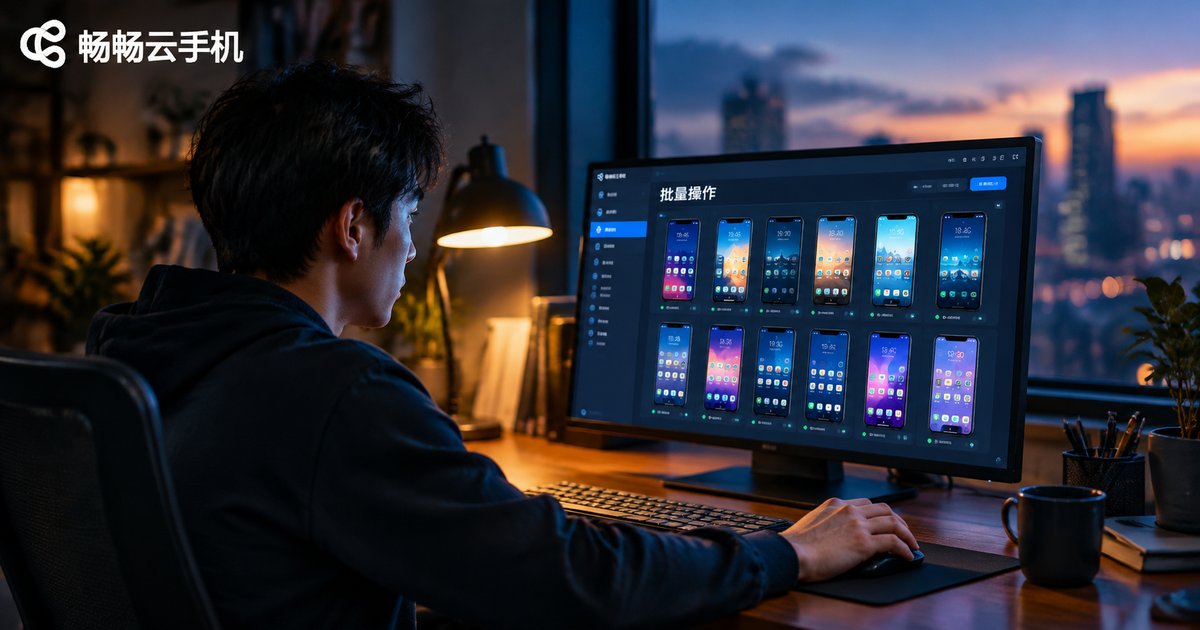
Batch operations on cloud phones save enormous time, but a single wrong command can affect dozens of devices at once. This guide walks through a practical safety workflow: group your devices by business and stage before doing anything; run small-batch tests on 2–5 devices to validate scripts and parameters; then scale up gradually in steps of 5, 20, and 50 devices, with observation windows and clear pause conditions at every stage. Combined with the group management and batch control features of CC Cloud Phone (ccloudphone), you can keep bulk operations both fast and safe.

How Small Teams Manage Batch Cloud Phone Deployment: Device Grouping, Status Monitoring, and Misoperation Prevention
Batch-provisioning cloud phones is the easy part for small teams — managing them day to day is the real challenge. This article delivers a practical playbook built on three pillars: device grouping, status monitoring, and misoperation prevention. Learn how to structure groups by business line, owner, and lifecycle stage; enforce unified naming so any device can be located in seconds; run daily online-count checks and batch screenshot inspections to gauge fleet health; and layer permission controls, double confirmation, and audit trails to prevent costly slips. With a step-by-step rollout using ChangChang Cloud Phone and a copy-and-paste checklist, your team can scale from 10 devices to 100 without changing how you manage them.

Who Is Mobile Cloud Phone Group Control For? On-the-Go Operations Scenarios When You Can't Stay at a Computer
Mobile group control on cloud phones lets you manage dozens of cloud-based virtual phones from a single smartphone, freeing you from a desk-bound PC. This article profiles the users who benefit most—game studios, social media matrix operators, multi-store e-commerce teams, game boosters, field promotion crews, and SMB managers—then analyzes real on-the-go scenarios such as business trips, holiday absences, power outages, and remote handovers. A side-by-side comparison with traditional PC group control, plus practical tips and a FAQ, helps you decide whether this workflow fits your daily operations.