

How Small Teams Manage Batch Cloud Phone Deployment: Device Grouping, Status Monitoring, and Misoperation Prevention
For many small teams, the journey with cloud phones begins the same way: provisioning a batch of devices in one go. A team running account matrices spins up a dozen; a testing studio launches dozens at once. Creating the devices is easy — the hard part follows immediately: who manages these dozens of cloud phones, how, and who steps in when something goes wrong?
Cloud phones have no physical body — no desk space, no chargers — but their management cost does not disappear. Without clear rules from day one, the more devices you add, the deeper the chaos. This article tackles the three pain points small teams struggle with most: device grouping, status monitoring, and misoperation prevention, and turns them into a playbook you can implement today.
1. See the Problem Clearly: Why Batch Deployments Spiral Out of Control
Chaos in small teams usually falls into three patterns — nearly every team that has just deployed in batch has stepped on all of them:
1. Device identity confusion. Devices keep their default system IDs with no unified naming. Finding the phone that ran yesterday's livestream means opening them one by one — five minutes gone, still no answer.
2. Status is a black box. Nobody knows which devices are online, offline, or frozen. A task dies quietly for half a day, and the team only finds out when a client asks — by then, the loss is done.
3. Chain-reaction misoperations. You meant to reboot one device and the whole group reboots; you meant to clean a test device and wiped production data instead. In a small team where everyone wears multiple hats, one slip of a finger can stall the entire fleet.
The fixes map directly to the next three sections.
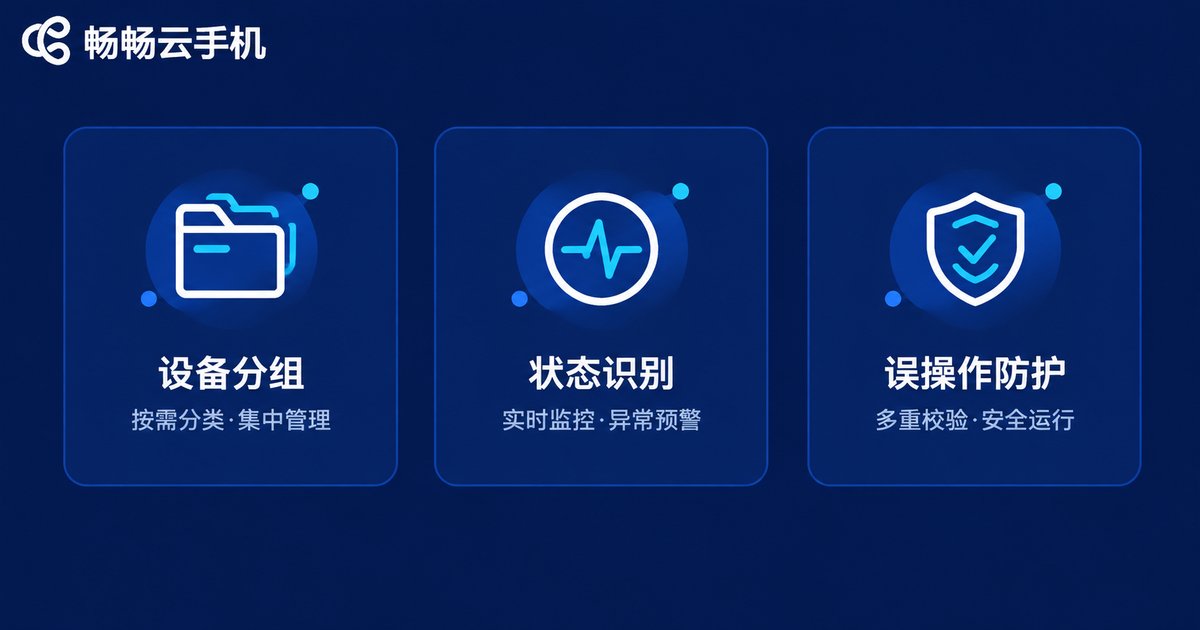
2. Device Grouping: Make 50 Devices Feel Like 5 Groups
Grouping is the foundation of batch management, and the principle is simple: every device should be locatable in one sentence. Build your grouping system along three dimensions:
By business line: different businesses run on different devices with zero interference — for example, a Publishing group, an Account nurturing group, and a Support group. When something breaks, the blast radius is instantly clear.
By owner: even in a two- or three-person team, every device needs a name attached to it. This group belongs to Alex means clear responsibility and painless handovers.
By lifecycle: freshly provisioned, unconfigured devices go into an Init group; healthy production devices into a Stable group; devices awaiting diagnosis into a Maintenance group. Devices flowing between groups is, in itself, a clean workflow.
On top of grouping, naming conventions matter just as much. Use a group-number-purpose format such as Publish-07-XHS: without opening the device, the name already tells you what it is and what it does.
| Grouping dimension | Naming example | Best for |
|---|---|---|
| By business line | Publish-01 to Publish-20 | Parallel businesses that need isolation |
| By owner | Alex-TeamA-03 | Shared device pools |
| By status | Maintenance-xx | Daily ops and troubleshooting |
3. Status Monitoring: Know Every Device's Health at a Glance
Grouping helps you find a device; status monitoring tells you whether it is healthy. Small teams don't need an elaborate observability stack — turn these three habits into routine:
1. Scan the list every morning. Open the console's device list and check that the online count matches expectations. If you provisioned 20 devices and only 18 show online, you catch it immediately — not after tasks fail.
2. Run batch screenshots as a health check. Capture screenshots across a whole group periodically and scan the tiles: stuck on a loading screen? Unexpected pop-up? Task interface still running? One or two minutes covers dozens of devices.
3. Define a trigger line for anomalies. Agree in advance: a device offline for more than 30 minutes, or a frozen screenshot, moves it into the Maintenance group and notifies the owner. With clear rules, incident handling stops depending on whoever happens to notice.
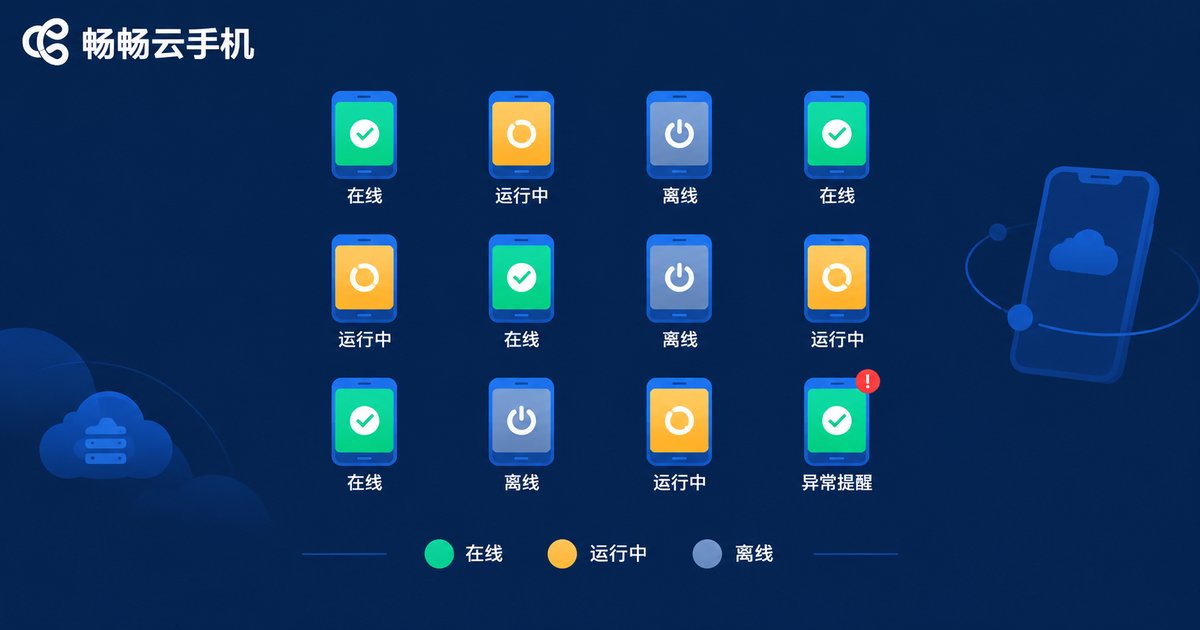
4. Misoperation Prevention: Buckle Up Your Batch Operations
Batch operations are a cloud phone's biggest efficiency win — and its most dangerous feature. One command lands on dozens of devices at once: right is right everywhere, and wrong is wrong everywhere. A three-layer defense keeps the risk under control:
Layer 1: Tiered permissions. Not everyone needs full access. Daily operators get routine permissions such as launching apps and uploading files; high-risk actions — batch reboot, batch wipe, device deletion — stay with the owner. Narrowing permissions one step cuts accident odds by a mile.
Layer 2: Double confirmation before any batch action. Build a fixed ritual: before executing any batch operation, verify the selected group and device count. Rebooting the Publishing group? Confirm the list shows exactly those 20 devices — not all devices. Many incidents come down to those missing two seconds of checking.
Layer 3: Keep an audit trail. Who did what, to which devices, and when — it should all be traceable. When something breaks, you can reconstruct the cause quickly, and the habit itself makes everyone more careful.
| Safeguard | Prevents | Cost to implement |
|---|---|---|
| Tiered permissions | Unauthorized actions, accidental deletion | One-time configuration |
| Double confirmation | Wrong scope, batch collateral damage | A habit |
| Audit trail | Untraceable incidents | Console logs |
5. Rolling It Out with ChangChang Cloud Phone
Method in hand, you need a tool to match. ChangChang Cloud Phone (ccloudphone) provides Android devices running in the cloud — no physical handsets to buy — and once provisioned, your team can view and manage every device centrally from the web console, a solid starting point for building a batch management workflow from zero.
Combining the methods above, here is the recommended rollout order:
Step 1 — Initialize and name. Complete basic setup for each new device, then apply the group-number-purpose naming convention across the board.
Step 2 — Build the groups. Sort devices by business line and owner, and name a first person responsible for each group.
Step 3 — Set the daily routine. Check the online count at startup every day, run periodic batch screenshot inspections, and move abnormal devices into the maintenance group promptly.
Step 4 — Tighten permissions. Reserve high-risk batch operations for the owner and grant everyone else only what they need.
None of this requires complex tooling — one console and one spreadsheet are enough. Scale from 10 devices to 100 and the management approach barely changes; that is exactly the payoff of grouping plus conventions.

6. A Copy-and-Paste Launch Checklist
Finally, the whole article compressed into a checklist — tick each item as you go:
✅ Every device named with the group-number-purpose convention;
✅ Three-level grouping by business line, owner, and lifecycle;
✅ Online device count verified at every startup;
✅ Fleet-wide batch screenshot inspection at least weekly;
✅ Agreed anomaly criteria and handling workflow;
✅ High-risk batch operations restricted to the owner;
✅ Selected scope double-checked before every batch action;
✅ Records kept for critical operations, fully traceable.
FAQ
Q: We only run a handful of cloud phones — is grouping really necessary?
Yes — build naming and grouping habits from day one. Rules are cheapest to establish while the fleet is small; retrofitting them across dozens of existing devices later costs far more time.
Q: Can devices move between groups after grouping?
Absolutely. Grouping is a management tool, not a cage. Move devices between groups as the business evolves — that is exactly why status-based groups like Maintenance exist.
Q: How do we stop new team members from misoperating?
Three moves: grant newcomers routine permissions only; walk them through the full check-group, confirm-count, execute ritual; and have the owner supervise their first few batch operations.
Q: A device looks abnormal — what is the first step?
Move it into the Maintenance group first so it stops participating in batch tasks, then diagnose whether it is a network issue, an app issue, or the device itself, and return it to the running group once resolved.
Q: What team size suits ChangChang Cloud Phone?
The grouping and inspection workflow in this article works anywhere from a few devices to over a hundred. Small teams' advantage is that rules can be very precise — nail the conventions before the fleet grows.


