
Operations · Engineering · Trends
Hands-on playbooks, product updates and cross-border insights from the CCloudPhone team.
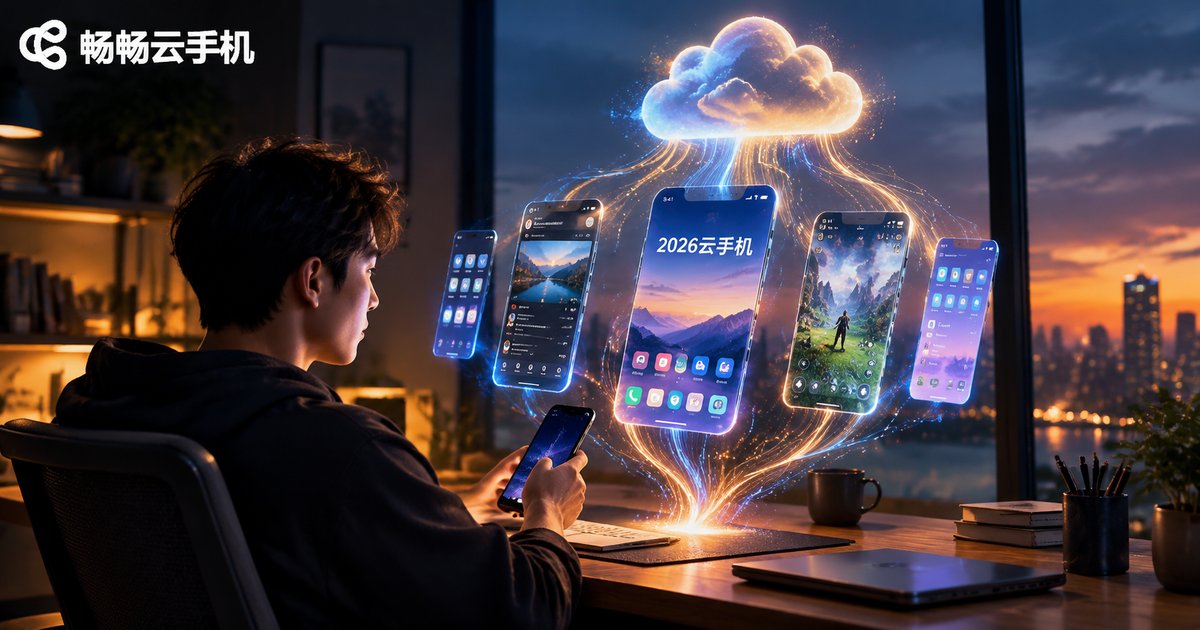
What's Changing in the 2026 Cloud Phone Brand Rankings: Market Landscape and User Reputation Trends Explained
The cloud phone market is going through real changes in 2026: AI features are becoming standard, performance and visual quality have leaped forward, and use cases now stretch far beyond multi-instance gaming into social media operations, app testing, and more. This article explains how the market landscape is shifting, reveals the evaluation logic behind the latest brand rankings, and traces how user reputation standards have evolved in three stages from "usable" to "indispensable." You will also get four practical tips for choosing a cloud phone this year. If you want a stable, smooth option with worry-free multi-instance support, ccloudphone (ChangChang Cloud Phone) deserves a spot on your shortlist.

Are 10-Yuan-a-Month and 6-Yuan-a-Year Cloud Phone Deals Reliable? The Real Cost of Cheap Plans
Ads promising a cloud phone for 10 yuan a month or 6 yuan a year are everywhere, but ultra-low prices usually hide oversold laggy servers, doubled renewal fees, crippled features, and shutdown risks. This article breaks down the real cost of cheap cloud phone plans: the first payment is only the entry ticket — renewal prices, booster packs, and feature limits are where the money goes. You will get a line-by-line cost calculation, a comparison table of bait plans versus transparent plans, and 5 quick checkpoints to judge whether a cheap offer is trustworthy, so you can pick a cloud phone service with honest pricing and zero surprises.
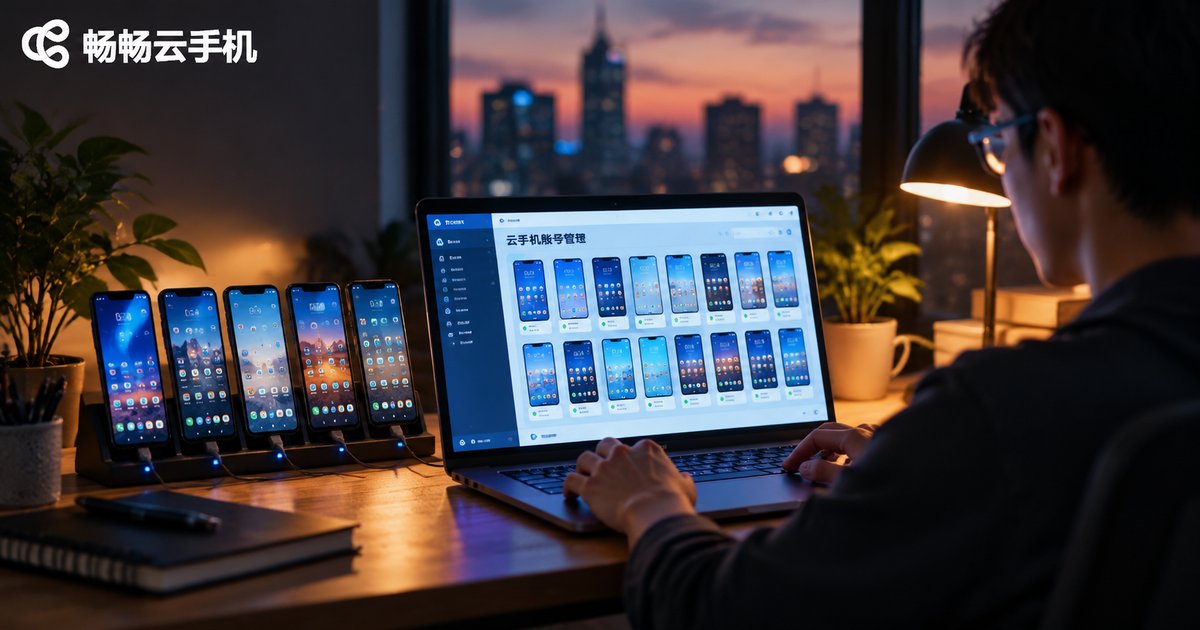
What Are the Top Search Keywords for Cloud Phones in Mobile Account Management? ARM Real Devices & App Environments Explained
This article compiles the high-frequency search keywords around cloud phones in mobile account management — covering multi-instance operation, batch control, account nurturing, isolated environments and AFK running — and decodes the real user intent behind each term. It then explains the technical principles of ARM real-device architecture and in-cloud app environments, showing why genuine ARM hardware delivers better app compatibility, higher stability and predictable performance than emulated setups. Finally, it converts these keywords into practical selection criteria, using ChangChang Cloud Phone (ccloudphone) as a reference to help you match the right instance count and management features to your account matrix.

Why Is the Operational Focus Shifting in Cross-Border Social Media? The Changing Share of In-App Scenarios
Cross-border social media operations are moving decisively from web dashboards into the apps themselves. Stricter platform risk control, algorithms that reward native in-app behavior, and formats like livestreaming and short video that can only be executed inside the app are driving the shift. This article breaks down the three core reasons behind the migration, uses illustrative data to show how the share of in-app operation scenarios has changed, and explains how cloud phones help teams run in-app multi-account operations stably, improving account survival and content output efficiency.
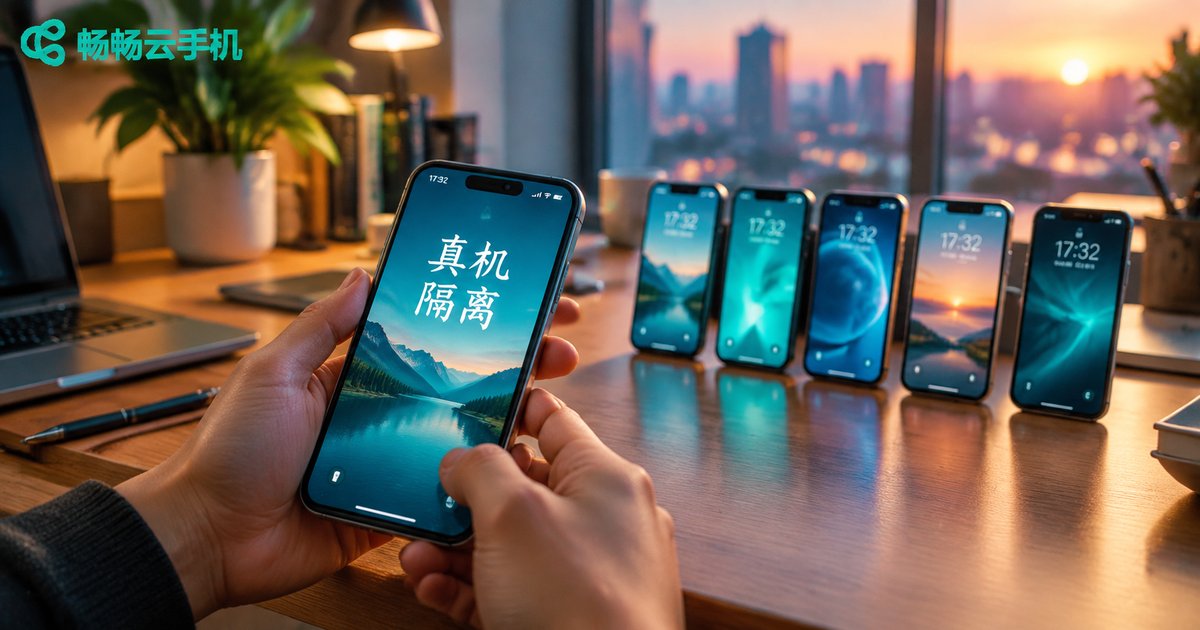
Cloud Phones: Why Mobile Isolation Cannot Settle for Desktop Emulation — Decoding Platform Risk-Control Signal Differences
For matrix accounts and multi-store operations, mobile isolation is the first line of defense for account safety. This article breaks down the six signal categories platform risk-control systems watch most closely: device identifiers, hardware fingerprints, sensors, battery state, network, and behavior. It then analyzes the structural weaknesses of desktop emulators across CPU architecture, GPU renderer strings, sensor data, and battery APIs, and explains how cloud phones achieve genuine isolation through native ARM real-device architecture. If you have ever wondered why emulator-based accounts get throttled or banned while cloud phone accounts stay stable, this signal-by-signal comparison gives you the answer.
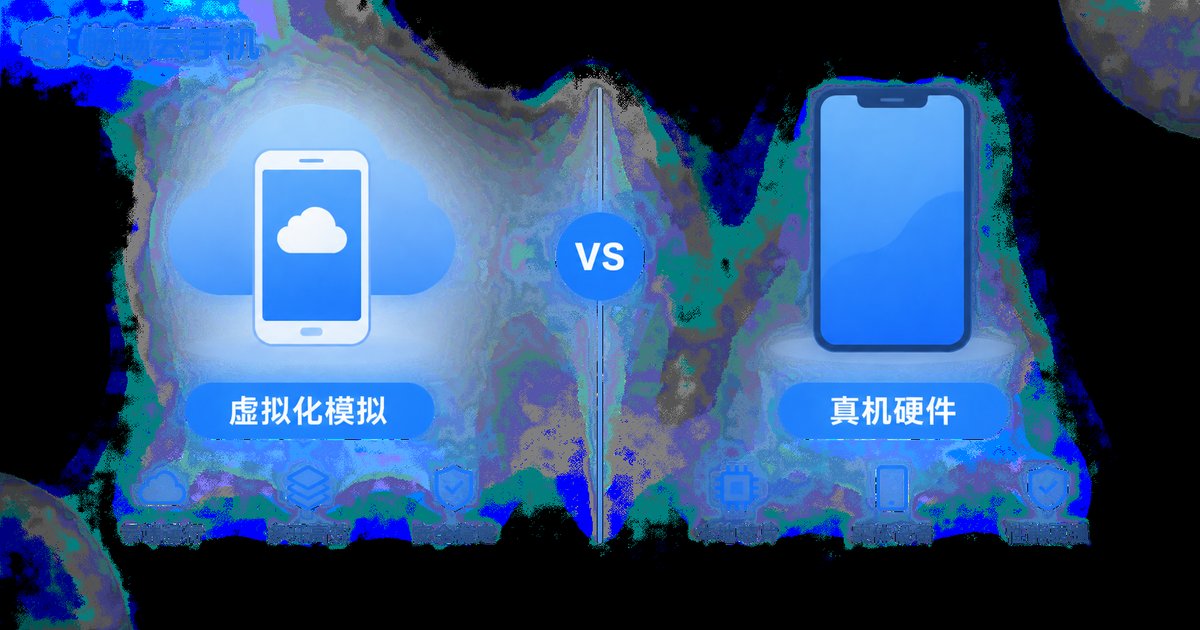
Cloud Phone vs Physical Device: Device Fingerprint Differences and the Authenticity Advantage of ARM Physical Boards
Cloud phones and physical devices differ mainly in chip architecture, hardware identifiers, sensor data, and low-level system parameters. Virtualized solutions imitate a real phone through software and leave detectable traces in the details, while cloud phones built on ARM physical boards are genuine hardware: device identifiers are independent and persistent, sensor data behaves naturally, and risk-control performance stays close to a real device. This article breaks down the differences item by item and explains how ChangChang Cloud Phone (ccloudphone) uses ARM physical boards to deliver a reliable real-device experience for multi-account operations, multi-instance gaming, and long-term stable automation.
How Good Is Cloud Phone Compatibility with Social Apps? Real Test of WeChat, DingTalk and Feishu
Can WeChat, DingTalk, and Feishu really run smoothly on a cloud phone? We spent a week testing all three apps in the CCloudPhone cloud Android environment, checking login stability, message delivery, voice and video calls, background keep-alive, and multi-account support. This article shares the full test results, a side-by-side compatibility scorecard, practical fixes for common issues, and advice on who benefits most from moving social and office apps to the cloud.

Which Apps Run Best on Cloud Phones! A Hands-On Compatibility List for Social Media, Office & Utility Apps
Not every app runs perfectly on a cloud phone—compatibility varies widely from one app category to another. Based on hands-on testing in a real cloud Android environment, this article compiles a practical checklist of the three categories with the best compatibility: social media, office collaboration, and everyday utility apps. For each category, we cover installation success rates, login methods, daily-use smoothness, and the small caveats worth knowing, such as live-streaming latency or sensor-dependent features. A side-by-side comparison table, a pitfall-avoidance guide, and four practical optimization tips help you quickly decide which workflows can be moved to the cloud with confidence.

What Is an ARM Physical Board in Cloud Phones? How Server Virtualization Works
An ARM physical board is the core hardware behind every cloud phone: a single circuit card that packs multiple smartphone chips and slots into data center servers. This article explains, in plain language, what's inside an ARM board — SoC chips, memory, storage, and networking — and walks through the four layers of server virtualization that turn one server rack into dozens of independent Android instances. It also compares the ARM native approach with x86 emulator-based solutions, showing why native ARM delivers smoother, more stable performance for gaming, multi-account management, and 24/7 automation. Finally, learn what to look for when choosing a provider like CCloudPhone, plus answers to common beginner questions about performance, data storage, and device requirements.

Can Individual Users Apply for Cloud Phones? Enterprise vs. SaaS Cloud Phone: Differences and How to Choose
Cloud phones are not exclusive to enterprises — any individual can register with a phone number and activate a SaaS cloud phone for game idling, multi-account management, and more. This article breaks down the key differences between enterprise and SaaS cloud phone editions across target users, activation process, device scale, resource type, API access, and billing. It also offers practical advice on how individual users should choose, and recommends ChangChang Cloud Phone (ccloudphone) — easy to register with stable performance — as the ideal starting point for beginners.
Do Cloud Phones Only Run Android? The Current State of iOS Cloud Phone Support
Many people assume cloud phones can only run Android and that iPhone users are left out. In reality, Android dominates because it is open-source and cheap to virtualize, while Apple's closed ecosystem keeps true iOS cloud phones rare and mostly limited to developer testing. The good news: a cloud phone runs on remote servers, so your iPhone or iPad can freely control an Android cloud phone for AFK gaming, multi-instance apps, and 24/7 hosting. This article explains why cloud phones are Android-based, the real state of iOS cloud phone support, and how iPhone users can get started today.

What's the Difference Between Cloud Phones and Traditional Cloud Gaming? Full Mobile OS vs Single-App Streaming
Cloud phones and traditional cloud gaming may look similar at first glance, but they are fundamentally different technologies. Traditional cloud gaming simply streams the video of a single game to your screen, and everything ends the moment you log off. A cloud phone, on the other hand, gives you a complete Android system running in the cloud: install any app you want, keep games and tasks running 24/7 in the background, manage multiple accounts on separate device environments, and store your data long-term. This article breaks down the essential differences between the two with a clear side-by-side comparison table and real-world use cases, and explains why a dedicated cloud phone service like ChangChang Cloud Phone delivers a far more complete cloud mobile experience than game streaming alone.