

Which Apps Run Best on Cloud Phones! A Hands-On Compatibility List for Social Media, Office & Utility Apps
Why App Compatibility Matters When Choosing a Cloud Phone
A cloud phone is essentially a complete Android system running in a data center, which you control remotely via screen streaming. In theory, most apps that run on a regular Android phone can also run on a cloud phone. In practice, however, different app categories place very different demands on hardware, sensors, and the network, so compatibility varies. Rather than trial and error, start with our hands-on conclusion: social media, office collaboration, and everyday utility apps are the three categories with the best compatibility on cloud phones.
Category 1: Social Media Apps — The Most Reliable Performers
Social media apps are the most stable category on cloud phones. We tested common apps across instant messaging, short video, microblogging, and community platforms in a mainstream cloud phone environment: installation, login, messaging, video streaming, and content publishing all worked normally, with smoothness nearly identical to a physical phone.
Key test findings:
1. Installation: installing from app stores or official APK files succeeded almost every time;
2. Login: password and SMS verification code methods both work; keep the network stable during first login;
3. Daily use: notifications arrive on time, images and videos load smoothly, and long sessions stay connected reliably.
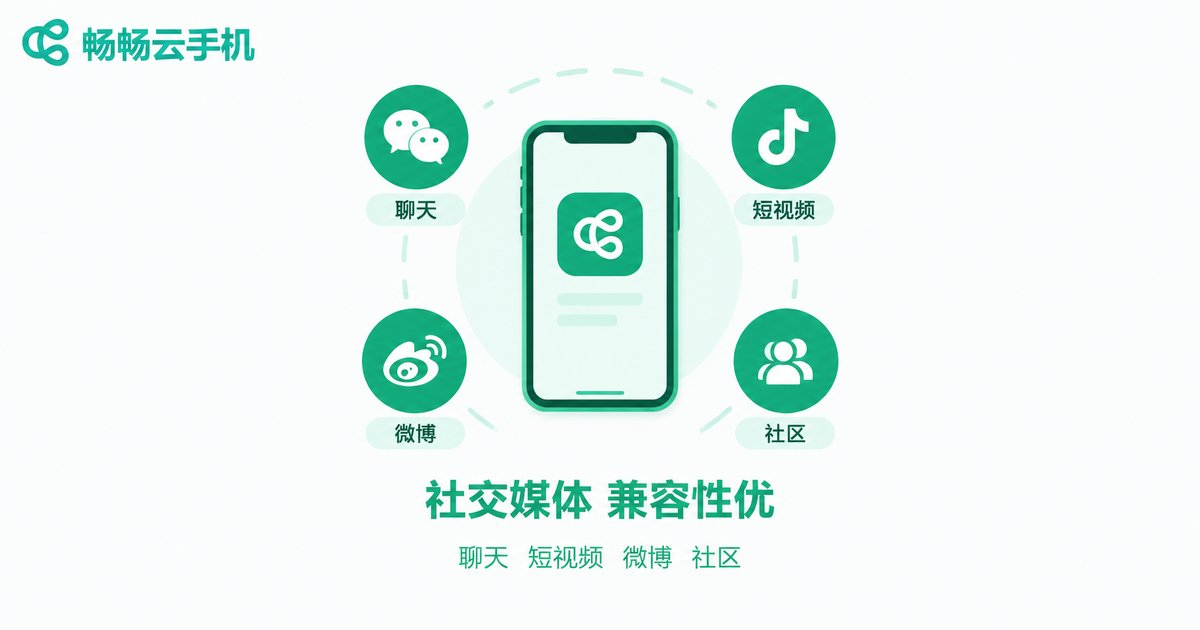
The only caveat: live streaming and video calls are more sensitive to network latency, so use them on a stable connection. Overall, if you want to move daily social account maintenance to the cloud, this category can be migrated with confidence.
Category 2: Office & Collaboration Apps — Your Workstation in the Cloud
Office apps are not hardware-hungry; they mainly rely on the network and data sync, so they also perform excellently on cloud phones. Collaboration apps such as DingTalk, WeCom, and Feishu (Lark) install and log in normally, with attendance check-ins, approvals, meeting reminders, and file viewing all running smoothly; document apps like WPS Office open, edit, and save files without any pressure.
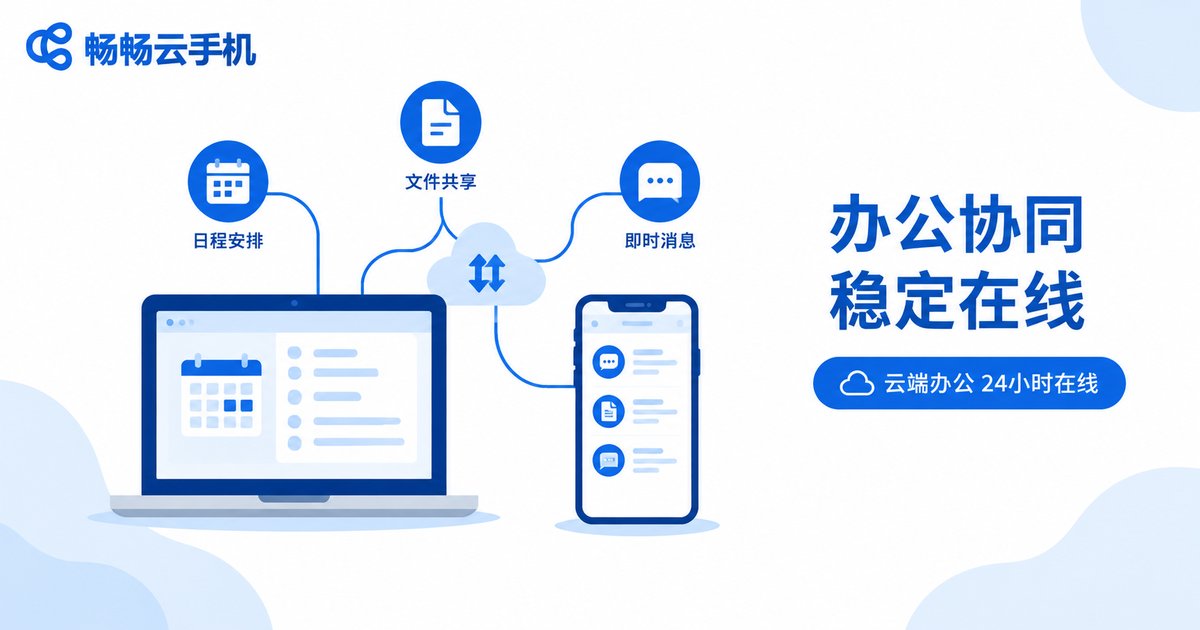
Office apps have a natural advantage on cloud phones: the cloud device stays online 24/7, so important messages are never missed because your phone ran out of battery or was powered off. For users who manage multiple accounts or work remotely, deploying office apps on a cloud phone is like having an extra work phone that never sleeps.
Category 3: Everyday Utility Apps — Small, Light, Almost Universally Compatible
Browsers, weather, calendar, alarm clock, calculator, translation, notes, and file managers—these lightweight utility apps have almost no special hardware requirements, making them one of the most compatible categories on cloud phones. In our tests, they not only installed smoothly but often ran faster than on aging physical phones, because cloud servers typically outperform entry-level handsets.
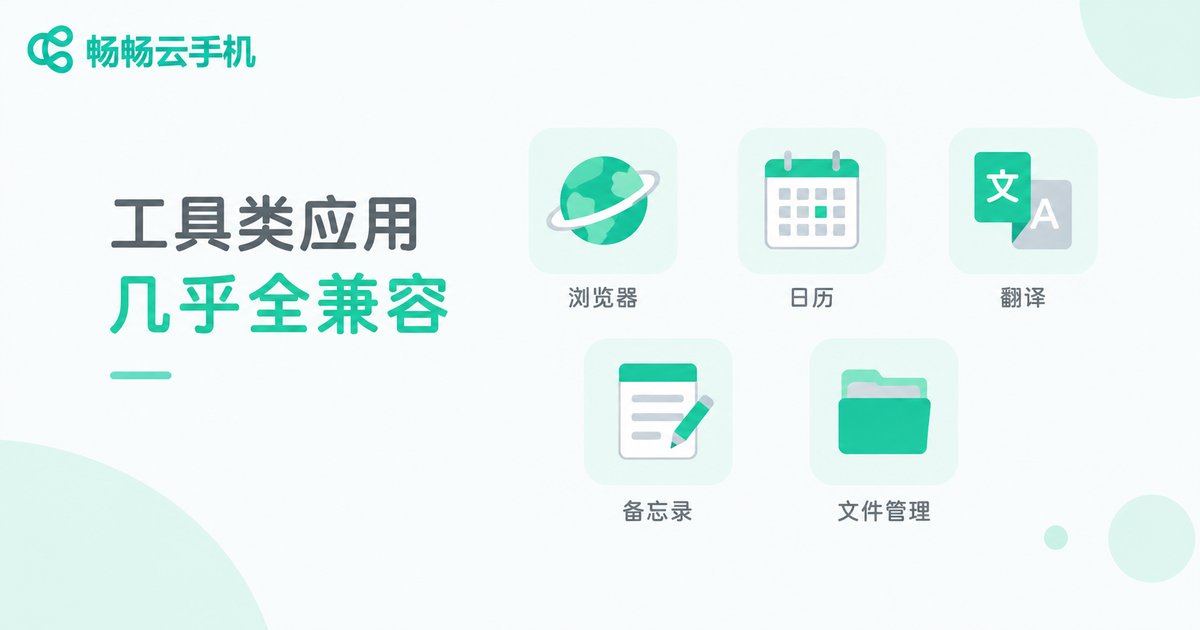
If you treat a cloud phone as a second life phone for tools you rarely need but occasionally must have, the idea works perfectly—and it keeps your primary phone's storage free.
Hands-On Compatibility Comparison Table
| App Type | Examples | Install | Login | Daily Use | Rating |
|---|---|---|---|---|---|
| Instant messaging | WeChat, QQ | Smooth | Smooth | Stable & fluid | ★★★★★ |
| Content communities | Douyin, Weibo, Xiaohongshu | Smooth | Smooth | Fluid; live streams depend on network | ★★★★☆ |
| Collaboration | DingTalk, WeCom, Feishu/Lark | Smooth | SMS verification needed | Stable & fluid | ★★★★★ |
| Documents | WPS Office, email | Smooth | Smooth | Fluid | ★★★★★ |
| Light utilities | Browser, calendar, translator, notes | Smooth | Mostly login-free | Very fluid | ★★★★★ |
Which Apps Have Poor Compatibility? Avoid These Pitfalls
Where there are winners, there are also laggards. The following categories deliver a compromised experience on cloud phones—set expectations before you migrate:
1. Heavy 3D games: they demand top-tier GPU performance and ultra-low latency; cloud phones can run them, but frame rates and input responsiveness depend heavily on your network;
2. Sensor-dependent apps: pedometers, AR, and gyroscope-based apps need real hardware sensors, which cloud devices can only partially emulate;
3. Apps with strict device checks: some apps with rigorous device-environment verification may show login errors or limited features;
4. Features tied to a physical SIM: cloud phones have no physical calling capability, so apps relying on voice calls and SMS inboxes are limited.
Four Practical Tips to Improve App Compatibility
1. Pick the right Android version: many cloud phones let you choose among Android versions; check your app's minimum OS requirement before installing;
2. Grant permissions: after installation, grant storage, notification, and other permissions as needed to prevent most glitches;
3. Keep the network stable: your cloud phone experience is capped by your network—stability is the prerequisite for smooth running;
4. Install from official sources: download from app stores or official websites; modified APKs from unknown sources often cause compatibility issues.
Hand Your Compatible Apps to ChangChang Cloud Phone
If your use case falls into social media, office collaboration, or everyday utilities, a reliable cloud phone can move those apps to the cloud for you. ChangChang Cloud Phone (ccloudphone) offers a stable cloud Android environment with app installation, multi-device management, and cloud data storage all built in. Visit the official website for the latest features and plans, and start with the most compatible apps to experience the convenience of a phone in the cloud.
FAQ
Q: Can a cloud phone install any Android app?
Most Android apps install fine. Social, office, and utility apps have the best compatibility, while heavy games and sensor-dependent apps offer a compromised experience.
Q: Is it safe to log into social apps on a cloud phone?
A cloud phone is an independent device environment, so normal login and use are fine. Enable the app's built-in account protection and avoid logging into accounts from untrusted sources on any cloud device.
Q: Are office app notifications timely on a cloud phone?
Yes. The cloud device stays online around the clock; with notification permissions enabled, alerts arrive just as they do on a physical phone—one of the biggest advantages of cloud-based office work.
Q: How can I quickly tell whether my app will run smoothly on a cloud phone?
Check two things: whether the app depends on hardware sensors, and whether it is sensitive to network latency. Apps that depend on neither can almost always be migrated with confidence.
Q: Does ChangChang Cloud Phone support installing my own APK files?
Yes. In addition to app stores, ChangChang Cloud Phone supports installing apps from uploaded APK files; see the help documentation on the official website for details.


