

How Good Is Cloud Phone Compatibility with Social Apps? Real Test of WeChat, DingTalk and Feishu
Why Cloud Phone App Compatibility Matters
In simple terms, a cloud phone is an Android phone running in a remote data center. Your WeChat, DingTalk, and Feishu are not installed on the device in your hand — they live on another 'phone' in the cloud. Compatibility determines whether a cloud phone can truly serve as a spare device. If everyday apps fail to open, notifications get lost, or meetings drop, even the cheapest cloud phone is pointless.
We picked the three apps most people use daily — WeChat, DingTalk, and Feishu — and ran them in the cloud Android environment of CCloudPhone for a full week, verifying login, messaging, audio/video calls, and background keep-alive one by one.
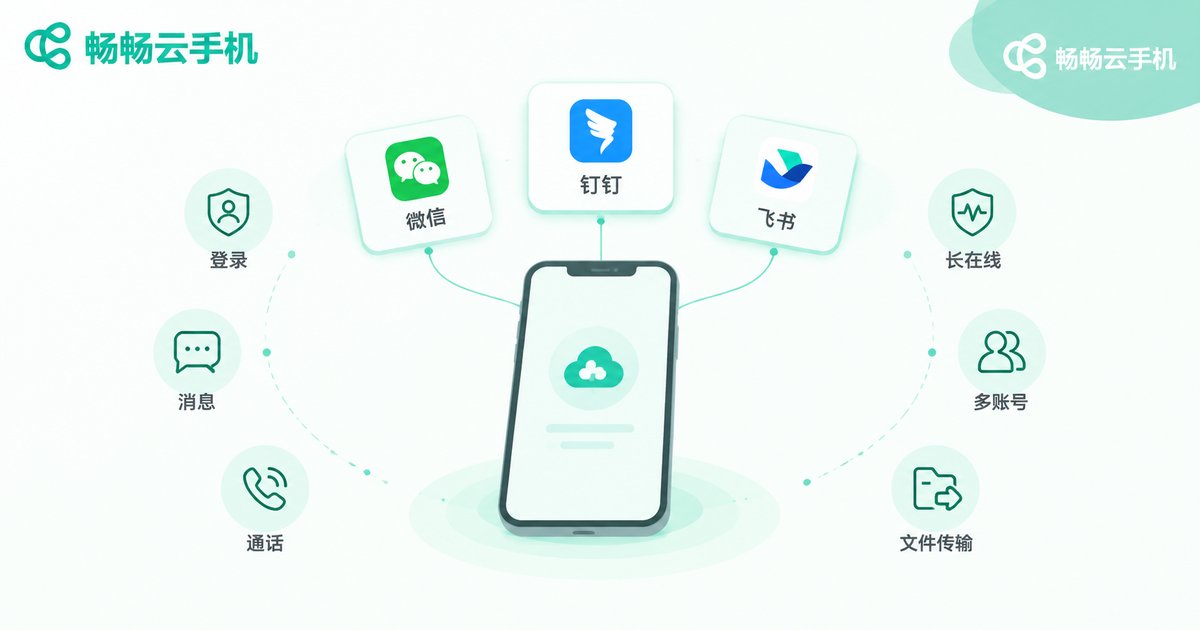
Test Setup and Method
All tests ran on the cloud Android environment of CCloudPhone. All three apps were installed as the latest official releases, and the test lasted seven days across six dimensions:
Login stability: whether QR-code login works smoothly without environment warnings; messaging: delivery speed of text, images, voice notes, and files; audio/video calls: whether calls and meetings start and connect normally; background keep-alive: whether notifications arrive after the app goes to the background; multi-account support: running several accounts on separate cloud phone instances; daily operations: Moments, approvals, attendance check-in, cloud docs, and other high-frequency features.
WeChat Test: Smooth Chatting, Multi-Account Is the Highlight
Logging in was effortless — after scanning the QR code, WeChat opened straight into the chat list. Sending and receiving text, images, and voice messages felt identical to a physical phone, and browsing Moments, liking, commenting, and opening mini programs were all fluid.
Voice calls were stable. Video calls could be started normally, with clarity depending on your local network and the data center's connection. One reminder: sensitive operations such as WeChat Pay are better completed on your everyday device — a cloud phone is best suited to chatting, customer service, and community management.
For most people, the biggest value of running WeChat on a cloud phone is multi-account support: keep your work and personal accounts separate, run customer-service and community accounts in isolated cloud environments, and stop carrying several physical phones.
DingTalk Test: Check-in, Approvals, and Meetings All Work
DingTalk was equally reassuring. After login, messages, DING alerts, approval flows, and daily reports all worked as expected; attendance check-in works normally — just grant location permission inside the cloud phone on first use. Video meetings started and connected without issues; for long sessions, a higher-spec cloud phone keeps everything smoother.
If you must check in at a fixed time but are rarely at your desk, keeping DingTalk online around the clock on a cloud phone is a very practical setup.
Feishu Test: Document Collaboration Beyond Expectations
Feishu is the most resource-hungry of the three, yet usability remained high: cloud documents opened and edited smoothly, spreadsheets scrolled without noticeable lag, messages, calendar reminders, and bot notifications arrived on time, and video meetings worked fine.
The only caveat is that Feishu is heavy by nature. If you plan to run other apps on the same cloud phone, choose a configuration with more memory for a much better experience.
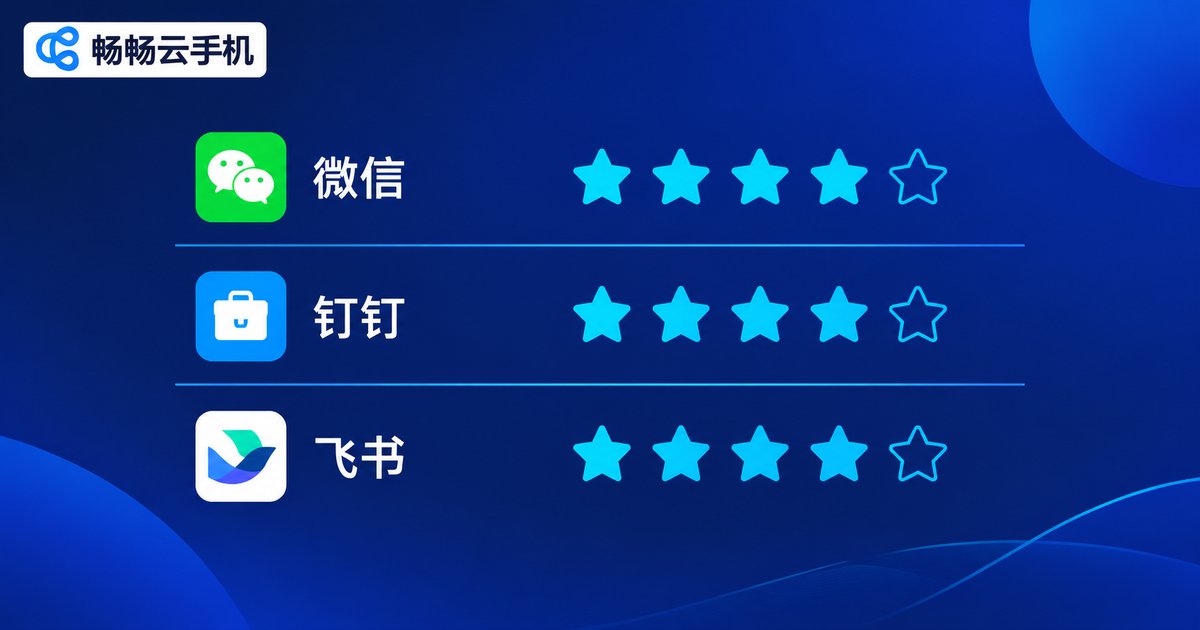
Compatibility Scorecard at a Glance
| Test Item | DingTalk | Feishu | |
|---|---|---|---|
| Login stability | ★★★★★ | ★★★★★ | ★★★★★ |
| Messaging and push | ★★★★★ | ★★★★★ | ★★★★☆ |
| Voice calls | ★★★★★ | ★★★★★ | ★★★★☆ |
| Video meetings | ★★★★☆ | ★★★★☆ | ★★★★☆ |
| File transfer | ★★★★★ | ★★★★★ | ★★★★★ |
| Background keep-alive | ★★★★★ | ★★★★★ | ★★★★☆ |
| Multi-account support | ★★★★★ | ★★★★★ | ★★★★☆ |
Overall, WeChat, DingTalk, and Feishu have all reached everyday-usability on a cloud phone; for high-frequency actions like messaging, approvals, and document editing, the gap with a physical phone is tiny.
Common Compatibility Issues and Fixes
Delayed notifications: enable background-running and auto-start permissions for the app in cloud phone settings and add it to the keep-alive whitelist; camera or microphone issues: complete authorization inside the cloud phone on first use — cloud devices handle audio and video capture too; laggy display: check your local network first, or switch to smooth-streaming mode in display settings; app will not install: stick to official release packages and avoid installation files from unknown sources.
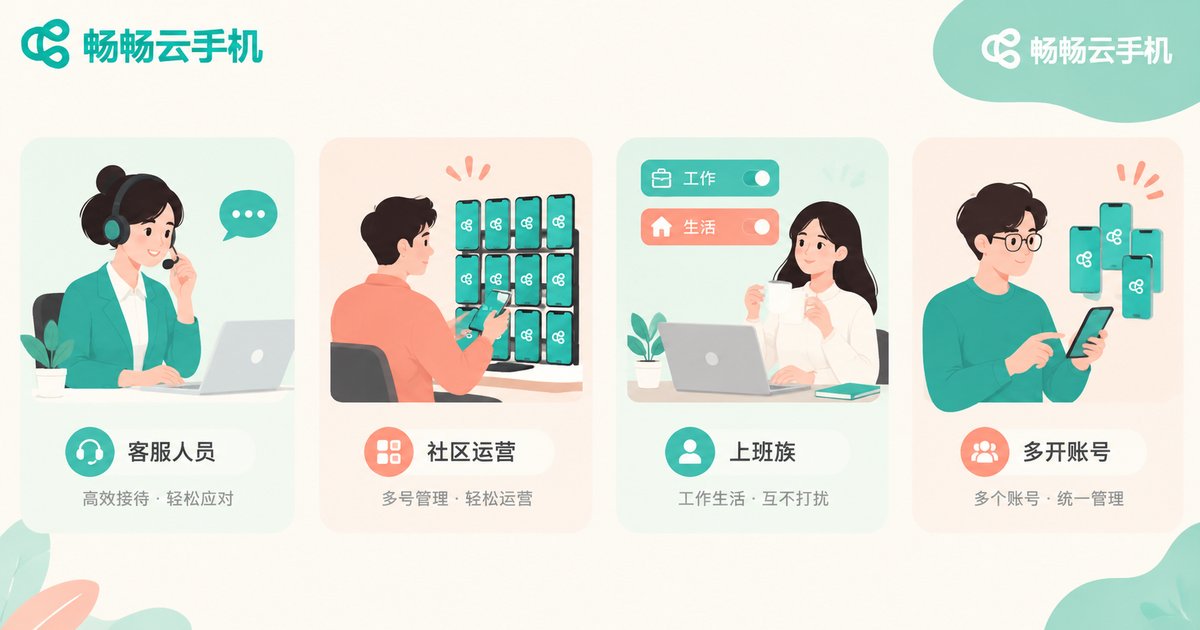
Who Should Run Social and Office Apps on a Cloud Phone?
If you are a cross-border e-commerce agent, community operator, or multi-account manager — or simply want to separate work and personal life completely — a cloud phone fits perfectly. Independent environments per account, around-the-clock online status, and cloud storage that never fills your local device deliver more real-world value than any spec sheet.
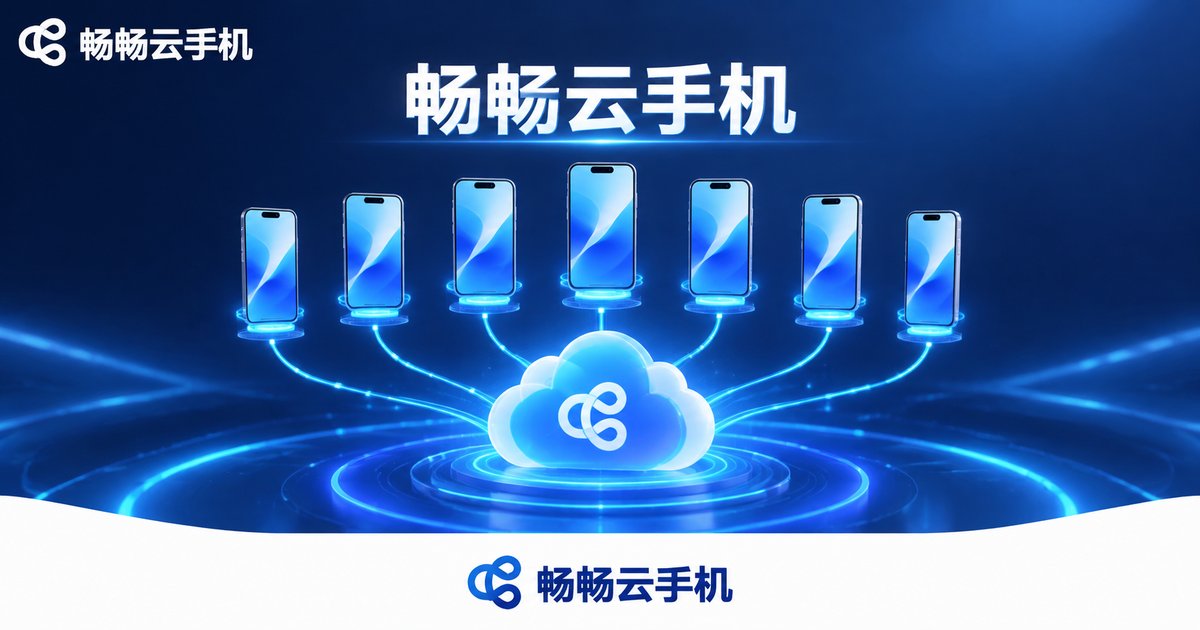
Take CCloudPhone as an example: it provides a cloud Android environment where apps stay online around the clock in the data center, so switching off your local phone does not affect message delivery. Multiple cloud phones can be managed in one place, and data inside a cloud phone survives device switches. When choosing a cloud phone, focus on three things: whether it offers a real-device-grade Android environment (which decides app compatibility), network quality and data center routes (which decide call and meeting experience), and background keep-alive capability (which decides whether notifications arrive on time). Based on this test, CCloudPhone handles all three well for daily WeChat, DingTalk, and Feishu use.
FAQ
Q: Is it safe to log into WeChat on a cloud phone?
Yes — logging in inside the isolated cloud environment of a reputable provider is safe, and account data stays separated. Complete sensitive operations such as payments on your everyday device; everyday chatting on a cloud phone is fine.
Q: How many WeChat accounts can one cloud phone run?
One cloud phone is one independent Android system, so one WeChat account per phone is the most stable. For multiple accounts, provision several cloud phones — one account each, fully isolated.
Q: Is DingTalk attendance check-in accurate on a cloud phone?
Yes, check-in works with normal positioning — grant location permission inside the cloud phone on first use, and always follow your company's attendance policy.
Q: Will Feishu lag on a cloud phone?
Feishu is demanding. Choose a configuration with more memory and keep the network stable, and daily document collaboration and meetings run smoothly.
Q: Can a cloud phone receive messages while my local phone is off?
Yes. Cloud phones run in data centers and stay online around the clock; your local device being off does not affect message reception, and you can catch up by logging in from any device.


