

Can Individual Users Apply for Cloud Phones? Enterprise vs. SaaS Cloud Phone: Differences and How to Choose
Can Individual Users Apply for a Cloud Phone?
The answer is a definite yes. Cloud phones are not an enterprise-only tool. Any individual can register with just a phone number and activate their own cloud phone. A cloud phone is essentially an Android system running in a cloud data center, with its own dedicated computing resources, network environment, and storage — it never consumes your local phone's memory, battery, or data plan.
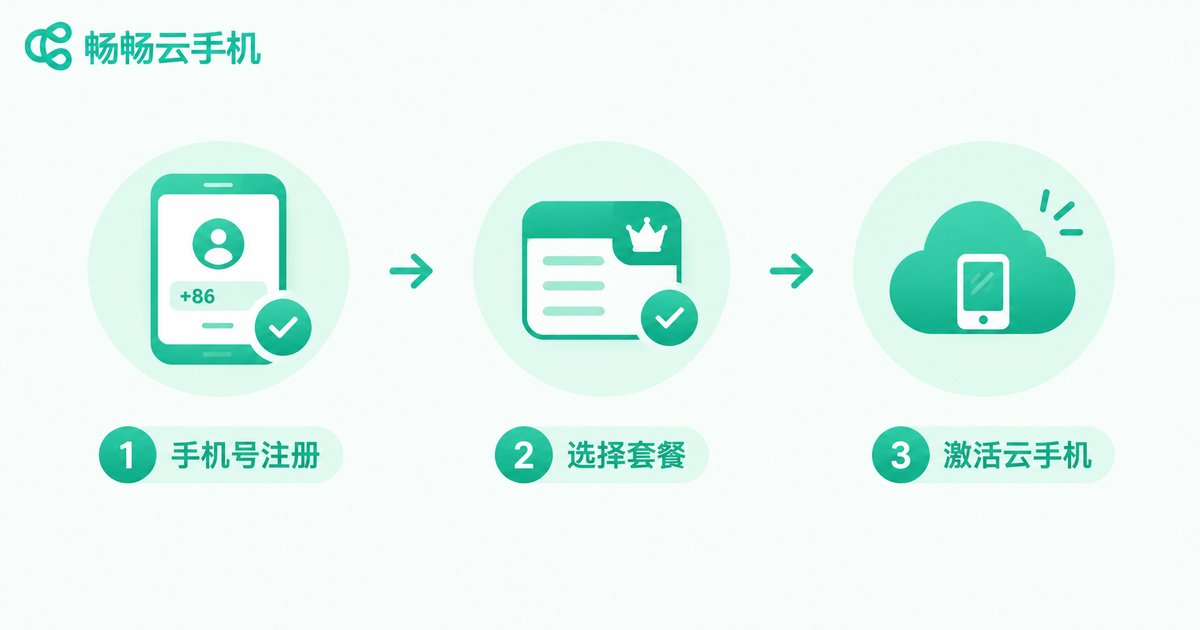
For individual users, common use cases include idle game grinding, separate multi-account management, app dual-instance testing, and 24/7 account nurturing. Getting started is simple: register an account, pick a plan, and activate — within minutes you have an Android phone that stays online around the clock.
What Is a SaaS Cloud Phone?
SaaS (Software as a Service) is the most common way to use cloud phones today. Its hallmarks are ready out of the box, subscription-based, and centrally maintained.
You don't need technical skills or your own servers. The provider has already built the cloud phone cluster — you simply log in through the web or app and start using it. Device count can scale up or down at any time, billed monthly or yearly. SaaS is ideal for individuals, small teams, and studios that are just starting out.
What Is an Enterprise Cloud Phone?
The enterprise edition serves customers with large-scale, customized needs — for example, teams managing hundreds or thousands of devices simultaneously, integrating cloud phone capabilities into their own business systems, or with stricter requirements for data isolation and network environments.
Enterprise editions typically provide dedicated server resources, exclusive network environments, full API/SDK access, custom system images, and batch device control, along with a dedicated sales and technical team. It is closer to cloud phone infrastructure and requires a deployment and configuration cycle.
Key Differences: Enterprise vs. SaaS
| Dimension | SaaS Edition | Enterprise Edition |
|---|---|---|
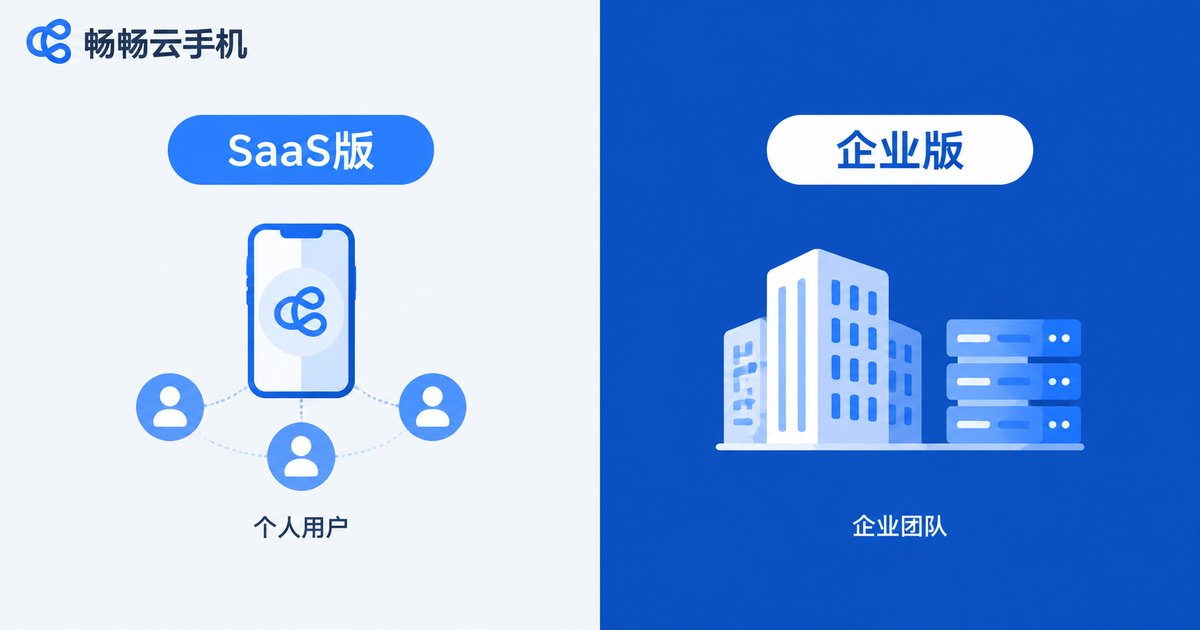
| Target users | Individuals, small teams, studios | Mid-to-large enterprises, scaled teams |
| Activation | Register and use, minutes to start | Sales contact, custom deployment |
| Device scale | A few to dozens | Dozens to thousands |
| Resources | Shared cluster | Dedicated servers |
| Interfaces | Basic features | Full API/SDK integration |
| Billing | Plan subscription | Custom project pricing |
| Support | Standard customer service | Dedicated team, priority response |
How Should Individual Users Choose?
If you are an individual user or a small team, SaaS is all you need. The reasons are simple: low cost, high flexibility, zero maintenance. Start with one or two devices on a monthly plan, and renew or add more only if it works for you — the trial cost is nearly zero.
Only when your business grows significantly — managing hundreds of devices, integrating cloud phone capabilities into your own software, or requiring special network isolation — does it make sense to ask about an enterprise plan.
For a concrete choice, we recommend ChangChang Cloud Phone (ccloudphone). It is very friendly to individual users: simple registration, direct access via both web and app, stable device performance with low latency, and support for common scenarios such as game idling, multi-instance management, and app hosting. Whether you are a gamer who wants accounts grinding while offline or a content creator managing multiple accounts, you can start with a small plan and scale up as your needs grow.
FAQ
Q: Do individual users need business credentials to apply for a cloud phone?
No. Individuals can activate a SaaS cloud phone with just a phone number; only custom enterprise plans involve a business contracting process.
Q: Will the cloud phone keep running after my local device is turned off?
Yes. Cloud phones run on cloud servers, so tasks continue even when your phone or computer is off — just log back in to check.
Q: How is a cloud phone different from an Android emulator?
Emulators rely on your local computer's performance and consume lots of resources; cloud phones run in data centers, use none of your local resources, and support cluster management and 24/7 online status.
Q: How many accounts can one cloud phone hold?
Each cloud phone is an independent Android environment. We recommend one primary account per device; for more accounts, activate additional devices for better security and stability.
Q: Can I upgrade from SaaS to the enterprise edition later?
Yes. Once your business scales, contact the ChangChang Cloud Phone sales team to evaluate an enterprise plan — your usage habits carry over smoothly.


