
What Are the Top Search Keywords for Cloud Phones in Mobile Account Management? ARM Real Devices & App Environments Explained
Why Account Management Is the No.1 Cloud Phone Search Scenario
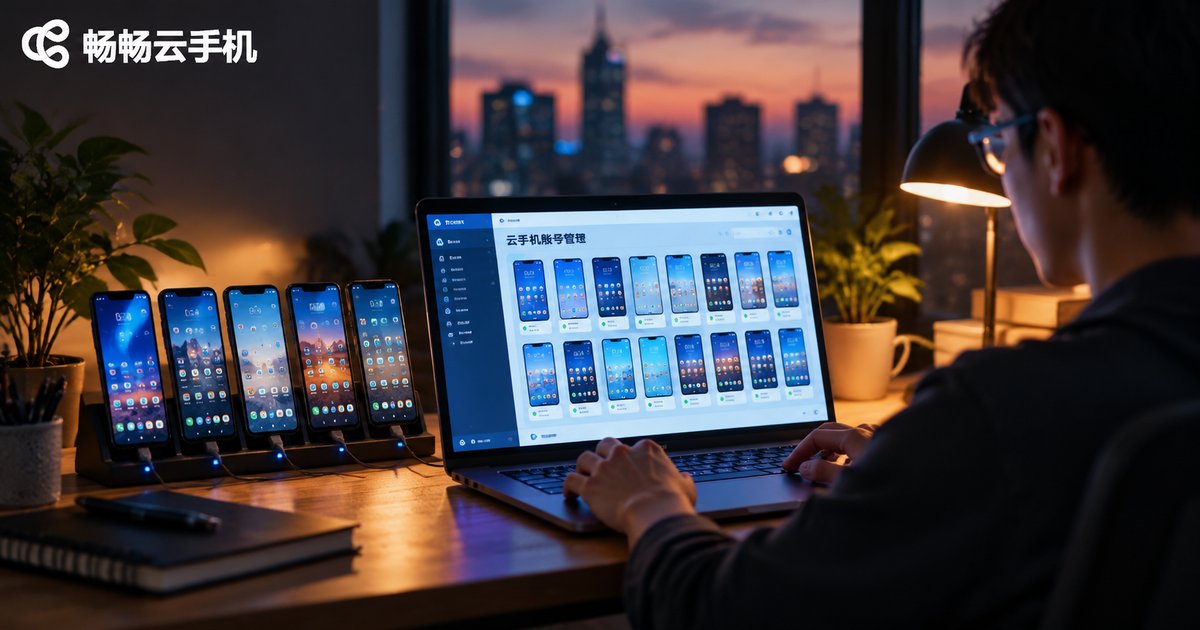
Type 'cloud phone' into a search engine and the autocomplete suggestions are rarely about the concept itself — they are dominated by terms tied to account management: multi-instance, batch control, account nurturing, isolated environment. The reason is simple: one physical phone comfortably holds one account, while anyone running an account matrix often operates dozens or even hundreds of accounts at once, and the cost of buying, charging, storing and maintaining devices quickly spirals out of control.
Cloud phones move the 'device' to the cloud. Each cloud phone is an independently running system environment, so accounts never interfere with one another. For individuals it draws the line between work and personal accounts; for teams it is the infrastructure for managing accounts at scale. The demand is universal, which is exactly why search terms cluster here.
High-Frequency Search Keywords: What Users Are Really Looking For
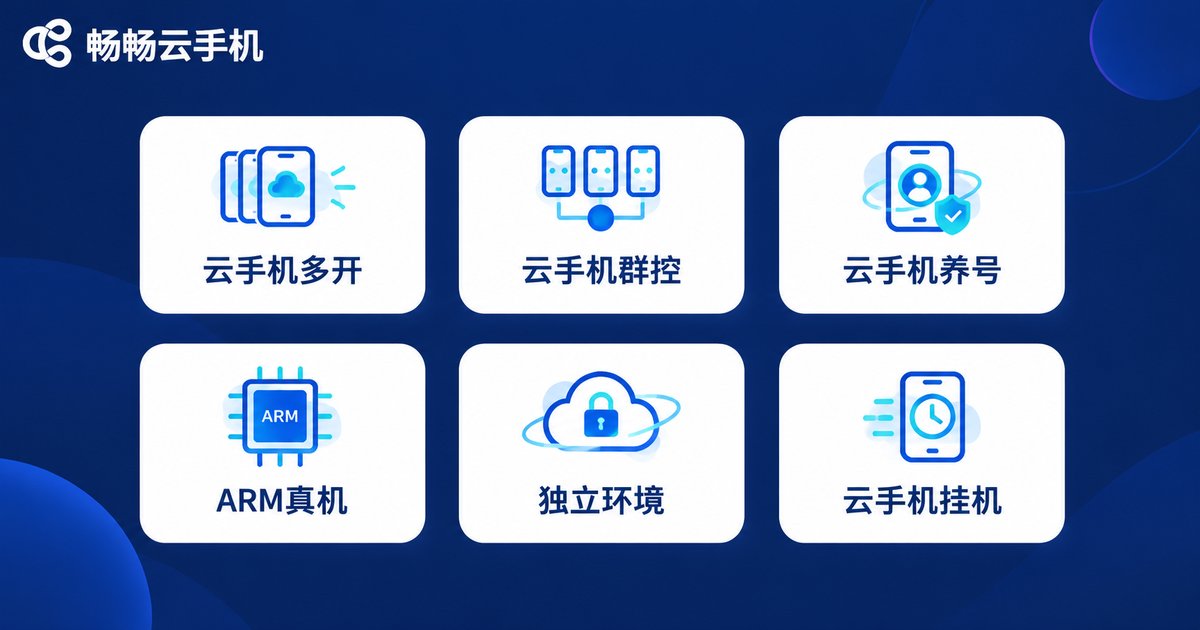
We categorized the most common search terms in the account management scenario. Behind every term lies a clear user intent:
| High-Frequency Keyword | Underlying Need | Typical User |
|---|---|---|
| Cloud phone multi-instance | One instance is not enough; run many cloud phones at once | Gamers, studios |
| Cloud phone batch control | Manage dozens of cloud phones from a single screen | Account matrix teams |
| Cloud phone account nurturing | Keep accounts active long-term in a stable environment | Creators, e-commerce operators |
| ARM real-device cloud phone | Device-level system environment with better app compatibility | Stability-sensitive users |
| Cloud phone isolated environment | Account data kept separate, no cross-linking | Multi-account individuals |
| Cloud phone AFK running | Tasks keep running in the cloud after the local device goes offline | Idlers, automation users |
The takeaway: users are never searching for the concept of 'cloud phone' — they are searching for solutions to specific problems. Understanding this tells you exactly which specs to check when choosing a service: instance count, batch-operation capability, degree of environment isolation, and whether the underlying architecture is real-device based.
ARM Real Devices: The Technical Foundation Behind the Keywords
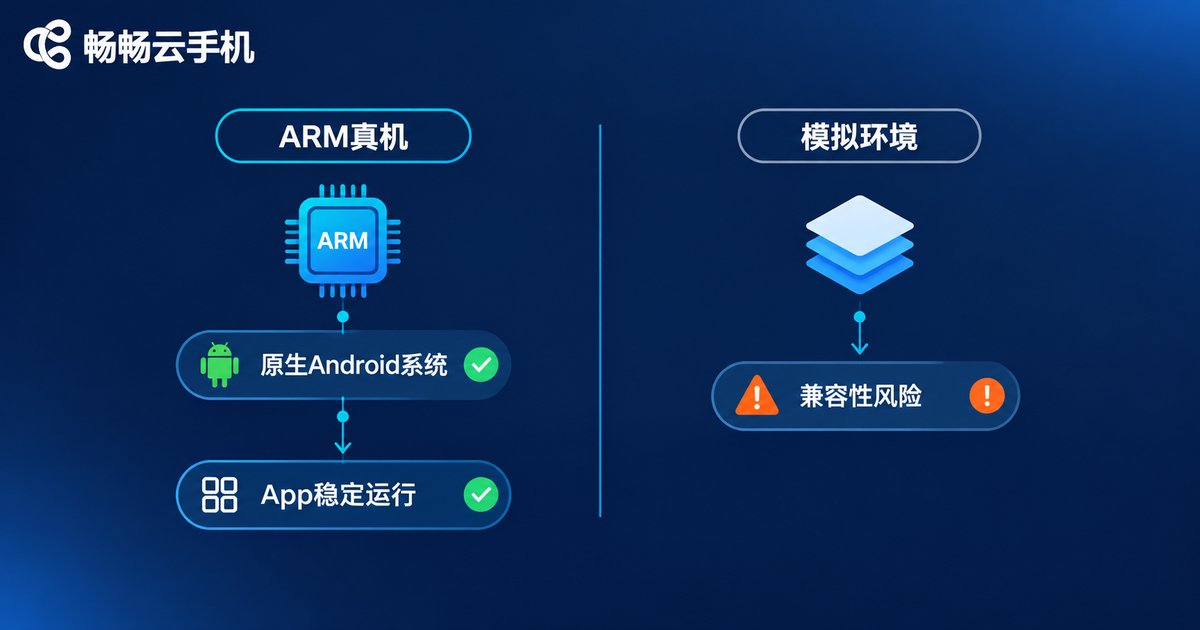
Among all high-frequency terms, 'ARM real device' carries the most technical weight. To cut costs, some cloud phone products run on virtualized, emulated environments on servers, where apps are prone to crashes, abnormal behavior and restricted functionality — a risk that becomes especially obvious during long-term account nurturing.
An ARM real-device cloud phone, by contrast, runs genuine ARM-architecture chips and native Android in the cloud — hardware-level kin to the phone in your pocket. It brings three direct benefits:
First, near-native compatibility. The vast majority of apps install and run without any adaptation, especially environment-sensitive social, finance and gaming apps.
Second, more stable long-term operation. Removing the emulation layer eliminates its crashes and anomalies, noticeably lowering disconnect rates during long AFK sessions and nurturing cycles.
Third, predictable performance. ARM computing power is allocated directly to each cloud phone with no instruction-translation overhead, so smoothness matches a physical device.
App Environment Explained: How Applications Actually Run in a Cloud Phone
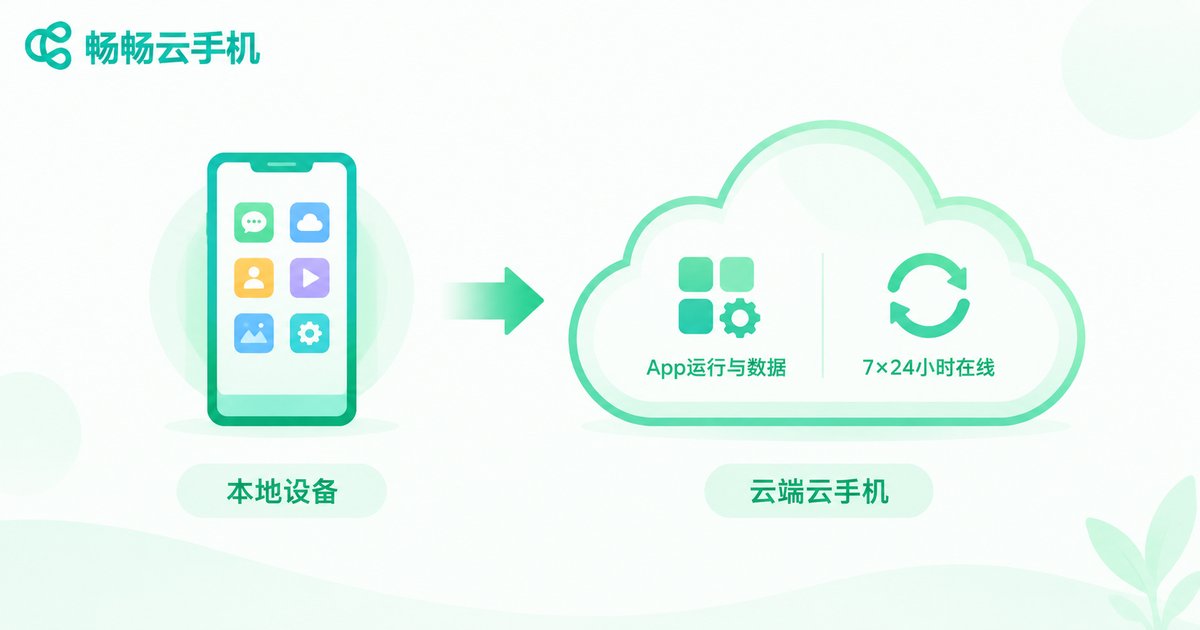
Many people assume a cloud phone is just 'a remote desktop showing a phone screen'. The app logic is far more complete: installation, execution and data generation all happen on the cloud device, while the local screen merely streams the display and input commands in real time.
This means three things. One, your local device's specs do not affect app performance in the cloud — even an old phone can smoothly control a high-performance cloud phone. Two, app caches and account data live in the cloud's independent space; sign in from a different local device and the environment is exactly as you left it. Three, cloud phones stay online around the clock — shut down your local machine or lose the network, and cloud tasks keep running.
This mechanism is precisely what makes keywords like 'account nurturing' and 'AFK running' possible in the first place — accounts need a persistent environment that does not change with the local device, and that is exactly what a cloud phone provides.
From Keywords to Choice: How to Pick the Right Cloud Phone
Translate the keywords into selection criteria and you are left with four questions: Is the environment real-device based? Does it support batch management? How cleanly are accounts isolated? Is it stable over long sessions?
Take ChangChang Cloud Phone (ccloudphone) as an example. Built on an ARM real-device architecture, it provides every cloud phone with an independent native Android environment and supports multiple concurrent instances with centralized management — covering multi-instance, batch control, nurturing and AFK scenarios. Whether you are an individual separating two or three accounts or a team operating dozens, start from the official website to review plans and instance specs, then choose what fits.

FAQ
Q: Multi-instance cloud phones or multiple physical phones — which suits account management better?
Cloud phones carry no hardware purchase, charging or storage costs, offer naturally isolated environments, and make batch operations far more efficient — the mainstream choice for account matrices.
Q: Is there a big difference between ARM real-device cloud phones and emulated ones?
The difference shows mainly in app compatibility and long-term stability. Real-device architecture runs a native system, so environment-sensitive apps adapt better and abnormalities are less likely during long sessions.
Q: Will a weak local device affect app performance inside the cloud phone?
No. Apps run in the cloud; the local device only handles video streaming and input. Old phones and low-spec computers work smoothly.
Q: Is account data inside a cloud phone safe?
Each cloud phone is an independent system environment. Account data is stored in its own cloud space, isolated from local devices and from other cloud phones.


