
How to Spot Fake Cloud Phone Specs: Performance Metrics to Verify Before You Buy
Why Cloud Phone Specs Are So Easy to Fudge
With a physical phone, you can hold it, benchmark it, and spot fake specs quickly. A cloud phone, however, runs in a remote data center — you never see the actual hardware, and the vendor's word is all you get. This information gap gives some providers room to maneuver: shared compute sold as 'dedicated flagship cores,' compressed video marketed as '2K ultra HD,' throttled multi-instance limits dressed up as 'unlimited multi-opening.' By the time you have paid and started running your workload, lag, disconnects, and crashes have already arrived. So the first lesson in buying a cloud phone is not comparing prices — it is learning to spot inflated specs.
The Five Most Common False Advertising Tricks
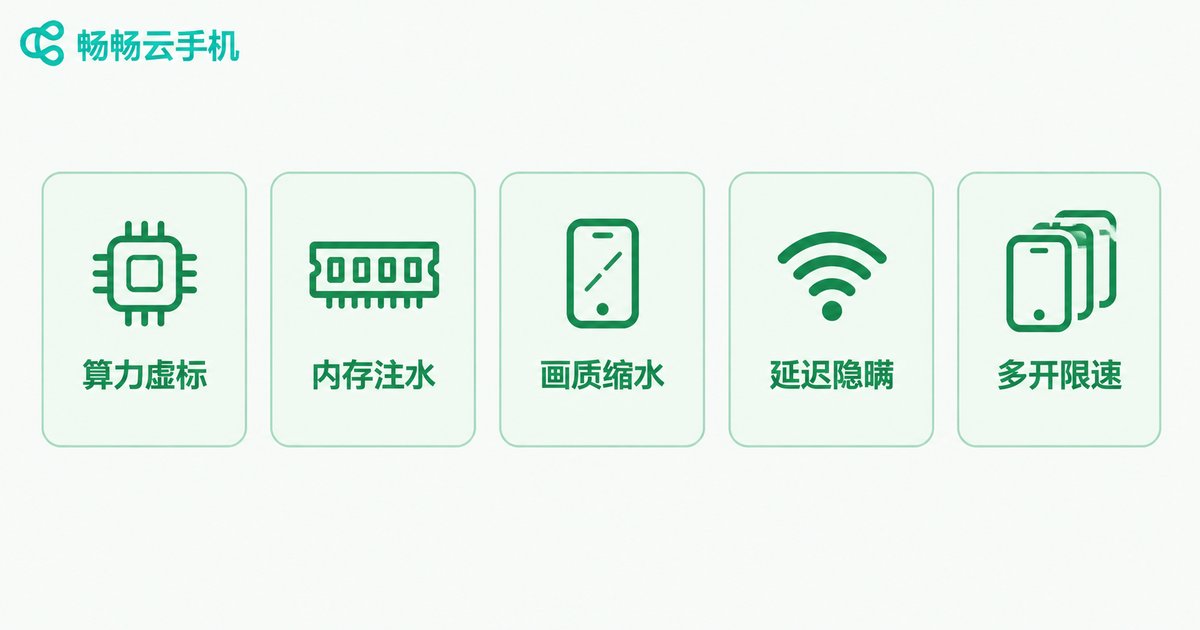
Based on widespread user experience, inflated claims in cloud phone marketing cluster around five areas:
1. Inflated compute. The page says '8-core flagship CPU' but never clarifies whether the cores are dedicated or shared. Many budget plans actually let many users share one physical machine — at peak hours you may get less than half the promised compute.
2. Watered-down memory. '8GB RAM' on paper may be a shared memory pool; open two or three apps and you hit out-of-memory warnings, with background apps killed constantly.
3. Resolution sleight of hand. '2K ultra-clear' may refer only to server-side rendering; after video encoding and transmission, what reaches your screen can look like 720P. 'Full 60 FPS' often holds only at idle — start your workload and it drops below 30.
4. Misleading latency claims. Vendors advertise huge data center bandwidth but say nothing about real-world latency from your region. Cross-region access often means doubled latency and heavy packet loss.
5. The 'unlimited multi-open' word game. The instance count is indeed uncapped — but each instance is configured so weakly that the more you open, the worse it runs. The number you can stably keep online is far below the marketing.
Six Performance Metrics to Verify Before Buying
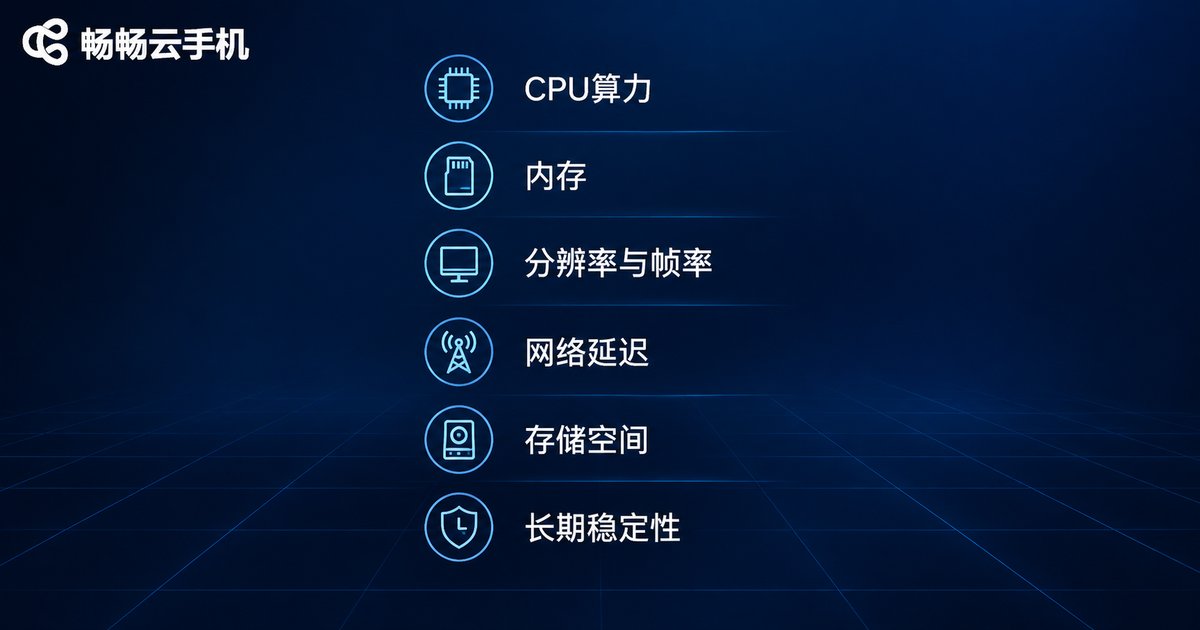
The table below pairs common marketing claims with what they actually mean and how to verify each one. Run through it before you commit:
| Metric | Typical Claim | The Reality | How to Verify |
|---|---|---|---|
| CPU compute | 8-core flagship processor | May be shared cores | Run a benchmark app and compare with scores from a real phone of the same tier |
| Memory | 8GB RAM | May be a shared pool | Open multiple apps at once and watch background-app survival |
| Resolution / frame rate | 2K ultra HD, full frame rate | Encoding and transmission degrade both | Play full-screen motion-heavy content and judge real clarity and smoothness |
| Network latency | Gigabit data center | Not the same as your actual latency | Ping the server from your location; check latency and packet loss |
| Storage | 64GB massive storage | System files eat much of it | Check actual free space against your app needs |
| Stability | 99.9% uptime | Statistics may exclude maintenance windows | Run continuously for 3-7 days and log disconnects and restarts |
A Three-Step Field Test That Exposes Fake Specs
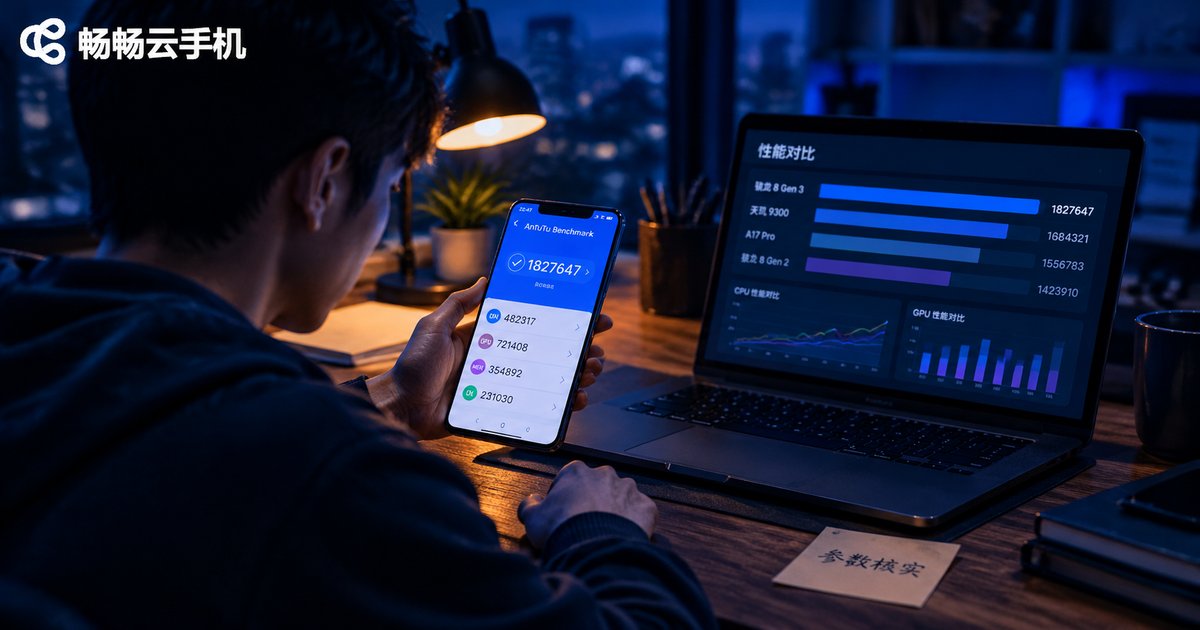
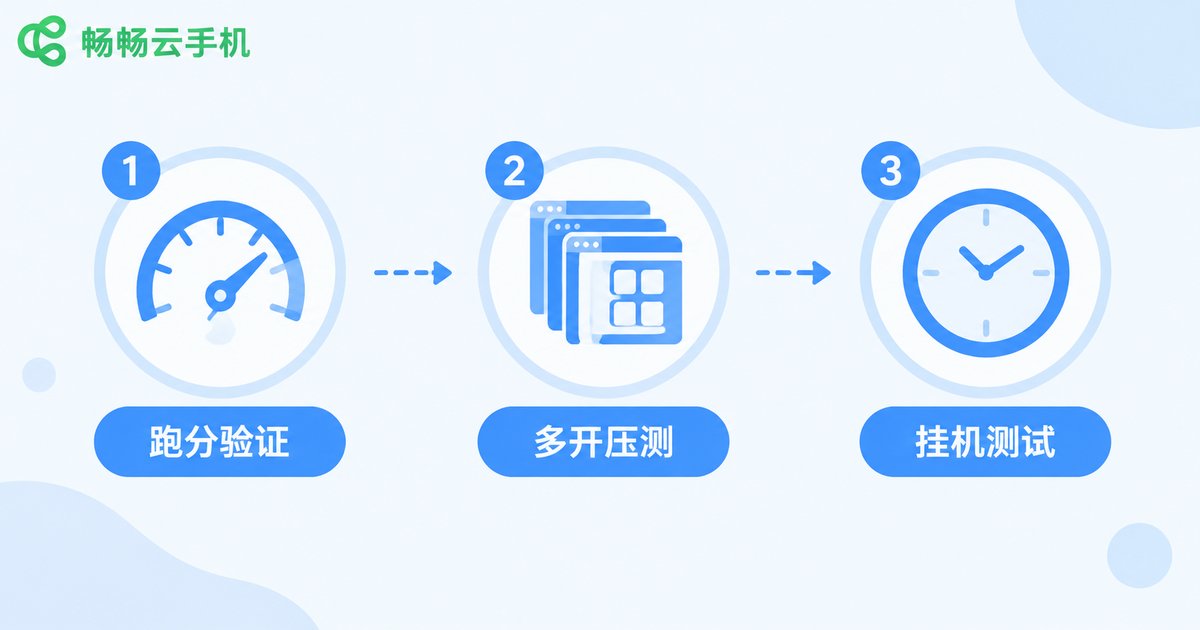
Step 1: Benchmark it. Install a mainstream benchmark app inside the cloud phone and record the CPU and memory scores. If it is sold as 'flagship' but scores like an entry-level phone, the compute has almost certainly been diluted.
Step 2: Stress the multi-open limits. Launch the exact number of instances your workload needs and keep them running for at least two hours. Watch for frame-rate collapses, app crashes, and input lag — that is the true multi-instance capability.
Step 3: The soak test. Keep the cloud phone running unattended for three days or more, logging disconnects, forced restarts, and background-app survival. Stability cannot be faked — time will tell.
What an Honest Cloud Phone Service Looks Like
A trustworthy provider states clearly whether resources are dedicated or shared, the exact per-instance configuration, and where the servers are located — and lets you try before you commit. CCloudPhone (ccloudphone), for example, offers cloud-based Android phones with multi-instance and batch-control features suited to game idling and studio-scale operations. Check the official website for current device specs and plan details, pilot on a small scale, test the parameters against your own workload, and only then scale up — that beats any marketing page.

FAQ
Q: Which advertised cloud phone specs are most often faked?
Compute, memory, and latency. Because customers cannot see the cloud hardware, vendors can dilute performance through sharing and throttling while still printing high-end numbers on the sales page.
Q: Does a high benchmark score guarantee good performance?
Not necessarily. A benchmark is a single-moment snapshot, and some platforms optimize specifically for benchmark apps. Combine it with multi-instance stress tests and long soak tests to judge sustained performance.
Q: Is a free trial instance the same as the paid version?
Not always. Some providers give trial users different hardware than paying customers get. Confirm that the trial instance's configuration matches the plan you intend to buy.
Q: Why is the same cloud phone fast at noon but laggy at night?
That is the classic symptom of shared compute. At peak hours more users split the same physical resources, so each instance gets less. If stability matters to you, prefer dedicated-resource plans.
Q: Which metric should I verify first?
Whichever matters most to your workload: frame-rate stability and disconnect rate for game idling, memory and compute allocation for multi-instance operations, latency for real-time control. There is no universal spec — only specs that match your use case.


