
How to Quickly Understand Cloud Phone Basics: From ARM Virtualization to a Full Android System
What Is a Cloud Phone? Explained in One Sentence
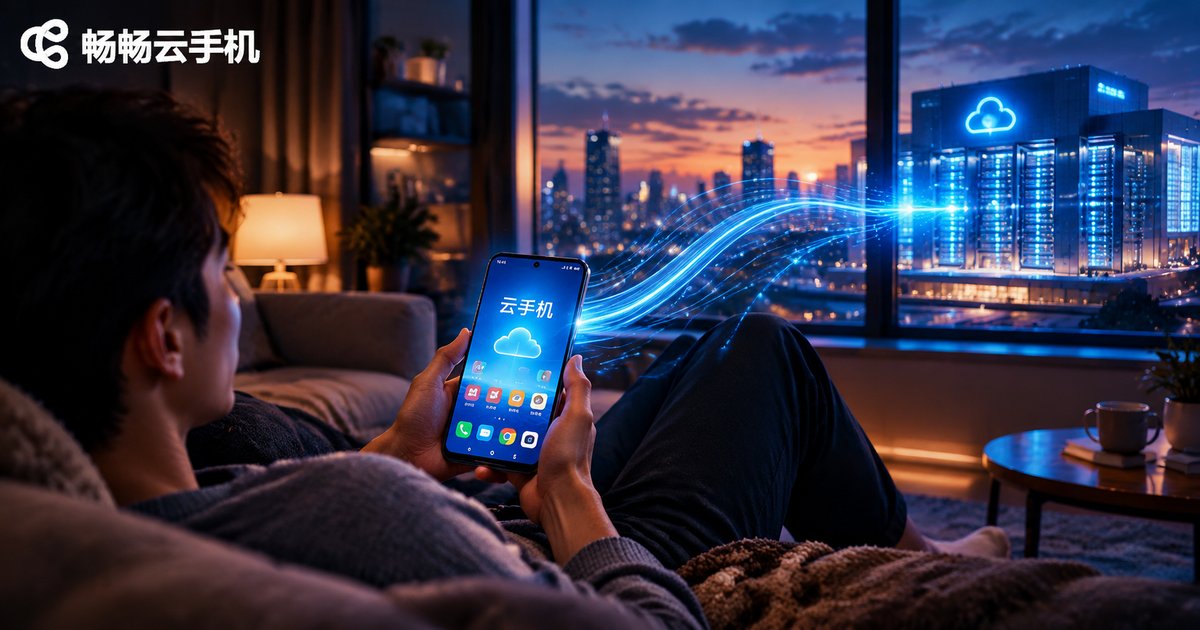
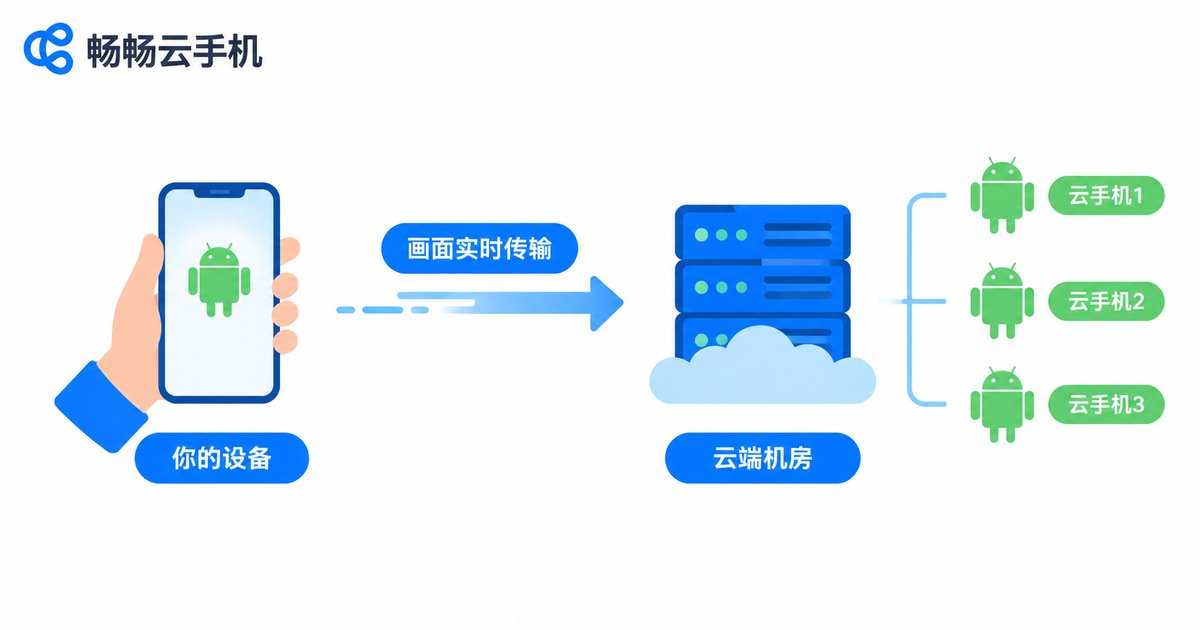
In one sentence: a cloud phone is a virtual Android phone running in a data center. It has no physical shell — you cannot see or touch it — yet it has its own dedicated CPU power, memory, and storage, running a complete Android system. Your own phone or computer only does two things: send your taps upward and stream the screen back down. All the real computing happens on ARM servers in the cloud.
Think of it as a fully furnished apartment you rent in the cloud: you move in with nothing, apps are furniture you bring in and out anytime, and your local device is simply the 'door' to that apartment. You can change doors freely without touching anything inside.
ARM Virtualization: The Foundation of Cloud Phones
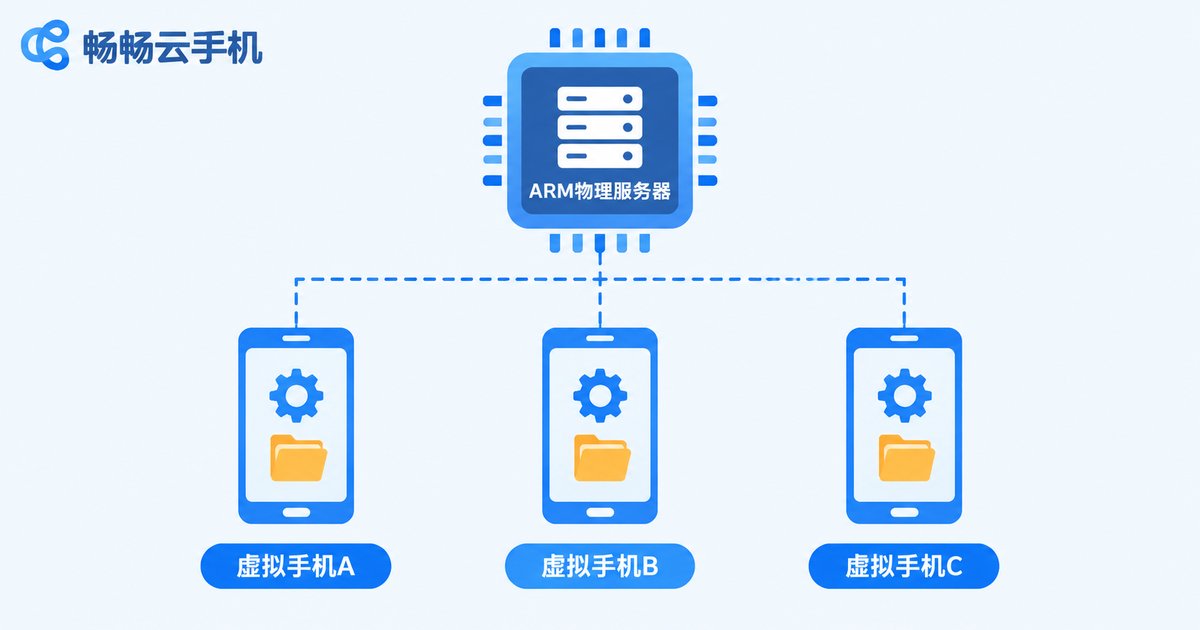
Why does 'ARM' matter? Because virtually all real phone chips use the ARM architecture, and Android was designed for ARM from the ground up. Cloud platforms deploy ARM-based servers in their data centers, then use virtualization technology to split one physical server's CPU, memory, and storage into many portions — each one an independent virtual phone with its own system environment, storage, and running state, fully isolated from its neighbors.
The technology doing this 'splitting' is called the virtualization layer. Picture a property manager dividing one building (the physical server) into many self-contained apartments (cloud phones). Each apartment has its own utilities (dedicated compute and memory), and every tenant (app) feels like the sole owner.
From Virtualization to a Full Android System
Virtualization only builds the empty rooms. To make them livable, a complete Android system must be deployed in three layers:
System layer: the Android OS is installed onto the virtual hardware so it 'believes' it is a real phone;
Framework layer: the Android application framework runs normally, letting apps use notifications, storage, graphics rendering, and other system capabilities just as they would on a real device;
Application layer: you install, log into, and run apps exactly as you would on a normal phone.
That is why a cloud phone is neither screen mirroring nor a remote desktop — it is a genuinely independent Android device running in the cloud. Apps run natively on the server, the screen is encoded and streamed to you in real time, and your taps and swipes travel back to the cloud for execution.
Cloud Phone vs. Real Phone vs. Emulator
These three are often confused, but they serve very different purposes:
| Aspect | Cloud Phone | Physical Phone | PC Emulator |
|---|---|---|---|
| Where it runs | Cloud data center | In your hand | On your computer |
| Local hardware needed | Any internet-connected device | Must buy a phone | Depends on PC specs |
| Cost of running many instances | Low, scale as needed | High, one device per account | Medium, consumes PC resources |
| 24/7 availability | Yes, always on in the cloud | Limited by battery and network | PC must stay powered on |
| System environment | Full Android (native ARM) | Full Android | Mostly translation layers, weaker compatibility |
What Can You Do with a Cloud Phone?
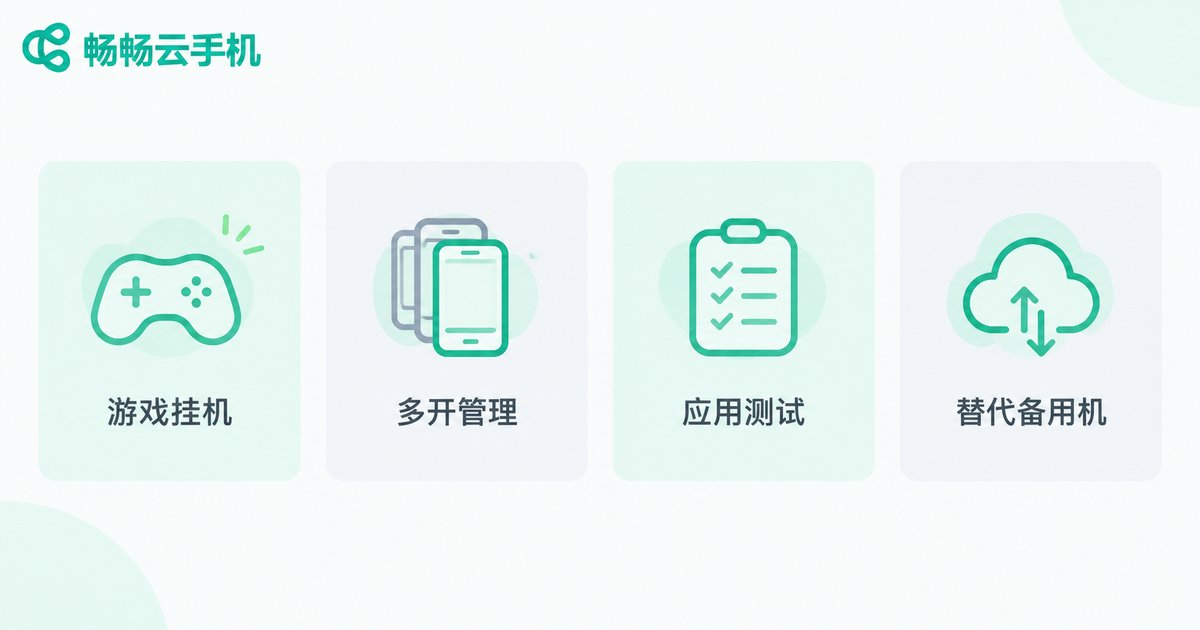
Once you understand the principle, the use cases become obvious — anything that needs an Android device to stay online for long hours is a great fit:
Gaming and multi-instance: let games run around the clock in the cloud while your local phone rests, with each account in its own isolated environment;
Multi-account operations: managing many accounts is easier when every cloud phone is a separate space, no pile of spare handsets required;
App trials and testing: try an app without installing it on your daily driver — just run it on a cloud phone;
Backup device: handle lightweight everyday app tasks directly in the cloud.
How Beginners Can Get Started Fast
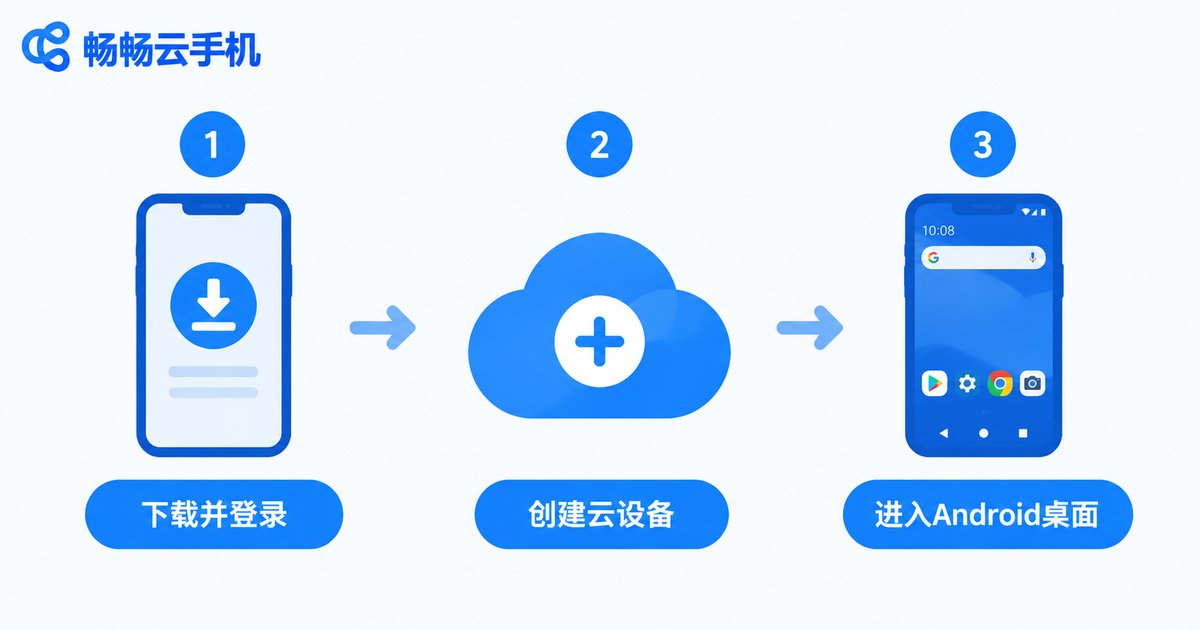
No technical skills required. Simply pick a mature cloud phone product, such as ChangChang Cloud Phone (ccloudphone): register an account, create your cloud device, and you land on a familiar Android home screen — installing apps, logging in, and daily use feel just like a normal phone. For supported device specs and plans, refer to the information published on its official channels.
Before starting, clarify your needs: how many accounts? which games? how many hours online? Comparing configurations against real needs beats staring at spec sheets.
FAQ
Q: Is a cloud phone just remotely controlling a real phone?
No. A cloud phone is an independent Android system created through virtualization and does not depend on any physical handset; remotely controlling a real phone is always limited by that device's battery and network.
Q: Is a cloud phone laggy?
Smoothness depends mainly on your network. On typical home broadband or 4G/5G, everyday use and most games run smoothly; when the network fluctuates, lower the streaming resolution in settings.
Q: Does it consume a lot of data?
Because the screen is streamed in real time, it does use data, and consumption scales with resolution and session length. Using Wi-Fi is recommended.
Q: Are my accounts and data safe?
Data lives in the cloud data center, separate from your local device — losing your phone does not affect cloud data. Just keep your credentials safe and follow platform rules.
Q: Can a cloud phone take a SIM card and make calls?
Cloud phones have no physical SIM slot; their strength is running apps and cloud-based management. Calls and SMS tied to a physical SIM still need a real handset.


