

Which Device Scenarios Suit Cloud Phone Batch Control? Grouping Strategy by Unified Status and Unified Purpose
Why Does Batch Control Fall Apart as Your Fleet Grows?
Most teams start the same way: three to five cloud phones to validate the workflow, then scale to dozens — and suddenly the screen is a wall of devices. Commands go out with no idea which phones received them, and abnormal devices hide among healthy ones. The problem is not the batch control feature itself; it is the lack of a device grouping strategy. The ceiling of batch control efficiency is set not by the tool, but by how you organize your devices.
What Is Cloud Phone Batch Control?
Batch control means sending identical operations to many cloud phones from a single console: launching apps in one click, synchronized taps and swipes, bulk text input, unified app installs and uninstalls, batch screenshots, and more. Compared with physical device farms, cloud phones run on cloud servers — no local ports, cables, or hardware limits. Scale up by adding devices in the console, scale down by releasing them; far more elastic than a room full of cabled phones.
Six Device Scenarios Where Batch Control Shines
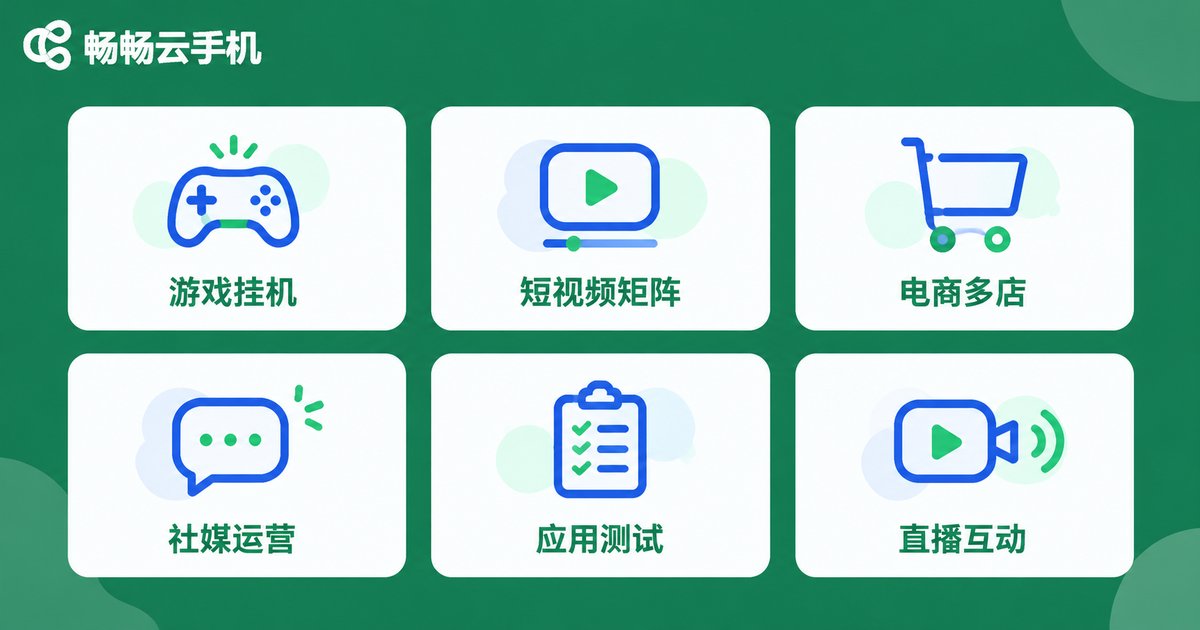
Not every business justifies batch control. The rule of thumb is simple: the more devices repeating the same operations, the greater the payoff. Six scenarios stand out:
1. Game multi-account farming: leveling alt accounts, daily quests, resource grinding — hundreds of accounts running the same task flow, the classic batch control use case.
2. Short-video matrices: unified publishing, commenting, and account warming across dozens of accounts — practically impossible by hand.
3. Multi-store e-commerce: customer service shifts, product listing and delisting, inventory sync across platforms, handled store by store with groups.
4. Social media operations: distributing the same content to many accounts with unified reply templates to keep every account active.
5. App testing and compatibility checks: batch installs of new builds and batch screenshot regression — far faster than tapping one by one.
6. Live-stream interaction: multiple devices entering the same stream with synchronized actions, where timing must match.
Dimension One: Unified Status Groups Keep Every Device on a Controllable Rhythm
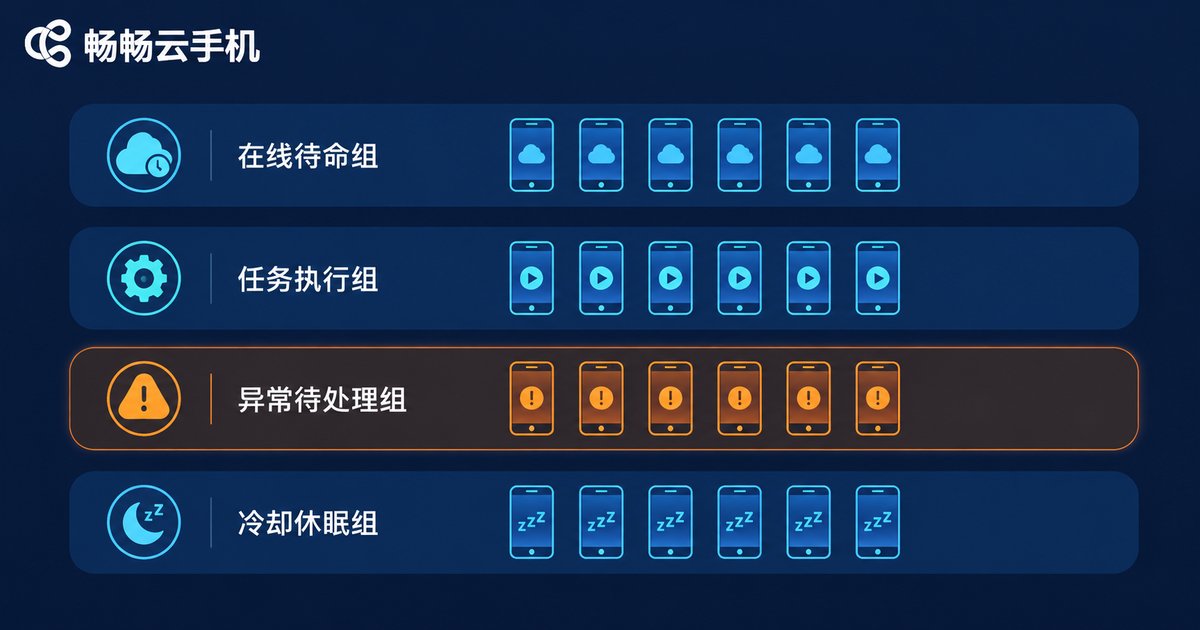
Status grouping answers one question: what is each device doing right now? Common status groups include:
Standby group: logged in and idle, ready for tasks;
Running group: executing scripts or batch commands — do not disturb;
Exception group: offline, frozen, or flagged for verification, needs human attention;
Cooldown group: just finished heavy tasks and is resting.
With status groups, commands go only to matching groups: launch commands to standby, stop commands to running — eliminating misfires at the source. Patrols shrink from hundreds of devices to just the exception group.
Dimension Two: Unified Purpose Groups Split the Fleet by Business Line
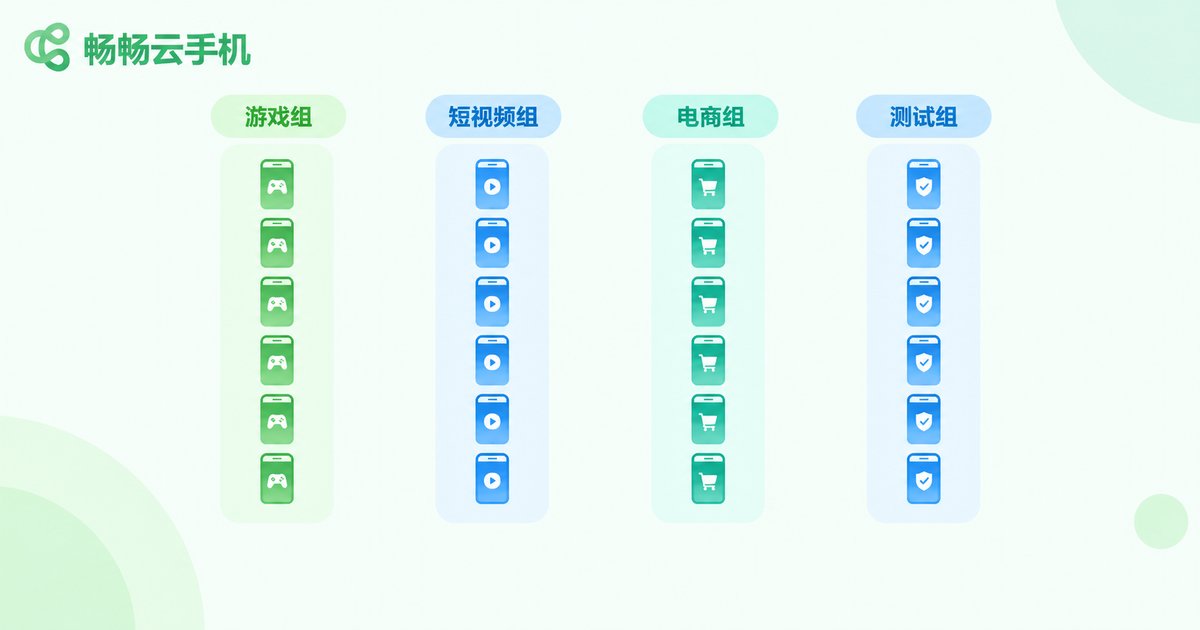
Purpose grouping answers another question: which business line does each device serve? Typical groups: gaming, short-video, e-commerce, testing. Each group carries its own app list, script rhythm, and operating rules, and devices inside a group only run that group's business.
The value is isolation: account environments, operation frequency, and app versions of different businesses never interfere, and a problem in one line does not spread to others. Handovers and reviews are cleaner too — export data by group, fully traceable.
How Do the Two Dimensions Work Together? One Table Says It All
| Item | Unified Status Groups | Unified Purpose Groups |
|---|---|---|
| Grouping basis | Current running state of the device | Business line the device serves |
| Typical names | Standby, Running, Exception, Cooldown | Gaming, Short-video, E-commerce, Testing |
| Problem solved | Misdirected commands, hard-to-find exceptions | Cross-business interference, environment pollution |
| Change frequency | High — devices flow between groups often | Low — stable once the business line is set |
| When to adopt | Above 30 devices | Above 10 devices |
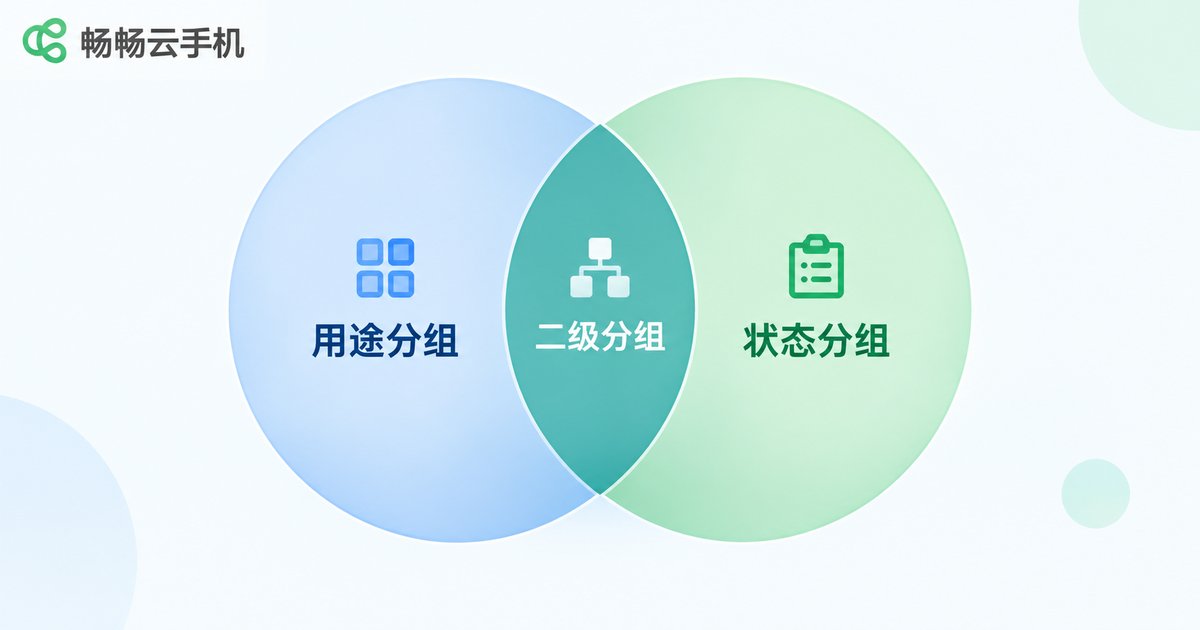
Recommended practice: purpose groups as the primary layer, status groups as the secondary layer. Fix device pools by business line first, then let devices flow through statuses inside each pool. Each dimension does its own job, and every batch command lands precisely.
Three Steps to Build Your Grouping System
Step 1, audit your business: list every business your devices run; one business line equals one purpose group; park uncertain ones in a spare group.
Step 2, define statuses: agree on unified status naming and transition rules with your team — for example, devices enter cooldown after tasks and return to standby after a clean inspection — so everyone speaks the same language.
Step 3, lock down the SOP: bind each group to a fixed command set and patrol schedule; who is on duty, when to inspect, how to escalate — all written down so a newcomer can follow along.
Implementing Batch Control with ccloudphone
A strategy is only as good as the tool that runs it. ccloudphone provides Android devices running in the cloud, online 24/7 with zero load on your local computer — a natural fit for batch control. In the ccloudphone console you can create device groups by purpose and refine them with status labels, putting the two-dimensional strategy to work immediately: watch only the exception group day to day, send group-wide launches and synchronized actions in one click, and scale by adding devices in the console — no extra hardware needed.
Whether you are starting with a handful of devices or already managing a fleet of hundreds, build the grouping system first, then scale — the lowest-cost, fastest-paying-off path.
FAQ
Q: Does batch control demand a powerful local computer?
No. Cloud phones run on cloud servers; any ordinary internet-connected computer can drive them. The compute load sits in the cloud — the core advantage over physical device farms.
Q: Does grouping slow down batch control?
No. Grouping is only a management layer; commands still go to a whole group in one click. With more precise targeting, rework and misfires drop, and overall efficiency rises.
Q: At what fleet size should I start grouping?
Rule of thumb: purpose groups above 10 devices, status groups layered on above 30. The larger the fleet, the greater the payoff.
Q: What batch operations does ccloudphone support?
ccloudphone supports common batch capabilities such as bulk app launching, synchronized control, and device group management. See the official ccloudphone website for the full feature list.


