
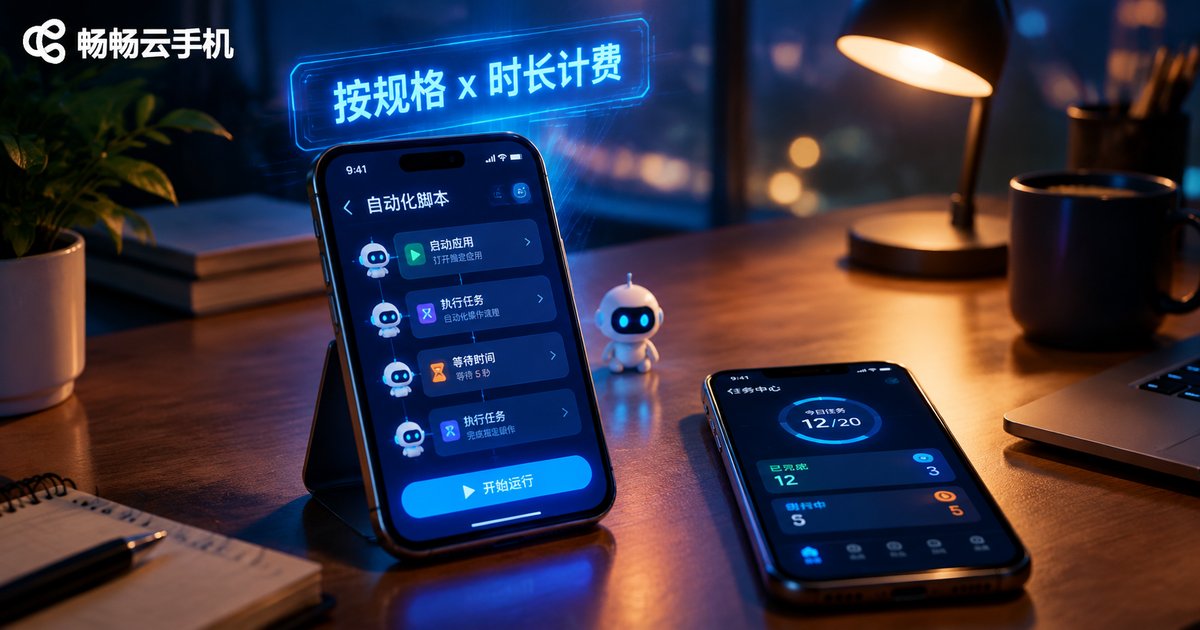
How Are Cloud Phone AI Automation Tasks Billed? A Guide to Instance Specs and Usage Duration Pricing
First, Understand What You Are Actually Paying For
More and more individuals and teams run AI automation tasks on cloud phones: game AFK farming, auto check-ins, bulk account management, scheduled posting, data collection... What these tasks share is 24/7 unattended operation. Since cloud phones charge by resource usage, failing to understand the billing logic can easily turn your automation project from a money saver into a cost black hole.
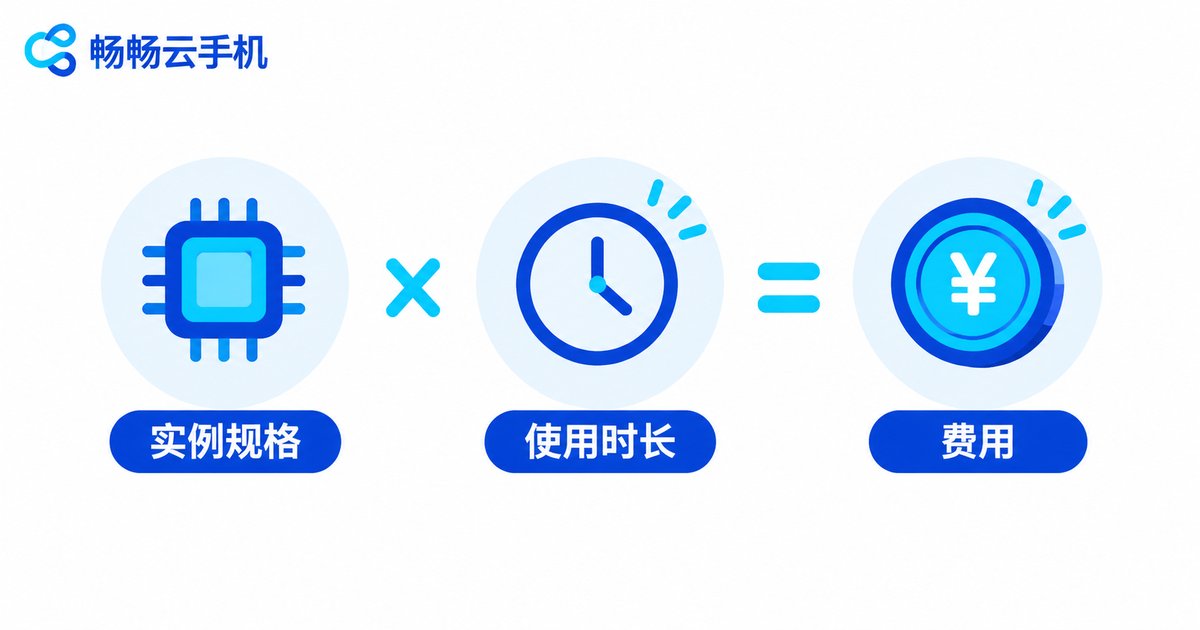
In one sentence: the cost of AI automation on a cloud phone = instance specification unit price × actual usage duration. Higher specs and longer runtime mean higher costs; choose the right specs and manage duration well, and you can keep costs to a minimum.
Billing Dimension 1: Instance Specs Set the Unit Price
Instance specifications are the hardware configuration of a cloud phone, mainly CPU cores, memory, resolution, storage, and network bandwidth. The higher the specs, the higher the hourly or monthly price per instance.
Different AI automation tasks have very different spec requirements:
| Task Type | Typical Scenarios | Spec Needs |
|---|---|---|
| Lightweight | Auto check-ins, message push, simple AFK | Basic specs suffice |
| Moderate | Game AFK, scheduled posting, multi-account management | Mid-range, with enough memory |
| Heavy | AI image processing, multi-instance control, high-frequency scripts | High-performance CPU + large memory |
Common mistake: many people pick the top configuration right away, assuming expensive means stable. In fact, check-in tasks run fine on basic specs, costing perhaps one-third of a high-spec instance or less. The right approach: trial run on a small spec, watch CPU and memory usage, then decide whether to upgrade.
Billing Dimension 2: Usage Duration Sets the Total
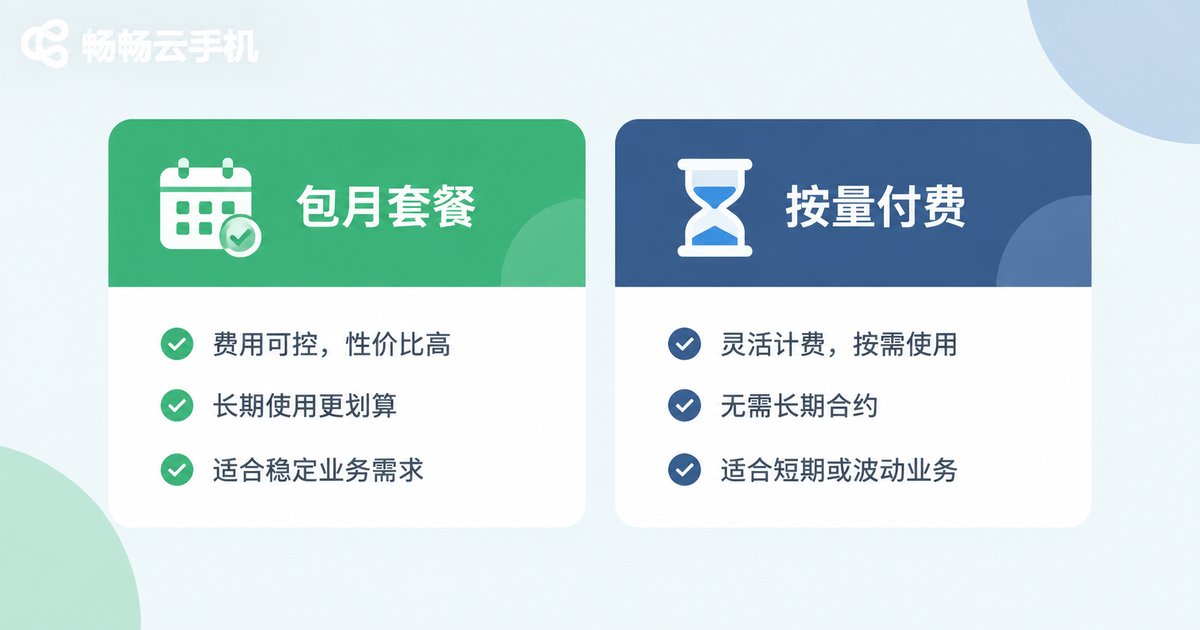
With identical specs, the longer you run, the more you pay. There are two mainstream duration-based billing modes:
| Billing Mode | Best For | Characteristics |
|---|---|---|
| Monthly / yearly plans | Long-term AFK, stable workloads | Lower effective unit price, ideal for non-stop operation |
| Pay-as-you-go (hourly) | Short-term tasks, temporary scaling | Flexible, pay only for the hours you use |
For example: if your automation task runs around the clock, a monthly plan is almost always cheaper than accumulating hourly fees; if you only run batch jobs a few times a month, pay-as-you-go wins—shut down when done and waste nothing.
Estimating AI Automation Costs in Three Steps
Step 1: Determine the specs your task needs. Run your script once and check CPU and memory usage. Long-term usage below 50% means you have headroom to downgrade; constant saturation means upgrade, or lag will undermine automation efficiency.
Step 2: Determine actual daily runtime. Online 24 hours, or only 8 hours a day? Note that some platforms stop billing when an instance is powered off, so scheduling sensible time windows can save real money.
Step 3: Unit price × duration × number of instances. Suppose a spec costs 1 yuan per hour and you run 5 instances for 12 hours a day—that is 60 yuan per day. If a monthly plan works out to less than 60 yuan per day, monthly is the better deal.
Five Practical Money-Saving Tips
1. Tier specs by task: low specs for check-ins and push, high specs only for heavy multi-instance workloads—avoid one-size-fits-all waste.
2. Shut down promptly when tasks finish: under pay-as-you-go billing, every idle hour is money burned.
3. Consolidate low-frequency tasks: run several small jobs on one instance in fixed time windows to cut total powered-on hours.
4. Switch to monthly once stable: long-running tasks on monthly or yearly plans usually cost far less per hour.
5. Review bills regularly: check each instance's spec and duration utilization monthly, and cut low-utilization instances without hesitation.
Running AI Automation with ChangChang Cloud Phone (ccloudphone)
Among cloud phone services, ChangChang Cloud Phone (ccloudphone) is friendly to AI automation users: it offers multiple instance specifications, with tiers for everything from lightweight AFK to heavy multi-instance workloads, and runs in the cloud around the clock—tasks keep going even when your local device is off or offline, a natural fit for unattended automation.
For exact pricing of each spec and plan duration, visit the official ChangChang Cloud Phone website (ccloudphone) for real-time details. New users should start with a small spec and a short cycle, verify task stability, then scale up to keep trial-and-error costs minimal.
FAQ
Q: Does a cloud phone keep billing after shutdown?
Under pay-as-you-go billing, charges generally stop when the instance is powered off (storage fees may be billed separately); monthly plans occupy a slot for the whole validity period. Check the provider's terms for specifics.
Q: Do AI automation tasks need the highest configuration?
No. Look at the task type first: lightweight jobs like check-ins and push run fine on basic specs; only high-load work such as multi-instance control or AI rendering needs top specs. Trial run first, then upgrade.
Q: How do I choose between hourly and monthly billing?
Quick method: convert the monthly price into a daily cost and compare it with your expected accumulated hourly fees. Choose monthly for round-the-clock operation, pay-as-you-go for occasional tasks.
Q: Can one cloud phone run multiple automation scripts at once?
Yes, within spec limits. More scripts mean higher CPU and memory usage and greater lag risk. Mid-range specs or above are recommended for multi-tasking, with at least 20% performance headroom.
Q: Will cloud tasks stop if my local computer shuts down?
No. The cloud phone runs on cloud servers; your local device is only a remote control. Local shutdown or disconnection does not interrupt cloud tasks—exactly why it suits unattended automation.


