
What Is a Cloud Phone Automation Execution Sandbox? How Cloud Task Execution Keeps Data in the Cloud
What Is a Cloud Phone Automation Execution Sandbox?
In simple terms, a cloud phone automation execution sandbox is an isolated environment running on cloud servers. Your automation jobs — batch check-ins, scheduled posting, multi-account daily operations — do not run on your own phone or computer. They run inside a “virtual phone” hosted in the cloud.
This virtual phone has its own system environment, its own storage, and its own running identity. While a task executes inside the sandbox, it is isolated from the outside world: it neither interferes with the host cloud environment nor exposes intermediate data to your local device. The whole process is like sealing a task inside a box, letting it run, and handing back only the result.
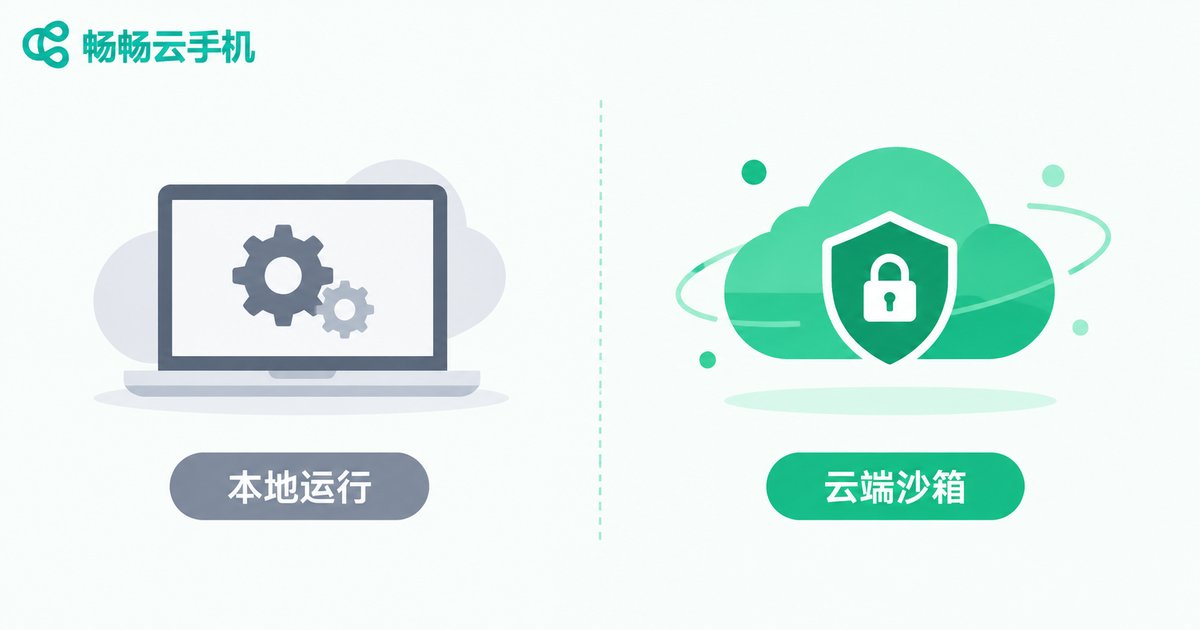
This is one of the biggest differences between cloud phones and local emulators or traditional device-control tools: emulators depend on local hardware, while cloud phone tasks execute entirely inside a data center. Your phone or computer is nothing more than a remote control and a display.
Data Stays in the Cloud: The Complete Lifecycle of a Cloud Task
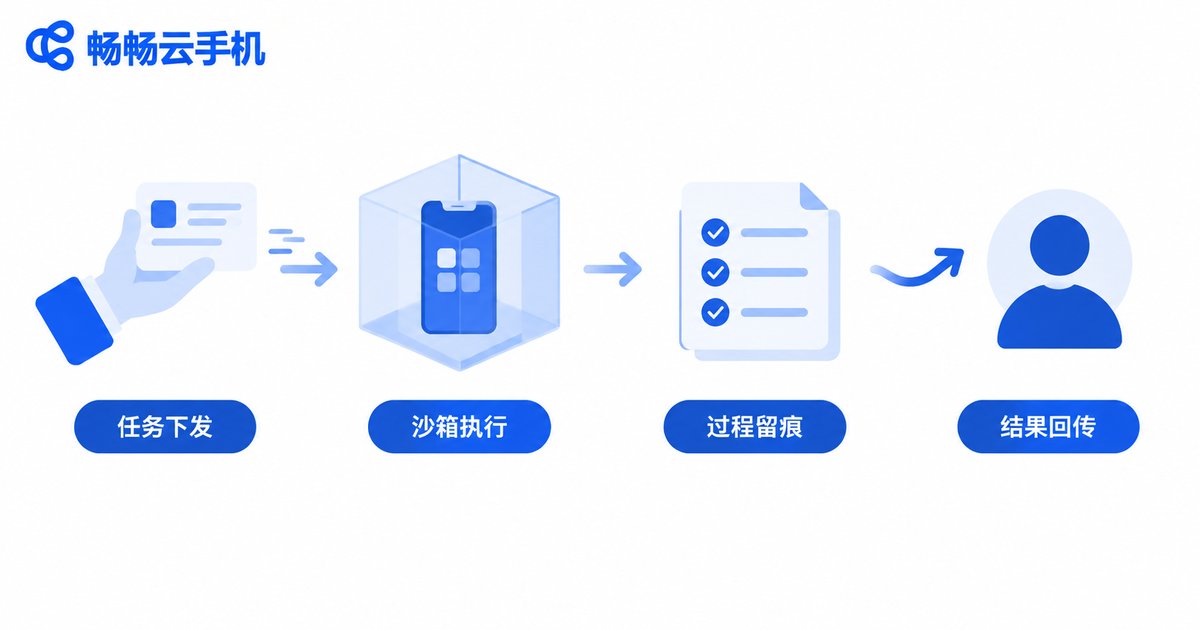
Take a typical automation job as an example. The full lifecycle can be broken down into four steps:
Step 1: Task dispatch. You set up the actions and schedule in the console — open an app, complete a check-in, take a screenshot at a given time. The instructions are pushed to your cloud instance, not to your phone.
Step 2: Sandboxed execution. The cloud phone runs the app inside the isolated environment according to the rules. Every tap, swipe, and input happens inside the cloud instance; to the app, it is just an ordinary phone.
Step 3: Process logging. Execution logs, screenshots, and other process data are stored in the cloud, so you can review whether the task finished properly at any time — and if something goes wrong, quickly pinpoint which step failed.
Step 4: Result delivery only. When the task finishes, the cloud syncs the outcome back to you. What you see is success or failure plus key information; the bulk of the intermediate data stays in the cloud and never touches your local storage.
Why Keep Data in the Cloud?
First, better security. Account credentials, run history, and business data all live in the cloud instance and never pass through your local disk, so losing or switching devices never puts your data at risk. Tasks run in isolation, so one failing job does not affect the others.
Second, zero local resource consumption. Automation jobs often need to run for hours or days. Moving them to the cloud means your phone no longer stays on all night and your computer no longer runs around the clock, saving battery, data, and performance.
Third, stability and continuity. Cloud instances stay online around the clock. After a network hiccup, the task environment is still there — unlike a local setup, where a power cut or a locked screen can ruin hours of work.
Local Automation vs. Cloud Sandbox Automation
| Dimension | Local scripts / emulators | Cloud phone sandbox |
|---|---|---|
| Where it runs | Your own phone or PC | Cloud data center |
| Device dependency | Must stay powered on | Local device can go offline |
| Data storage | Local disk | Cloud instance |
| Multi-tasking | Limited by local hardware | Parallel isolated instances |
| Consistency | Every device differs | Unified, reproducible environment |
Which Use Cases Fit an Execution Sandbox?
Multi-account daily operations: give each account its own cloud instance; check-ins, engagement, and posting run on schedule with fully isolated environments.
App and game testing: run test jobs repeatedly inside the sandbox across different device profiles, with all test data archived in the cloud.
E-commerce and content matrices: hand repetitive work such as store checks, asset uploads, and data cleanup to scheduled cloud jobs, and let people focus on results and decisions.
Long-running background jobs: tasks that must run for days or weeks are far safer in a cloud sandbox than on a local machine that might lose power or connectivity.
Choosing a Provider: The Example of Changchang Cloud Phone
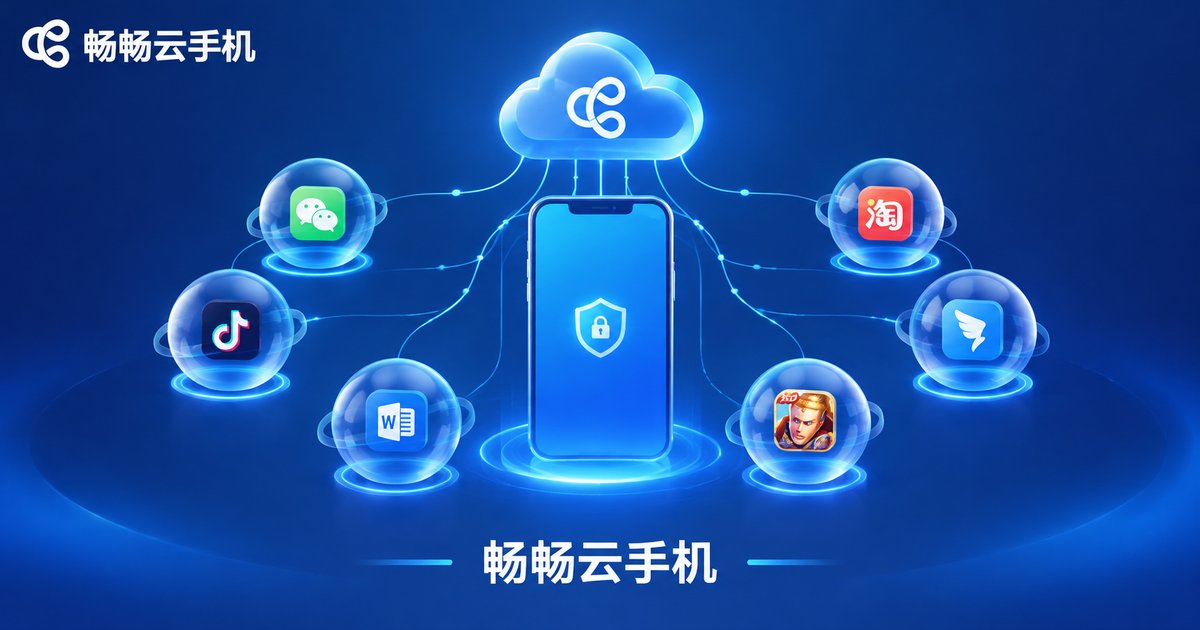
If you plan to move automation workloads to the cloud, choose a provider that specializes in cloud phones. Take Changchang Cloud Phone (ccloudphone) as an example: it provides Android phone environments running in the cloud, where app installation, daily use, and automation tasks all happen server-side. You operate everything remotely through the web or a client app, while your local device is only for viewing and management.
When evaluating providers, focus on three things: instance stability and uptime, which determine whether jobs can keep running; sandbox isolation, which keeps multiple tasks and accounts from interfering with each other; and the quality of controls and logs, so you can trace issues quickly. With these in mind, pick a configuration that matches your workload, and the “data stays in the cloud” model will fall into place. For exact features and plans, refer to the official Changchang Cloud Phone website.
FAQ
Q: What if a task in the sandbox gets interrupted?
Cloud instances support reconnection and recovery. Task logs are stored in the cloud, so after reconnecting you can check progress, identify where it stopped, and decide whether to re-dispatch the job.
Q: Is it safe to keep data in the cloud?
Cloud phone services rely on data-center-grade facilities and operations to protect your data, and sandbox isolation keeps tasks invisible to each other. Compared with scattering accounts and data across multiple local devices, centralized cloud management is actually easier to control.
Q: How is a cloud phone sandbox different from an emulator?
An emulator runs on your own computer, consumes local resources, and stops the moment you shut the machine down. A cloud phone sandbox runs on cloud servers; your local device is just a remote viewer, so tasks can run around the clock.
Q: Can I use an execution sandbox without coding skills?
Yes. The core value of the sandbox is isolated, cloud-hosted execution. How automation is actually set up depends on what the provider offers, so check with the official Changchang Cloud Phone website or support team before you start.


