
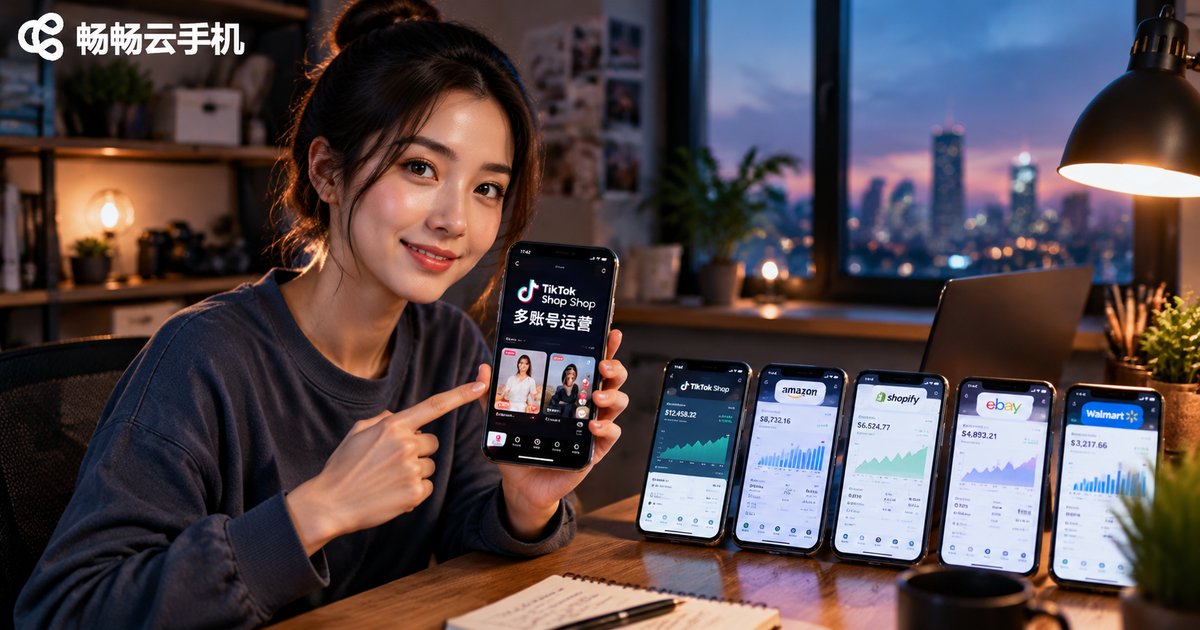
How to Use Cloud Phones for TikTok Shop: A Hands-On Guide to Mobile Multi-Account Management
Why Every TikTok Shop Seller Needs the Clone Technique
If you run a TikTok Shop, you know the accounts never fight alone: a main store account, creator collab accounts, short-video traffic accounts, separate storefronts for different markets... As accounts pile up, so do the problems: not enough phones, constant account switching, and high risks when teammates share devices. The traditional fix—buying a real phone for every account and lining them up into a wall of handsets—is costly and painful to manage.
Cloud phones solve exactly this pain point. In plain terms, a cloud phone is a virtual Android phone that runs in the cloud. From one physical device or computer, you can log into and manage dozens of independent phone environments at the same time. For TikTok Shop sellers, it is the ultimate clone technique for mobile multi-account management.
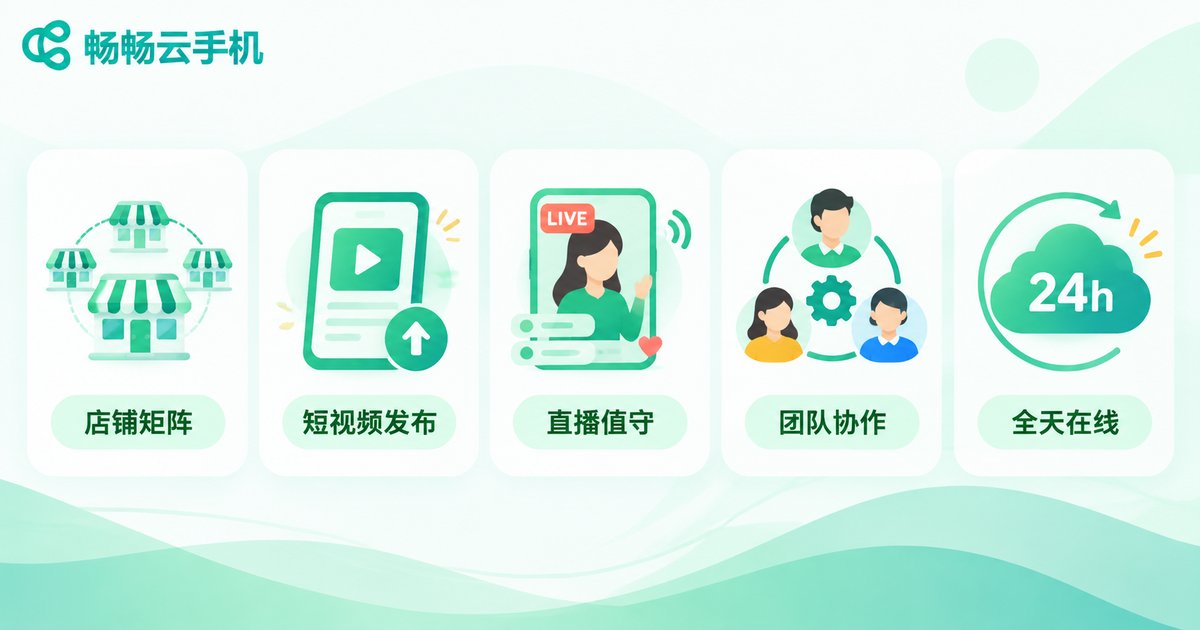
5 Real-World Ways to Use Cloud Phones for TikTok Shop
1. Store matrix management: Keep stores for different markets and categories in separate cloud phone environments—one account, one environment, zero interference. Check any store's backend with a tap instead of hunting for the right handset.
2. Short-video content matrix: Multiple content accounts post scheduled short videos to feed your store. A cloud phone console lets you queue posts and review performance across accounts in one place, so your content rhythm stays clear.
3. Live streams and customer service: Live rooms need to stay online for hours, and service accounts must reply fast. Cloud phones run around the clock in the cloud without draining your own phone's battery or storage—tasks keep running even when your screen is off.
4. Team collaboration: Operators, media buyers, and support agents each manage their own batch of accounts. Sub-account permissions make responsibilities crystal clear, and staff changes no longer turn into account handover chaos.
5. New-account nurturing and testing: New accounts need steady, human-like daily activity. Independent cloud environments are ideal for browsing, liking, and engagement routines, and for low-cost tests of new categories and creatives.
Stack of Phones vs. Cloud Phone Management: The Gap
| Dimension | Multiple physical phones | Cloud phone management |
|---|---|---|
| Hardware cost | One phone per account, expensive | Dozens of accounts from one device |
| Account switching | Swap handsets, error-prone | One-tap switching |
| Uptime | Depends on devices staying on | Always on in the cloud |
| Teamwork | Devices passed around | Permission-based remote collaboration |
| Scaling | More accounts, more phones | Scale up or down on demand |
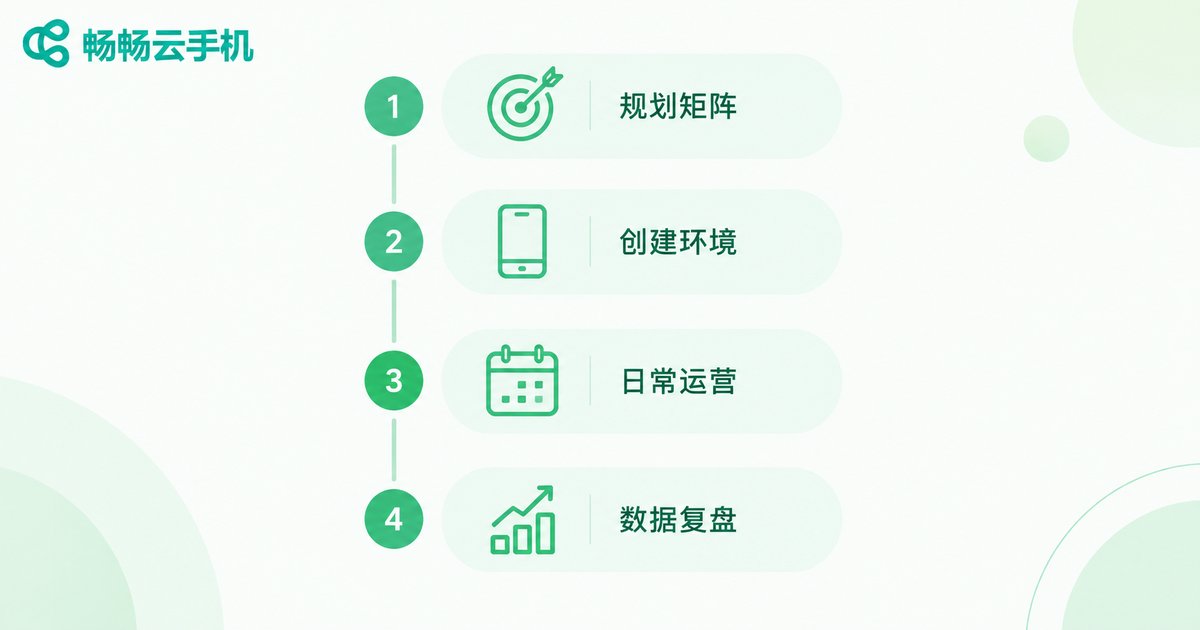
A Four-Step Playbook for Mobile Multi-Account Management
Step 1: Plan your account matrix. Decide how many stores and traffic accounts you need and which markets to cover. Write down each account's positioning, content direction, and posting frequency before you create anything—no blind account creation.
Step 2: Set up independent cloud environments. In the ChangChang Cloud Phone (ccloudphone) console, create a dedicated cloud phone for each account and stick to one account per environment. Never mix accounts inside one environment—this keeps association risks low from day one.
Step 3: Build a daily operating routine. Give every account a fixed rhythm: when to post videos, when to reply to comments, when to check the backend. A written SOP keeps the whole team consistent.
Step 4: Review data regularly. Compare views, conversions, and orders across accounts every week. Double down on the winners, and adjust or retire the laggards before they drag you down.
4 Rules for Safe Multi-Account Operations
One account, one environment: Keep each account inside its own cloud phone and avoid shuffling it between environments.
Differentiate content: Don't repost identical assets across the matrix. Vary captions, covers, and posting times to avoid being flagged for duplicate marketing.
Act human: New accounts shouldn't blast ads on day one. Browse, like, and follow like a real user first, then ramp up gradually.
Least-privilege access: Only grant team members the cloud phones they actually need. Sensitive actions like withdrawals and re-binding stay with the main account.
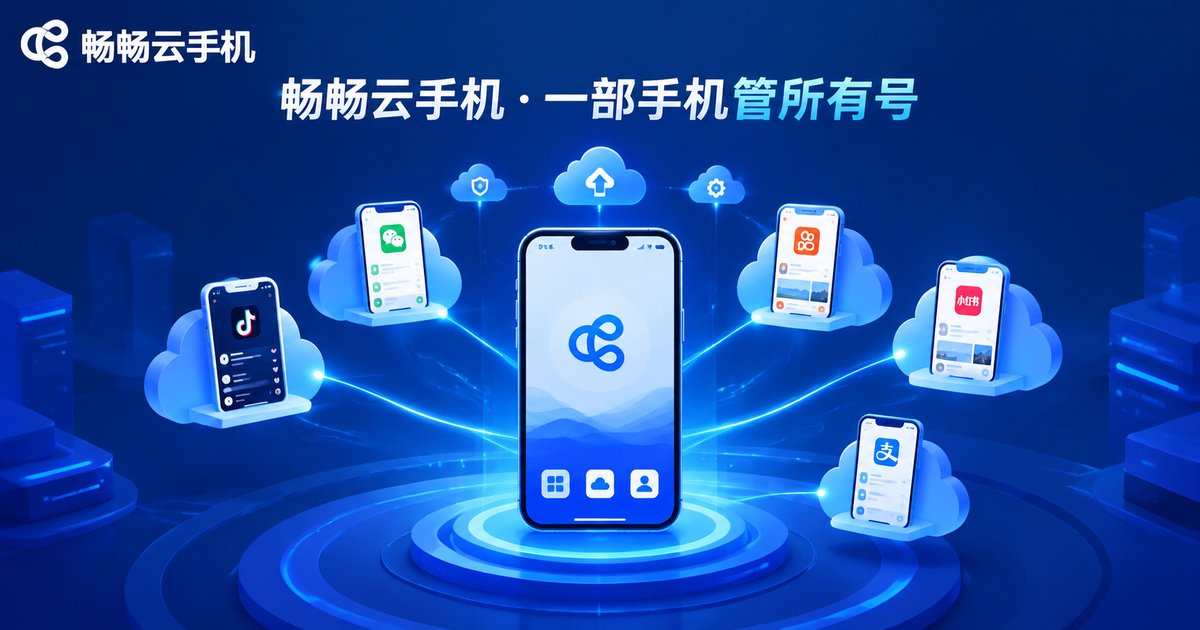
Why We Recommend ChangChang Cloud Phone
Among the available options, ChangChang Cloud Phone (ccloudphone) is a stress-free pick for TikTok Shop sellers. It provides independent Android environments in the cloud, supports centralized management and batch operations across many cloud phones, and works across mobile and desktop so your team can take over devices anytime, anywhere—always on in the cloud, with zero load on your local hardware. If you want to make multi-account management lighter and more stable, start with a small matrix to validate your playbook, then scale up as results come in. Visit the official site at ccloudphone.com to learn more.
FAQ
Q: Is it safe to run TikTok Shop on a cloud phone? Will accounts get flagged?
A cloud phone delivers a complete, independent Android environment. Stick to one account per environment with normal usage patterns, and accounts behave essentially as they would on a real device. The real risk is cramming multiple accounts into one environment.
Q: How many TikTok Shop accounts can one phone manage?
It depends on how many cloud phones you run and how much bandwidth your team has. Beginners should validate the workflow with 3-5 accounts before scaling up.
Q: Can cloud phones handle TikTok live streaming?
Yes—cloud phones are great for live-room control, comment engagement, and watching multiple rooms at once. Before going live yourself, test stream stability under your own device and network conditions, then scale.
Q: Cloud phone vs. emulator—what's the difference?
Emulators run on your local computer, consume its resources, and tend to look alike. Cloud phones run in the cloud as fully independent device environments and can be taken over from any device—far better for multi-account operations at scale.
Q: Is a cloud phone expensive for beginners?
Compared with stockpiling handsets, cloud phones are activated on demand and scale as you grow, so the entry cost is much lower. Prove the model with a small matrix first, then add capacity once it works.


