
Operations · Engineering · Trends
Hands-on playbooks, product updates and cross-border insights from the CCloudPhone team.
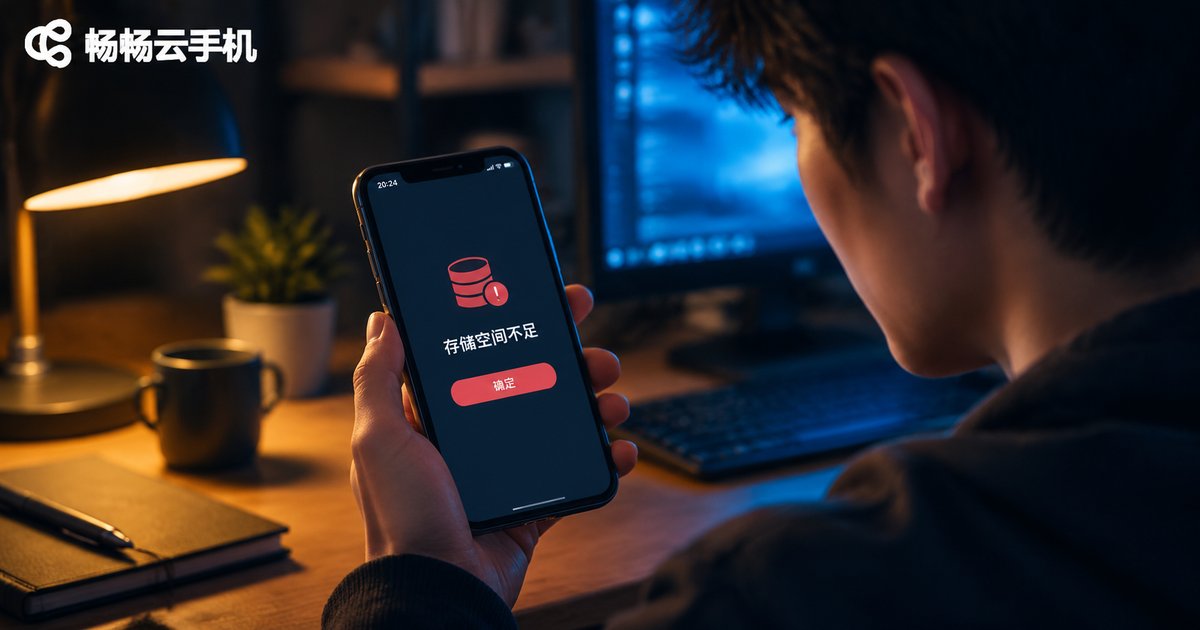
Cloud Phone Says Not Enough Memory? Storage Cleanup and Expansion Tutorial
When your cloud phone pops up a 'not enough memory' warning, the real culprit is usually storage space eaten up by app caches, chat history and leftover installation files. This guide first helps you tell running memory (RAM) apart from storage (ROM), then walks you through checking storage usage, clearing caches, uninstalling idle apps and deleting large files step by step. You will also learn how to expand capacity by moving data out or upgrading to a higher-storage plan on ChangChang Cloud Phone (ccloudphone), plus daily habits to keep your cloud phone lean. A FAQ section at the end answers the most common questions about cloud phone storage.

Cloud Phone Running Slow? Fix Lag by Tuning Resolution and Bitrate Settings
Cloud phone lag is rarely about hardware — it usually happens when resolution, bitrate, and your network bandwidth are out of balance. This guide explains in plain language how cloud phone streaming works, then walks you through a practical three-step process: test your network, pick the right resolution, and match it with a suitable bitrate and frame rate. You will get ready-to-use parameter recommendations for commuting, home Wi-Fi, and HD gaming scenarios, plus extra optimization tips such as switching to the 5GHz band, clearing background apps, and connecting to a nearby server node. Follow these settings and say goodbye to stuttering cloud phone sessions for good.

Cloud Phones for App Compatibility Testing: One-Click Switching Across Multiple Android Versions
Android fragmentation makes app compatibility testing expensive and time-consuming. Cloud phones run multiple independent Android environments on cloud servers, allowing QA teams to switch between different Android versions, screen resolutions, and device profiles with a single click—no physical device wall, no flashing, no rooting required. In this article, we break down the three pain points of traditional testing approaches, explain how cloud phones enable one-click switching across multiple Android environments, and walk through four typical use cases including multi-version regression, resolution adaptation, weak-network verification, and 24/7 soak testing. You will also find a comparison of cloud phones versus real devices versus emulators, a hands-on guide to building a multi-version test matrix with ChangChang Cloud Phone (ccloudphone), and practical best practices to cut testing costs and speed up every release cycle.

How to Integrate the Cloud Phone API: A Guide to Batch Creation and Automated Management
This hands-on guide walks you through integrating a cloud phone API from scratch, covering API key setup, token authentication, and a complete first-call example in Python. It then focuses on batch-creating cloud phone instances, with practical tips on group tags, rate limits, and instance ID management. You will also learn how to build an automated operations loop with scheduled health checks, auto-restarts, logging, and alerts, so your cloud phone fleet can run unattended at scale. Whether you are an individual developer or an enterprise team, this article helps you replace repetitive manual work with reliable API-driven automation.

How to Use Cloud Phone Group Control: Batch Manage Multiple Devices from One Computer
Cloud phone group control lets you manage dozens or even hundreds of cloud phones from a single computer. Because every app runs in the cloud, your PC only sends commands, so even an old laptop can handle large-scale operations. This tutorial walks you through the complete workflow using ChangChang Cloud Phone (ccloudphone): preparing your account, selecting devices in bulk, batch installing apps, syncing touches across screens, and scheduling automatic tasks. You will also learn practical techniques such as device grouping, staggered execution, and releasing idle devices to cut costs. Whether you run a game studio, manage social media accounts, or operate multiple e-commerce stores, this guide helps you multiply productivity without multiplying workload. A FAQ section at the end answers the most common beginner questions.
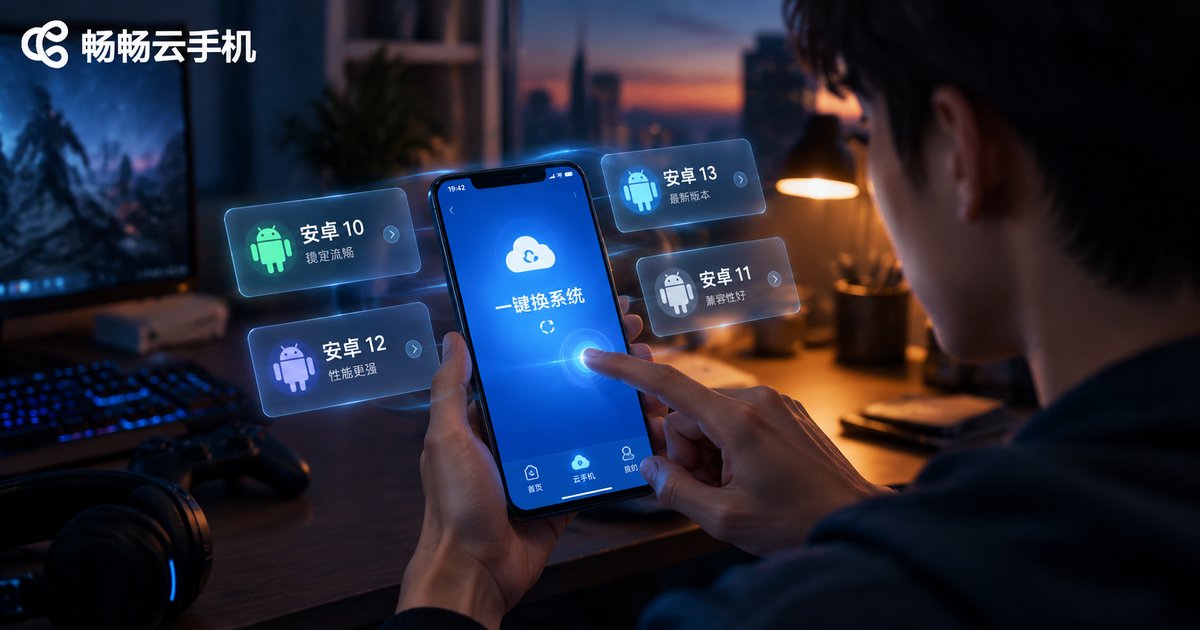
How to Switch Cloud Phone System Versions: Change Android Version Without Losing Data
Want to change the Android version on your cloud phone for better game compatibility, but worried about losing your data? This guide explains why switching system versions on a cloud phone doesn't mean wiping your device: your apps, accounts, and game progress live in the cloud. You'll get a complete step-by-step walkthrough—opening your device list, selecting a target Android version, and confirming the switch—plus practical tips on backups, switching time, and how to roll back. A FAQ section answers the most common questions about changing Android versions on a cloud phone without data loss.

How Long Is the Cloud Phone Free Trial? New User Benefits and Trial Duration Compared
How long can you actually use a cloud phone for free? This guide breaks down the four most common ways new-user trial time is handed out—one-time signup gifts, daily check-in rewards, beginner tasks, and event bonuses—and compares how much time each model typically offers and who it suits best. You will also learn how to claim your trial benefits on CCloudPhone, what you can realistically test during the free period, and practical tips to stretch every minute of trial time, so you can decide whether a cloud phone fits your workflow before spending anything.

Cloud Phone Troubleshooting: Complete Fixes for Disconnection, Lag and Black Screen
Cloud phone disconnections, lag, and black screens usually trace back to four links: your network, the cloud server, your local device, and the app itself. This guide organizes fixes by symptom. For disconnections, run a speed test, switch networks, and disable battery restrictions. For lag, tell bandwidth, latency, and server load apart, then apply the right fix. For black screens, check the video stream and decoder before assuming the worst. You also get a universal five-step checklist, an FAQ section, and an introduction to ChangChang Cloud Phone (ccloudphone), whose stable cloud Android environment and group control features help prevent issues at the source.

How to Choose Cloud Phone Performance: Impact of CPU, RAM, and Bandwidth on Idle-Running Stability
A stable cloud phone idle-running experience comes down to three specs: CPU determines how smoothly tasks run, RAM decides how many instances you can keep alive, and bandwidth determines whether your session stays connected at all. This article explains how each factor affects idle-running stability, lists the warning signs of an underpowered setup, and offers a scenario-based comparison table covering light single-instance tasks, large mobile games, and heavy multi-instance farming. It also explains why upload bandwidth matters and how to test a provider before scaling up, so you can match a cloud phone configuration to your real workload and avoid wasted hours caused by lag, crashes, and random disconnections.

Cloud Phone Live Streaming Setup Tutorial: How to Go Live on Multiple Platforms at Once
This tutorial walks you through the complete cloud phone live streaming setup: preparing your accounts, configuring resolution, bitrate and frame rate, and going live on multiple platforms at the same time. You will learn how to clone cloud phone instances, assign one live room to each instance, and manage dozens of streaming rooms in batch from a single panel. It also covers stability tips for 24/7 broadcasting, recommended streaming parameters, and answers to the most common questions, helping you cut hardware costs and scale your live streaming matrix efficiently.
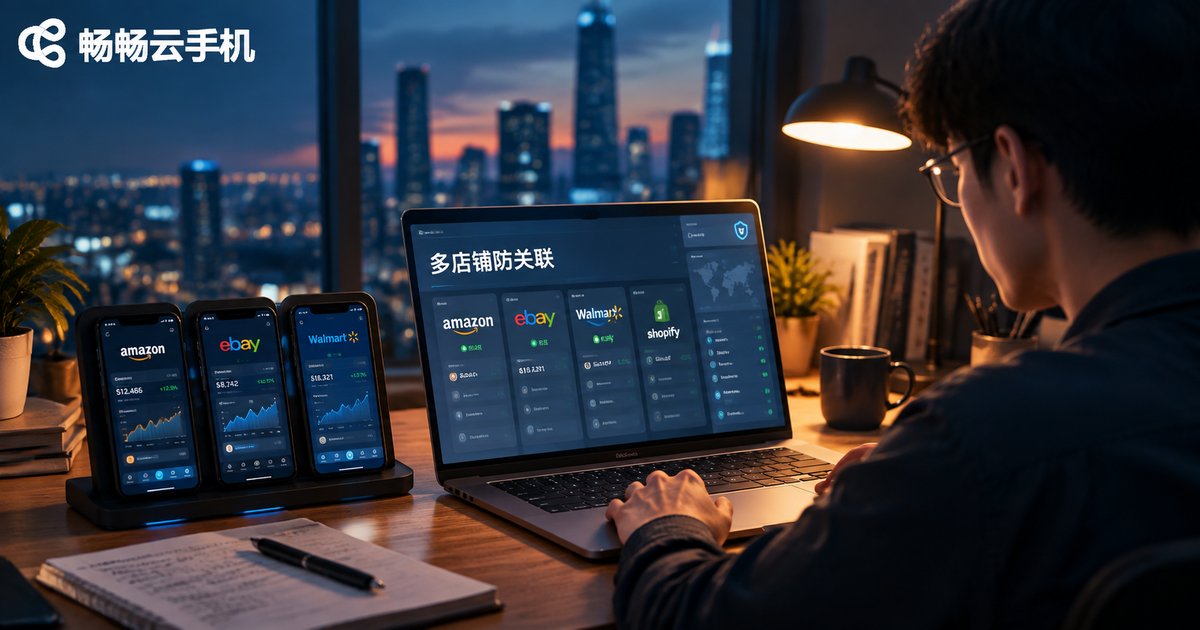
How to Use Cloud Phones for Cross-Border E-Commerce: A Practical Guide to Multi-Store Anti-Association Operations
Running multiple stores on cross-border e-commerce platforms comes with one big risk: account linking, which can freeze several stores at once. This guide breaks down the four main triggers of account association and explains how cloud phones isolate devices, networks, and data for each store. You will learn a practical five-step workflow: one store per cloud phone, fixed network environments, fully separated registration details, consistent account-warming habits, and clear team permission management. A cost comparison between physical phones and cloud phones shows why cloud phones scale better, and a FAQ section answers the most common questions.
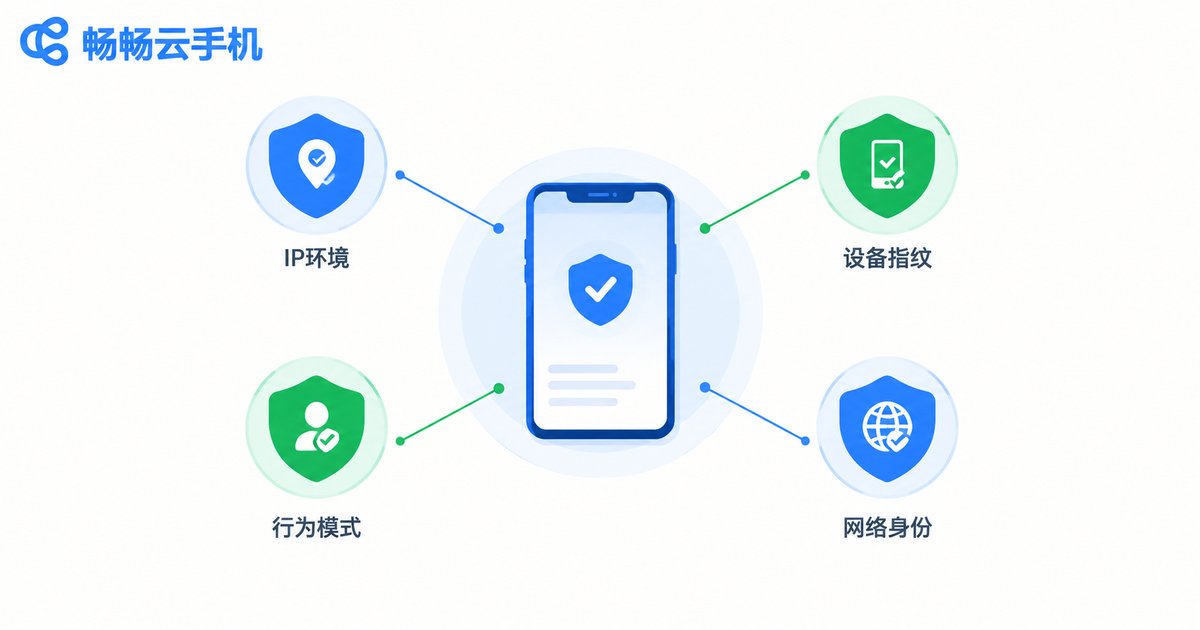
How to Prevent Account Linking for Cloud Phone Multi-Accounts: Independent IP & Device Fingerprint Configuration Guide
Getting multiple accounts flagged as linked is one of the fastest ways to lose months of account-nurturing work. This guide breaks down the three signals platforms use to connect accounts—IP environment, device fingerprint, and behavior patterns—and lays out a practical anti-association setup: one dedicated IP per cloud phone, a unique device parameter set for every instance, and staggered, human-like operating habits. It also walks through building an isolated multi-account environment with ccloudphone cloud phones, so every account looks and behaves like a real, independent device—keeping your account matrix stable for the long run.