
How to Prevent Account Linking for Cloud Phone Multi-Accounts: Independent IP & Device Fingerprint Configuration Guide
Why Do Accounts Get Linked? Understanding Platform Risk-Control Logic
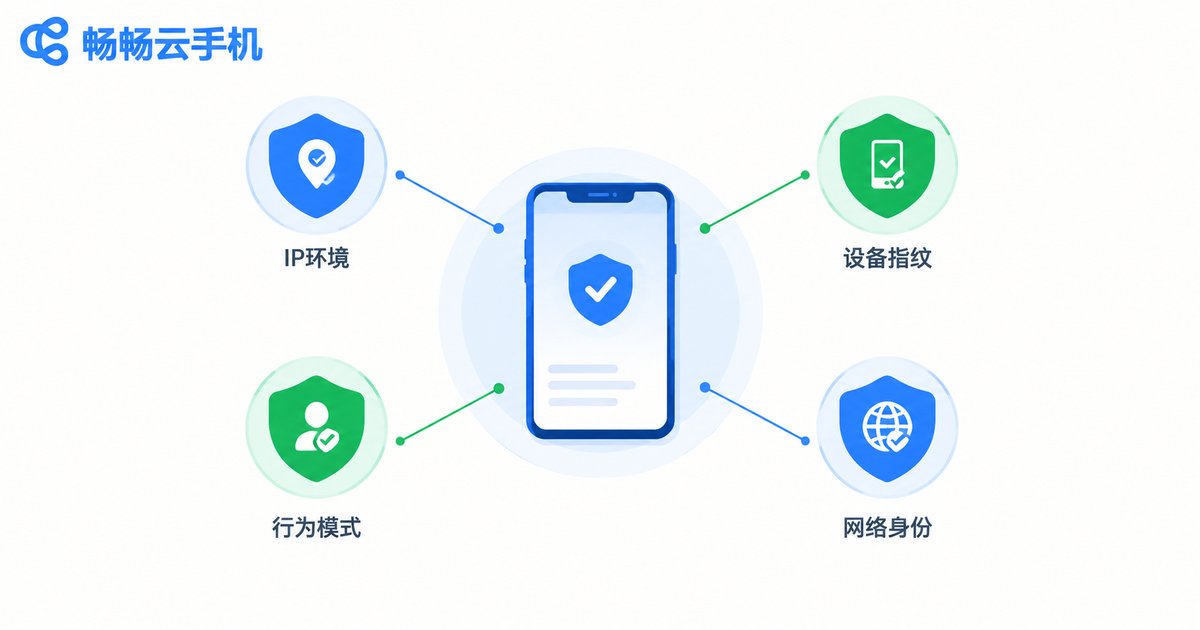
Many people assume that simply creating a new account with a new nickname is enough to stay under the radar. It is not. Risk-control systems decide whether multiple accounts belong to the same operator by looking at three dimensions:
First, the network environment. When multiple accounts log in and operate from the same IP address over a long period, they are treated as a single operating entity. This is the most common—and most easily avoided—linking factor.
Second, the device fingerprint. Every phone carries a unique combination of parameters: device model, OS version, screen resolution, sensors, language and time zone. If a batch of accounts shows nearly identical device parameters, risk-control systems will immediately recognize they came from the same template.
Third, behavior patterns. Login times, operating rhythm, and content similarity are all recorded and compared. Accounts coming online in batches at the same moment, moving in lockstep, or posting near-identical copy are all high-risk signals.
In other words, anti-association is not a single action but a systematic effort to isolate network, device, and behavior at the same time.
Independent IP Setup: One Device, One IP Is the Bottom Line
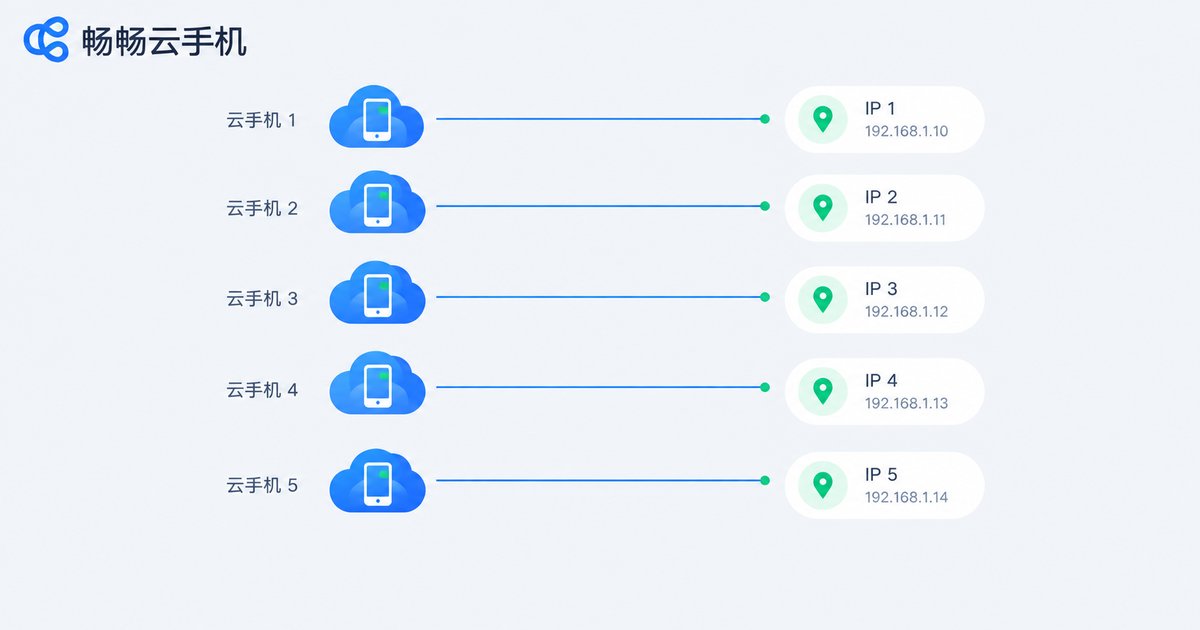
Your IP address is the first gate platforms use to judge account ownership. The core rule of anti-association is simple: one cloud phone maps to one dedicated IP, kept stable over time. Avoid multiple devices sharing one exit, but also avoid IPs that jump around constantly—frequent changes trigger risk control even faster than stable operation.
| IP Type | Stability | Anti-Association Performance | Recommendation |
|---|---|---|---|
| Shared IP | Average | Poor, shared exposure | Not recommended for multi-account |
| Dynamic dedicated IP | Medium | Average, control change frequency | Short-term tasks |
| Static dedicated IP | High | Excellent, closest to real users | Long-term nurturing, matrix operation |
With a cloud solution like ccloudphone, each cloud phone is an independent Android instance with its own network exit, which structurally eliminates the problem of many accounts squeezing through a single exit. Check the details of IP resources on the official ccloudphone website before planning how many accounts to run.
Device Fingerprint Configuration: Make Every Phone Unique
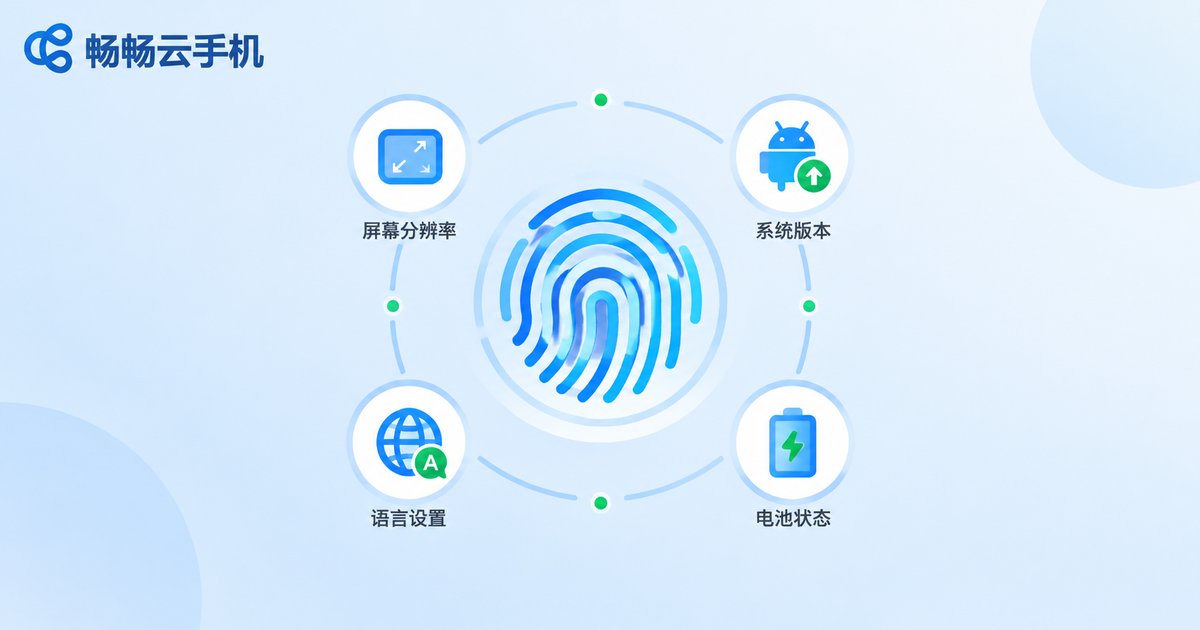
Once the IP side is settled, the next step is to fully differentiate device parameters. The principle: one unique parameter set per device, no duplicates, and logically consistent.
| Parameter Category | Typical Items | Configuration Tips |
|---|---|---|
| Hardware identity | Brand, model | Different per device, vary price tiers |
| System info | OS version, build number | Stagger versions, avoid uniformity |
| Screen parameters | Resolution, pixel density | Must match the device model logically |
| Environment info | Language, time zone, battery | Match the real target-user profile |
Two key reminders: First, parameters must be plausible. A budget device should not report flagship-level resolution—contradictory combinations are a giveaway. Second, parameters must stay stable. Real users do not change phones every day. Set one reasonable configuration and keep it long term; frequent changes are themselves an anomaly signal.
Behavioral Anti-Association: Details Determine Account Lifespan
With environment and parameters in place, operating habits become the last line of defense—and the most often neglected:
Stagger logins. Never let all accounts sign in within the same minute; spread login and activity times across a natural daily rhythm.
Differentiate pacing. Let each account develop its own habits—some active in the morning, others late at night—with naturally random intervals.
De-template profiles. Do not batch-apply the same avatar, nickname, or bio template, and space out registration dates.
Nurture before using. Do not hammer a brand-new account with high-frequency actions; browse like a normal user for a few days first to build a behavior profile.
Limit visible interaction. Frequent transfers, follows, and likes between your own accounts amount to announcing their relationship to the platform.
Four Steps to Build an Anti-Association Environment with ccloudphone
The traditional approach—buying ten physical phones and multiple broadband lines—is expensive and hard to manage. Cloud phones make multi-account isolation far more cost-effective. Using ccloudphone as an example, the setup comes down to four steps:
Step 1: Create independent instances. Spin up one dedicated cloud phone per account. Each instance runs its own system environment and device parameters, eliminating the one-template-for-all problem at the source.
Step 2: Confirm independent networking. Check the network exit of every device to ensure one device, one IP, with no sharing—this is the foundation of the whole setup.
Step 3: Differentiate configurations. Give each device its own account profile and preferences so every phone has its own persona.
Step 4: Operate with discipline. Use batch-management tools for efficiency, but keep each account on its own rhythm and stagger tasks.

Compared with physical multi-device setups, cloud phones require no hardware purchases, take up no physical space, and scale on demand—making them a lighter, more controllable choice for individuals and teams running multiple accounts long term.
FAQ
Q: Does a dedicated IP guarantee no linking?
Not by itself. IP is only one signal; device fingerprints and behavior patterns are compared as well. True stability comes from isolating network, parameters, and behavior all at once.
Q: Can multiple cloud phones share one IP?
Not recommended. A shared exit IP is the easiest linking signal for platforms to detect, and risk grows quickly with the number of accounts behind one IP. One device, one IP is the baseline for multi-account work.
Q: Should device parameters be changed often?
No—quite the opposite. Real users keep the same device for years, so frequent parameter changes look abnormal. Set one reasonable configuration and stick with it.
Q: What scenarios suit ccloudphone?
It fits anyone who needs to run multiple accounts independently over the long term, such as social media matrices, multi-account gaming, and multi-store e-commerce. Each cloud phone offers an isolated environment with independent parameters, balancing separation and management efficiency. See the official ccloudphone website for details.


