
How to Use Cloud Phones for Cross-Border E-Commerce: A Practical Guide to Multi-Store Anti-Association Operations
Why Cross-Border E-Commerce Sellers Are Turning to Cloud Phones
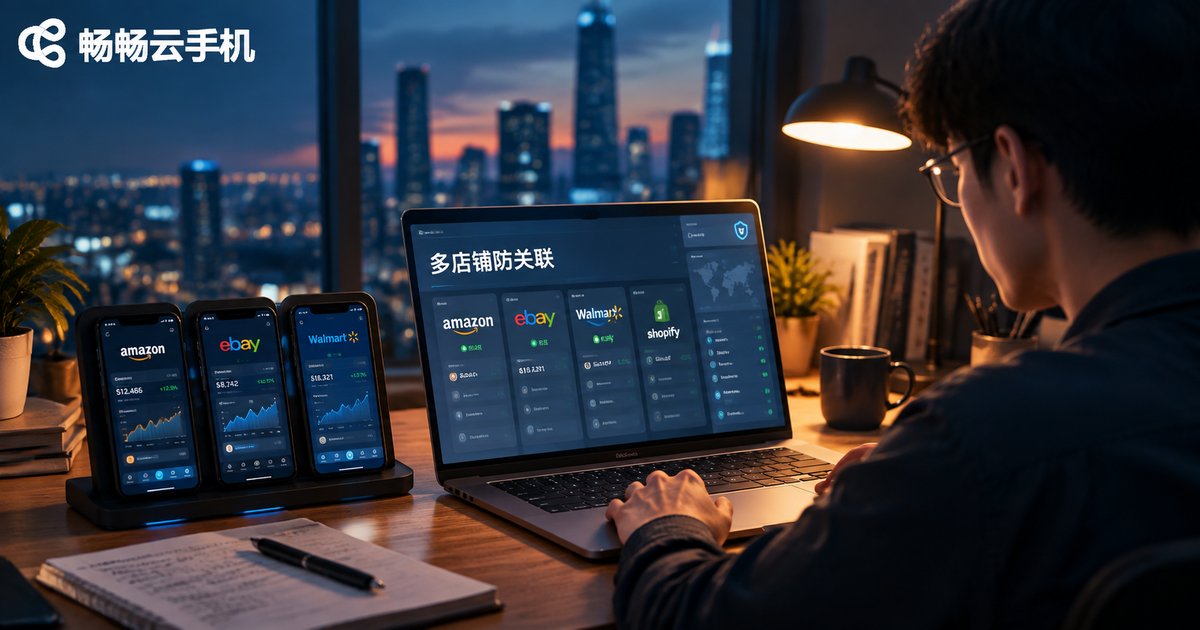
Sellers in cross-border e-commerce share one feeling: platforms are auditing account links more strictly than ever. As store count grows, so do the headaches — not enough devices, networks that must be kept separate, fear of mixed-up login records, and accounts walking out the door when employees leave.
Cloud phones solve exactly these pain points. Running in the cloud, each one is an independent Android device environment that does not depend on any physical phone in hand, yet works like a real phone: install apps, log in, and operate daily. For multi-store sellers, cloud phones have become the core infrastructure of anti-association operations.
How Does Account Association Actually Happen?
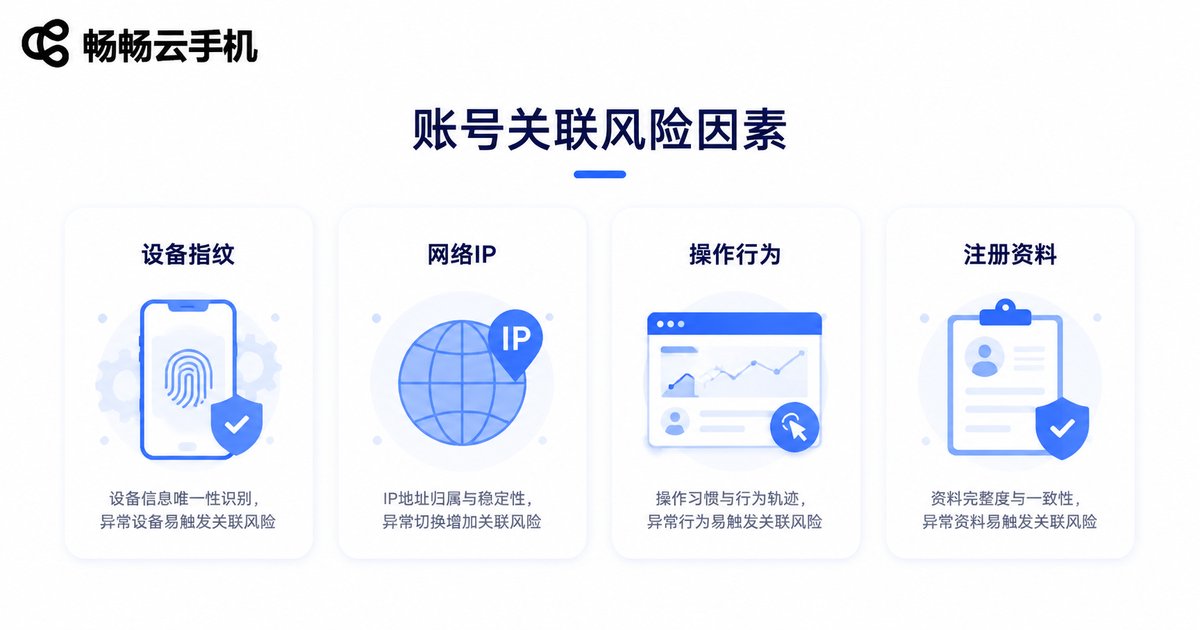
Many sellers assume that as long as they follow the rules, their stores are safe. In reality, platforms judge association through far more subtle signals. Common factors include:
| Factor | Typical Pattern | Risk Level |
|---|---|---|
| Device fingerprint | Multiple stores logged in on the same phone with identical hardware parameters | High |
| Network IP | Several stores sharing one IP or switching networks frequently | High |
| Behavior pattern | Login times and tapping habits across stores are highly similar | Medium |
| Registration data | Reused business licenses, payout accounts, or contact details | Medium |
When several of these signals overlap, the platform may conclude the stores are run by the same entity — and if one store gets penalized, the others are often dragged down with it. The essence of anti-association is making every store look completely unrelated at the device and network level.
The Core Principle: Three Layers of Isolation
Cloud phones prevent association through three layers of isolation:
1. Device isolation: each cloud phone is an independent cloud Android instance with its own device parameters, so platforms see different phones.
2. Network isolation: cloud phones run in the cloud, independent of your local computer and home broadband, and different cloud phones can use different network exits.
3. Data isolation: apps, caches, and login states on each cloud phone stay separate, so an issue on one device does not spread to others.
A Five-Step Anti-Association Workflow
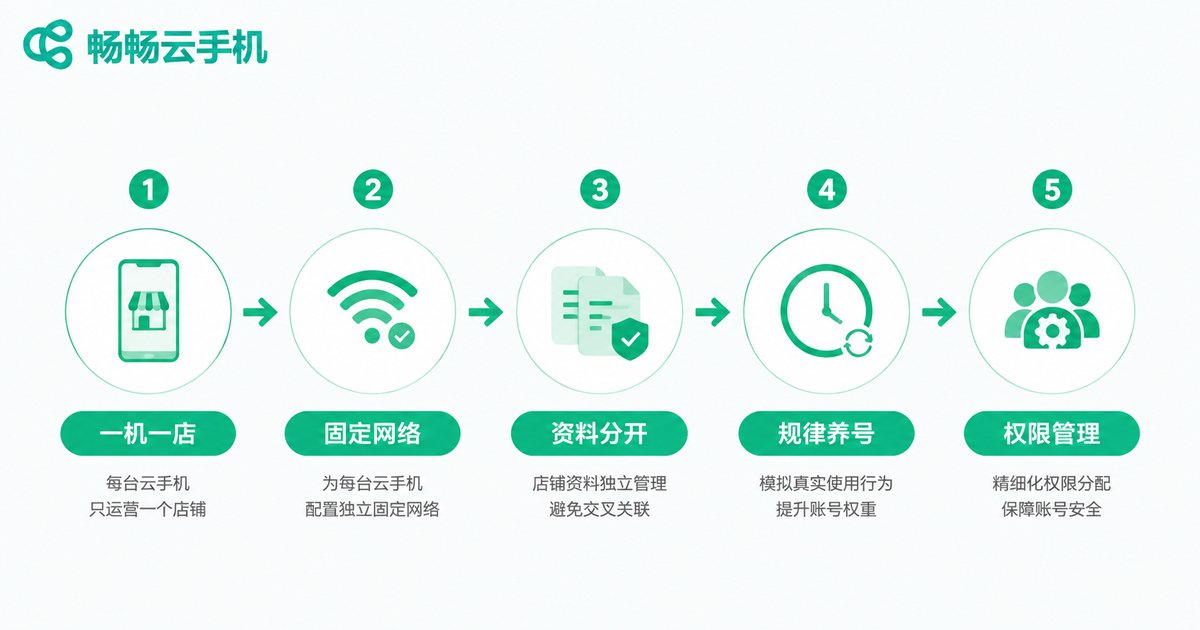
Once the principle is clear, implementation comes down to five steps:
Step 1: One store, one phone. Assign every store a dedicated cloud phone and operate it there from registration day one — never mix devices.
Step 2: Fix the network environment. After a store is bound to a cloud phone, keep its network exit stable instead of jumping between home and office networks.
Step 3: Separate all registration data. Emails, phone numbers, payout accounts, and addresses must map one to one — no shortcuts or reuse.
Step 4: Build consistent account-warming habits. Log in at fixed times each day and mimic a natural usage rhythm; avoid editing profile details or mass-uploading products right after launch.
Step 5: Manage permissions carefully. Assign cloud phones by role so each employee only touches the stores they are responsible for, and hand over devices — not accounts — when someone leaves.
Daily Account Maintenance Rules
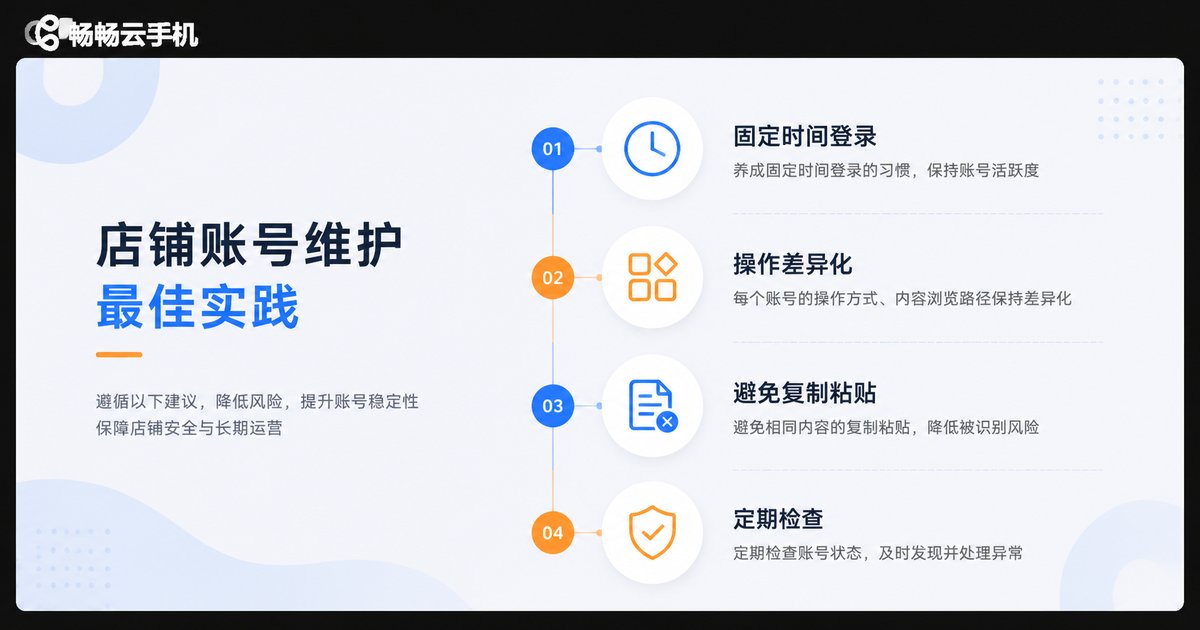
Anti-association is not a set-and-forget job; daily operations matter just as much:
· Keep login times consistent and avoid operating many stores in a batch late at night;
· Differentiate the browsing, ordering, and reply rhythm of each store;
· Do not copy and paste identical content across multiple cloud phones;
· Check the login status of every cloud phone regularly and react to anomalies quickly.
Real Phones vs. Cloud Phones: The Honest Math
Many sellers hesitate between buying a pile of physical phones and using cloud phones. A simple comparison makes it clear:
| Item | Physical Phones | Cloud Phones |
|---|---|---|
| Upfront cost | Hundreds to thousands per device, plus SIM cards and networks | Activate on demand at controllable cost |
| Scaling speed | Long procurement and setup cycles | New devices online in minutes |
| Batch management | Manual, device by device, inefficient | Centralized batch operations |
| Stability | Affected by local power or network outages | Runs in the cloud, immune to local failures |
| Team collaboration | Awkward device handovers, accounts get lost | Clear permissions, easy handover |
Why Choose ccloudphone?
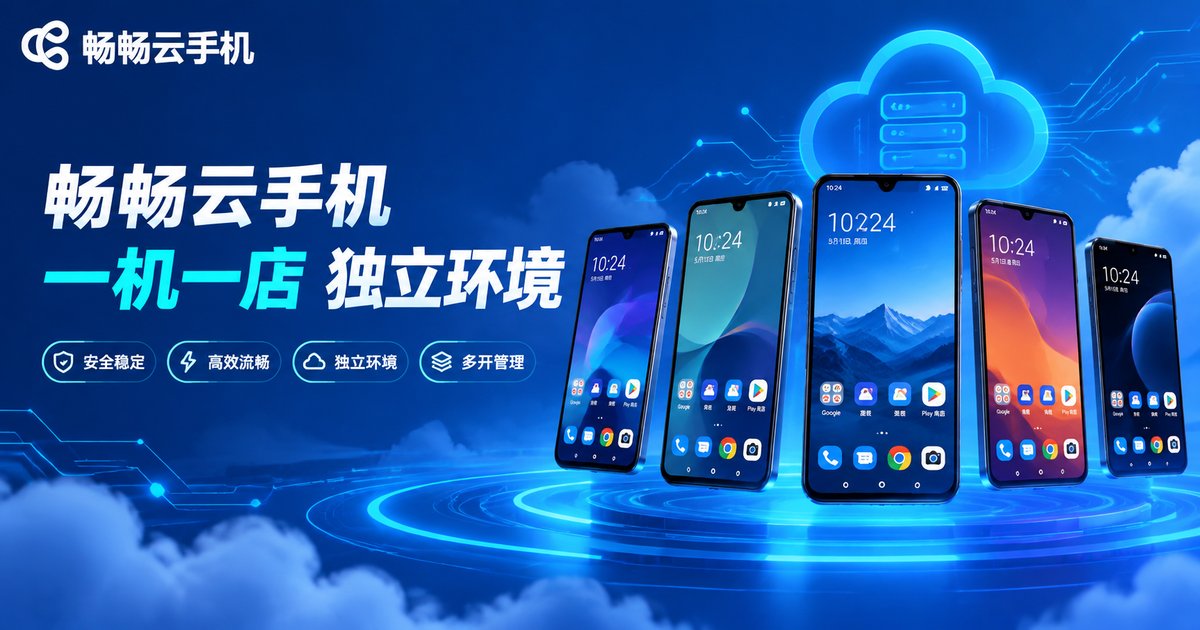
Among the many cloud phone products available, ccloudphone (ChangChang Cloud Phone) is a cloud Android phone service built for multi-account scenarios: every cloud phone runs independently in its own environment, multiple devices can stay online at the same time, and performance stays smooth — a solid fit for cross-border sellers building a one-store-one-phone setup.
Whether you are an individual seller managing a few stores or a team running dozens or hundreds of accounts, you can start with a small number of devices, validate the workflow, and scale up gradually. Visit the ccloudphone official website for features and plan details.
FAQ
Q: How many stores can one cloud phone handle?
We recommend one store per cloud phone. Logging several stores into the same device crosses device fingerprints and behavior data, which weakens anti-association significantly.
Q: How is a cloud phone different from an emulator on my PC?
Emulators run on your local computer, where multiple instances tend to share similar parameters and consume local resources. Cloud phones are real cloud Android devices with independent environments and parameters, and they do not depend on your PC being on.
Q: Will store data be lost after a cloud phone shuts down?
No. Cloud phone data lives in the cloud. After restarting, your apps and login states are exactly where you left them — just like rebooting a physical phone.
Q: Does using a cloud phone guarantee no association?
Cloud phones handle device and network isolation, but registration data and behavior habits must be separated too. Anti-association is a complete system, not a single tool.
Q: How much does ccloudphone cost?
ccloudphone offers several device specs to choose from. For the latest plans and pricing, check the official website at ccloudphone.


