

Is Cloud Phone Safe? A Guide to Privacy Protection, Data Isolation and Risk Control
Are Cloud Phones Safe? Start With How They Work
When people first hear about cloud phones, the question they care about most is: are cloud phones safe? To answer that, you first need to understand how a cloud phone works. Simply put, a cloud phone is not a physical device in your hand — it is a virtual Android phone running in a cloud data center. You connect to it through an app on your phone or computer, the screen is streamed to you in real time, and your taps and gestures are sent back to the cloud to be executed.
Because of this architecture, cloud phone security comes down to three things: data storage, environment isolation, and platform risk control. How well these three are handled directly determines whether your accounts, privacy, and data stay safe. Let's break them down one by one.
Privacy Protection: Where Does Your Data Actually Live?
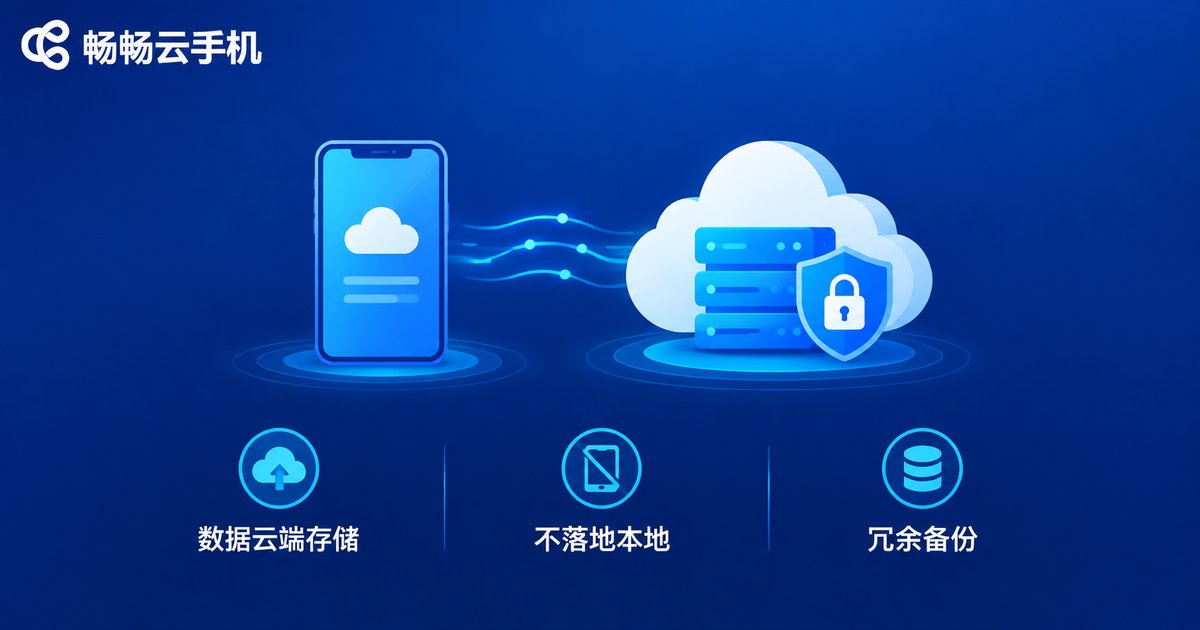
When you use a cloud phone, your app data, chat records, and game progress are stored on cloud servers rather than on your local device. This brings one clear benefit: even if your physical phone is lost or damaged, your cloud data remains intact. At the same time, it means data security depends heavily on how well the provider manages its data centers.
Reputable cloud phone platforms apply data-center-grade safeguards, including physical facility security, network access control, and redundant backups. Take ChangChang Cloud Phone (ccloudphone) as an example: user data is stored centrally in cloud server rooms, while your local device only handles screen display and input — app data never lands on your local device, which reduces the risk of local leaks at the source.
For individual users, one more tip: avoid reusing the same password for accounts inside your cloud phone, and change important passwords regularly. Extra layers of protection never hurt.
Data Isolation: One Device, One Environment
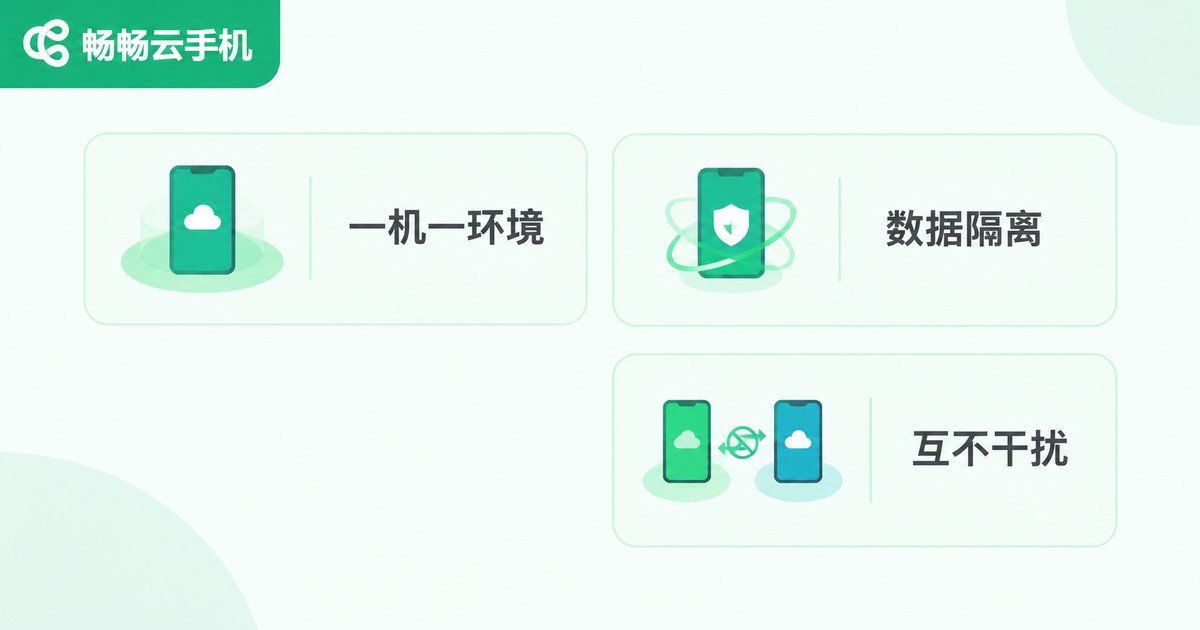
Another key security feature of cloud phones is data isolation. Every cloud phone is an independent virtual environment with its own system space and storage area — like separate rooms in a building, each with its own walls.
In practice this means:
· Apps installed and accounts logged in on one cloud phone do not affect another;
· If a single instance runs into trouble, other instances in the same facility are not affected;
· When you release or reset a cloud phone, its environment data can be wiped clean, leaving no trace.
For users who operate multiple accounts at once, this one-device-one-environment isolation is especially valuable. Each account runs in its own independent environment, avoiding cross-account association risks — one of the core reasons studio users choose cloud phones in the first place.
Risk Control: How Platforms Protect Your Accounts
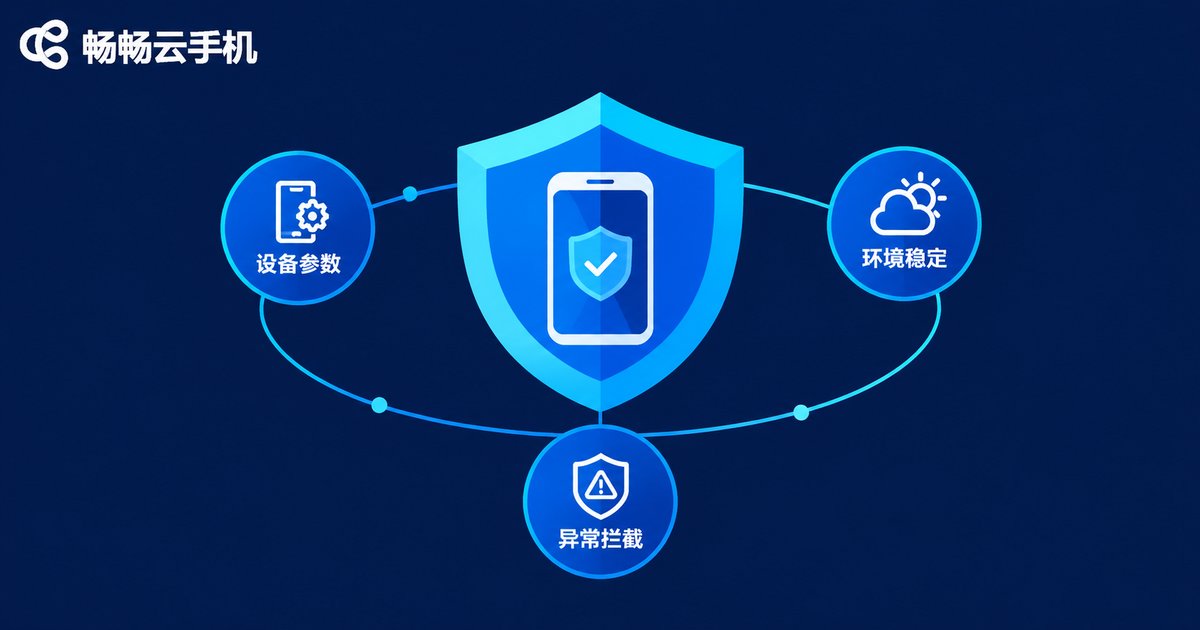
Beyond the data layer, cloud phone platforms also enforce risk control at the runtime level. Risk control, in plain terms, is a set of mechanisms that detect and block abnormal behavior, designed to keep accounts running smoothly and behaving like real devices.
Common measures include:
· Device parameter management: configuring sensible device profiles so abnormal parameters do not trigger platform checks;
· Environment stability: keeping network and device environments relatively consistent to avoid risk from frequent changes;
· Abuse interception: restricting malicious scripts and illegal operations to keep the overall environment safe.
Risk control works both ways. While the platform protects the environment, users should also follow the rules of the platforms they use, and never use cloud phones for anything that violates those rules. Security is always the result of the platform and its users working together.
How to Choose a Trustworthy Cloud Phone Provider
Back to the original question: are cloud phones safe? The answer depends on who you choose. A reliable provider should offer the following:
| Factor | What Good Security Looks Like |
|---|---|
| Data storage | Well-managed cloud facilities; no data landing on local devices |
| Environment isolation | One device, one environment; instances never interfere with each other |
| Stability | High uptime, smooth streaming, no frequent disconnects |
| Privacy | Solid account system with basic protections such as device locks |
If you are looking for a secure, worry-free cloud phone, take a look at ChangChang Cloud Phone (ccloudphone). It provides cloud-based Android phones with multi-instance management and cloud data storage; you can learn more at ccloudphone.com. Whether it is multi-instance gaming, 24/7 app automation, or account operations, everything runs in an independent, isolated environment.
FAQ
Q: Can the cloud phone provider see my personal privacy?
A cloud phone runs in an independent cloud environment, and the provider manages its data centers according to standard practices. That said, avoid storing highly sensitive personal information in a cloud phone, use a unique password, and manage your own account security carefully.
Q: Will I lose my data after the cloud phone shuts down?
Normally, no. Cloud phone data lives in the cloud. After shutting down or logging out, your apps and data are still there the next time you log in. Data is only wiped when you actively reset or release the instance.
Q: Do multiple cloud phones interfere with each other?
No. Each cloud phone is an independently isolated virtual environment; a problem with one instance does not affect the others.
Q: What are cloud phones typically used for?
Common scenarios include multi-instance gaming, 24/7 app automation, short-video and social media account operations, and app testing. Used within the rules, a cloud phone provides stable support for all of these.


