

How to Choose Cloud Phone Performance: Impact of CPU, RAM, and Bandwidth on Idle-Running Stability
Why Configuration Matters So Much for Idle-Running Stability
Many people assume cloud phone idle running means “just log in and leave it alone.” In reality, idle running demands more stability than hands-on play — nobody is watching the screen, so the moment lag, disconnection, or a crash appears, your task may be interrupted and hours or even a full day of rewards can go to waste.
Three hardware metrics decide whether a cloud phone runs stably: CPU, RAM, and bandwidth. Like three planks of a barrel, the shortest one limits everything. Let's break them down one by one.

CPU: The Ceiling of Smoothness
The CPU handles game logic, rendering, and background processing. More cores and stronger performance mean more tasks can run smoothly at the same time.
Common symptoms of an underpowered CPU: stuttering frames that slow down idle scripts; frequent crashes when running multiple instances; high input latency that may even be flagged as abnormal behavior by games.
In short: light single-instance tasks don't demand much CPU, but multi-instancing or running large games requires generous core counts. Keep roughly 30% headroom above your current needs to avoid overload at peak hours.
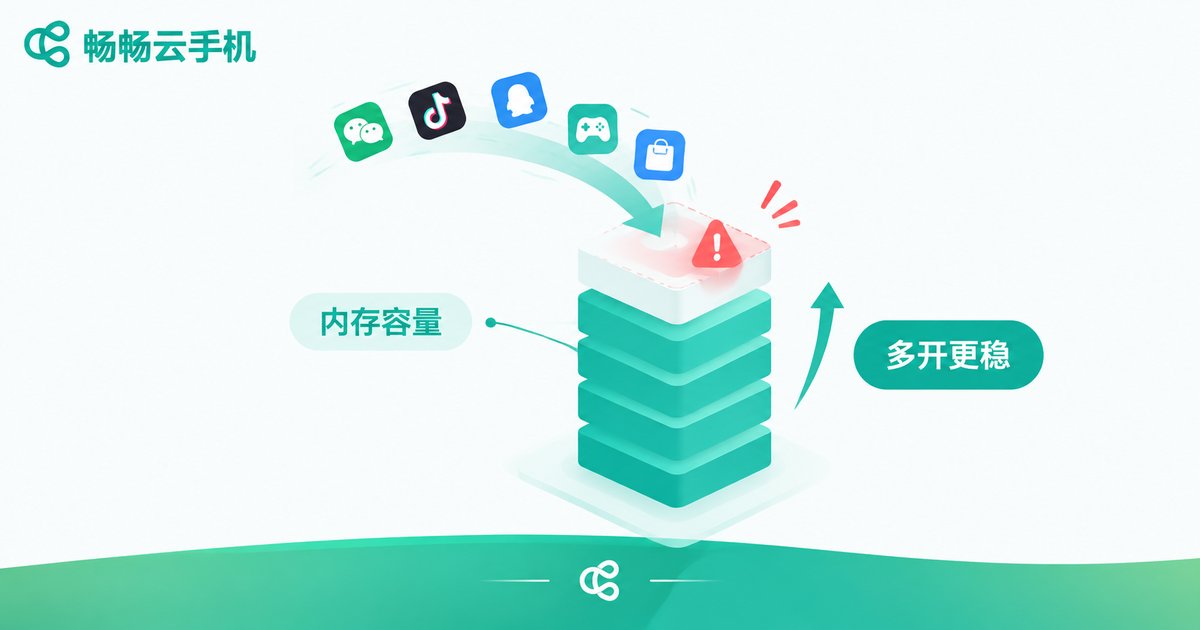
RAM: How Many Instances You Can Actually Run
RAM is the working space for apps. Every game or tool you open occupies a portion of it, and when RAM runs out, the system kills background apps to free memory — the root cause of apps suddenly closing and tasks being interrupted mid-run.
Typical signs of insufficient RAM: apps reload from scratch when you switch back, losing progress; frequent crashes when several tasks run together; performance degrading the longer it runs.
Required RAM = the game itself + idle-running tools + system reserve. Never pick a plan that barely meets the minimum — keep one tier of headroom for long, stable sessions.
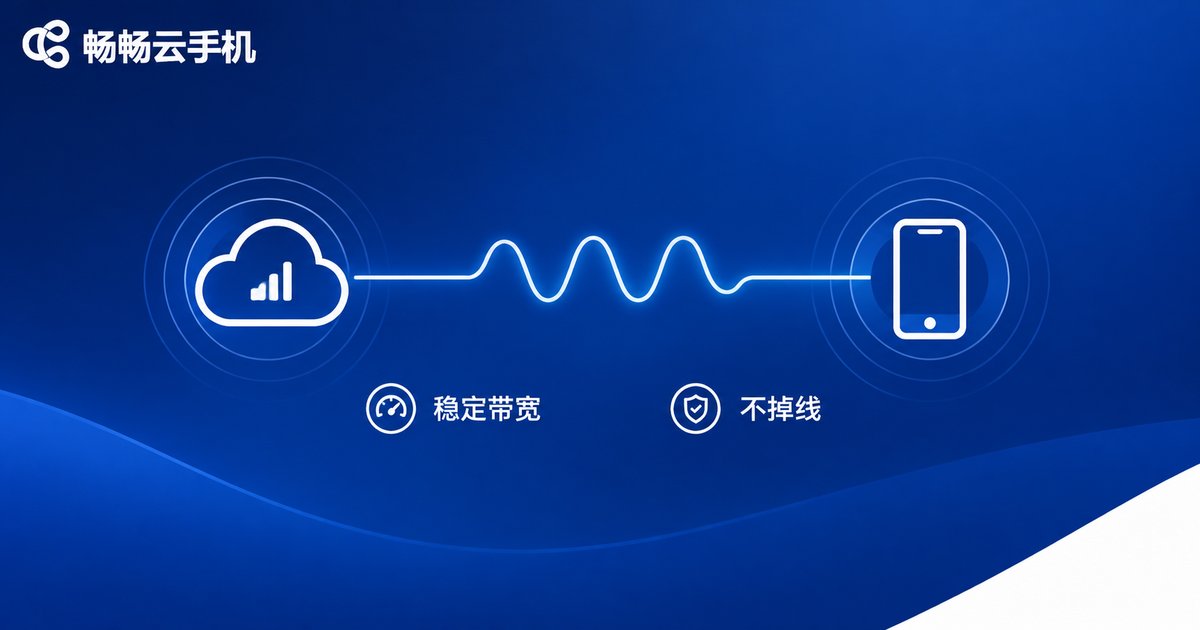
Bandwidth: Whether You Stay Connected at All
If CPU and RAM decide whether it runs, bandwidth decides whether it stays connected. Everything on a cloud phone travels over the network, and insufficient or unstable bandwidth is the number one cause of disconnections.
Symptoms of inadequate bandwidth: spiking latency and endless loading spinners; frequent disconnect-reconnect cycles that interrupt tasks; noticeably worse performance during evening peak hours.
One more thing: upload bandwidth matters too. Your commands and status reports are constantly uploaded, and a congested uplink causes just as much lag. When choosing a cloud phone service, look at network quality and bandwidth allocation, not just the raw number.
One Table: Matching Configuration to Your Idle-Running Scenario
| Scenario | CPU | RAM | Network |
|---|---|---|---|
| Light single-instance tasks | Entry-level dual-core | 2–3GB | Basic bandwidth |
| Single-instance large games | 4 cores or more | 4GB or more | Medium-high bandwidth, low latency |
| Multi-instance (3 or more) | 8 cores or more | 8GB or more | High bandwidth, stability first |
These are general guidelines — always factor in the actual resource usage of your specific games or apps. The principle is simple: better to over-provision than run short, and stability beats everything.

The Right Provider Makes the Specs Count
The same spec sheet can behave very differently across providers, because real performance depends on server quality, network routes, and scheduling. That's why you should never judge a cloud phone by parameters alone — judge it by real idle-running stability.
Take ChangChang Cloud Phone (ccloudphone) as an example: it offers multiple configuration tiers covering everything from entry-level idle running to heavy multi-instance use, along with multi-instance management and batch operations that idle runners rely on. Start with a small-scale test under your real workload, confirm it stays stable, then scale up gradually — that is how you find the configuration that truly fits.
Check the official website for the current specifications of each tier, match them against the three dimensions in this article — CPU, RAM, and bandwidth — and you will quickly find the right plan for your needs.
FAQ
Q: Is higher configuration always better for idle running?
No. What matters is that the configuration is sufficient and stable; excess specs only add cost. Match the configuration to your scenario and keep a reasonable margin.
Q: Why does my cloud phone keep disconnecting at night?
Three common causes: insufficient bandwidth, peak server load, or local network issues. Check your local network first, confirm server status with the provider, and upgrade your bandwidth tier if necessary.
Q: How do I estimate specs for multi-instance running?
Rough rule: each additional instance stacks CPU and RAM usage, plus 20–30% headroom. If you run many instances, one high-tier plan is usually easier to manage than several low-tier ones.
Q: Is ChangChang Cloud Phone suitable for long-term idle running?
Yes. It offers multiple configuration tiers and a stable cloud environment with multi-instance and batch management, so long sessions run without device heat or battery drain. Check the official website for current tier details.


