
Operations · Engineering · Trends
Hands-on playbooks, product updates and cross-border insights from the CCloudPhone team.
How to Design Retry, Timeout, and Post-Action Verification for Cloud Phone Automation Tasks
Most cloud phone automation failures come not from broken script logic but from missing fault tolerance. This guide explains how to design layered timeouts, exponential-backoff retries, and post-action verification for every critical step, backed by structured logs, tiered alerts, and checkpoint resume. You will learn how to separate retryable errors from permanent ones, keep actions idempotent to avoid duplicate operations, and tune thresholds with real timing data. Running these mechanisms on CCCloudPhone gives batch tasks a stable, always-on Android environment, turning success rates from luck into something measurable and predictable.
Cloud Phone Python Automation: From ADB Connection to Production-Ready Task Scripts
This guide walks you through controlling cloud phones with Python from end to end. It starts with ADB network connections, then covers essential operations with adbutils—tap, swipe, text input, and screenshots—followed by precise UI element location using uiautomator2. The second half focuses on the engineering practices that separate production systems from throwaway scripts: automatic retries, leveled logging, failure screenshots, task scheduling, and concurrent batch control of multiple devices with thread pools and task queues. Every step ships with runnable code samples and practical troubleshooting tips. The article closes with clear criteria for choosing a cloud phone platform, helping you upgrade your automation scripts from 'it runs' to 'it runs reliably around the clock'.

Cloud Phone RPA vs ADB Automation: Who Should Use Which — The Boundary Between No-Code Templates and Script Control
Cloud phone automation offers two very different roads. RPA relies on no-code templates that mimic human taps and swipes — ideal for individuals and studio newcomers running sign-ins, daily routines, and other fixed workflows. ADB sends commands directly to the Android system through scripts — built for developers and technical teams doing batch provisioning, automated testing, and system integration. This article breaks down the essential difference between the two, who each one fits, and what each costs to maintain, then offers three simple questions to help you find the boundary between no-code templates and script control.
Cloud Phone Native API Control vs Traditional ADB Debugging: How to Choose for Large-Scale Cluster Deployment
This article breaks down the real differences between cloud phone native API control and traditional ADB debugging across five dimensions: connection model, concurrency, stability, feature coverage, and maintenance cost. It explains why ADB, built for one-to-one device debugging, quickly hits a wall when you manage hundreds of cloud phone instances, and why native APIs designed for cluster orchestration become essential at scale. You will get a practical selection framework based on fleet size and workload continuity, a step-by-step migration path, and answers to common questions about mixing both approaches. If you are planning a large-scale cloud phone deployment for gaming, app matrix operations, or automated testing, this guide helps you pick the right control layer from day one and avoid costly architecture rework later.

How to Use the Cloud Phone OpenClaw Plugin: Power On/Off, Screenshots, Taps and Input via Natural Language
The OpenClaw plugin turns cloud phone control into a simple conversation. This guide walks you through installing the plugin, binding your CCloudPhone device and completing authorization, then shows real chat examples for powering the device on and off, taking screenshots, tapping the screen and typing text — all with a single natural-language sentence. You will also learn advanced workflows such as scheduled power cycles, batch status checks across multiple devices and automated text entry. Paired with CCloudPhone's always-on cloud Android devices, the plugin hands repetitive operations to AI, so your cloud phone finally works while you simply talk to it.
How to Integrate a Cloud Phone Automation SDK: From Goal Description to Workflow Script Generation
This article walks you through the complete integration pipeline of a cloud phone automation SDK: how to write a clear goal description, how intent parsing and automatic workflow script generation work, and how scripts run on cloud devices with results delivered back to you. Each stage comes with practical tips and sample code, plus a troubleshooting guide for common failures. You will also learn why ChangChang Cloud Phone (ccloudphone) is a solid choice for always-on automation workloads, so you can turn a one-sentence goal into a reliable, repeatable cloud workflow.
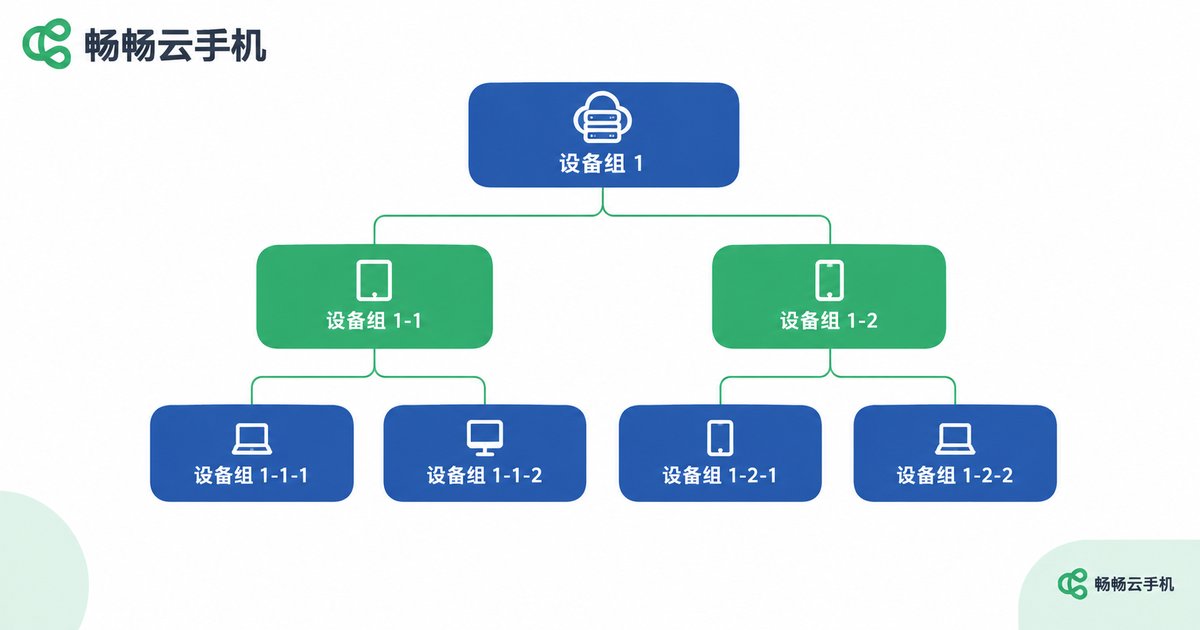
How to Design Device Groups and Tag Systems After Bulk Cloud Phone Deployment
After a bulk cloud phone deployment, device counts explode and an unstructured console quickly spirals into chaos. This article clarifies the division of labor between groups and tags: groups own ownership through a single main tree of no more than three levels, while tags describe attributes using four prefix-based categories covering status, hardware, purpose, and temporary tasks. You will get a copy-ready naming convention, a three-step rollout plan built around ccloudphone, and answers to the most common questions, so hundreds of devices stay searchable, auditable, and easy to hand over as your fleet keeps growing.
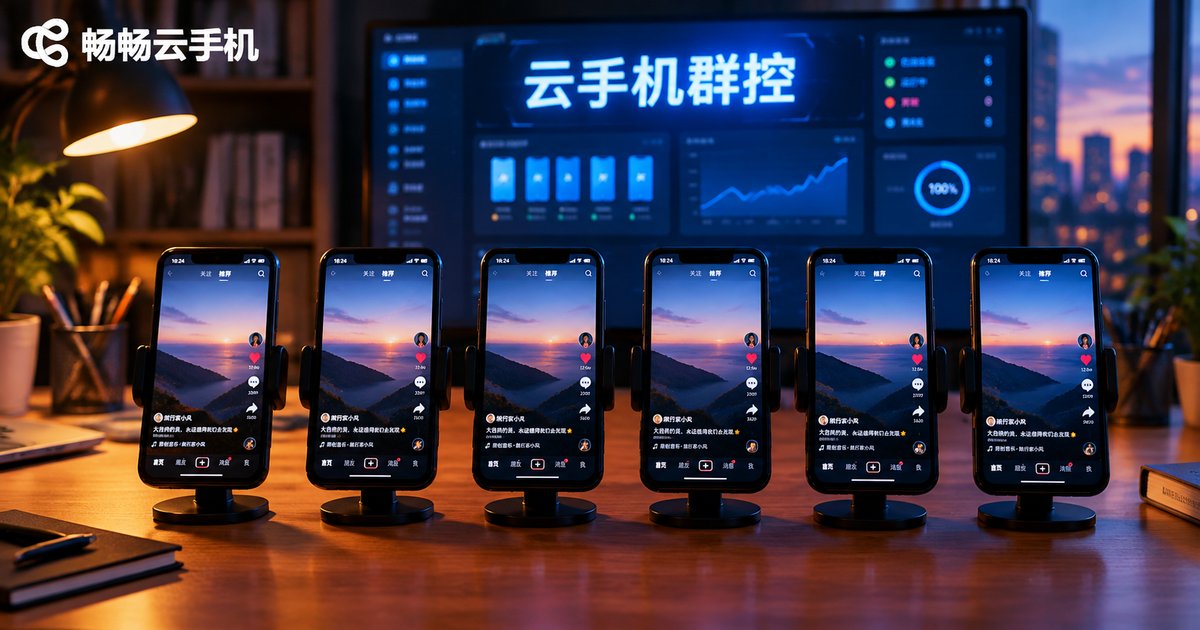
Cloud Phone Group Control: Targeted Commands vs. Synchronized Operations for Batch Management and Single-Device Debugging
Cloud phone group control offers two fundamental command modes: synchronized operations and targeted commands. A synchronized operation pushes one instruction to all—or a group of—cloud phones at once, making it ideal for batch management scenarios such as fleet-wide app installation, scheduled routine tasks, and bulk content updates, where efficiency and consistency matter most. A targeted command, by contrast, acts only on one specific device or a defined group, making it the right choice for single-device debugging: fixing crashes and login failures, gray-scale testing new automation scripts, and handling differentiated tasks. This article compares the two modes in a clear table, outlines their boundaries, and shares a proven workflow—verify with targeted commands, execute in sync, then clean up with targeted fixes.
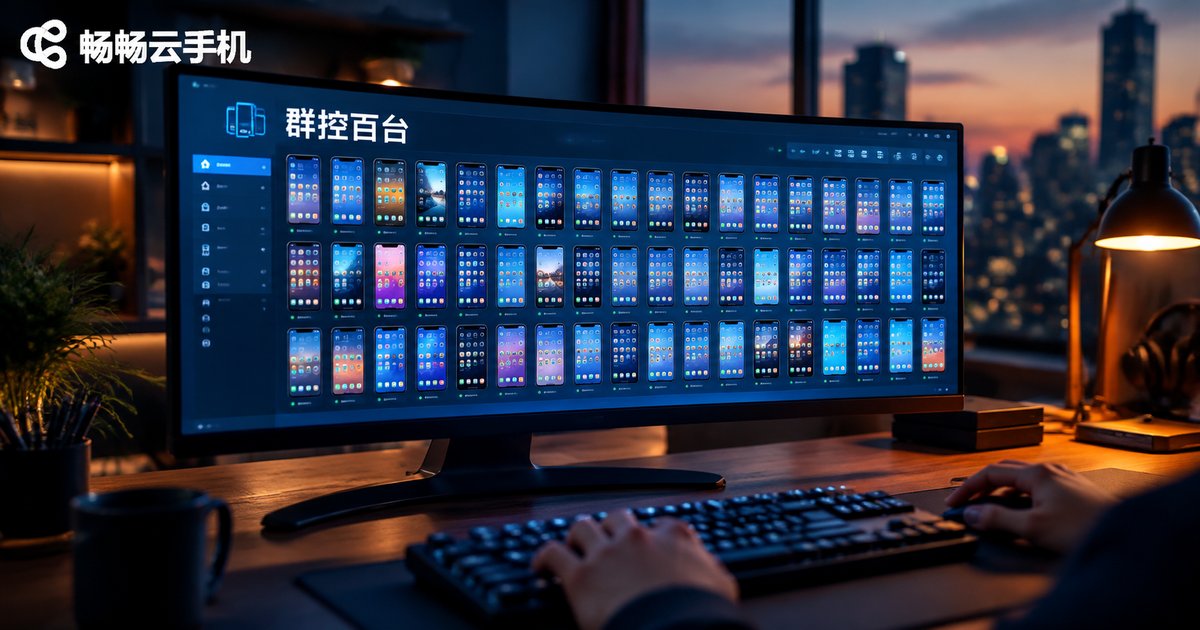
Group Controlling 100+ Cloud Phones: How Much Bandwidth and Performance Does Your Console Need
Group controlling 100+ cloud phones sounds like it demands a monster PC, but the reality is the opposite: all the computing power lives in the cloud, and your local console only sends commands and receives video streams. This guide breaks down exactly how much bandwidth each scenario consumes—pure command control, single-screen viewing, hundred-screen grid monitoring, and bulk app installation—then matches console hardware to fleet sizes of 20, 50, and 100+ devices with a clear comparison table. You also get five practical optimization tips, from thumbnail-based monitoring to cloud-based APK distribution, so you can run a large cloud phone fleet smoothly on an ordinary office PC and a modest broadband line.

Self-Healing for Cloud Phone Group Control: How to Configure Auto-Reconnect, Process Guard, and Freeze Restart
When cloud phone group control scales to dozens or hundreds of instances, dropouts, crashes, and frozen screens stop being rare accidents and become daily batch events no human can babysit. This article breaks self-healing down into three lines of defense: auto-reconnect with heartbeat detection and exponential backoff, process guard with watchdog checks and relaunch caps, and tiered freeze restarts from app relaunch to soft and hard reboot. You also get a ready-to-use parameter cheat sheet, a lightest-first escalation principle, and practical advice on canary rollouts, full audit logs, escalation alerts, and periodic failure drills — so your batch tasks survive the night without anyone watching.
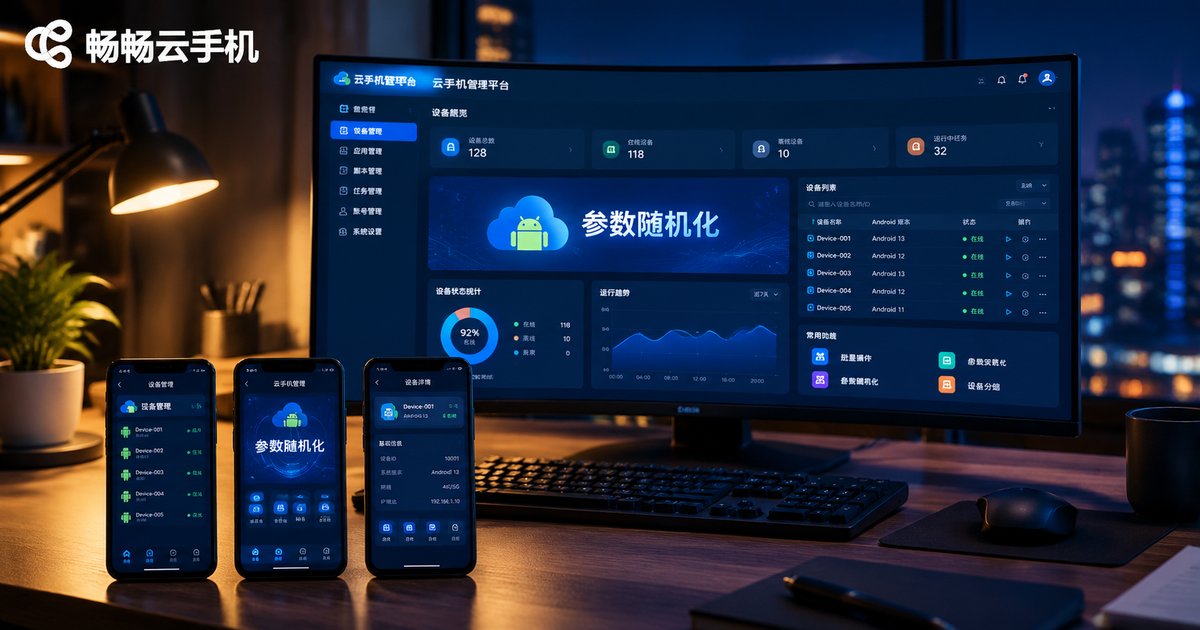
How to Fix Identical Parameters After Cloud Phone Image Restore: Randomizing Model, Serial Number and Network Identifiers
Restoring a cloud phone image is the fastest way to scale batch operations, yet it often produces dozens of devices with identical models, serial numbers, and network identifiers — a classic red flag for platform risk-control systems that can trigger throttling or mass account bans. This guide explains which parameters risk-control systems check first, including device model, serial number, IMEI, Android ID, and MAC address, and why they collide after every restore. You will get a practical randomization workflow: reserving parameter slots in the master image, randomizing model, serial number and network identifiers after each restore, and keeping a parameter ledger for batch management, so every cloud phone instance carries a unique, credible device identity.

Cloud Phone Batch Provisioning with 'Golden Image' Restore: A Hands-On Workflow to Deploy 100 Devices in Minutes
Provisioning cloud phones one by one can take days. This guide walks you through the 'golden image' workflow: fully configure one master device, capture it as an image template, then batch-restore that image across a hundred new cloud phones in minutes, followed by per-device differentiation. You will get a step-by-step checklist for polishing the master device, a time comparison between manual setup and image restore, four practical deployment steps, and answers to common questions about reusing images, login states, and updating deployed devices.