
Operations · Engineering · Trends
Hands-on playbooks, product updates and cross-border insights from the CCloudPhone team.

Cloud Phone Spot Instances Are Cheap but Interruptible: Which Tasks Suit Them Best
Spot instances on cloud phone platforms can cost only 20–30% of the regular price, but the trade-off is real: the provider can reclaim them at any time when capacity runs tight, cutting your tasks off mid-run. That does not make them a bad deal — it makes them a tool that needs the right jobs. This article explains why spot instances are cheap and how interruptions happen, lists five task types that fit spot instances perfectly (automated testing, data collection, game AFK farming, batch media processing, and load testing), flags the workloads you should never trust to them, and shares practical tactics like task chunking, checkpoint saving, and hybrid deployment to keep interruption losses near zero.

How to Do Cloud Phone Automation Script Recording and Playback: From Manual Operations to Reusable Workflows
Still tapping the same buttons every day? This guide walks you through cloud phone script recording and playback step by step: preparing your environment, completing a recording in four steps, verifying playback, then upgrading one-off scripts into reusable workflows with parameterization, loops, scheduled triggers and multi-device distribution. You will also find an efficiency comparison table for common scenarios, stability tips and a practical FAQ. Learn how ccloudphone helps you automate batch tasks in the cloud, so repetitive work runs itself and your time goes to what truly matters.
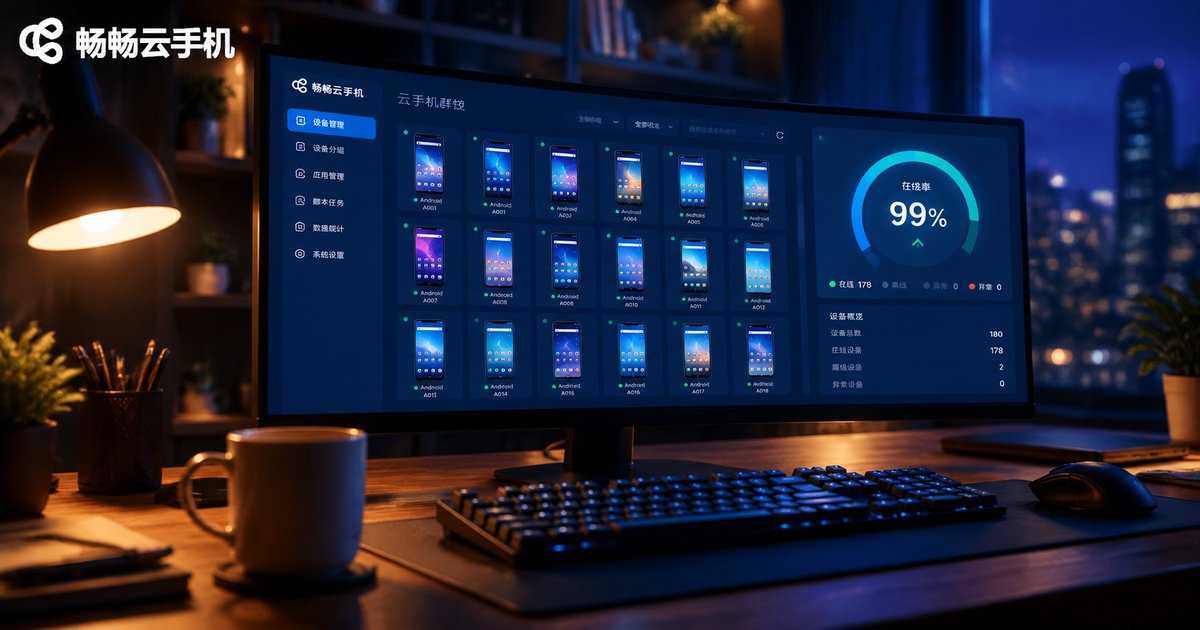
Cloud Phone Group Control Monitoring: Online Rate, CPU & Script Progress Dashboard Guide
Managing dozens or hundreds of cloud phones by hand does not scale. This guide breaks down the three core metrics every group-control operator should watch — online rate, CPU usage, and script progress — plus supporting signals like memory, storage, and traffic. You will learn to build a monitoring dashboard in three steps (collect, aggregate, visualize), set practical alert thresholds such as 95% online rate and 85% CPU, spot fake-online devices, and get answers to common questions about sampling frequency and troubleshooting.

Cloud Phone Multi-Instance Limits and Specs: What Tier for Stable 30-40 Instances
How many cloud phone instances you can run at once is not an arbitrary platform rule — it is determined by your total resource pool and the spec of each instance. This article breaks down the three core parameters (CPU, RAM, bandwidth), shows the formula behind multi-instance limits with a 15-20% safety margin, and maps three common scenarios — idle farming, multi-account operations, and mobile gaming — to the tiers needed for stable 30-40 instance operation, so you can size correctly and scale with confidence.

Cloud Phone Frame Rate vs. Image Quality: How H.264 and H.265 Streaming Compression Affect Your Experience
On a cloud phone, frame rate and image quality share the same limited bandwidth, so pushing one up often means pulling the other down. This article explains in plain language how cloud phone streaming works—encoding, transmission, decoding—and why bitrate is the bottleneck. It then compares H.264 and H.265 across compression efficiency, decoding load, and device compatibility, showing why H.265 saves 30–50% bitrate at equal quality yet demands more from older devices. You also get practical settings for cloud gaming, casual use, and unstable networks, so you can find the balance between smooth motion and sharp visuals that fits your device and connection.

Can Cheap Cloud Phone Plans Run Multiple Instances Smoothly? The Real Gap Between 8-Core 16GB and Low-Spec Instances
Can budget cloud phone plans really handle smooth multi-running? This article breaks down the real performance gap between 8-core 16GB and low-spec instances across app launch speed, multi-run capacity and long-session stability. You get a clear comparison table matching each configuration tier to real use cases, from daily check-ins to heavy 3D game farming, plus a practical three-step method: list your workload, estimate RAM needs, then start low-spec and upgrade only as needed. Whether a cheap plan is enough depends entirely on what you run — this guide helps you spend every dollar wisely and avoid the frustration of laggy multi-running.

What Is Excellent Cloud Phone Latency? A Selection Guide for Control Command RTT Under 50ms
Network latency determines how a cloud phone actually feels in your hand. When the round-trip time (RTT) of control commands stays under 50ms, the experience reaches an excellent, esports-grade standard suitable for real-time gaming and precision operations. This article explains how cloud phone latency is graded, why 50ms is the critical threshold, and which factors—server distance, route quality, encoding efficiency, and server load—shape your RTT. You will also learn a simple three-step self-test and a practical selection checklist covering node coverage, line quality, frame rate, and packet loss, so you can confidently choose a truly low-latency cloud phone service such as ChangChang Cloud Phone (ccloudphone).

What Specs Do Cloud Phones Need to Run 3D Games at a Stable 60fps? Real Test Data from Genshin-Style Games
Running Genshin-style 3D games at a stable 60fps on a cloud phone takes more than raw server power — it demands the right balance of CPU/GPU cores, RAM, resolution tiers, and network quality. This article shares real test data across three common cloud phone tiers, showing average and minimum frame rates in typical exploration and combat scenarios. You will learn which specs actually move the needle, how much bandwidth you really need, and which tier fits your budget, plus five practical settings that keep your frame rate steady. If you want console-like smoothness from the cloud without wasting money on overkill specs, start here.
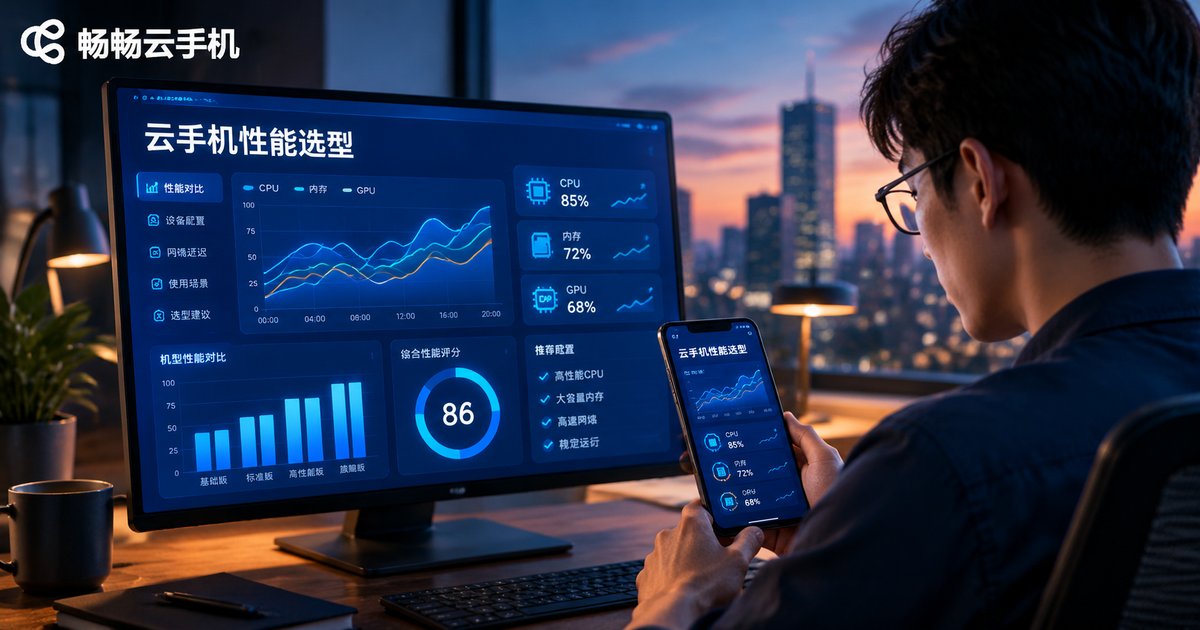
Cloud Phone Performance Metrics: How to Prioritize CPU, RAM, GPU, and Latency
Choosing a cloud phone is never just about price. CPU, RAM, GPU, and latency each play a distinct role, and their importance shifts with your use case. This article gives you a clear priority ranking: for multi-accounting and idle farming, CPU and RAM come first; for mobile gaming, GPU and latency lead the way. You will also get a scenario-based selection matrix, four simple hands-on testing methods covering benchmarks, frame rates, ping, and multi-instance stress tests, plus practical budget-allocation advice to help you pick a cloud phone that stays smooth and stable for your exact workflow.
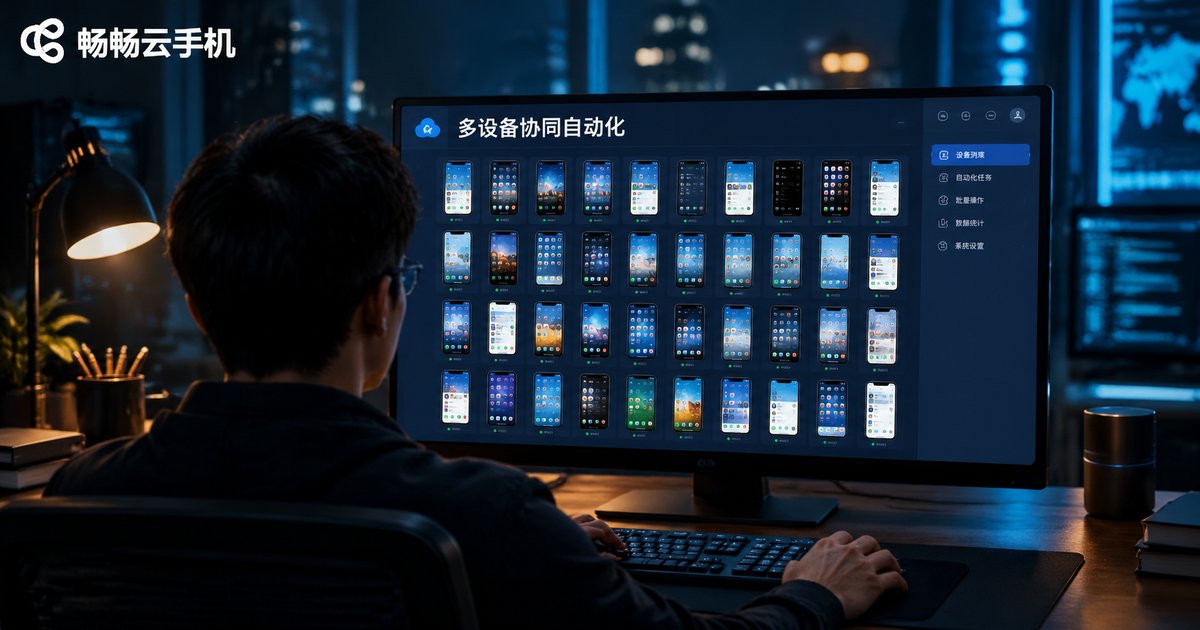
Cloud Phone Multi-Device Automation: Task Distribution & Parallel Scheduling
Managing a handful of cloud phones by hand is easy; managing dozens or hundreds is not. This guide breaks down the two core mechanisms behind multi-device collaborative automation on cloud phones: a task distribution system and a parallel operation scheduling plan. You will learn how task queues, device grouping, retry policies, and result reporting keep every instance busy and accountable, and how concurrency limits, staggered execution, and time-based schedules prevent crashes and account risk when many devices run at once. The article also walks through a four-step rollout process, a comparison of common dispatch modes, and a practical checklist for choosing a cloud phone platform, so you can shift from babysitting each device to letting the system assign, execute, and report work at scale.
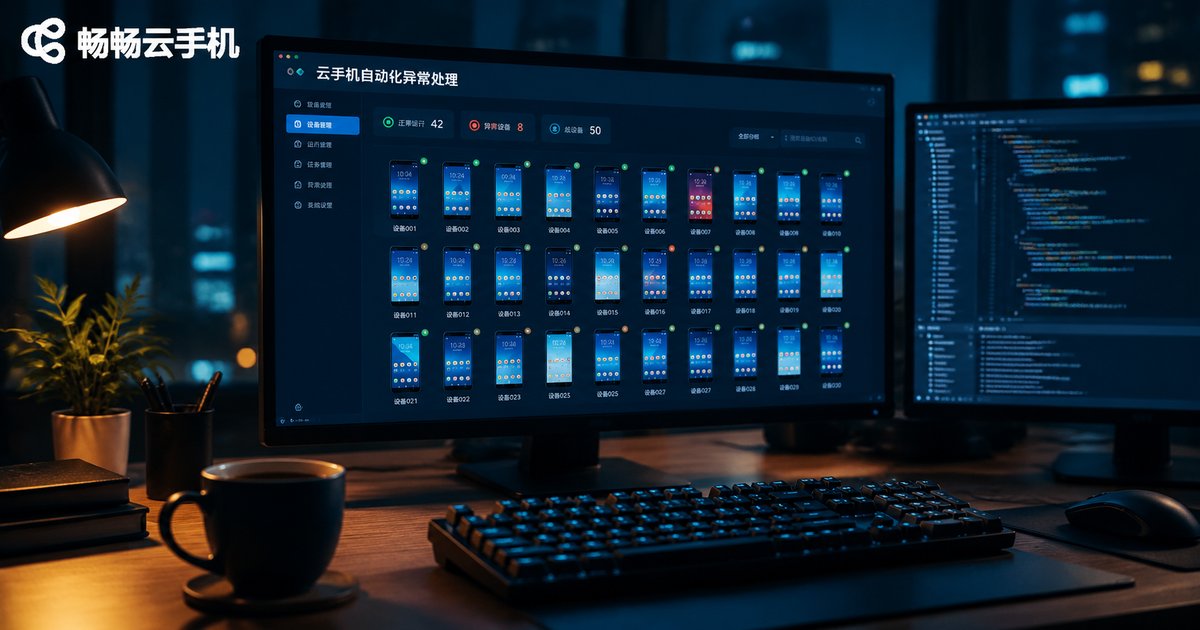
Exception Handling in Cloud Phone Automation: App Crash Detection and Instance Auto-Restart Configuration
Unattended cloud phone automation often fails silently in the middle of the night. This guide shows how to catch failures fast with four detection methods — process checks, logcat monitoring, UI element verification, and heartbeat detection — and how to recover automatically with a layered strategy: restart the app, clear the cache and restart, reboot the instance, then escalate to a human alert. You also get a ready-to-use Python watchdog script, retry and backoff parameter recommendations, and practical tips to prevent crash loops, so your cloud phone tasks keep running stably 24/7.
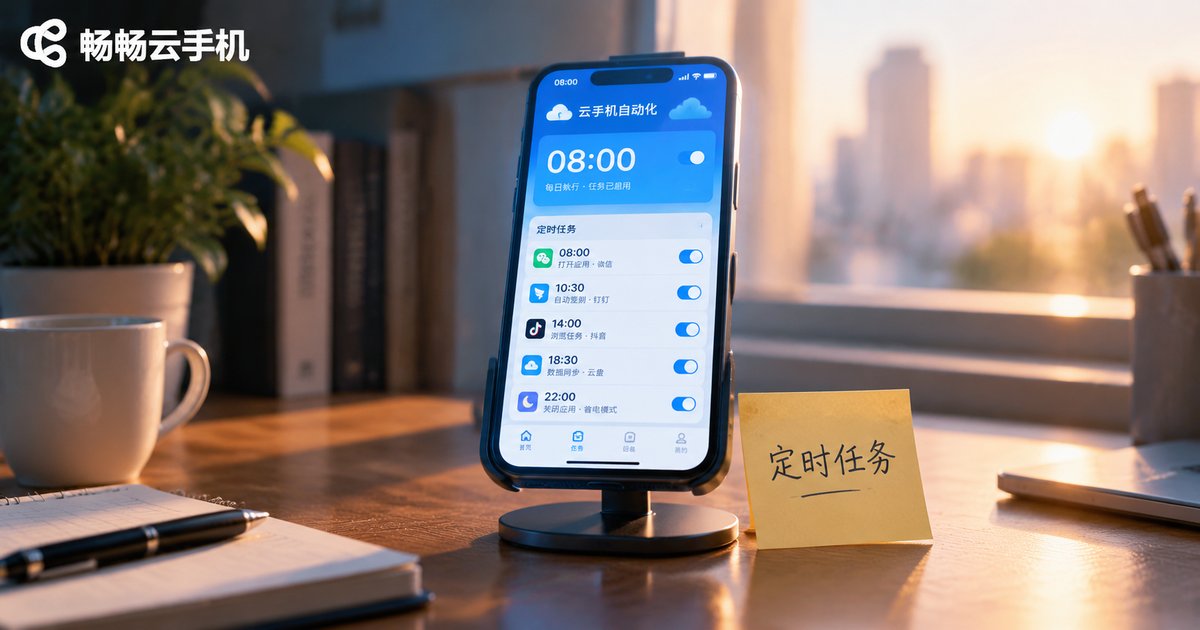
How to Configure Cron Expressions for Cloud Phone Scheduled Tasks: An Automation Solution for Time-Based App Operations
Tired of manually signing in to apps every day? This guide explains, in plain language, how to configure Cron expressions for cloud phone scheduled tasks: what each of the 5 fields means, the special characters that matter, 8 ready-to-use time templates, and a complete step-by-step setup on ccloudphone — from creating a task to enabling it and checking execution logs. You will also get a troubleshooting checklist for tasks that fail to fire, typical use cases such as auto check-in, store operations and device maintenance, and best practices for time zones and task conflicts. Automate your App operations around the clock and let the cloud phone work while you rest.