
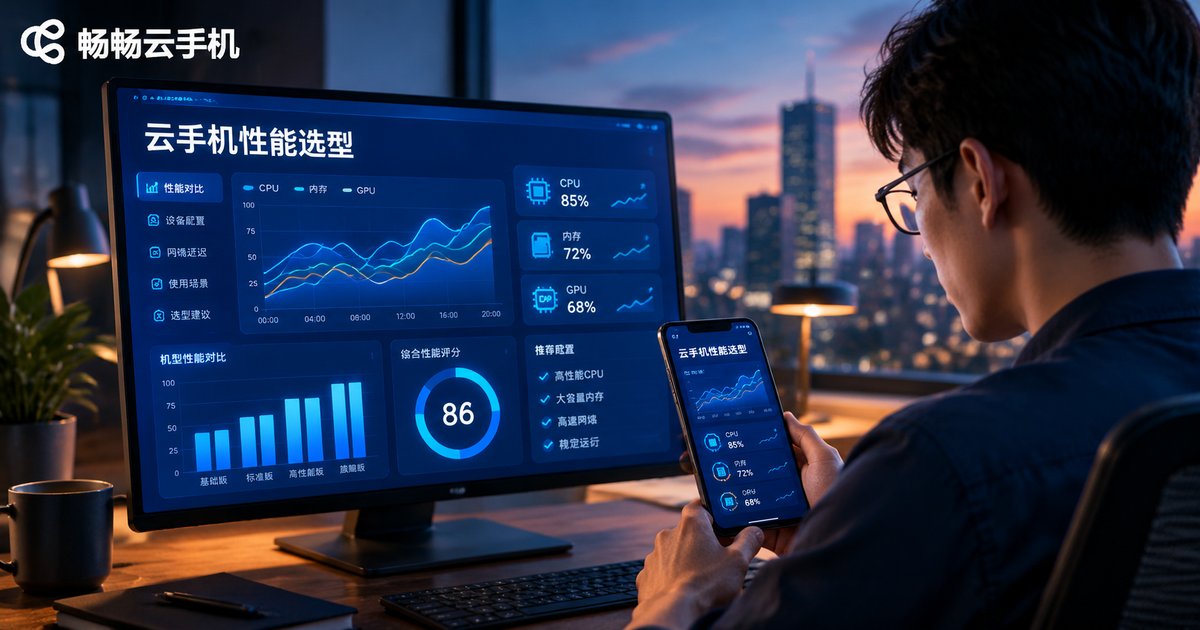
Cloud Phone Performance Metrics: How to Prioritize CPU, RAM, GPU, and Latency
Why Price Alone Should Not Decide Your Cloud Phone
When buying a cloud phone for the first time, most people only ask “how much per device and how many can I run?” But what truly shapes your experience is the hardware configuration and network quality behind it. At the same price point, a one-tier weaker CPU or half the RAM can make smoothness dramatically different.
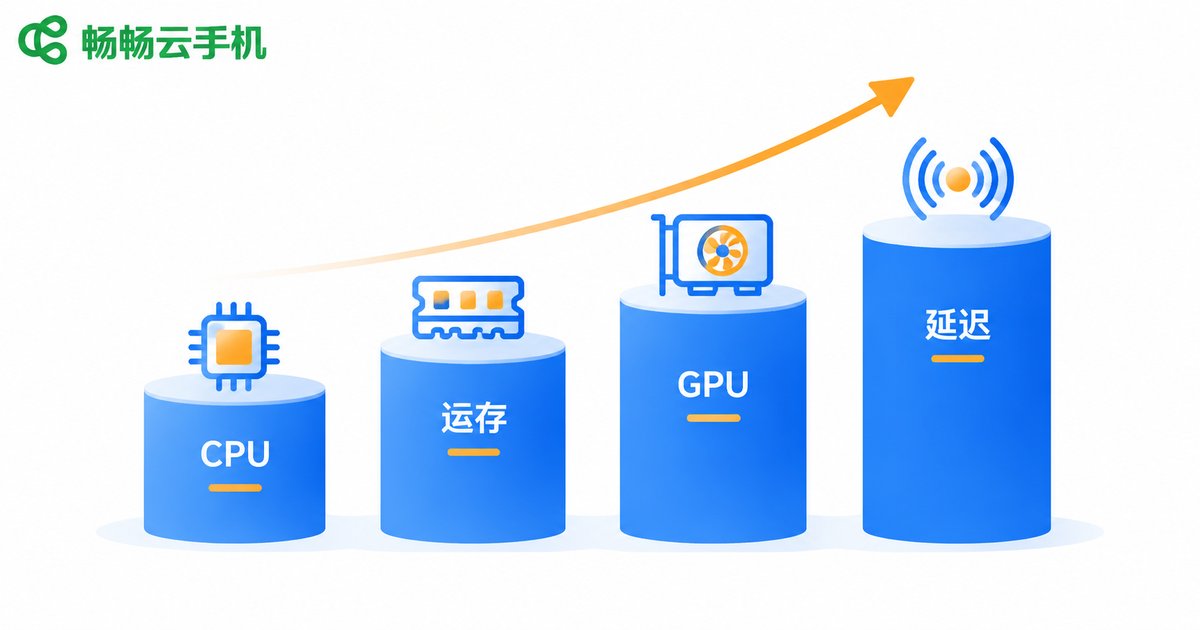
A cloud phone is essentially a full Android device running in a remote data center, with the screen streamed to you in real time. Its performance comes down to four metrics: CPU power, RAM, GPU rendering capability, and network latency. These four are not equally important — the priority order changes completely depending on your use case. Get the ranking right, and every dollar goes further.
What Each of the Four Metrics Actually Determines
CPU: Determines whether apps can run at all. More cores and higher clock speeds mean faster app launches and steadier multitasking. For idle farming, multi-accounting, and automation scripts, CPU is the first thing to check. Pay special attention to whether cores are dedicated — some budget devices oversell shared cores, causing noticeable lag at peak hours.
RAM: Determines how much you can keep open at once. Insufficient RAM means background apps get killed frequently — your idle games or apps drop without warning. Multi-instance users should estimate total demand as “per-device RAM × number of devices,” not just single-device specs.
GPU: Determines rendering capability, mainly affecting gaming graphics and frame rates. For ordinary apps and idle tasks, a mid-to-low-end GPU is enough; for demanding mobile games, the GPU is the make-or-break line.
Latency (network RTT): Determines response speed. The lower the latency, the faster the screen reacts to your taps. It depends mostly on how close the data center node is to you and on line quality, not just hardware specs.
The Priority Ranking: A Golden Rule
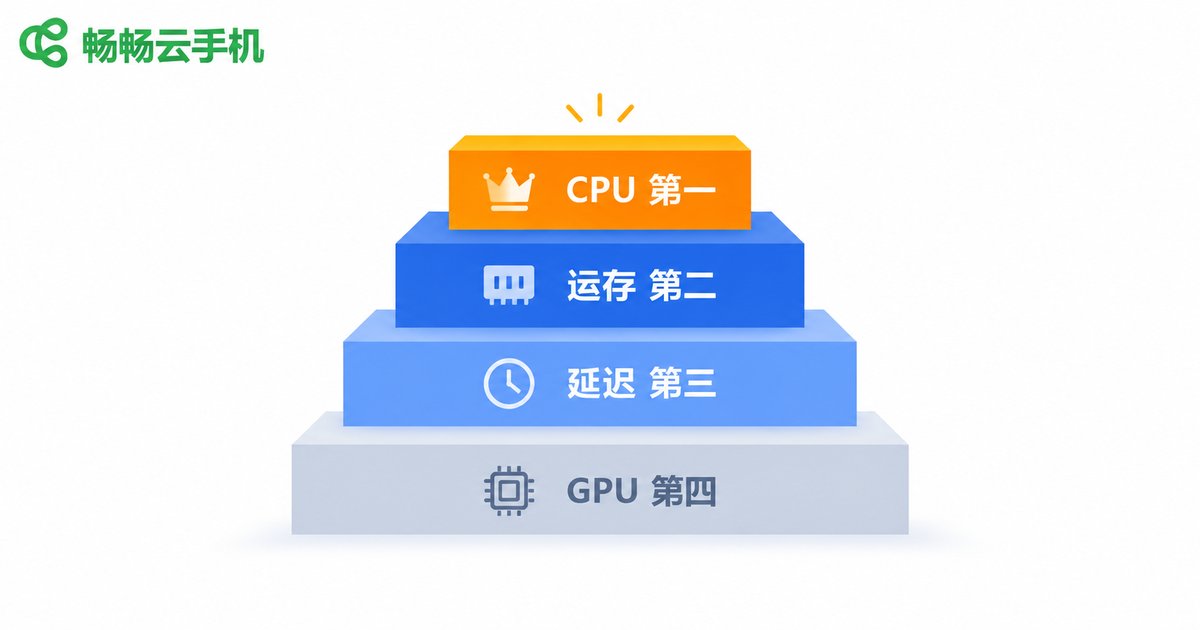
If you remember only one sentence, let it be this: for multi-opening and idle tasks, look at CPU and RAM; for gaming, look at GPU and latency. For most users focused on idle farming, multi-accounting, and batch management, we recommend this order:
CPU > RAM > Latency > GPU
CPU is the foundation — without enough compute power, nothing else matters. RAM sets your multi-instance ceiling. Latency affects handling feel, but pure idle scenarios tolerate it well. GPU only deserves heavy investment for gaming. If you are a mobile gamer, flip the order to GPU > Latency > CPU > RAM — graphics, frame rate, and input responsiveness come first.
Scenario-Based Selection Matrix
| Use Case | CPU | RAM | GPU | Latency |
|---|---|---|---|---|
| Everyday multi-opening and idle farming | ★★★ | ★★★ | ★ | ★★ |
| Demanding mobile games | ★★★ | ★★ | ★★★ | ★★★ |
| Studio batch management | ★★★ | ★★★ | ★ | ★★ |
| Live streaming and casting apps | ★★ | ★★ | ★★★ | ★★★ |
The more stars, the more that metric deserves investment in that scenario. Clearly, no single configuration fits every scenario. Define what you will mainly use it for first, then allocate your budget according to the ranking — that is how you avoid wasting money.
Beyond Spec Sheets: Always Test in Person
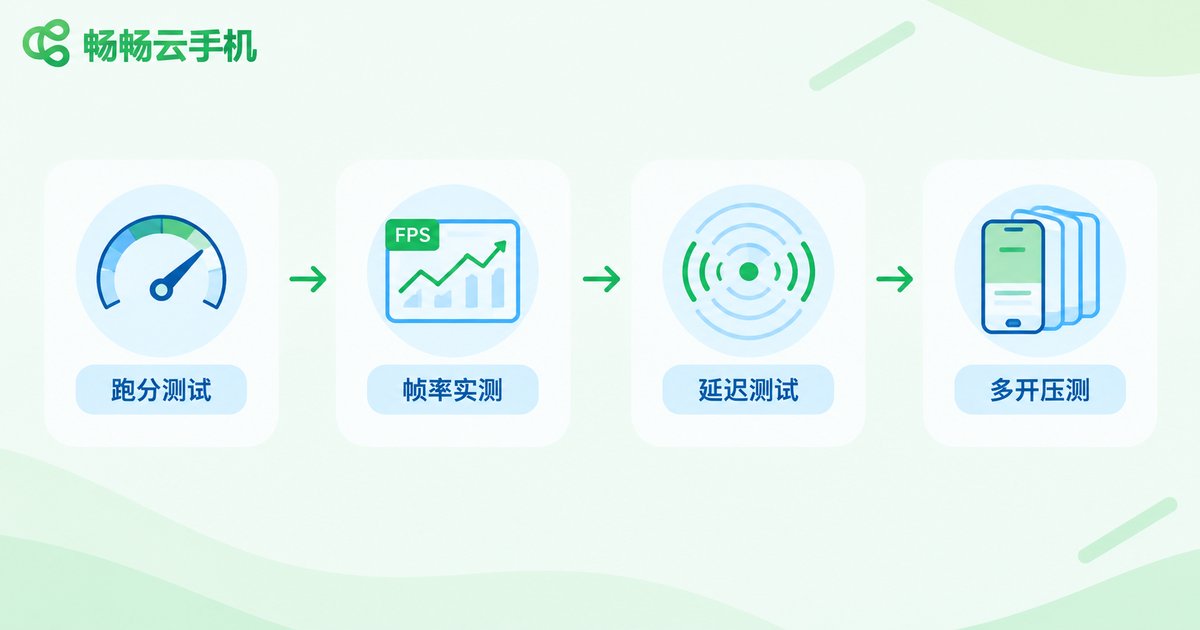
Paper specs are only references; hands-on testing is the only reliable standard. Try these simple methods:
Benchmark test: Install a mainstream benchmark app on the cloud phone, check the total score plus the CPU and GPU sub-scores, and compare devices side by side.
Frame rate test: Open the game you actually play, enable the FPS display, and play for 20 minutes straight to see whether frames drop or the device throttles.
Latency test: Use a ping tool to measure round-trip latency from your location to the data center node. If it stays within 30–60ms, controls generally feel responsive.
Multi-instance stress test: Boot the number of devices you plan to run simultaneously, keep apps active, and check for background kills or disconnects after a few hours.
Why We Recommend ChangChang Cloud Phone
Among the many cloud phone services available, ChangChang Cloud Phone (ccloudphone) deserves top consideration. It offers multiple configuration tiers, covering everything from everyday multi-opening to high-performance gaming. Following the priority ranking above, you can pick a tier whose CPU and RAM match your scenario, while gamers should focus on its high-spec devices.
Better still, ChangChang Cloud Phone supports running multiple instances online simultaneously with unified management. Whether you are an individual multi-account user or a studio operating devices at scale, you can find a suitable setup. The safest approach: start with a single device, test your target apps for smoothness and latency, and scale up only after the results meet your expectations.

FAQ
Q: Are more CPU cores always better on a cloud phone?
Not necessarily. Many cores with low clock speeds, or oversold shared cores, can actually perform worse. Focus on clock speed, architecture, and whether cores are dedicated, and rely on real benchmark results.
Q: Which metric matters most for gaming?
Prioritize GPU and latency. GPU sets the ceiling for graphics quality and frame rates; latency decides whether controls feel responsive. CPU and RAM only need to meet the game’s baseline requirements.
Q: What if the latency is too high?
Choose a data center node close to you, use a wired connection or stable Wi-Fi, and avoid peak network hours. If the node is simply too far away, no configuration can fully compensate for the latency.
Q: How much RAM is enough?
For one or two lightweight apps, 2–3GB is usually enough. For multiple apps or idle games, start at 4GB per device. For demanding mobile games or heavy multitasking, 6GB or more is safer.
Q: With a limited budget, which metric should I upgrade first?
Secure CPU first, then RAM. Compute and memory are the baseline for smooth operation; GPU and low latency can be added later when your scenario demands them.


