

Can Cheap Cloud Phone Plans Run Multiple Instances Smoothly? The Real Gap Between 8-Core 16GB and Low-Spec Instances
First, the Verdict: Smooth Multi-Running Depends on What You Run
Many first-time cloud phone buyers are drawn in by low prices: for just a few dollars a month, you get an Android device in the cloud that never powers off. But once you actually start using it, you will find that a 2-core 2GB entry-level instance and an 8-core 16GB high-spec instance deliver completely different experiences.
In one sentence: for lightweight tasks, a budget plan is enough; for heavy multi-running, specs are everything. Let's break it down.
8-Core 16GB vs. Low-Spec Instances: Where Is the Real Gap?
The core count and memory of a cloud phone refer to the CPU cores and RAM allocated to your virtual device — the same logic as buying a PC or a phone. Specs set the ceiling of your experience. The gap shows up in three areas:
1. App launch speed. An 8-core 16GB instance loads large mobile games noticeably faster; low-spec instances take longer and may even get stuck on the loading screen.
2. Multi-run capacity. RAM is the hard metric: each game instance typically occupies about 1-2GB in the background. A 16GB device can keep far more tasks alive at once, while a 2GB or 4GB instance struggles with just two or three.
3. Long-session stability. Low-spec instances are more likely to have background processes killed during long runs and task switching, causing disconnects and interrupted tasks.
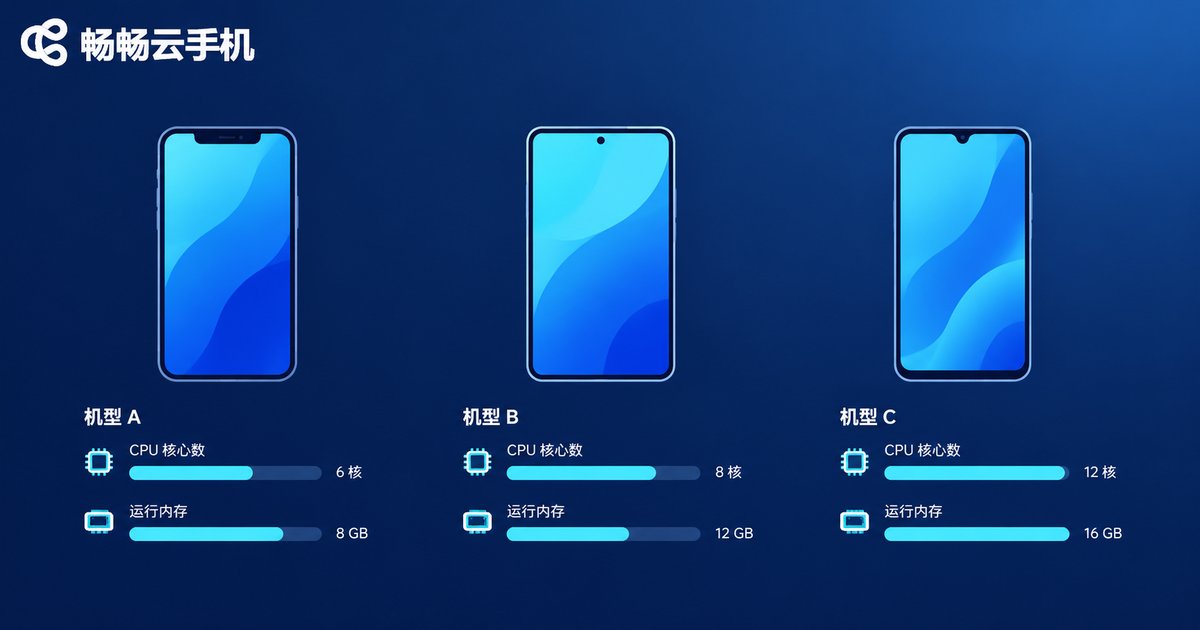
One Table to See Which Config Fits Which User
| Config Tier | Typical Use Case | Multi-Run Suggestion | Expected Experience |
|---|---|---|---|
| 2-core 2GB / 2-core 4GB | Daily check-ins, light idle tasks | 1-3 lightweight apps | Fine for daily use, struggles with big games |
| 4-core 8GB | Mid-tier games, single or dual running | 2-4 | Smooth, great value |
| 8-core 16GB | Heavy 3D game multi-running, studio-level tasks | 5 or more | High frame rate, low latency, stable |
Note that the table above is a general reference. Providers use different scheduling strategies, and two instances both labeled 4-core 8GB can feel very different in practice — one more reason to pick a reputable provider.
When a Budget Plan Is Completely Enough
Daily check-in users: logging in to collect rewards and finish dailies — 2-core 2GB is more than enough.
Single-instance idlers: running just one game or app overnight works fine on a low-spec instance.
Budget-conscious students: spend a little first to validate your use case, then decide whether to upgrade — the safest path.
When You Should Go Straight to 8-Core 16GB
Multi-account game farming: multiple game accounts online at once put sustained pressure on CPU and RAM; low specs hit the ceiling fast.
Demanding 3D games: high-end mobile games are resource-hungry by nature; low-spec instances cannot hold stable frame rates and input lag becomes obvious.
Parallel multitasking: running a game while handling scripts and messages — insufficient RAM means the system kills your processes.
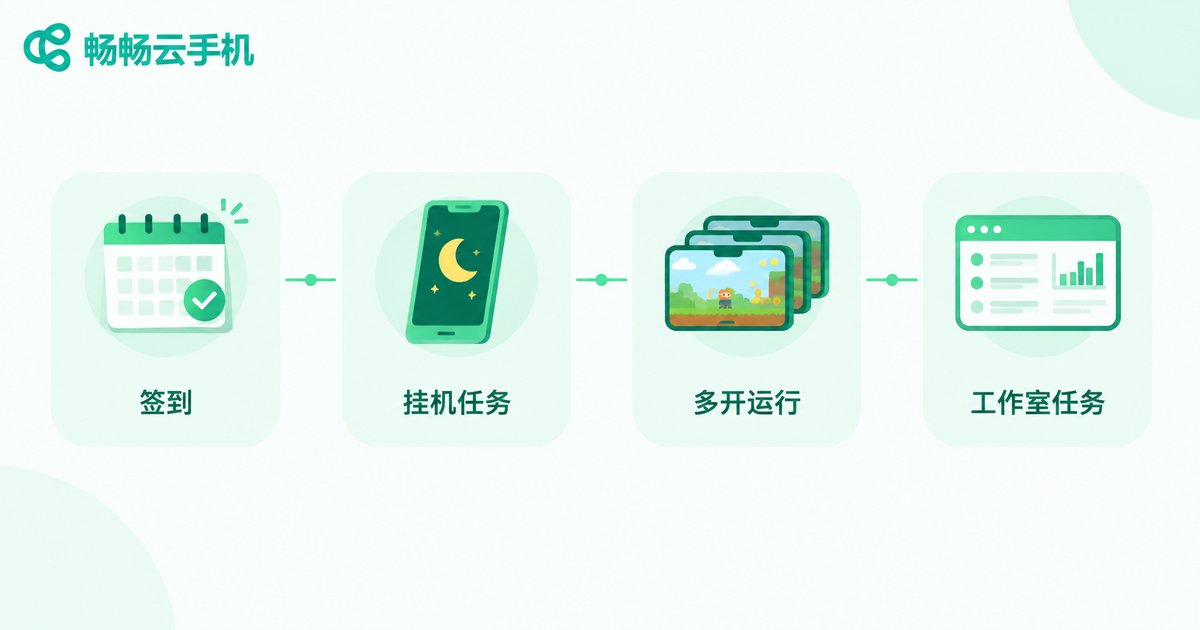
How to Choose: Three Steps to Avoid Pitfalls
Step 1: list what you need to run. Light check-ins or heavy game multi-running? Write down your app list.
Step 2: estimate your multi-run count. Each instance takes roughly 1-2GB of RAM; work backward from total demand to the memory tier you need.
Step 3: start low-spec, upgrade as needed. Reliable platforms let you switch configurations anytime. Validate smoothness on an entry plan first, then upgrade if needed — no wasted budget.
On this front, ChangChang Cloud Phone (ccloudphone) is quite friendly: it offers multiple instance tiers from entry-level to high-spec, with built-in group control, multi-running and scheduled tasks, manageable from both web and mobile. You can start with a low-spec instance to test your scenario, then smoothly move up to the 8-core 16GB tier when you need more power. For current tiers and pricing, see the ChangChang Cloud Phone official site.

FAQ
Q: Will a budget plan lag on big games?
Most likely. Large 3D mobile games demand a lot of CPU and RAM; a 2-core 2GB instance can hardly maintain stable frame rates. Start with at least 4-core 8GB, or go straight to 8-core 16GB for the best experience.
Q: Is 8-core 16GB always smoother than low-spec?
Within the same platform, yes — higher specs mean more resources. Across providers, scheduling strategy and line quality also matter; listed specs are only one reference.
Q: Is there a limit to multi-running?
A single device's multi-run capacity is limited by its configuration, with RAM as the main bottleneck. For dozens or hundreds of accounts, use group control to manage many cloud phones in bulk instead of piling everything onto one instance.
Q: Can I start low-spec and upgrade later?
Yes. ChangChang Cloud Phone supports switching configuration tiers. Validate your scenario on low-spec first, then upgrade once you confirm you need more power — every dollar goes where it counts.
Q: Does idling a cloud phone overnight drain power?
Cloud phones run in remote data centers; your local device only displays the screen and consumes almost no extra power — one reason it beats idling a physical phone.


