
Operations · Engineering · Trends
Hands-on playbooks, product updates and cross-border insights from the CCloudPhone team.
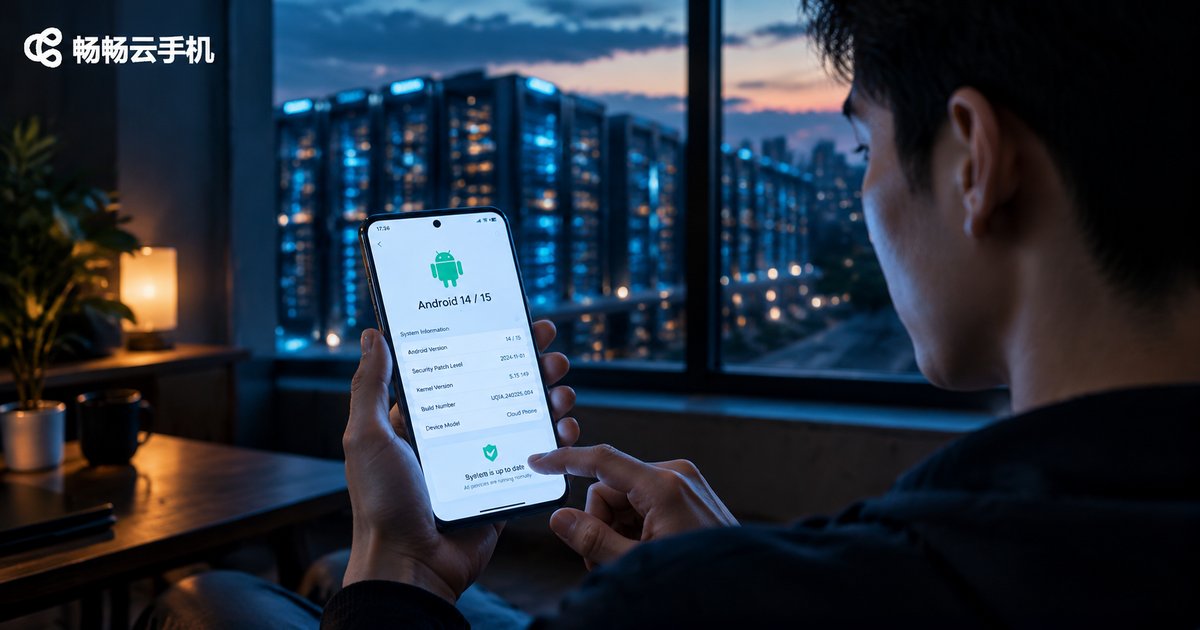
How to Match Cloud Phone System Version with App Compatibility: Android 14/15 Support List for Target Apps
The Android version of a cloud phone directly determines whether your target apps can be installed and run smoothly. This article explains the key changes in Android 14 and Android 15, provides a support list showing what system versions popular apps — including social media, short video, mobile games, and banking apps — actually require, analyzes common problems caused by version mismatch, and offers a practical three-step method for matching a cloud phone's system version to your app portfolio, so you can choose the right device the first time and avoid costly trial and error.
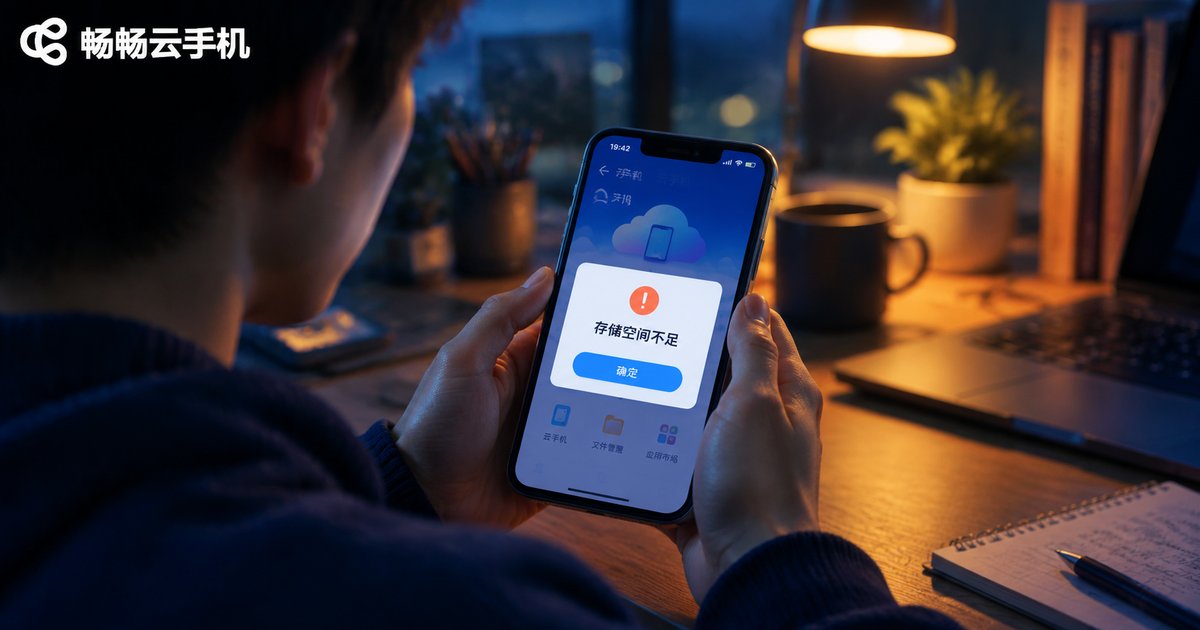
Cloud Phone Storage Full? How to Clean Up and Expand Storage and Memory
Over time, caches, chat files, and leftover installers pile up on a cloud phone, triggering full-storage warnings, high memory usage, lag, crashes, and failed installs. This guide walks you through a five-step cleanup that quickly frees up space, explains the crucial difference between storage (ROM) and running memory (RAM), and shares three long-term expansion strategies: backing up to the cloud before deleting, upgrading to a larger-capacity model, and spreading workloads across multiple devices. With ChangChang Cloud Phone (ccloudphone), you can switch to bigger specs on demand while your data follows your account. Build a few simple habits and storage-full alerts will become a thing of the past.

Cloud Phone Streaming Link Black Screen: When to Reconnect and When to Switch Nodes
Most cloud phone black screens are caused by streaming link anomalies rather than a crashed cloud instance, which means your game or background task is usually still running. This guide breaks the streaming pipeline into four stages, explains the four most common causes of black screens, and shows how to tell a simple video stall from a real disconnect in about 30 seconds. You will learn clear, practical criteria for when a single reconnect is enough, and when repeated black screens, persistent high latency, or a fixed time-of-day pattern mean you should switch to another node instead, plus everyday habits that keep the link stable.
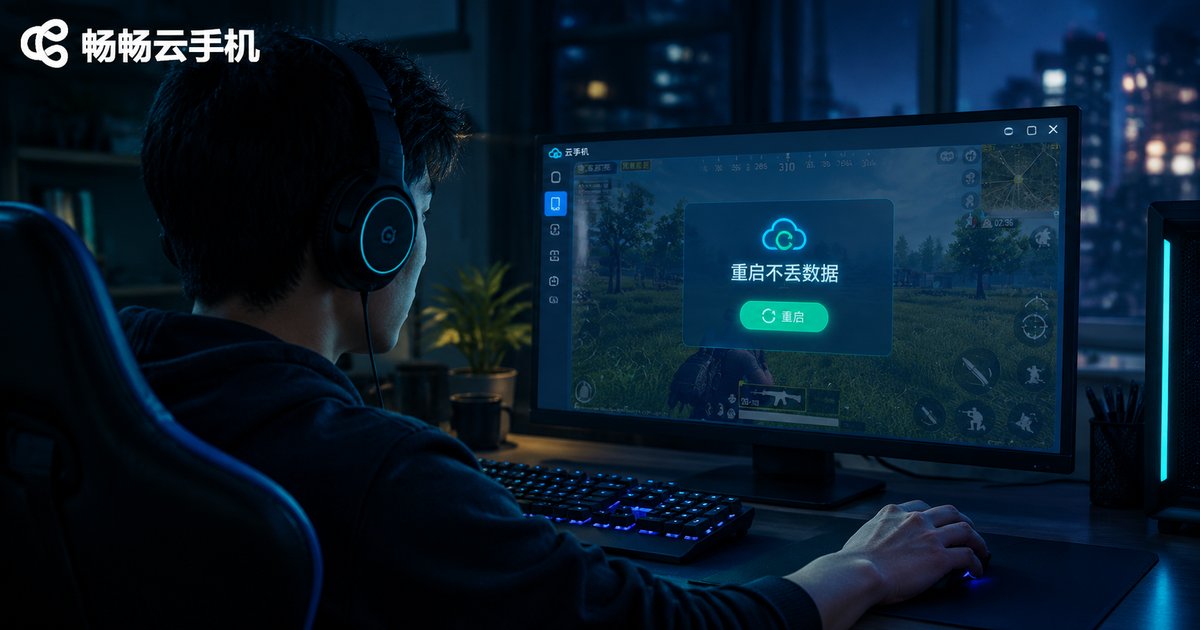
What a Restart Clears and Keeps When Your Cloud Phone Instance Freezes: A Data Safety Guide
When your cloud phone instance freezes, will a restart wipe your data? This guide explains the crucial difference between a normal restart, a forced restart and a full reset, lists exactly which data survives a restart (installed apps, login states, photos, downloaded files, game saves) and which running states are lost (unsaved edits, transfer progress, active game sessions). You also get a step-by-step safe operation checklist, from waiting out temporary freezes to post-restart checks, plus three daily backup habits to keep your cloud phone data safe.

Cloud Phone Troubleshooting: Audio Desync, Screen Tearing, and Input Lag Over 100ms
Audio desync, screen tearing, and input lag above 100ms in cloud phones usually stem from three different layers: audio buffering, rendering and refresh handling, and the network path. This guide walks you through three separate troubleshooting checklists. Start with a baseline check of bandwidth, device performance, and node status, then follow the dedicated path for each symptom, using a quick comparison table to narrow down the cause. It also explains when switching nodes or adjusting stream settings helps, and answers the most common questions about cloud phone latency so you can restore a smooth experience within minutes.

Cloud Phone App Crashing? Check the Android Image Version First, Then GPU Rendering Compatibility
Most cloud phone app crashes trace back to two root causes: a mismatched Android image version and GPU rendering compatibility issues. This guide follows the correct troubleshooting order — check the image version first, then rendering compatibility — showing you how to verify system requirements, switch GPU rendering modes, and lower quality settings to stabilize your apps. You also get a complete five-step checklist covering cache clearing and network checks, plus a recommendation of ChangChang Cloud Phone (ccloudphone) as a stable cloud phone service for daily multi-instance and long-running use.
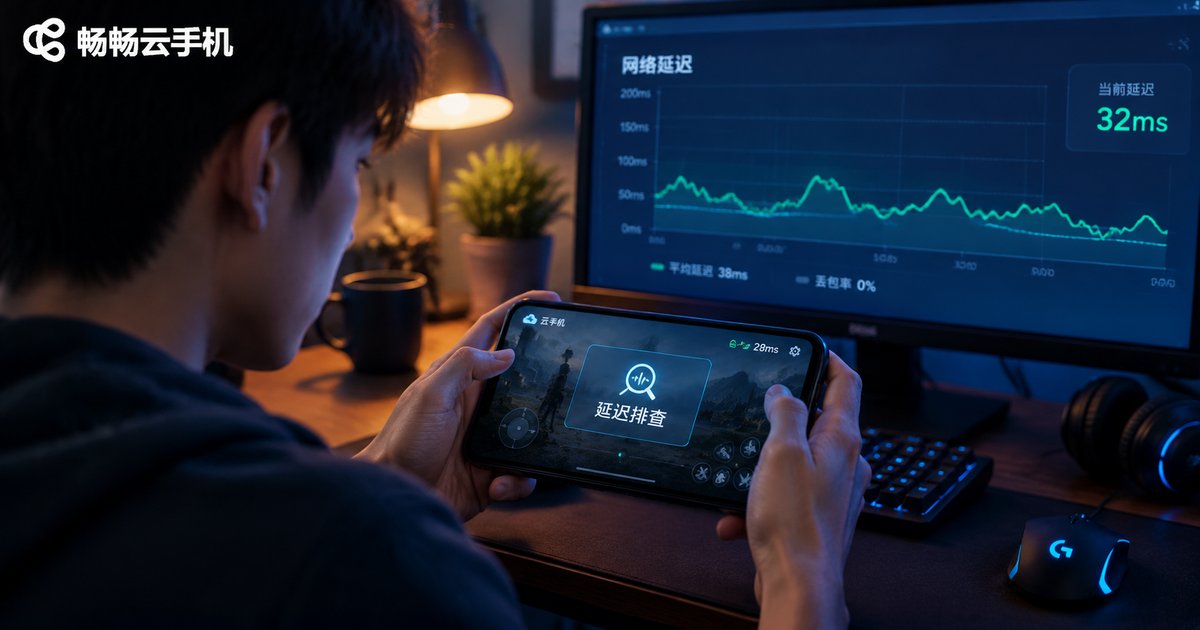
Cloud Phone Console Latency vs Internal Network Latency: They Are Different! Here Is How to Test Each
Many users blame the cloud phone whenever something lags, but there are actually two very different kinds of latency at play. Console latency measures the round trip between your own device and the cloud phone server, deciding whether taps feel responsive and the stream stays smooth. Internal network latency measures how fast the cloud phone itself reaches game servers and websites, deciding the ping you see inside games. This article explains the difference with a simple analogy, shows exactly how to test each one with built-in indicators, ping commands and in-cloud speed tests, and gives a practical troubleshooting flow to find out whether the problem is on your side or in the cloud.
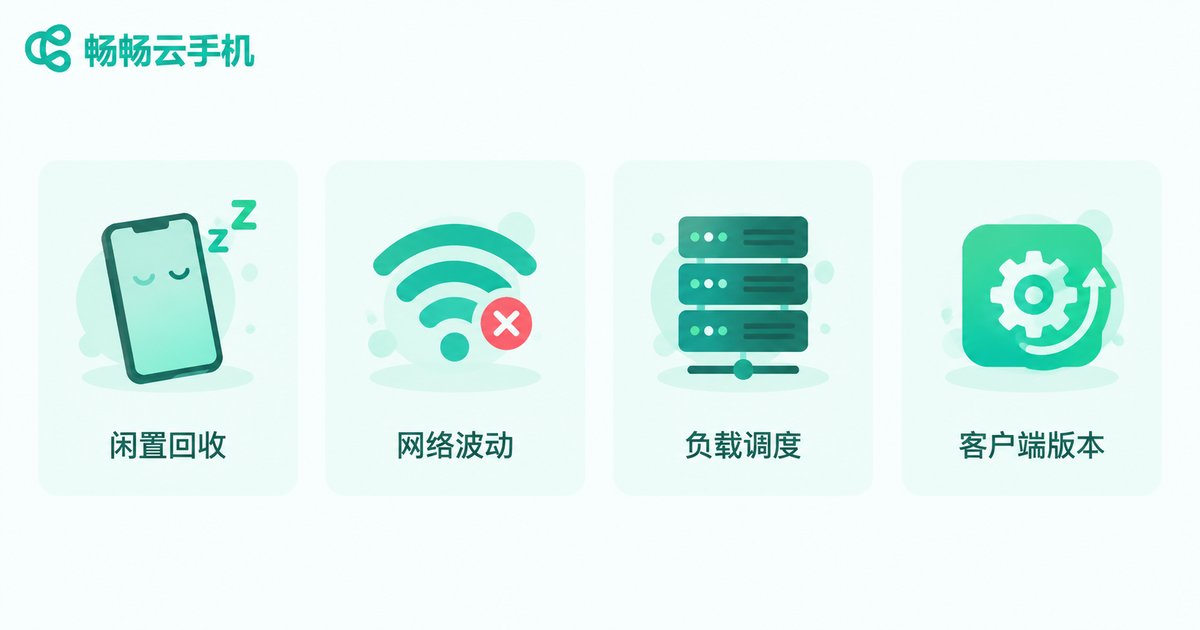
Cloud Phone Keeps Disconnecting: Idle Session Auto-Recycling, Directed Keep-Alive Setup and Plan Troubleshooting
Frequent cloud phone disconnections are often not a malfunction but the work of the platform's automatic idle session recycling mechanism. This article helps you classify four common disconnect scenarios, explains how 'directed keep-alive' configuration works — using scheduled simulated touches, heartbeat-style foreground apps, and background-running options to stay under the idle timeout threshold — and provides a plan-level troubleshooting checklist covering idle timeout windows, online policies, and concurrency limits. Network and client-side checks are also included, along with a table matching disconnect symptoms to causes. A FAQ at the end answers whether data is lost after a disconnect, whether keep-alive drains battery, and when upgrading your plan makes sense.
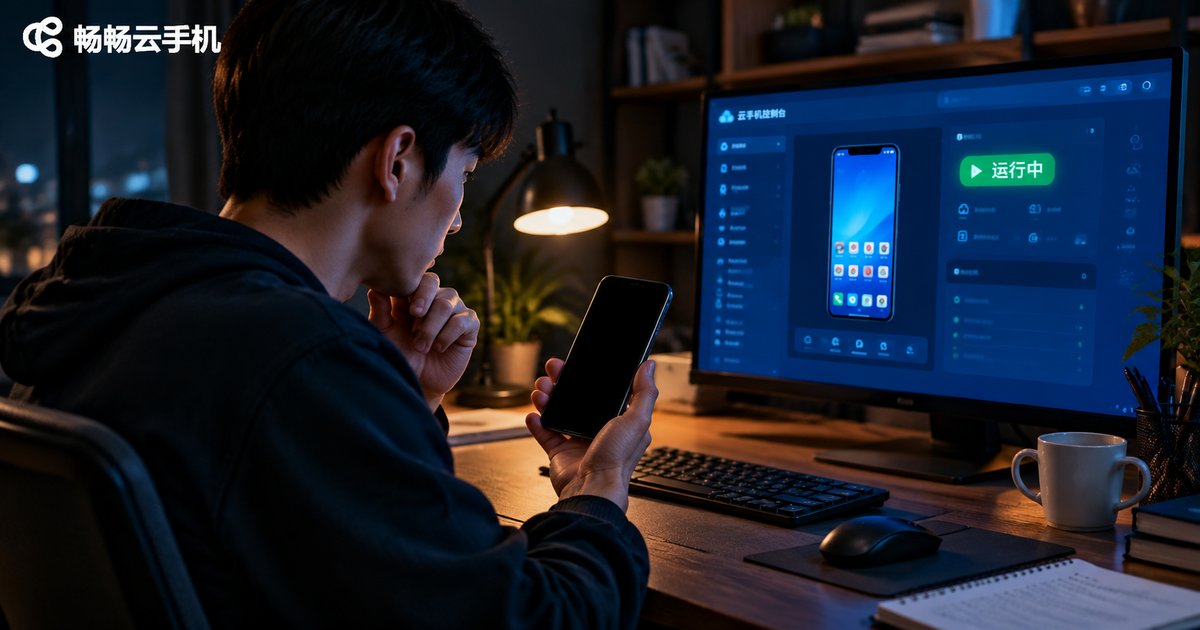
Cloud Phone Black Screen but Shows 'Running'? VNC Exclusive Conflict and Force Restart Guide
Your cloud phone status says 'Running', but the screen is completely black? In most cases the culprit is a VNC exclusive conflict: a previous session dropped unexpectedly and never released the video stream, so your new connection cannot receive any picture. This guide explains how the conflict happens, walks you through three quick checks—switching networks, closing redundant sessions, and force-restarting the instance—and shares practical habits to prevent black screens in the future. Follow these steps and your cloud phone display will usually come back within a couple of minutes, keeping your apps and tasks running without interruption.

Cloud Phone Lagging? Don't Replace Your Device Yet! The Right Order to Optimize Bitrate, Resolution, and Decoding
When your cloud phone stutters, the problem is usually not your device — it is misconfigured bitrate, resolution, or decoding settings. This guide walks you through the correct optimization order: switch to hardware decoding first to fix heat and dropped frames, then match resolution to your bandwidth to find the sweet spot, and fine-tune bitrate last to balance sharpness and smoothness. You also get a bandwidth-to-resolution reference table, two often-overlooked network tips, and a practical FAQ. Follow these steps before spending money on new hardware, and you can restore smooth cloud phone performance on the device you already own.
How to Fix Cloud Phone Black Screens and Crashes from GPU Virtualization and OpenGL Version Mismatch
Black screens and crashes on a cloud phone are often not network problems at all — they are usually caused by a mismatch between the platform's GPU virtualization and the OpenGL version an app expects. This guide explains how the cloud rendering pipeline works, shows you how to recognize the tell-tale symptoms such as a black screen with sound or crashes at the loading screen, and walks you through a five-step troubleshooting process: check graphics requirements, switch rendering modes, clear caches and reinstall, change instance or region, and report to support. A quick-reference symptom table helps you diagnose in minutes and get your apps running smoothly again.
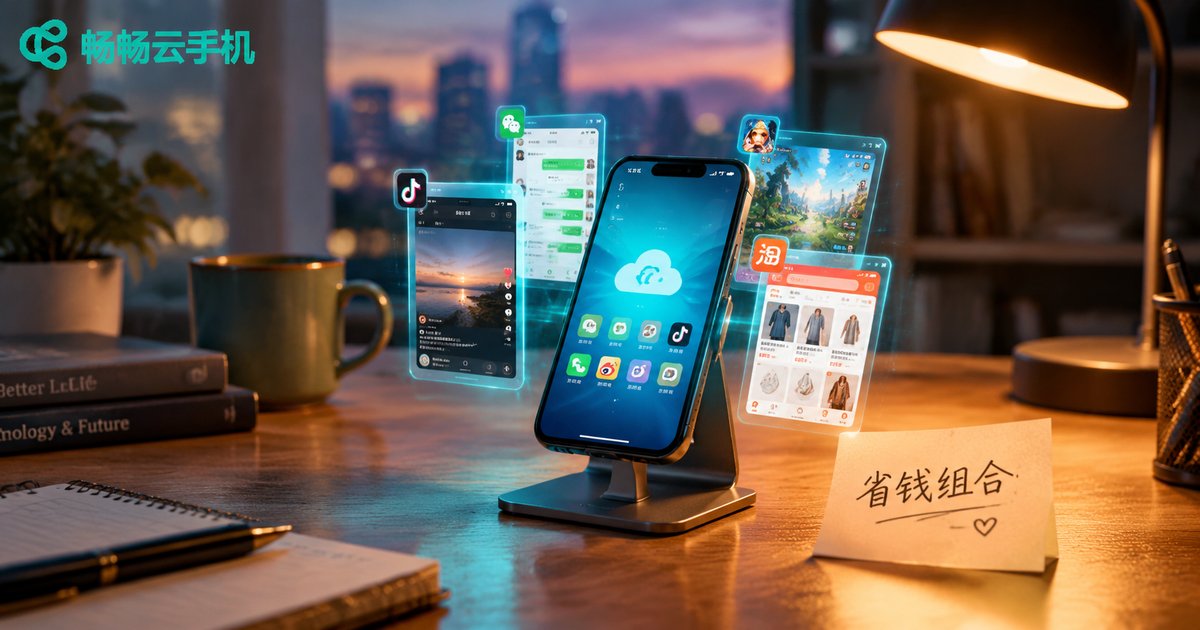
How to Combine Monthly, Pay-As-You-Go, and Spot Billing for Cloud Phones to Maximize Savings
Monthly subscription, pay-as-you-go, and spot pricing are not an either-or choice. Put always-on workloads on monthly plans to lock in the lowest unit price, run occasional or temporary tasks on pay-as-you-go and release them the moment they finish, and hand interruptible batch jobs to spot pricing for the deepest discounts. This article uses a comparison table and a realistic 20-device scenario to show how to build your own combined billing strategy, plus three common pitfalls beginners should avoid, so every dollar spent on cloud phones works harder.