
Cloud Phone Keeps Disconnecting: Idle Session Auto-Recycling, Directed Keep-Alive Setup and Plan Troubleshooting
Frequent Disconnects? It Might Be the Platform 'Recycling' Your Session
Running AFK tasks, multi-boxing alt accounts, leaving things running overnight... almost every cloud phone user has hit the same wall: the session drops mid-way. Some blame unstable networks, some blame server crashes — but one of the most common and most overlooked causes is the platform's automatic idle session recycling mechanism.
A cloud phone is essentially a virtual Android device running in a data center, where compute and concurrency resources are finite. To reserve resources for actively used sessions, platforms usually set an 'idle timeout' rule: when an instance receives no input events (no taps, no key presses, no data traffic) for a period of time, the system marks it as idle and automatically suspends or recycles that session. On your end, this shows up as a frozen screen, a dropped connection, or a forced re-login.
So a disconnect does not necessarily mean something is 'broken' — the platform may simply be tidying up by the rules. Once you understand this, the fix becomes clear: either keep the session 'looking busy,' or switch to a plan built for longer uptime.
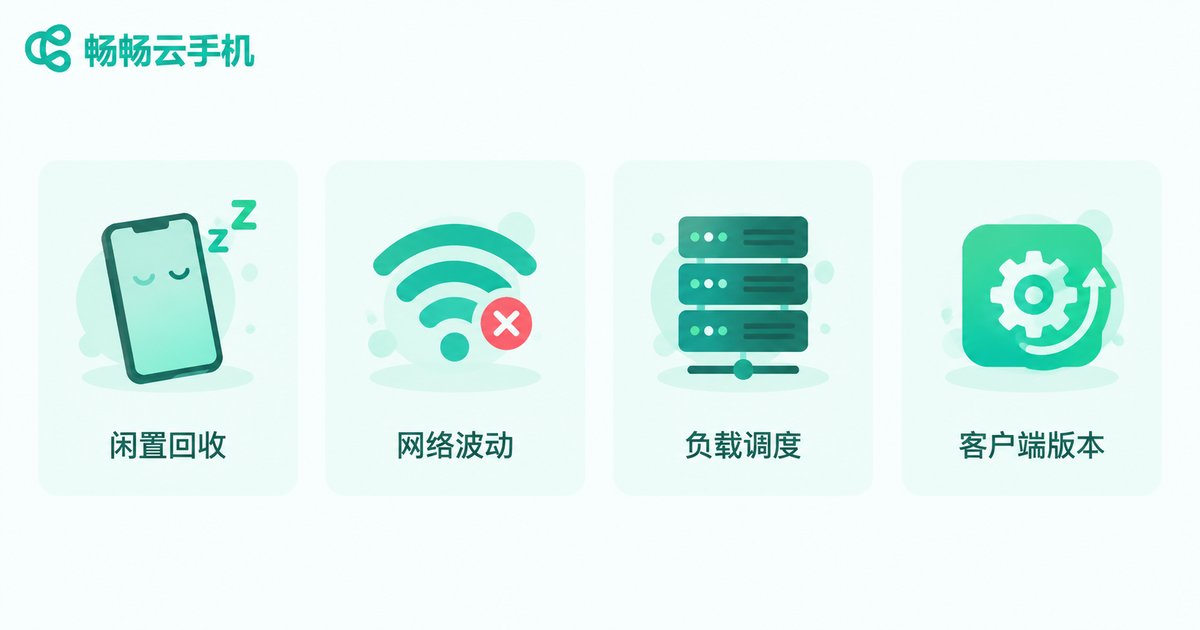
Four Common Disconnect Scenarios: Find Yours First
Different causes produce different symptoms and call for different fixes. Match your situation against this table:
| Disconnect scenario | Most likely cause | What to do |
|---|---|---|
| Drops after a few to dozens of minutes AFK | Idle session auto-recycled | Set up directed keep-alive |
| Sudden lag and drop while actively using | Local network fluctuation | Switch Wi-Fi or mobile data, check router |
| Frequent drops during evening peak hours | Platform load scheduling | Use off-peak, contact support if needed |
| Drops get frequent after a client update | Version compatibility issue | Update or reinstall the client |
Quick test: if disconnects always happen after you have not touched the device for a while, and everything works normally right after reconnecting, you can almost certainly pin it on idle recycling rather than a network or hardware issue.
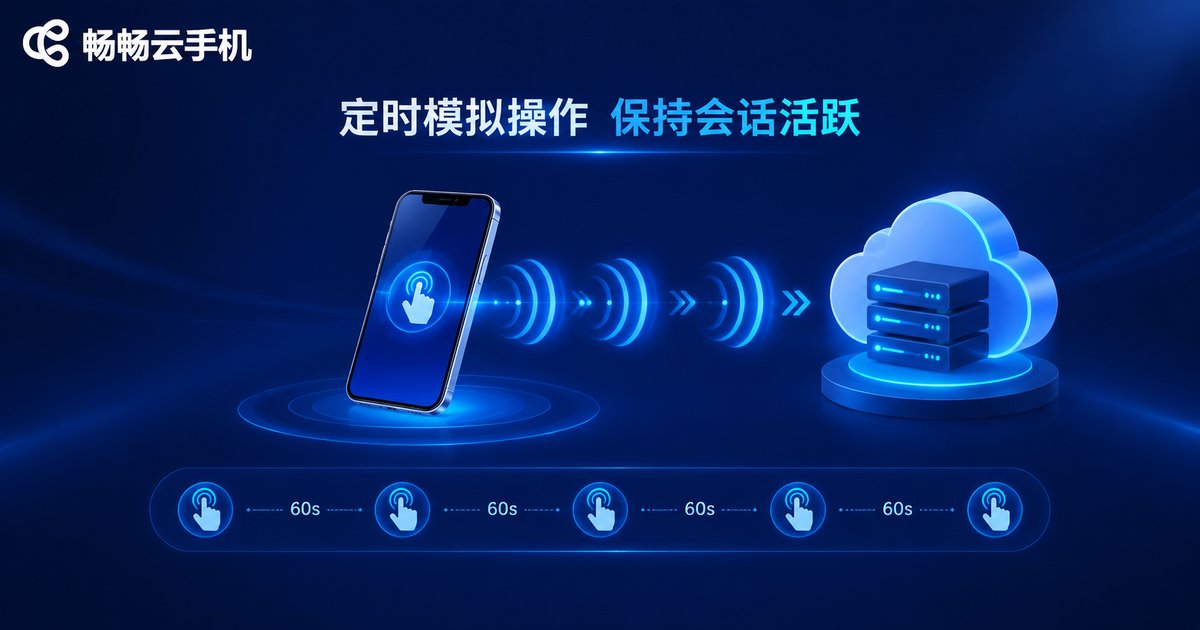
What Is 'Directed Keep-Alive'? Keep the Session 'Looking Busy'
'Directed keep-alive' means deliberately injecting lightweight activity into your cloud phone instance so the platform's idle detection never triggers, letting you dodge auto-recycling. Four common and effective methods:
1. Scheduled simulated touches. Use a script or group-control tool to send a light tap or micro-swipe every few minutes. The key: the interval must be shorter than your plan's idle timeout — if the platform recycles idle sessions after 30 minutes, acting every 3-5 minutes is very safe.
2. Pick foreground apps with a built-in 'heartbeat.' Some apps naturally generate continuous interaction and data traffic while running — timers, step counters, low-bitrate audio playback, and so on. Keeping such an app in the foreground is passive keep-alive for free.
3. Enable the platform's background-running or offline-AFK option. Many cloud phone products offer a 'stay online' or 'offline running' switch in settings; once enabled, the instance keeps running tasks in the cloud even when your screen stream disconnects. Availability and setup depend on your plan's feature list.
4. Avoid multi-device session kicking. Logging into the same instance from both a phone and a computer can cause the sessions to kick each other, which also looks like 'frequent disconnects.' Run tasks from one device and use the others for viewing only.
A simple keep-alive blueprint (pseudo-config; adapt to your tool):
Keep-alive mode: scheduled simulated touch
Action type: light tap on a blank screen edge
Interval: every 3 minutes (must be shorter than the platform's idle timeout)
Schedule: around the clock
Note: avoid rapid random tapping that might trigger in-app buttons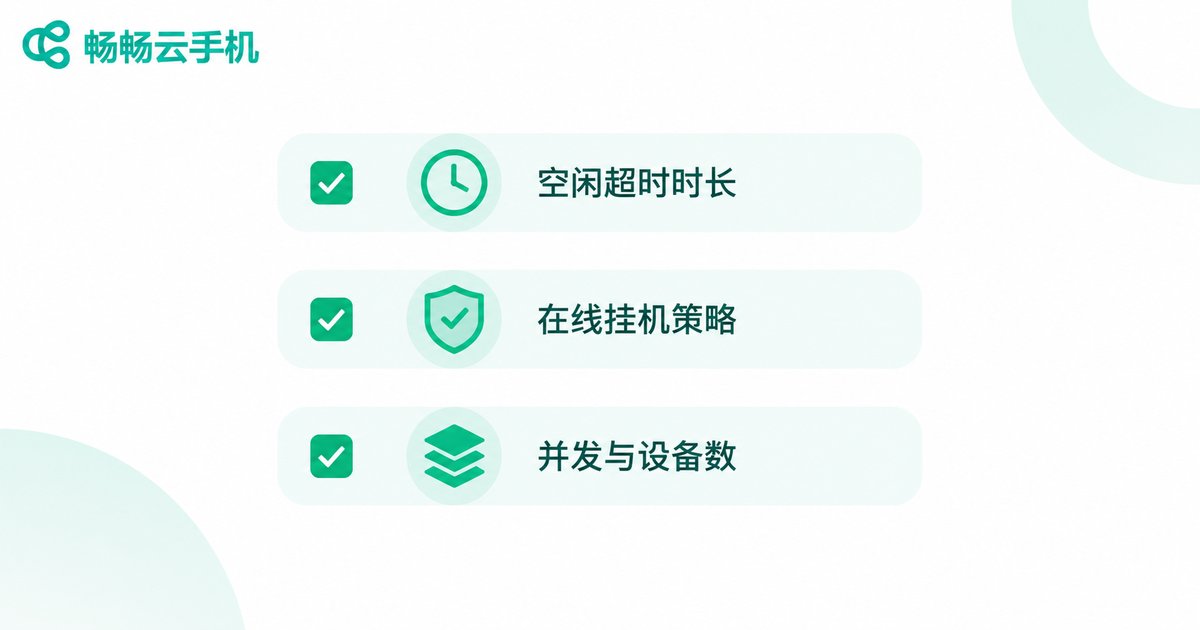
Plan Check: How Long Is Your 'Online Window'?
If keep-alive is configured and disconnects persist, the issue likely sits at the plan level. Plans at different tiers differ greatly in session keep-alive policy. Check the following items one by one:
| Check item | Where to look | What to note |
|---|---|---|
| Idle timeout length | Plan details page or console settings | How long until an idle session is recycled; sets your keep-alive interval |
| Online / AFK policy | Plan feature list | Whether offline running and background keep-alive are supported |
| Concurrency and device count | Plan specifications | Task contention may trigger session release |
| Instance priority | Plan tier description | Low-priority instances may be rescheduled at peak hours |
After this check, many 'inexplicable' disconnects turn out to be a mismatch between the plan's online policy and your usage pattern. For example, running all-day AFK tasks on an entry-level plan whose idle timeout is short and which lacks offline running will naturally produce frequent drops. Either raise your keep-alive frequency to compensate, or upgrade to a plan built for long sessions.
Beyond Keep-Alive: Network and Client Checks
If idle recycling and plan factors are ruled out and disconnects continue, check these two areas:
Local network: an overheated router throttling after long uptime, carrier maintenance at night, or weak Wi-Fi breaking the video stream all look like disconnects. Try switching to 4G/5G data for comparison, or reboot your router.
Client version: an outdated client may lose heartbeats under a newer scheduling policy. Updating — or uninstalling and reinstalling — the client often fixes the 'it started dropping after the update' pattern.
Want Hassle-Free Long Sessions? Try ccloudphone
If you would rather not tinker with keep-alive scripts and parameters, choose a platform that is friendlier to long uptime from the start. ccloudphone offers cloud Android instances with multi-instance and AFK-friendly usage scenarios, ideal for users who need devices to stay online for extended periods. Each plan's online policy and keep-alive capability can be reviewed directly on the official plan pages, so you can match one to your session-length needs.
If you hit abnormal disconnects, you can also report the exact times and scenarios through ccloudphone's official customer support channel; the team can help confirm whether it is the recycling mechanism or something else, saving you from blind troubleshooting.
FAQ
Q: Will I lose data or progress after a cloud phone disconnects?
Generally no. Your apps and data live on the cloud instance; a disconnect only ends the session, and everything is exactly as you left it after reconnecting. Unsaved in-progress actions (such as an unsettled in-game match) may be interrupted, so save at key moments.
Q: Does directed keep-alive consume a lot of data or battery?
No. Keep-alive uses lightweight simulated touches with tiny data payloads, and all computation happens in the cloud. Your local device only receives the video stream, using far less power than running AFK tasks on a physical phone overnight.
Q: Why do disconnects happen more often at night?
Two likely reasons: platforms may run more aggressive resource recycling during off-peak hours, and local networks can be less stable overnight (for example, routers on scheduled reboots). Shorten the keep-alive interval first, then check your local network.
Q: How short should the keep-alive interval be? Could it be flagged as abnormal?
Base it on your plan's idle timeout and set the interval to one-fifth to one-tenth of that — for a 30-minute timeout, act every 3-5 minutes. Keep the simulated touches light and in a fixed spot to avoid triggering in-app buttons.
Q: Keep-alive is configured but disconnects continue. What next?
Check in order: ① whether your plan supports offline running or background keep-alive; ② whether multi-device logins are kicking each other; ③ your local network; ④ your account and instance status via official support. If the plan's online policy genuinely cannot meet your needs, consider upgrading or moving to a platform friendlier to long sessions, such as ccloudphone.


