

How to Combine Monthly, Pay-As-You-Go, and Spot Billing for Cloud Phones to Maximize Savings
First, Understand What Each Billing Mode Really Means
If you are new to cloud phones, the trio of monthly subscription, pay-as-you-go, and spot pricing can sound confusing. In practice, each one can be explained in a single sentence:
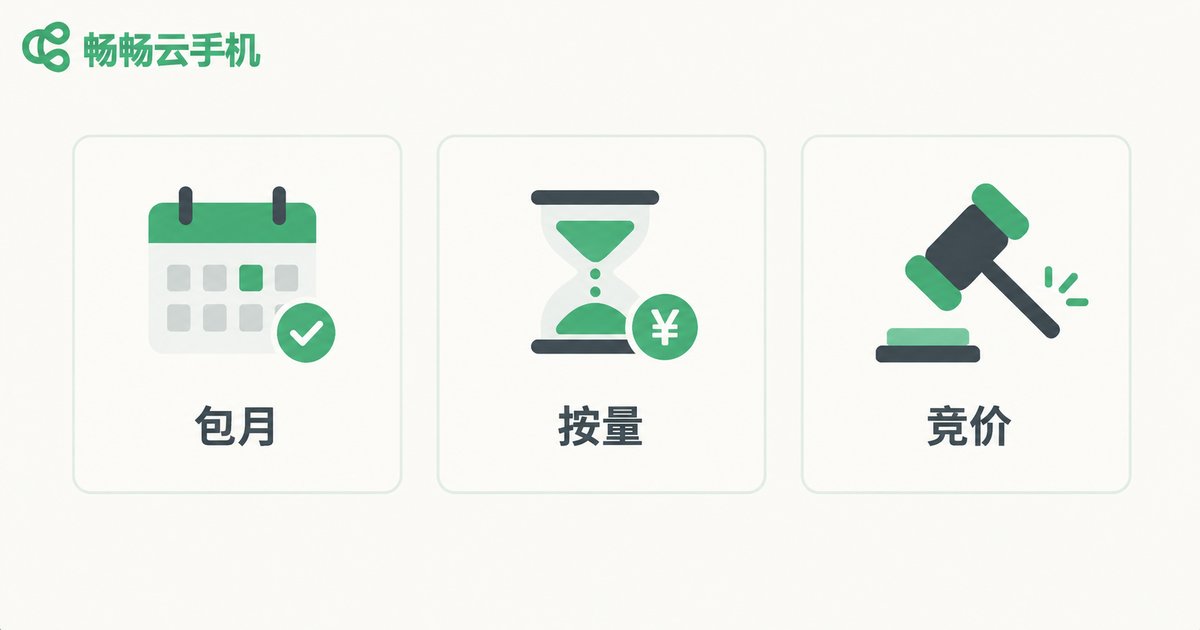
Monthly subscription: like renting an apartment, you pay a fixed fee per month and the device is yours around the clock. It suits stable, always-on workloads such as daily game idling and apps that must stay online.
Pay-as-you-go: you are billed by the hour or an even finer granularity, and a stopped device costs nothing. It suits occasional or unpredictable needs, such as quick app testing or weekend-only projects.
Spot pricing: prices float with supply and demand. You bid an acceptable price to grab idle capacity at a discount, and if an instance is reclaimed you simply move to another one. It suits interruptible batch jobs that chase the lowest possible cost.
One Table to Decide Which Mode Fits Which Job
| Billing Mode | How It Is Billed | Best For | Key to Saving |
|---|---|---|---|
| Monthly | Fixed monthly fee | Online every day, long-term idling | Use the full month to dilute unit cost |
| Pay-as-you-go | Billed by duration | Occasional use, fluctuating demand | Start on demand, release promptly |
| Spot | Floating price | Batch tasks tolerating interruption | Bid off-peak, keep backups ready |
Remember one simple rule: the steadier and longer the usage, the better monthly fits; the more scattered the usage, the better pay-as-you-go fits; interruptible batch work belongs to spot.
The Core Idea of Combining: Assign Each Task to the Right Billing Pool
People who truly save money never park every device under a single billing mode. They split the workload and let each type of task run in the cheapest possible pool:
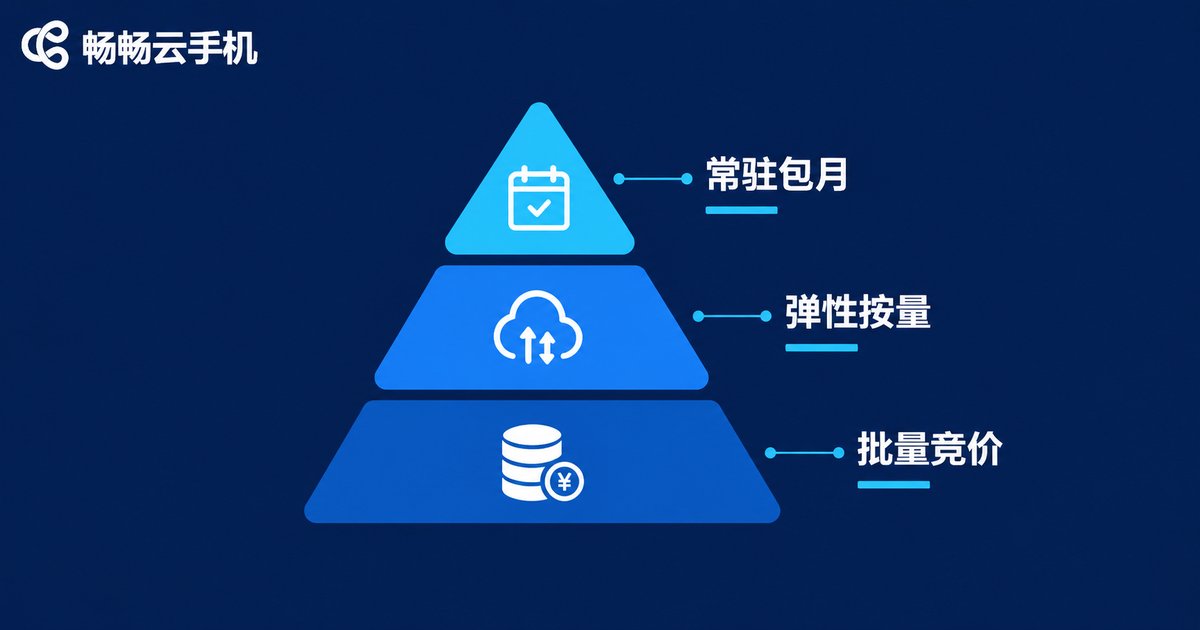
Layer one: monthly for core always-on workloads. Put the devices that must stay online every day into monthly plans to lock in costs. These devices usually make up the bulk of your fleet, and the per-hour price of a fully used monthly plan is the lowest of all.
Layer two: pay-as-you-go for elastic demand. Extra devices added for a campaign and rarely used test machines should all run on pay-as-you-go. Pay only for the hours you use, and release the device the moment the task ends.
Layer three: spot for low-value batch jobs. For bulk data runs or idle tasks without strict uptime requirements, use spot pricing to pick up cheap capacity. An occasional reclamation costs little—just switch to another instance and keep going.
A Worked Example: How Much Can the Combo Save
Suppose you need 20 cloud phones: 12 idling online 24/7, 5 used only four hours every evening, and 3 needed for just a few days at month-end.
If all 20 are on monthly plans, you are paying a full month for those 8 low-frequency devices. If all 20 are pay-as-you-go, the 12 always-on devices will cost more than the monthly price.
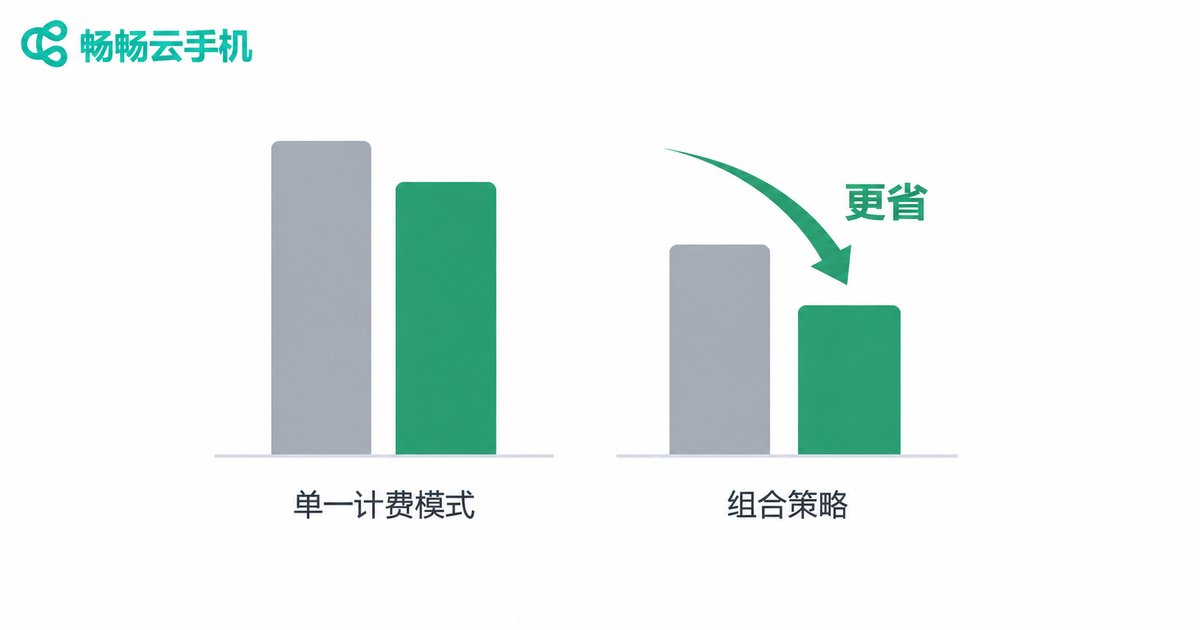
The smarter setup: 12 always-on devices on monthly, 5 evening devices on pay-as-you-go, and the 3 temporary devices added on demand or via spot during the sprint. Every demand is matched with the cheapest billing method, and total spend drops noticeably compared with any single mode. The exact saving depends on your usage distribution—the more regular your pattern, the more room combination gives you.
Three Pitfalls to Avoid in Advance
Pitfall one: paying monthly but not using it fully. The value of a monthly plan rests on high utilization. If a device runs only half the month, pay-as-you-go would have been cheaper. Observe your real usage for a week before committing.
Pitfall two: forgetting to release pay-as-you-go devices. The biggest risk here is a forgotten running device. Build the habit of releasing devices right after a task ends, or set a reminder to avoid idle billing.
Pitfall three: no fallback for spot tasks. Spot capacity can be reclaimed, so important jobs need automatic retries or backups. Never put critical, non-interruptible workloads on spot.
Put the Combo into Practice on ccloudphone
Choosing the right platform is what makes the strategy work. ccloudphone (畅畅云手机) offers flexible device management, so you can run devices under different billing arrangements side by side—separating always-on workloads, elastic demand, and batch jobs while keeping your spending clear at a glance.
We recommend visiting the official ccloudphone website to check the billing modes and latest pricing, then splitting your workload into the three layers above. Start with a small fleet for one or two weeks, reconcile the bill against actual usage hours, and adjust the ratio step by step until you find your own optimal mix.
FAQ
Q: If I stop using a monthly device midway, can I switch to pay-as-you-go?
Generally, a monthly plan cannot be converted into a partial refund within its billing cycle, so confirm your usage period before purchasing. If unsure, start with pay-as-you-go, learn your pattern, then move stable devices to monthly.
Q: If a spot instance is reclaimed, will I lose my data?
It depends on the reclamation mechanism and where you store data. The safe approach: back up important data regularly and run only re-runnable tasks on spot devices.
Q: I am a beginner—which mode should I start with?
Start with pay-as-you-go. It is flexible and low-commitment. After one or two weeks you will know your real usage hours and can decide which devices deserve a monthly plan, instead of paying for capacity you never fully use.
Q: Is managing a billing mix complicated?
Not really. Classify devices at the start—always-on, elastic, batch—assign each group a billing mode, then review the bill once a month. With many devices, a simple spreadsheet recording each device mode and purpose makes life easier.


