
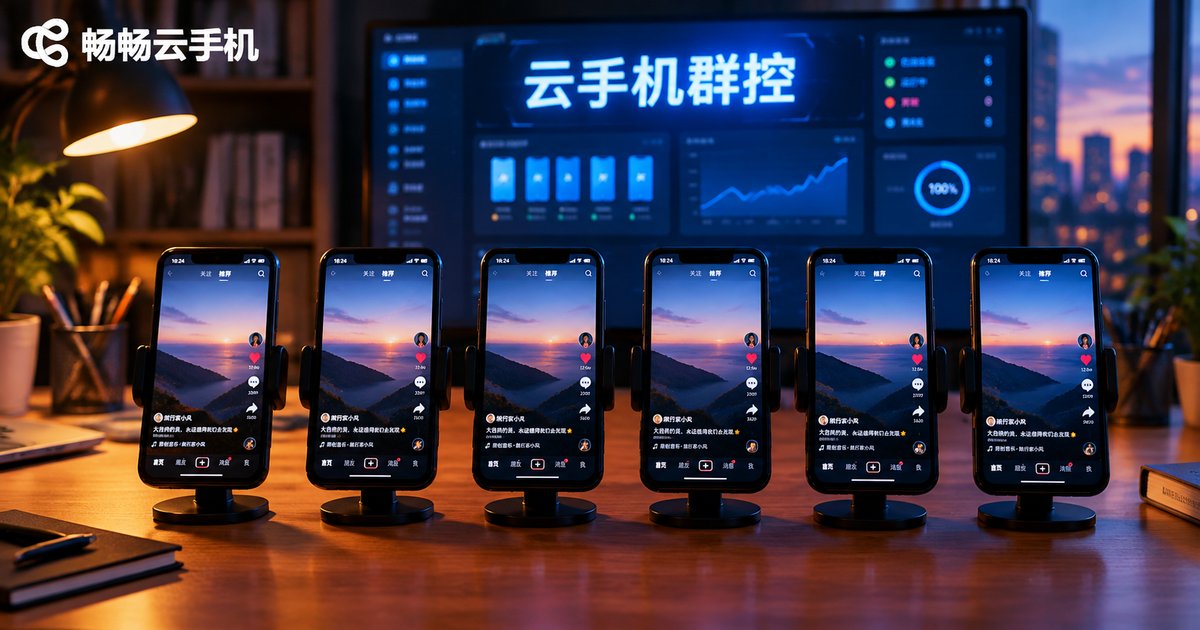
Cloud Phone Group Control: Targeted Commands vs. Synchronized Operations for Batch Management and Single-Device Debugging
First, Understand the Two “Command Modes” in Group Control
Running a cloud phone fleet is like managing a team: sometimes you need everyone to move at once, and sometimes you just need to pull one device aside and fix it. These two management styles correspond to the two core command modes in cloud phone group control: synchronized operations and targeted commands.
A synchronized operation sends one instruction to many—or all—cloud phones at the same time, so the entire fleet moves in lockstep. A targeted command is sent to one specific device (or one specific group), leaving everything else untouched. Neither mode is “better”; each fits different scenarios.
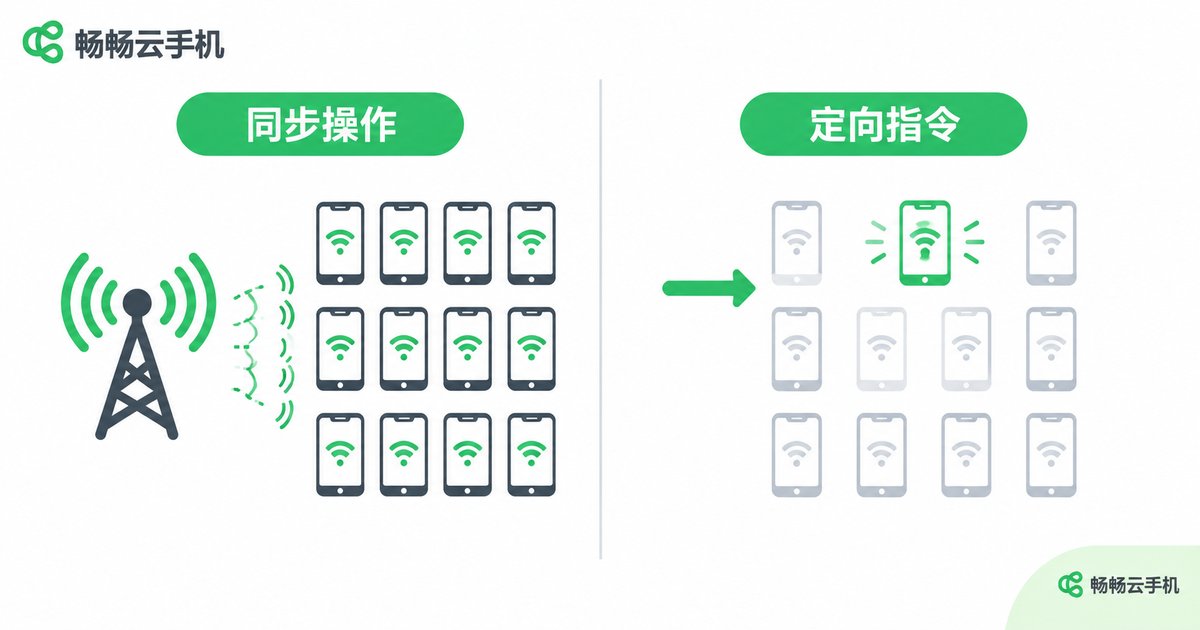
Synchronized Operations: The Workhorse of Batch Management
When you manage dozens or even hundreds of cloud phones, clicking through them one by one is simply unrealistic. The value of synchronized operations lies in compressing repetitive actions into a single click. Typical scenarios include:
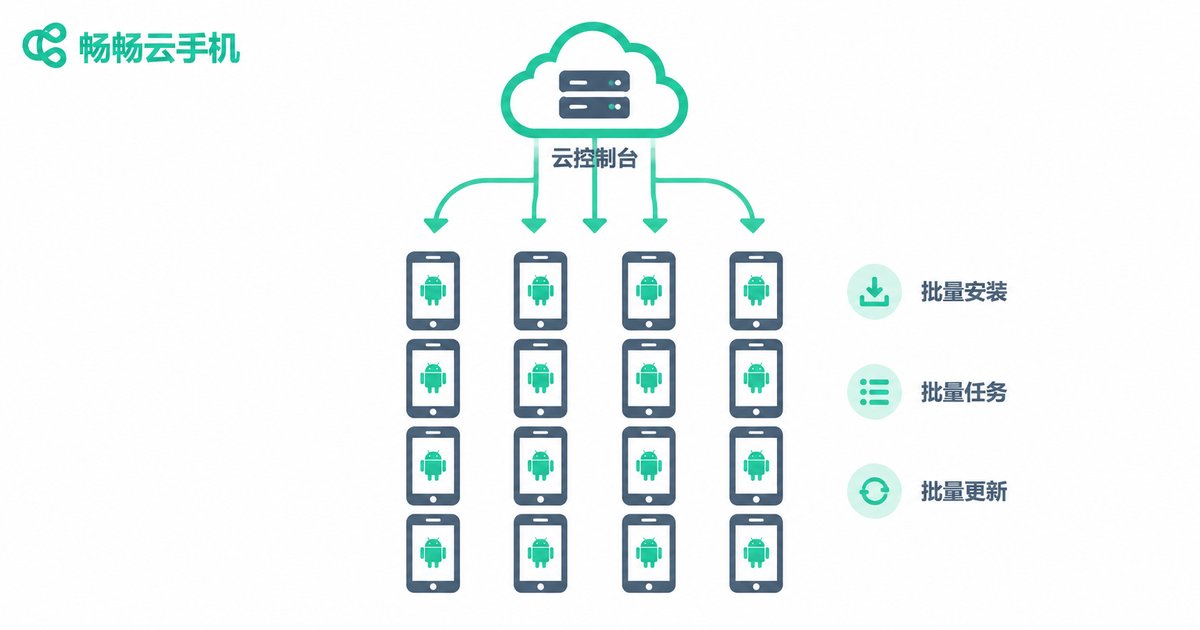
1. Batch environment setup: When you spin up a new batch of cloud phones, you can install the same apps, run the same sign-in flow, and apply the same settings across all devices in one synchronized operation.
2. Batch daily tasks: For example, having every device open a specific app, complete check-ins, or clear caches on schedule—sync keeps all devices perfectly aligned.
3. Batch content updates: When you need to swap creatives or update app versions across the whole fleet, a synchronized push avoids the chaos of “some updated, some not.”
The common thread: identical actions, large device counts, and a focus on efficiency and consistency. Synchronized operations are like an assembly line—start it once, and the whole line runs.
Targeted Commands: The Essential Tool for Single-Device Debugging
Even the most disciplined team has members who fall behind. In day-to-day fleet operations, some device will eventually misbehave—and that is when targeted commands shine:
1. Troubleshooting and repair: If an app crashes on one device, a page freezes, or an account fails to log in, you can send restart, data-clear, or re-login commands to that single device without interrupting the rest of the fleet.
2. Gray-scale testing of new scripts: Running an untested automation script across the entire fleet means one bug takes down every device at once. The safer approach is to target one or two devices first, verify stability, then roll it out fleet-wide.
3. Differentiated task handling: Different devices often carry different responsibilities—some handle task A, others task B. Targeted commands let you route the right instruction to exactly the right devices.
At a Glance: Which Mode Should You Use?
| Dimension | Synchronized Operations | Targeted Commands |
|---|---|---|
| Target objects | All devices or a device group | One or a few specified devices |
| Core advantage | High efficiency, perfect consistency | Precision, flexibility, risk isolation |
| Typical scenarios | Batch setup, batch tasks, batch updates | Issue fixing, script testing, differentiated ops |
| Blast radius of errors | Large—one mistake affects everyone | Small—only the target device |
| Usage frequency | High, daily routine | On demand, mostly for exceptions |
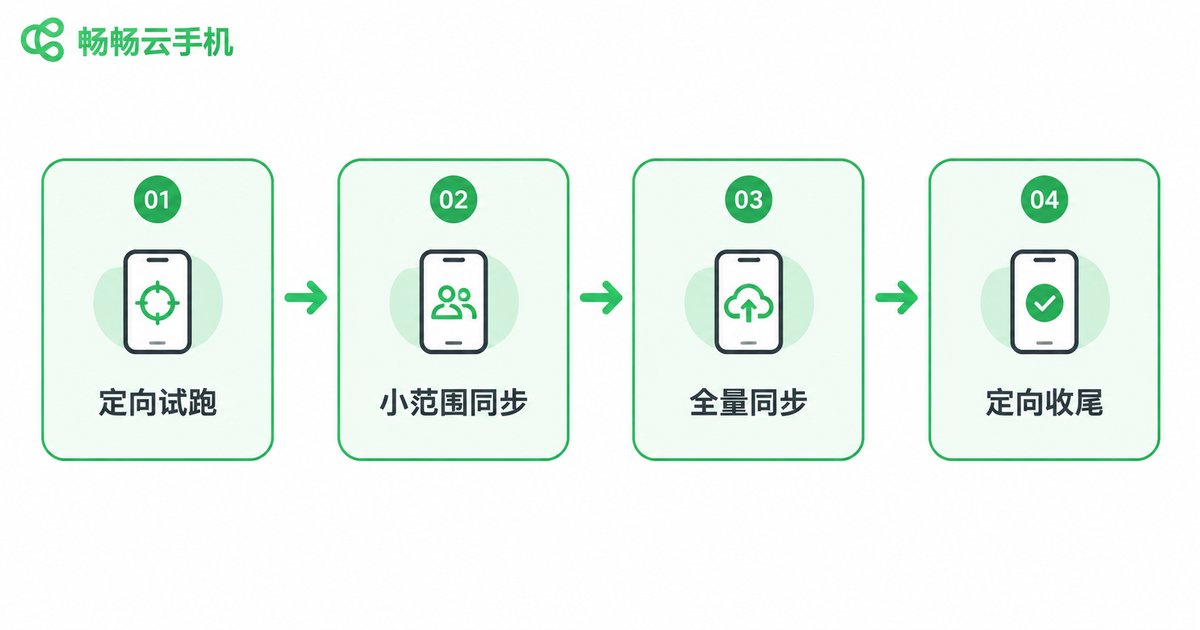
The Best Practice: Verify with Targeted Commands, Then Execute in Sync
Experienced fleet operators never treat the two modes as separate tools—they combine them into one closed loop:
Step 1, targeted trial run: Send any new task or script to one or two devices first, and confirm the flow completes as expected.
Step 2, small-scale sync: Expand to a small group (say, a tenth of the fleet) to rule out environment-specific issues.
Step 3, full-fleet sync: Once everything checks out, push the task to all devices in one synchronized operation.
Step 4, targeted cleanup: Review the results and use targeted commands to fix the few devices that failed.
This 'targeted → small batch → full sync → targeted' cycle delivers the efficiency of batch management while keeping the risk of single-device debugging contained.
Choose a Tool That Handles Both Modes Well
Of course, the workflow only works if your tool supports it. A capable cloud phone group control platform should make both modes effortless: synchronization must be stable with no dropped commands, and targeted control must be precise and responsive—ideally with device grouping, so targeting a whole group is as easy as targeting a single device.
This is where CCloudPhone (ccloudphone) earns its recommendation: it delivers a stable cloud-based Android environment with centralized management for multiple cloud phones, supporting both fleet-wide synchronized operations and independent, device-level control and debugging. Whether you are managing devices in batch or troubleshooting a single one, everything happens in the same console—no switching between tools.

FAQ
Q: Can synchronized operations partially fail when there are too many devices?
Yes. Network fluctuations or a laggy device can cause individual devices to miss a command. That is why you should always review results after a sync and re-run failed devices with targeted commands.
Q: Does a targeted command only work on one device?
No. “Targeted” means you specify the recipient—it does not have to be a single device. If your platform supports grouping, you can send a targeted command to an entire group, balancing precision and efficiency.
Q: Should a new script run in sync mode or targeted mode first?
Always targeted. Pushing an unverified script to the whole fleet means every device shares the failure risk. Validate on one or two devices first, then scale up gradually.
Q: Can sync and targeted commands run at the same time?
Yes. They act on different objects and do not interfere with each other. While most of your fleet runs a synchronized routine, you can simultaneously send a targeted repair command to one problem device.
Q: Is CCloudPhone suitable for multi-device group control?
Yes. CCloudPhone provides a cloud-based Android environment with centralized management for multiple cloud phones, supporting both batch synchronized operations and independent single-device debugging—ideal for fleet management scenarios.


