
Operations · Engineering · Trends
Hands-on playbooks, product updates and cross-border insights from the CCloudPhone team.

Cloud Phone Gaming in 2026: Smoothness, Latency and Graphics Recommendations
In 2026, cloud phones have become a practical choice for mobile gamers. This guide covers three key dimensions of cloud phone gaming: smoothness, input latency, and graphics quality. Learn why stable frame rates matter more than peak numbers, how to optimize the entire latency pipeline from input capture to video streaming, and how to balance resolution, bitrate, and rendering presets for different game genres. The article includes a parameter reference table for every game type, a pre-play checklist, and practical tips for getting a flagship-level experience with CCloudPhone on almost any device. Follow these settings to reduce stutter, tighten control response, and enjoy sharper visuals.
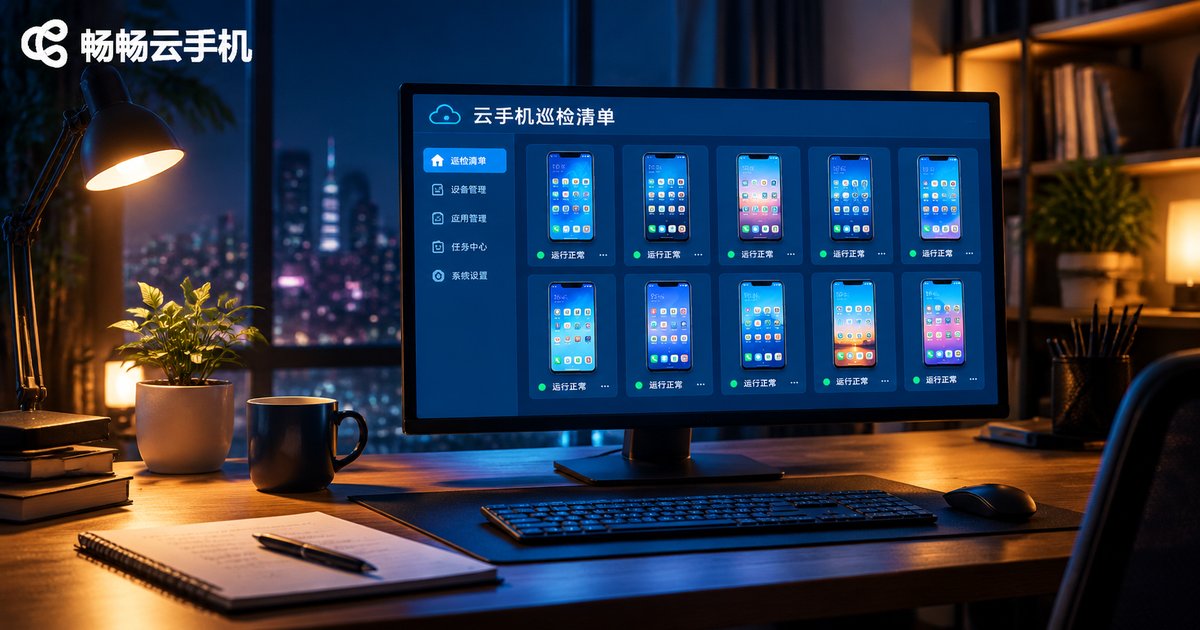
What to Do When Cloud Phones Run Unstably Over Long Periods: Daily Maintenance & Inspection Checklist
When a cloud phone keeps running for days or weeks, lag, disconnects and app crashes start to pile up. The usual culprits are cache buildup, overloaded resources and instances that never get restarted. This guide walks you through practical daily maintenance habits and a complete inspection checklist for long-running cloud phones: what to check every day, what to do weekly, and how to fix the most common stability issues fast. It also explains how to pick a reliable cloud phone platform such as ccloudphone so your devices stay stable with far less manual effort.

How to Choose Cloud Phone AFK Scenarios: Task Types Suited for Long-Time Running
AFK tasks are a contest of who can stay online longest—and that is exactly where cloud phones shine. This guide breaks down five task categories built for long-time cloud phone running: game idling, app keep-alive and check-ins, account operations, downloads and sync, and automated testing. It then walks through a four-dimension framework—running duration, concurrency, performance needs, and compliance—to help you match the right scenario to your goals before you start. A FAQ at the end answers the questions newcomers ask most, from battery drain to account safety, so every hour of cloud running actually pays off.
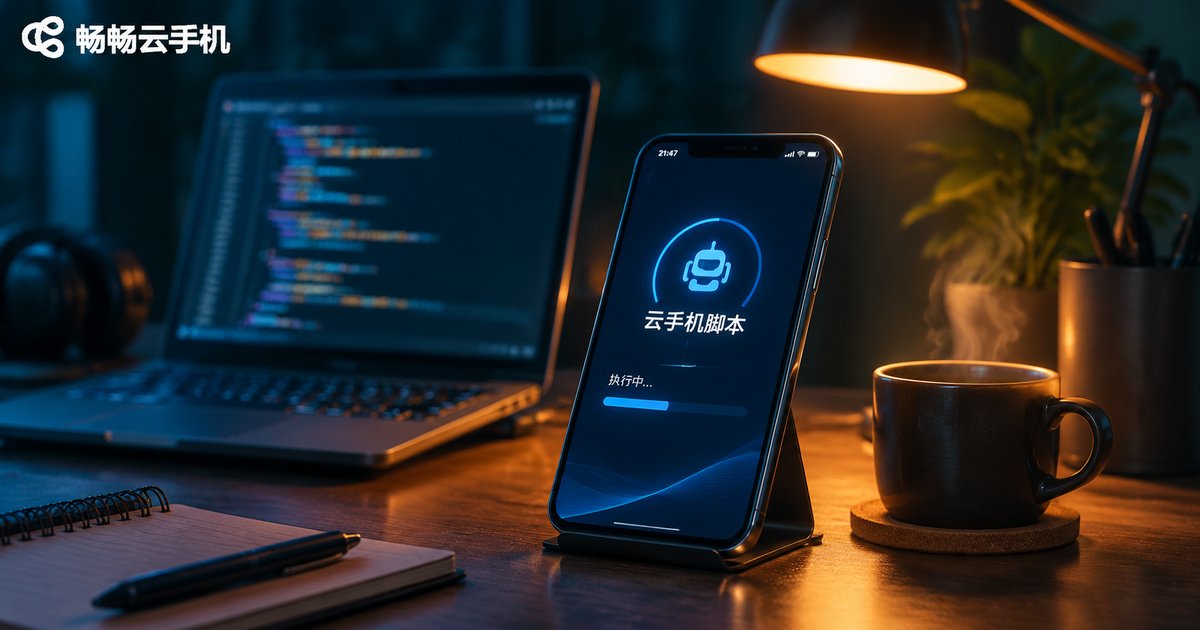
Cloud Phone Script Precautions: Account Security, Compliance Boundaries, and Exception Handling
Cloud phone scripts hand repetitive tasks over to the cloud, but careless use can put your accounts at risk. This guide focuses on the three essentials of safe scripting: account security (one account per isolated instance, tiered passwords, human-like login rhythms), compliance boundaries (which automation practices are generally safe and which red lines to avoid), and exception handling (logging, retry limits, checkpoints, and pausing at captchas). It also explains why ChangChang Cloud Phone (ccloudphone), with 24/7 cloud uptime, isolated instances, and remote management, is a reliable environment for running scripts without sacrificing account safety.

How to Use Cloud Phone Automation: Common Workflows, Efficiency Scenarios, and Risk Warnings
Cloud phone automation lets repetitive work run itself: scripts execute around the clock in the cloud, handling check-ins, idle grinding, posting, and store watching without touching your local devices. This guide walks through the five standard steps of building an automation workflow, from defining the goal to recording the script, setting triggers, test running, and monitoring. It then reviews five high-efficiency scenarios including game grinding, social media matrices, e-commerce store watching, batch app testing, and scheduled data collection, with a comparison table showing the efficiency gap versus manual operation. Finally, it highlights five risks you should not ignore, covering platform rules, script stability, account security, operation frequency, and data privacy, so you can scale automation while keeping accounts safe. An FAQ at the end answers the most common beginner questions.

Cloud Phone Batch Management Explained: Grouping, Sync, and Workflow Design
This article breaks down the three pillars of cloud phone batch management: grouping, synchronization, and workflow design. Learn how to organize devices into groups by project, purpose, or status so batch actions hit exactly the right targets; how app, settings, and action sync let you configure once and apply everywhere; and how a three-stage loop of templating, queued execution, and verification turns one-off experience into reusable standard processes. An efficiency comparison table and a practical FAQ round out the guide, helping you upgrade multi-device operations from tedious one-by-one tapping to one-click batch processing.

How to Fix Cloud Phone Multi-Instance Lag: Configuration, Network & Background Task Optimization Tips
Cloud phone multi-instance lag is rarely caused by your local device. Since all the computing happens in the cloud, stuttering usually comes from three places: underpowered cloud instance specifications, unstable network transmission, or bloated background tasks inside each instance. This guide walks you through a practical troubleshooting workflow: choosing the right instance specs, lowering resolution and frame rate, optimizing bandwidth and server node selection, cleaning up background apps, and scheduling tasks off-peak. It also explains how ChangChang Cloud Phone handles multi-instance workloads, so every instance stays smooth even on an entry-level local device.
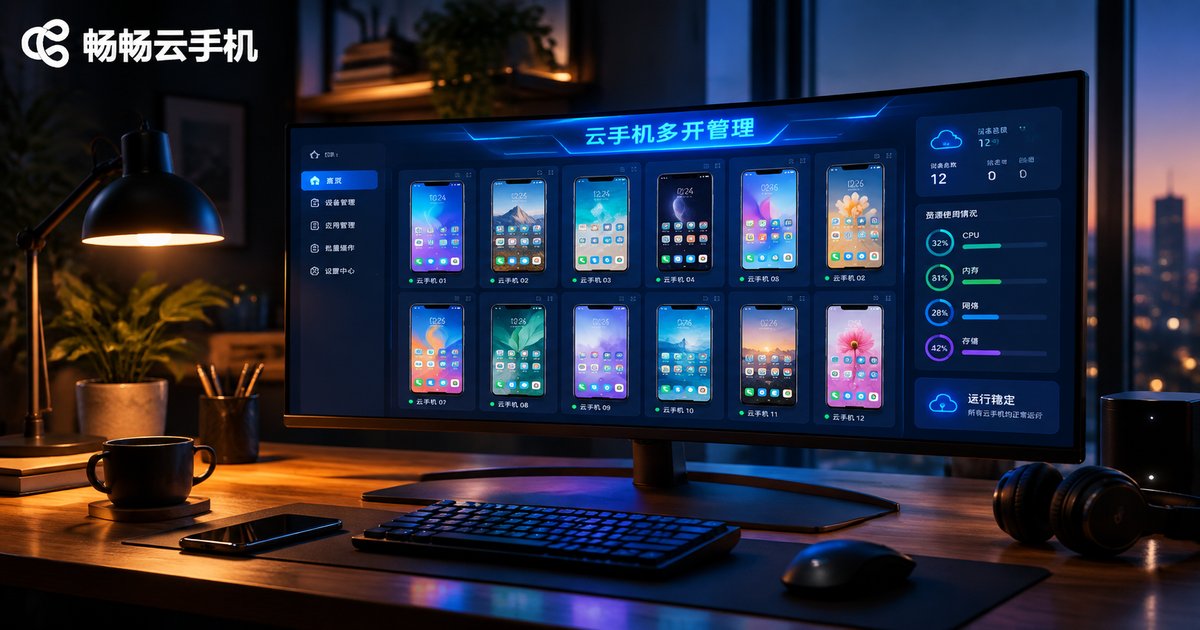
How to Manage Multiple Cloud Phone Instances: Quantity Planning, Resource Allocation, and Efficiency Improvement
Running dozens of cloud phone instances is easy — managing them well is what actually determines your results. This guide lays out a complete multi-instance management framework in three steps: planning the right number of instances for your business scenario, allocating CPU, memory, network, and storage by task weight so every device runs smoothly, and boosting efficiency with batch operations, group management, templatized SOPs, and automation. You will also find the most common pitfalls and answers to frequently asked questions, helping you keep your cloud phone fleet stable, scalable, and cost-effective.

Cloud Phone Performance Testing in 2026: Latency, Frame Rate, and Display Stability Evaluation
This guide explains how to benchmark cloud phone performance in 2026 across three key dimensions: latency, frame rate, and display stability. You will learn a repeatable testing workflow, including network speed checks, high-frame-rate filming to measure touch response, FPS curve logging, and a simple scoring system for visual artifacts. The article also provides a weighted scoring template so you can compare options objectively, plus practical tips for troubleshooting peak-hour slowdowns. Whether you run games, host apps, or manage multiple instances, these methods help you judge real-world quality with data instead of guesswork.

How to Evaluate Cloud Phone Stability: Continuous Running, Multi-Instance, and Peak-Hour Testing
Not sure whether a cloud phone is truly stable? Do not trust marketing slogans—test it yourself. This guide walks you through a practical three-part testing framework anyone can follow: a 24-72 hour continuous operation test that tracks disconnects, app crashes, and reconnection speed; a multi-instance stress test that scales from 5 to 20 simultaneous devices to check smoothness and synchronization; and a peak-hour test between 8 p.m. and 11 p.m. that compares evening performance against a daytime baseline. You will find ready-to-use record tables, clear pass and fail criteria for every dimension, and an explanation of the three underlying factors that determine stability: server nodes, resource allocation, and device performance. A FAQ at the end answers common questions, and explains why ChangChang Cloud Phone (ccloudphone) is a solid starting point for long-running, multi-instance workloads.

How to Make Cloud Phone Image Quality Clearer: Balancing Resolution, Bandwidth and Smoothness
A blurry cloud phone screen is rarely a hardware problem — it usually means resolution, bitrate, frame rate, and bandwidth are out of balance. This guide explains what each parameter does in plain language, provides a scenario-based settings table for gaming, video streaming, idle tasks, and multi-instance use, and shares a three-step downgrade strategy plus five practical tips for tight bandwidth. Whether you are chasing 60 fps in competitive games or crystal-clear text while reading, you will learn how to find the quality sweet spot your network can sustain and apply it in CCloudPhone for a picture that is both sharp and smooth.

How to Choose Cloud Phone Specs: RAM, Storage and Graphics Settings Explained
Getting the right cloud phone configuration makes the difference between a smooth experience and a frustrating one. This guide explains in plain language how to pick the right setup across three areas: RAM, which determines how many apps you can run at the same time; storage, which decides how many games and files you can keep; and graphics settings, where resolution, frame rate and bitrate affect both smoothness and data usage. You will find a configuration cheat sheet for common scenarios, practical tips on balancing image quality against network conditions, answers to frequently asked questions, and an introduction to ccloudphone, a service that lets you choose configurations flexibly based on your real needs.