
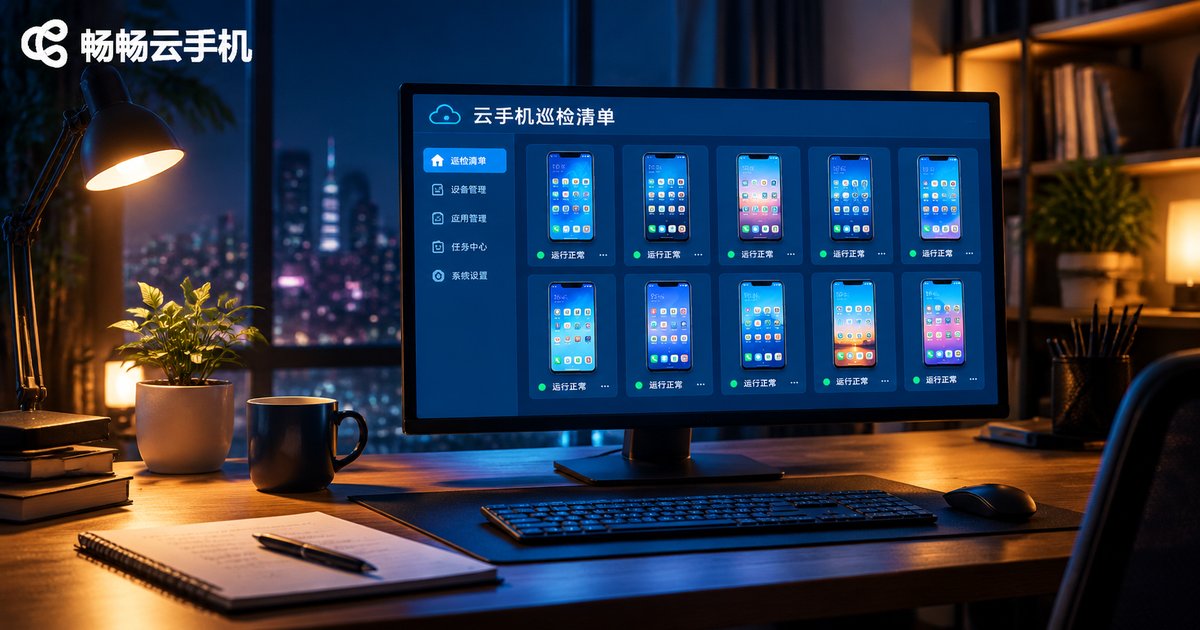
What to Do When Cloud Phones Run Unstably Over Long Periods: Daily Maintenance & Inspection Checklist
Why Cloud Phones Become Unstable After Running for a Long Time
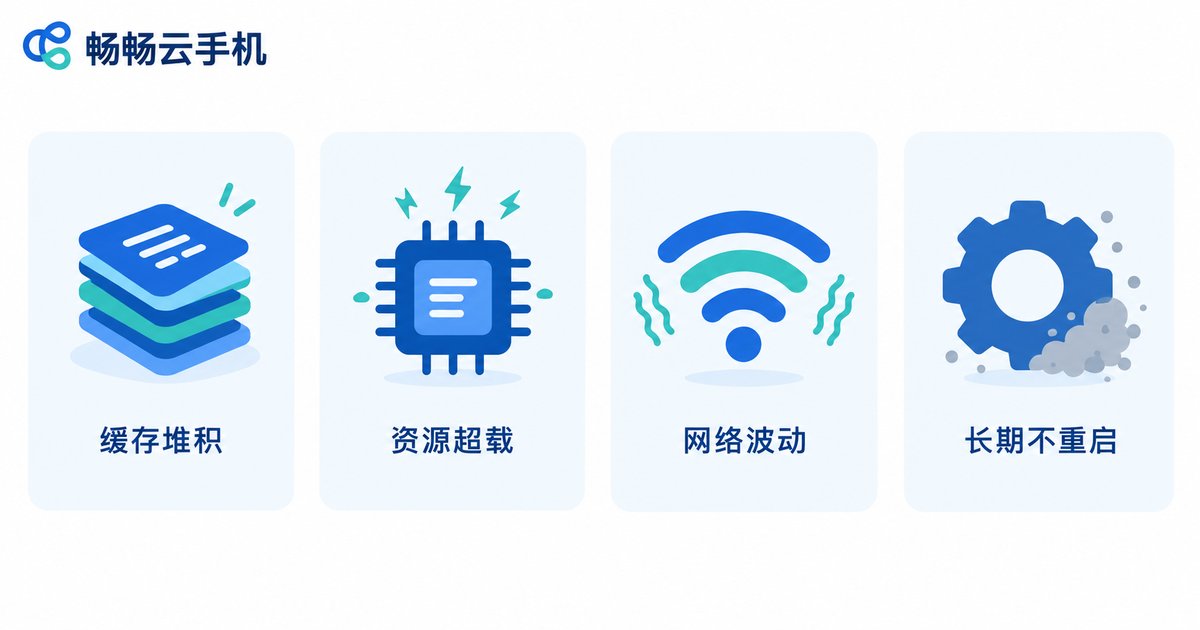
Many users enjoy smooth performance when they first start using a cloud phone, but after days or weeks of continuous operation, problems like lag, frequent disconnects and app crashes start to appear. In most cases the cloud phone is not broken — these are small issues that build up over long uptime. There are four common causes:
1. Cache and data buildup. Apps that run for weeks without cleaning accumulate cache files. Once storage fills up, performance naturally drops.
2. Overloaded resources. To squeeze out maximum output, many users pile too many tasks onto one device. When CPU and memory run at high levels for a long time, stability suffers.
3. Network fluctuations. Cloud phone video and data all travel over the network. When your local connection jitters, operations lag and sessions drop.
4. Never restarting. Just like a PC that stays on for a month gets sluggish, a cloud phone instance that runs continuously for too long suffers from system fragmentation and declining performance.
Daily Maintenance: A Few Minutes a Day Makes a Big Difference
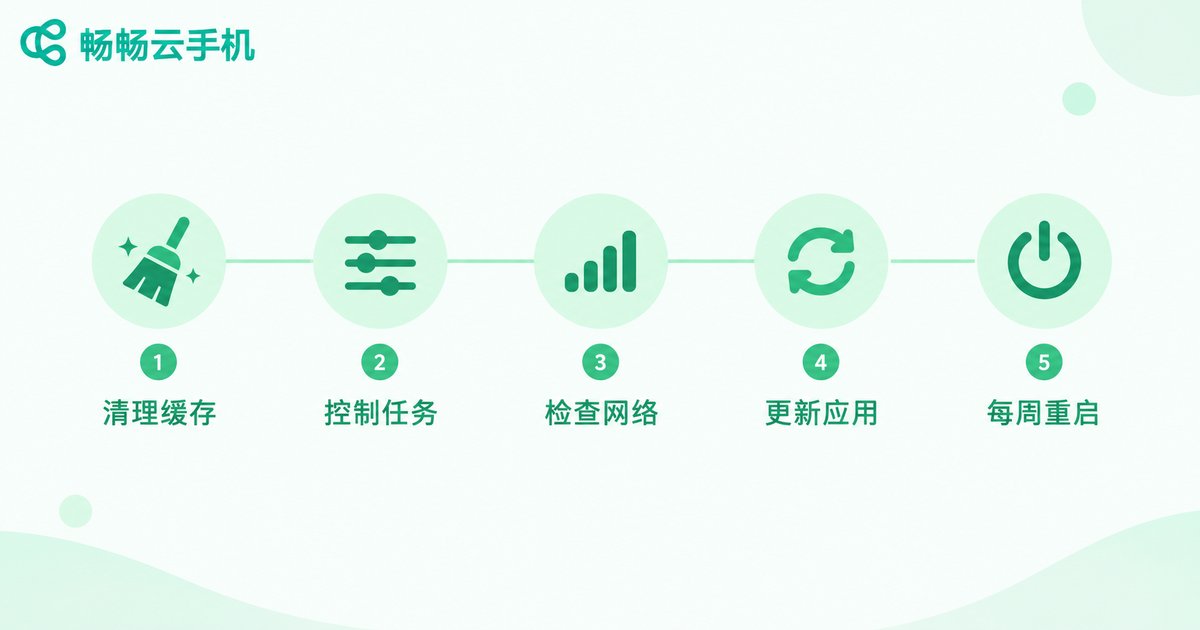
Keeping a cloud phone stable over the long term does not require complicated work. Build these habits:
1. Clean the cache regularly. Clear app caches and useless files once a week and keep storage usage below 80% — the cheapest maintenance there is.
2. Control the number of tasks. Do not drain a device's resources. Run heavy tasks in staggered batches and leave headroom for the system.
3. Watch your network. Use a stable broadband connection, and avoid latency-sensitive operations during peak hours.
4. Keep apps updated. Old app versions may leak memory. Staying on stable releases noticeably reduces crashes.
5. Restart the instance once a week. Reboot your cloud phone during idle periods to clear system fragmentation — the effect is immediate.
The Inspection Checklist: Just Follow It
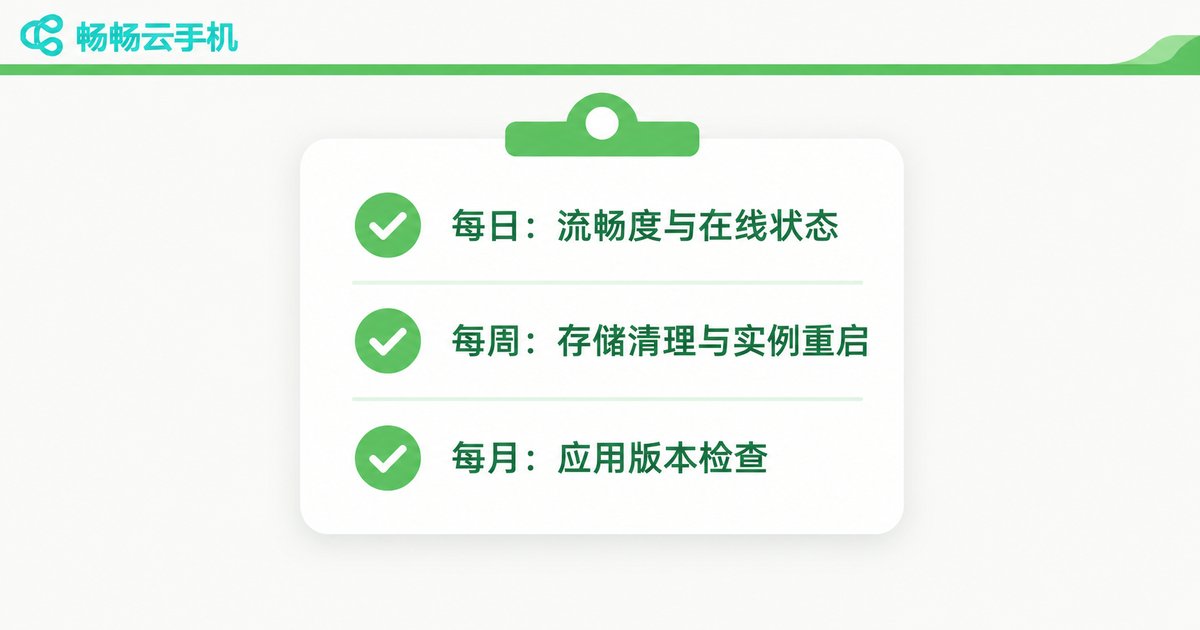
If you manage multiple cloud phones, make inspection a routine. Here is a checklist you can copy directly:
| Item | Frequency | Normal Standard | If Abnormal |
|---|---|---|---|
| Responsiveness | Daily | No noticeable input lag | Clear cache or restart the instance |
| App online status | Daily | Target apps stay online | Log in again and check the network |
| Background task count | Daily | Within device capacity | Run tasks in staggered batches |
| Storage usage | Weekly | Below 80% | Clear cache and useless data |
| Instance restart | Weekly | At least one full restart | Do it during idle periods |
| Network latency | Weekly | Operations respond promptly | Switch networks or avoid peak hours |
| App versions | Monthly | Stable releases only | Update to the latest stable version |
Common Stability Issues and How to Fix Them
When something goes wrong, do not rush to rebuild the device. Match the symptom against this table and most issues can be located in two minutes:
| Symptom | Likely Cause | Fix |
|---|---|---|
| Laggy screen | Cache buildup, high resource usage | Clear cache; run fewer tasks at once |
| Frequent disconnects | Local network fluctuation | Test your local network; avoid peak hours |
| App crashes | Outdated version, corrupted data | Update or reinstall the app |
| Touch delay | Instance not restarted for too long | Restart the cloud phone instance |
| Blurry screen | Low resolution or bandwidth settings | Raise the quality settings or improve the network |
Choose the Right Platform and Maintenance Gets Easier
Doing your own maintenance is only the first step — the stability of the cloud phone platform itself is what sustains long-term operation. A reliable platform offers stable data centers and network resources, sensible resource scheduling, and solid multi-device management, so inspections take far less effort.
If you are looking for a cloud phone service built for long-running tasks, take a look at ccloudphone. It provides a stable cloud phone environment and convenient device management, and paired with the checklist above, long-term operation becomes much less worrisome. Check the official ccloudphone website for plans and features, and pick a configuration that matches your workload.
FAQ
Q: How often should I restart a cloud phone?
At least once a week, during idle periods. If your workload is heavy, restart more often — clearing system fragmentation brings responsiveness right back.
Q: How many tasks can one cloud phone handle at once?
It depends on your plan and the type of tasks. The rule of thumb is to leave headroom: if input lag rises noticeably, the device is overloaded and tasks should be staggered.
Q: My cloud phone lags — is it the network or the device?
Test your local network first. If streaming and video calls run fine, the issue is likely on the instance side; follow the checklist to clear the cache and restart. If your local connection is unstable, fix that before judging the device.
Q: Is ccloudphone suitable for long-running tasks?
ccloudphone offers a stable running environment and multi-device management, suitable for users who need devices online around the clock. Choose a configuration that matches your workload and keep up the weekly inspections for the best stability.


