
How to Choose Cloud Phone AFK Scenarios: Task Types Suited for Long-Time Running
First, What Makes a Task 'AFK-Friendly'
AFK running means letting apps keep working with little or no manual input: auto-farming resources and clearing dailies in a game, keeping an app online to maintain streaks, or checking in on schedule. These tasks share three traits: long running hours, highly repetitive actions, and sensitivity to connection stability.
Run them on a physical phone and three problems show up fast: overheating, battery anxiety, and the reluctance to leave your phone on overnight. The moment the network drops or the app is killed in the background, hours of progress can vanish. A cloud phone runs in a data center instead—no local battery drain, unaffected by whether your own device is on or off—which makes it purpose-built for long-time running.
Five Task Types Best Suited for a Cloud Phone
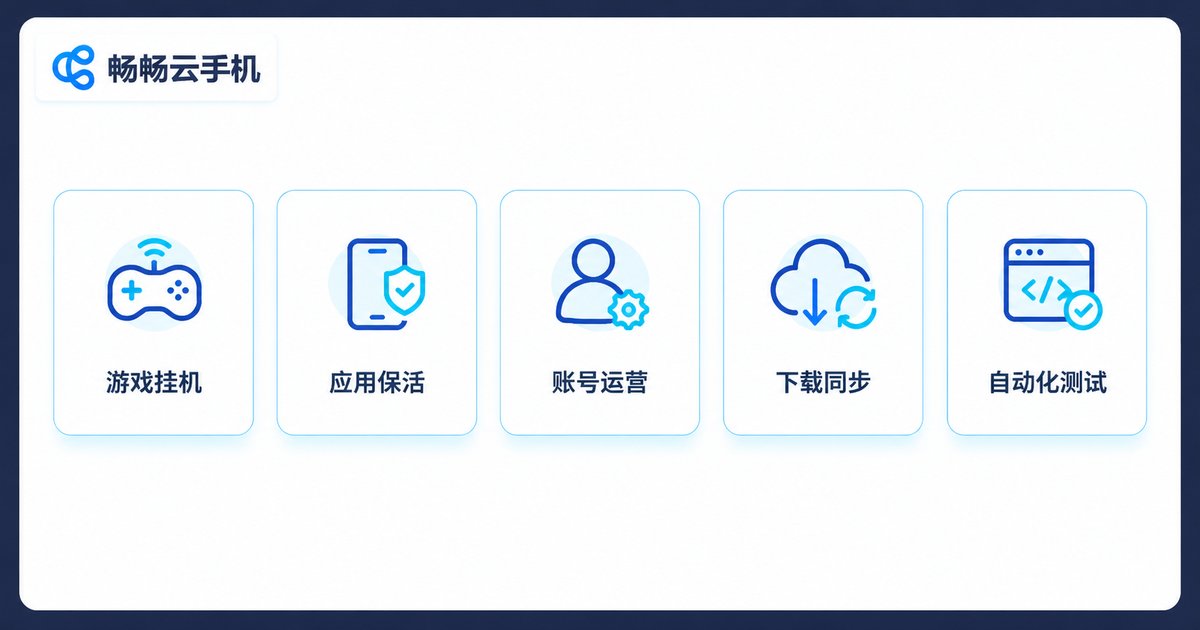
1. Game idling: resource farming, daily dungeons, and offline reward collection in idle and turn-based mobile games. These often demand hours or even 24/7 online time, making them the classic cloud phone scenario.
2. App keep-alive and check-ins: apps that require daily sign-ins, continuous streaks, or accumulated online time. The workload is light but interruption is fatal—exactly what always-on cloud running solves.
3. Account operations and content management: day-to-day maintenance of multiple accounts, scheduled publishing, and timely message handling. Multiple cloud phone instances each run an isolated environment without interference.
4. Downloads and data sync: large offline downloads, automatic backups, and file synchronization. Hand the time-consuming transfer to the cloud and keep your local device free.
5. Automated testing and scripts: developers often need apps to run continuously for dozens of hours to verify stability. A cloud phone offers a test environment that can be rebuilt or duplicated at any time.
How to Choose: Check Your Scenario Against Four Dimensions
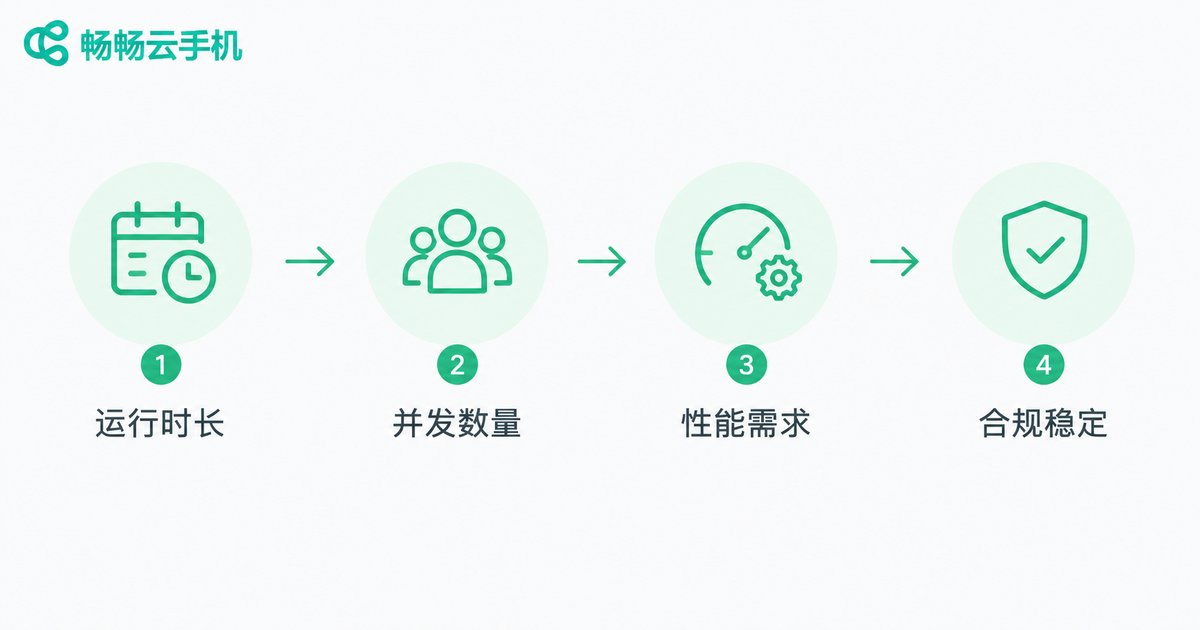
Not every task needs the same resources. Before you start, answer four questions: How long will it run? How many instances at once? How much performance does it need? Can it run stably and compliantly over time?
| Task type | Suggested running time | Performance needs | Instances |
|---|---|---|---|
| Game idling | 8-24 hrs/day | Medium | Single or multiple |
| Keep-alive and check-ins | Around the clock | Low | Multiple accounts OK |
| Account operations | Around the clock | Medium | Isolated environments |
| Downloads and sync | Per task cycle | Low | Single is enough |
| Automated testing | Tens of hours straight | Higher | Per test plan |
One-line takeaway: the longer it runs and the more instances you need, the more a cloud phone pays off. If a task only takes an hour or two a day, your local device is still the simpler choice.
Before You Start: Four Things to Get Right
Compliance first: check whether the game or app's user agreement allows AFK behavior, so your account does not pay the price.
Stable scripts: long runs fear mid-task freezes. Make a habit of checking running status regularly for critical tasks.
Account security: never log important accounts into environments of unknown origin; choose a reputable cloud phone service.
Realistic expectations: AFK running removes repetitive labor, it does not create something from nothing—weigh returns against time costs.
What It Is Like to Hand Tasks to ChangChang Cloud Phone
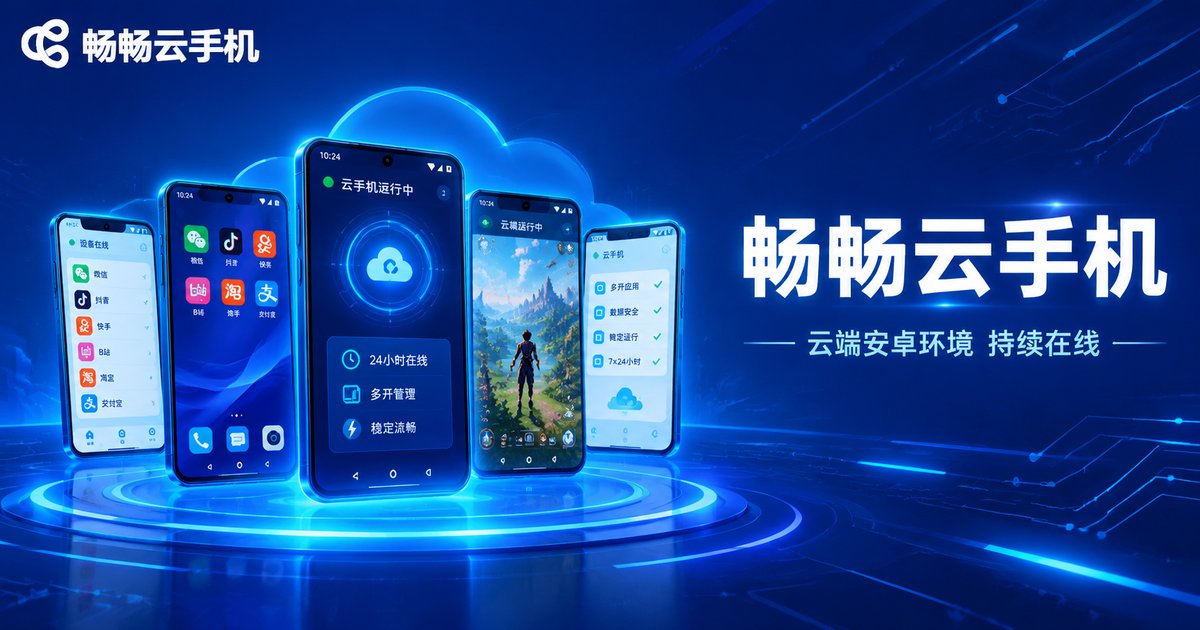
Take ChangChang Cloud Phone (ccloudphone) as an example: what you get is an independent Android environment in the cloud. Once an app is installed, it can keep running online without consuming your local phone's battery or storage, and it will not stop just because your local device powers off or loses connection. When you need several environments, run multiple cloud phone instances for different tasks, manage them in one place, and check running status remotely at any time.
Different tasks have very different configuration needs. Clarify your AFK scenario first, then visit the official ChangChang Cloud Phone website (ccloudphone) for details on available device types, configurations, and plans, and choose what actually fits.
FAQ
Q: Does a cloud phone drain my phone's battery?
No. Tasks run on cloud servers; your local phone only needs to connect when you actively check in, and can stay off otherwise.
Q: If my local device is powered off, do tasks keep running on the cloud phone?
Yes. A cloud phone is an independent cloud environment that does not depend on your local device being on—exactly why it suits long-time AFK running.
Q: Can one cloud phone run several tasks at the same time?
One cloud phone corresponds to one independent Android environment. It is usually best to focus each environment on one type of task; for parallel workloads, run multiple cloud phone instances.
Q: Will AFK running get my account banned?
What matters is whether you follow the platform's own rules. Using a reputable cloud phone service and keeping behavior patterns reasonable lowers the risk, but no AFK method can promise absolute safety.
Q: What kind of home network do I need?
Very little—tasks run in the cloud. Bandwidth only matters when you remotely view the screen, upload an installation package, or change settings.


