

How to Manage Multiple Cloud Phone Instances: Quantity Planning, Resource Allocation, and Efficiency Improvement
Why Managing Well Matters More Than Running Many
More and more people are running multiple cloud phones: game farming, short-video account matrices, app testing, and multi-account e-commerce all depend on dozens of phones being online at once. Yet many focus entirely on how many instances they can open, forgetting that what actually determines profit is how well you manage them afterwards.
The classic symptoms of unmanaged scaling: more devices but more lag, chaotic account status, disconnects that go unnoticed for hours, and repetitive tasks eating up your team's time. In other words, instance count is just the starting point — management efficiency is the ceiling. Below, we break it down into three steps: quantity planning, resource allocation, and efficiency improvement.
Step 1: Quantity Planning — Think First, Then Launch
More is not always better. The right number depends on your business type, staffing, and budget. Keep three principles in mind:
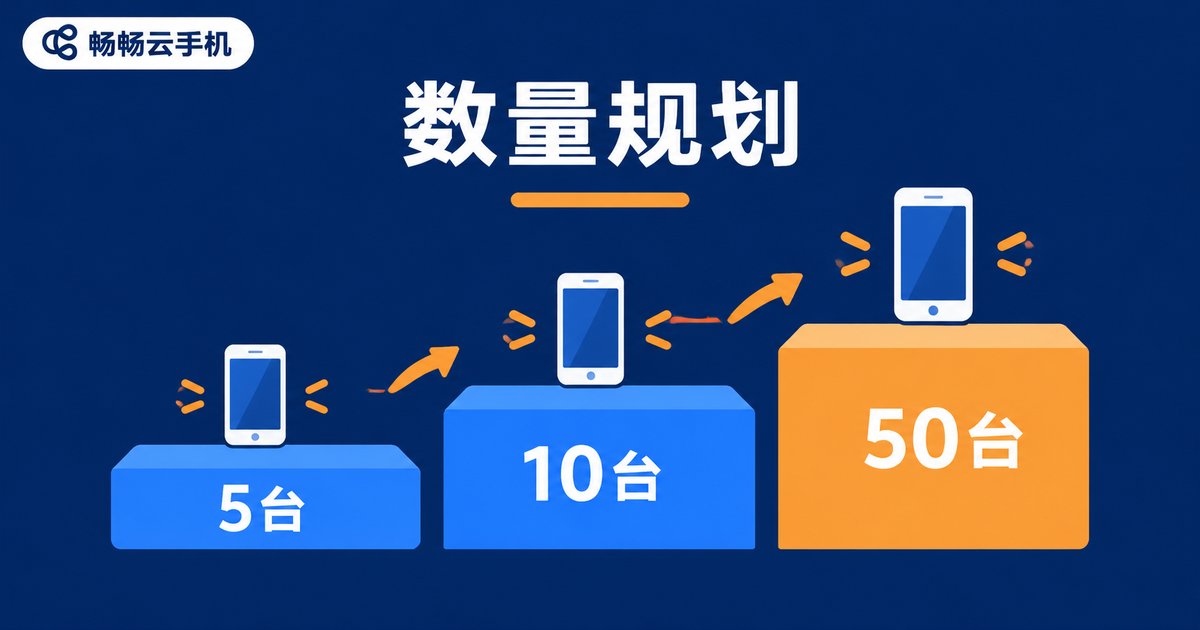
1. Start small, validate, then scale. Launch 5-10 instances first and verify your workflow, revenue model, and incident handling end to end. Scale in batches only after per-instance output meets expectations. Launching dozens at once makes every workflow mistake expensive to fix.
2. Match quantity to the business scenario. Different businesses have very different sensitivity to instance count:
| Scenario | Suggested Start | Scaling Approach |
|---|---|---|
| Game farming / idle tasks | 5-10 | Scale in batches once the revenue model is proven |
| Short-video / social media matrix | 10-20 | Add gradually, grouped by account |
| App compatibility testing | 3-5 | Cover mainstream device profiles |
| E-commerce / multi-account support | Match store count | One account per phone, isolated environments |
3. Keep a 20-30% buffer. Don't spend the entire budget on new instances. Reserve capacity for traffic peaks, failure replacement, and ad-hoc tasks, so one issue doesn't take the whole operation offline.
Step 2: Resource Allocation — Make Every Instance Count
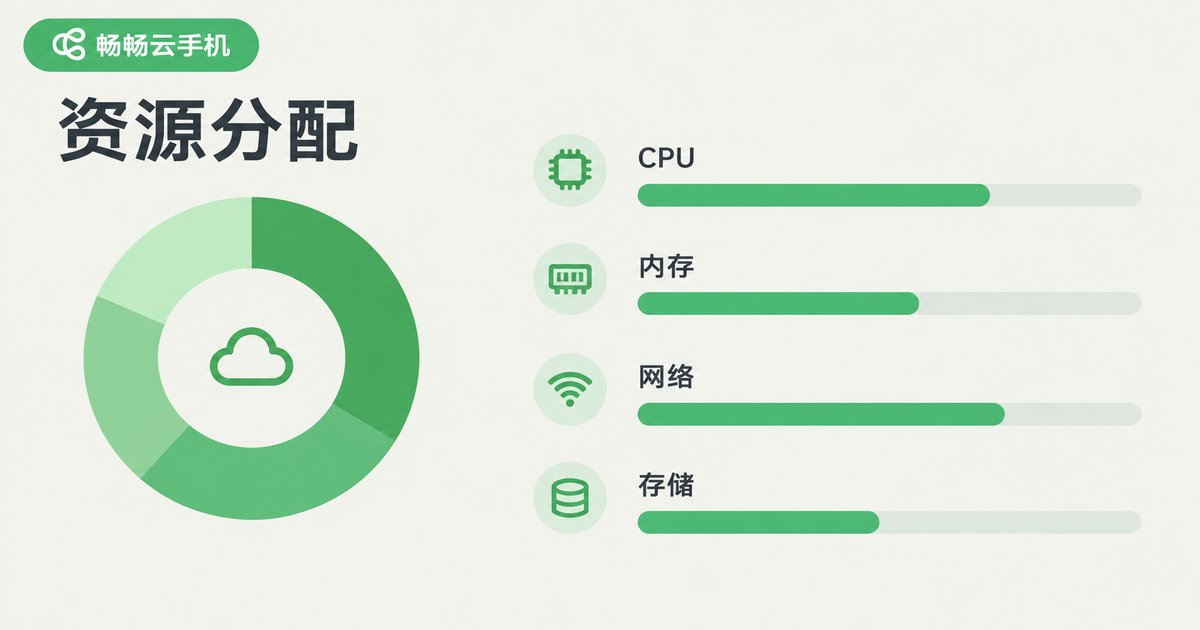
Two teams can each run 50 instances — one smooth and stable, the other lagging daily. The difference usually comes down to resource allocation. The core rule: tier configurations by task weight instead of giving every device the same spec.
Tier by task. Sign-ins and idle tasks run fine on basic specs; graphics-heavy games demand more CPU and memory, plus fewer concurrent tasks per device. Use this as a reference:
| Task Type | Configuration | Management Tips |
|---|---|---|
| Sign-ins / light idle tasks | Basic | Scheduled tasks + batch operations |
| Mid-weight game multi-running | Mid-tier | Group management + staggered schedules |
| Heavy games / long sessions | High-tier | One task per device, close monitoring |
Stagger workloads. Spread high-load tasks across different time slots instead of pushing every device to full load at the same moment — a zero-cost way to improve stability.
Group and name consistently. Organize devices by business line or project with a uniform naming convention (project-number-purpose), keep isolated network environments, and clear caches regularly. Day-to-day management becomes far clearer.
Step 3: Efficiency — Minimize Repetitive Work
With quantity and resources settled, the final step is to let tools and methods free up your people. These tactics deliver the fastest results:
Batch operations. Install, uninstall, launch, and update in batches whenever possible — dozens of devices handled in one action. This is the first lever for saving time.
Templatize workflows. Write standard operating procedures (SOPs) for device setup, daily checks, and incident handling, so new team members ramp up quickly and operations stay consistent.
Automate whatever you can. If it can be scheduled, schedule it; if it can be scripted, script it. People should only handle exceptions.
Monitor and review. Track disconnect rates and task completion rates, record output per device, and retire chronically underperforming instances so resources flow to high-yield work.

Common Pitfalls to Avoid
Pitfall 1: Chasing raw numbers. More devices don't mean more profit. If per-instance output is low, scale only amplifies the losses.
Pitfall 2: One configuration for everything. High specs on light tasks waste money; low specs on heavy tasks cause disasters. Tiering is the answer.
Pitfall 3: Ignoring account environments. For multi-account operations, always keep one account per phone with isolated environments to reduce association risk.
Pitfall 4: No review mechanism. Without data, you can't tell which devices make money and which just idle. Management becomes pure guesswork.
Choose the Right Platform
On the tooling side, a stable cloud phone platform with solid batch and group management makes every method above easier to put into practice. We recommend ChangChang Cloud Phone (ccloudphone): a smooth cloud Android environment with multi-instance and batch management support, suitable for game multi-running, account matrix operations, and more. For the latest plans and configuration advice, visit the official ccloudphone website and choose based on your business scale.

FAQ
Q: How many cloud phone instances should I run?
There is no universal answer. Start with 5-10, validate your workflow and revenue model, then scale in batches while keeping a 20-30% buffer for peaks and failures.
Q: Do instances interfere with each other?
With proper resource allocation and staggered schedules, cloud phones run independently. Lag usually comes from under-spec'd configurations or excessive load within the same time window.
Q: How do I cut the labor cost of multi-instance management?
Lean on batch operations, group management, and scheduled automation. Let tools handle repetitive actions while people focus on exceptions and data review.
Q: What do beginners get wrong most often?
The top three: launching too many instances at once, using one configuration for all devices, and skipping data tracking and review. Validate small first, then scale.


