

How to Fix Cloud Phone Multi-Instance Lag: Configuration, Network & Background Task Optimization Tips
Multi-Instance Lag? Don't Blame Your Device Yet
When a cloud phone starts stuttering in multi-instance mode, many people's first reaction is 'is my phone too old?' In fact, all the computing happens in the cloud — your local device only receives the video stream and sends touch commands. The root cause of lag usually lies in three areas: cloud instance specifications, network transmission quality, and background tasks inside each instance. Troubleshoot them in order and you'll quickly find the culprit.
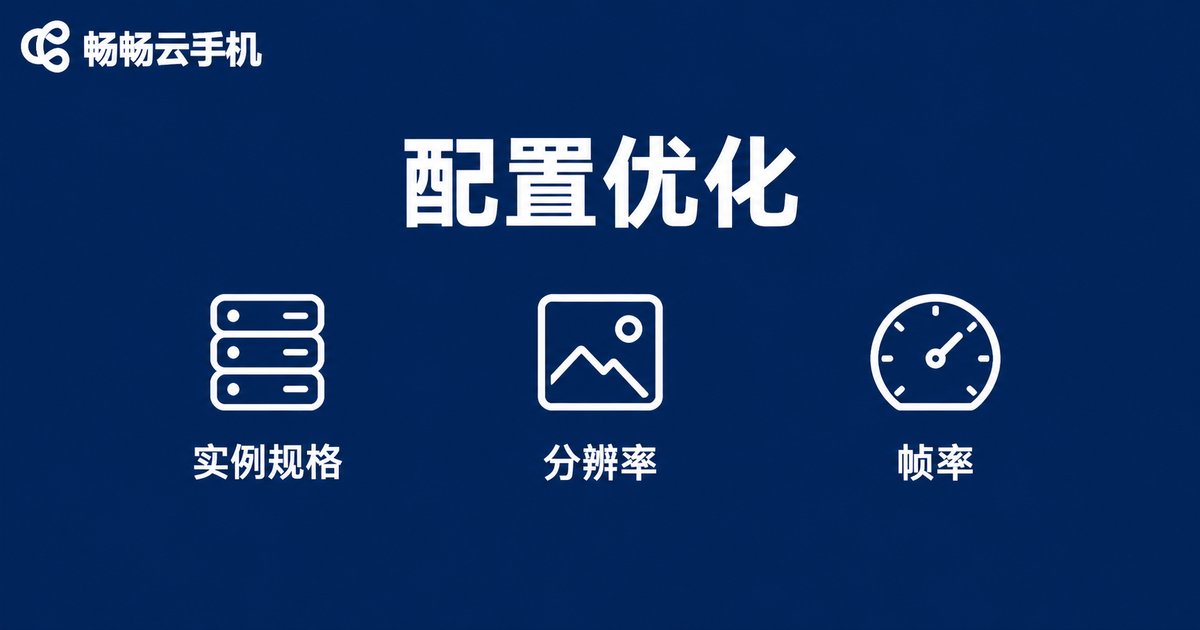
Configuration: Keep Every Instance Lightweight
Each cloud phone instance comes with a fixed amount of CPU and memory. If you cram a heavy game, live streaming and downloads into a single instance, resources get maxed out and the frame rate drops. Three things you can do:
1. Choose instance specs based on actual needs: pick high-spec instances for heavy gaming and standard ones for lightweight idle tasks — spend resources where they truly matter.
2. Lower resolution and frame rate: set graphics to 'Smooth' and cap the frame rate at 30fps. This dramatically reduces streaming pressure while still looking fluid — idle tasks are barely affected.
3. Control per-instance load: run only the core task in each instance instead of stacking 'game + streaming + downloads' together and fighting over the same resources.
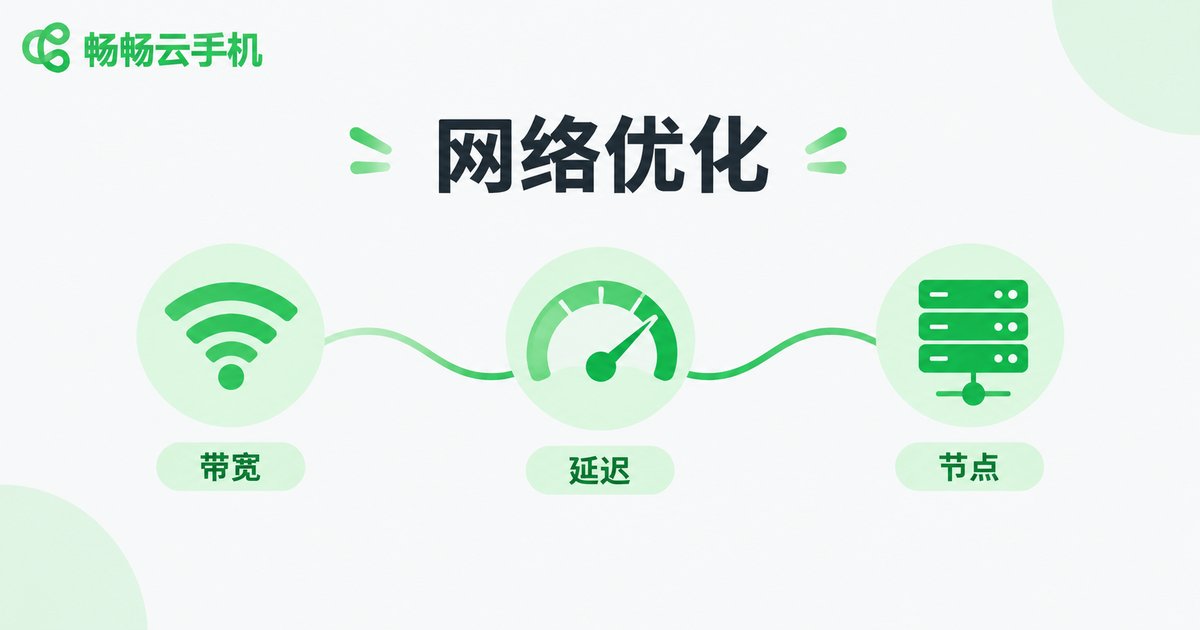
Network: The Most Common Cause of Lag
A cloud phone's picture is essentially a live video stream from the data center, so network jitter is the number one culprit. Check each item below:
| Check Item | Recommendation |
|---|---|
| Bandwidth | Reserve at least 5Mbps of downstream bandwidth per instance; more instances mean higher total bandwidth needs |
| Connection | Prefer wired Ethernet or 5GHz WiFi over the crowded 2.4GHz band |
| Server node | Choose a node closer to your city for lower latency and better responsiveness |
| Time of day | If evening peak hours cause jitter, schedule idle tasks at other times |
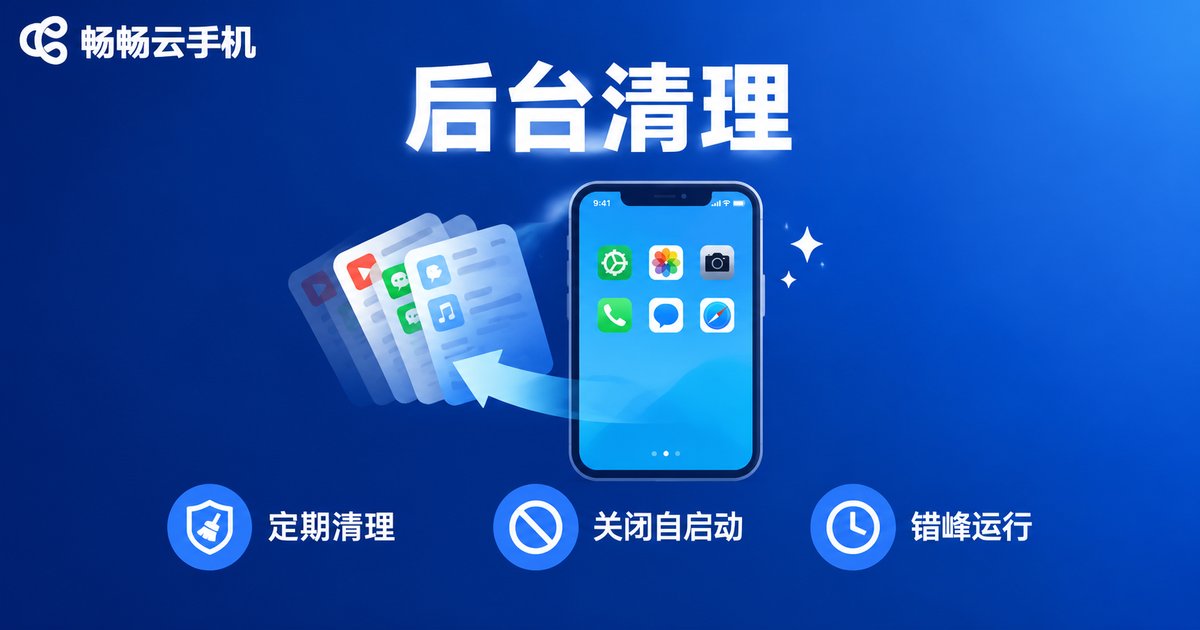
Background Tasks: The Overlooked Source of Stutter
Inside each cloud phone instance, just like on a regular phone, the more apps pile up in the background, the slower it gets. Long-running instances easily accumulate cache and leftover processes. Build three habits:
1. Clean up the background regularly: swipe away apps you don't need and keep only those required by the current task.
2. Disable auto-start and unnecessary push notifications: fewer silently woken background processes means more free memory.
3. Stagger batch operations: spread updates, upgrades and batch launches across different time slots so multiple instances don't hit peak load at the same time.

Choose the Right Platform for Effortless Multi-Instance
Beyond your own tuning, the platform's multi-instance capability matters too. ChangChang Cloud Phone (ccloudphone) runs its instances in cloud data centers, consuming none of your local phone or computer's performance — the local device only handles display and input. Even an entry-level phone can manage multiple cloud instances at once. Instance specs and the number of concurrent instances can scale flexibly with your business; check the ChangChang Cloud Phone official website for current plans and pick what fits your needs.
Quick Troubleshooting Checklist
| Symptom | Most Likely Cause | Fix First |
|---|---|---|
| Picture blurs then freezes | Insufficient bandwidth or network jitter | Switch to wired or 5GHz WiFi, lower picture quality |
| Smooth picture but laggy input | Server node too far away | Switch to a closer node |
| Slow app switching inside an instance | Underpowered instance or bloated background | Upgrade instance specs, clean up background |
| More instances, more lag | Total bandwidth or local device overloaded | Reduce concurrent instances, run in batches |
FAQ
Q: Is multi-instance lag caused by my local phone?
In most cases, no. All computing happens in the cloud; your local device mainly affects how smoothly the video stream is displayed. Check your network and cloud instance configuration first, and consider local hardware last.
Q: How many cloud phone instances can one broadband line support?
A rough rule is 5Mbps of downstream bandwidth per instance: a 100Mbps line can theoretically support a dozen or so instances running smoothly, depending on network stability and task types.
Q: Will lowering picture quality affect idle farming?
Hardly. Idle and account-warming tasks have low graphics demands — 'Smooth' quality is enough for normal operation while significantly reducing lag and saving bandwidth.
Q: How many instances does ChangChang Cloud Phone support?
ChangChang Cloud Phone supports multiple concurrent instances with batch management. The exact number depends on your chosen plan — visit the official website for the latest specifications and features.


