
Operations · Engineering · Trends
Hands-on playbooks, product updates and cross-border insights from the CCloudPhone team.
How to Evaluate Cloud Phone Value: Performance, Stability, and Support Compared
Choosing a cloud phone is not just about finding the lowest price. True value equals the combined experience of performance, stability, and support, divided by what you pay. This guide walks you through each dimension: how to judge real-world smoothness instead of trusting spec sheets, why 24/7 uptime and fast reconnection matter most for AFK gaming and multi-account users, and how to vet customer service and documentation before you commit. A comparison table distills everything into a practical checklist, helping you avoid cheap-but-frustrating services and pick a cloud phone that genuinely saves you time and money.

Free vs Paid Cloud Phone: Key Differences, Use Cases and How to Choose
The core differences between free and paid cloud phones lie in device count, hardware performance, online uptime, and advanced features. The free tier suits first-time users and light, occasional use, while paid plans are productivity tools for multi-open gaming, AFK farming, and multi-account operations. This article uses a comparison table to break down the differences, profiles who each version is for, and offers three quick questions to help you decide whether upgrading is worth it. We also recommend ChangChang Cloud Phone (ccloudphone), which lets you start free and upgrade to a paid plan only when your needs grow.

What to Know Before a Free Cloud Phone Trial: Limits, Duration, and How to Evaluate the Experience
Before you start a free cloud phone trial, check three things: what limits apply to features and usage, how long the trial lasts and what happens to your data afterward, and how to evaluate the experience objectively. This article breaks down common trial restrictions, typical duration rules, and a practical five-dimension checklist covering latency, image quality, stability, and multi-instance performance, so one test session is enough to decide whether a cloud phone is worth paying for, with a trial checklist for ChangChang Cloud Phone.
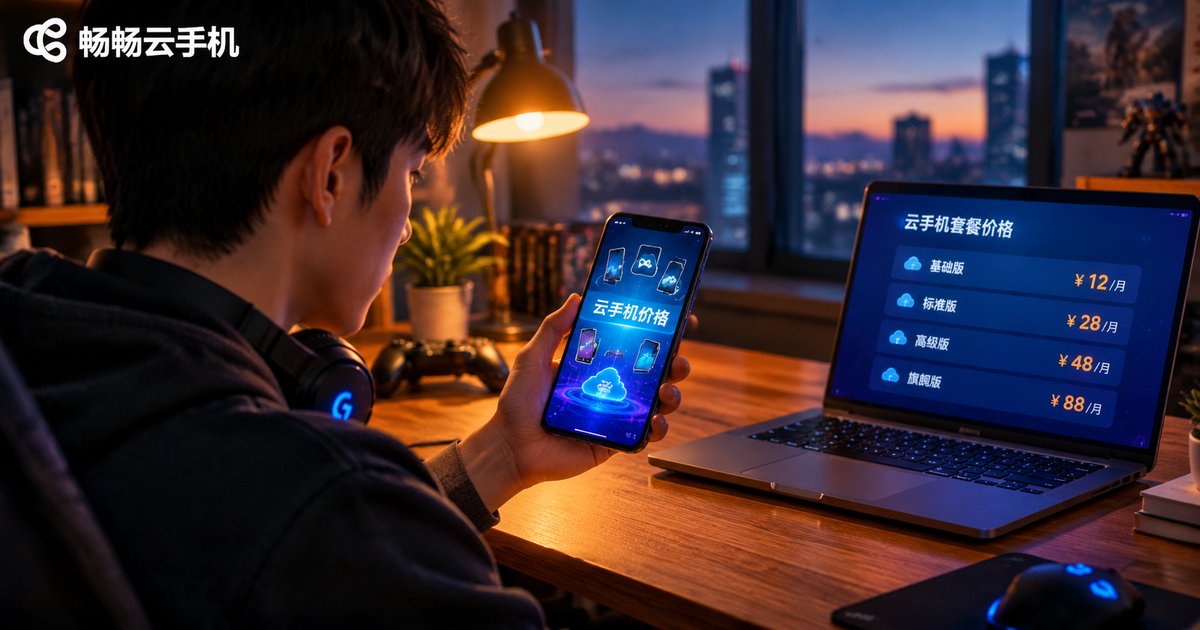
How Cloud Phone Pricing Works: Rental, Plans, Duration and Configuration Costs Explained
Wondering how much a cloud phone actually costs? This guide breaks down the billing logic behind cloud phone pricing: hourly and daily rental, monthly and yearly subscription plans, how configuration tiers such as CPU, RAM and storage affect the unit price, and the extra costs of add-on features like group control and multi-instance expansion. You will also get a comparison table of billing models and a simple formula to estimate your total cost before you subscribe, plus practical tips to avoid overtime charges and pick the most cost-effective plan for gaming, app hosting or studio operations.
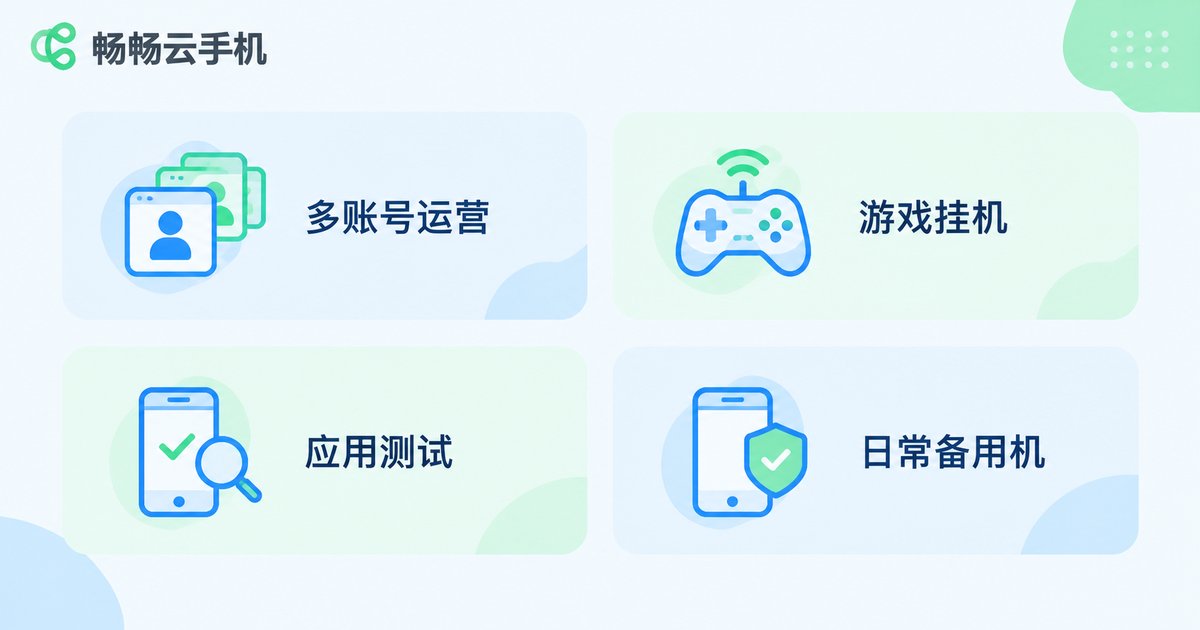
2026 Cloud Phone Buying Guide: Matching Configuration and Services to Your Needs
With so many cloud phone products on the market in 2026, comparing prices or chasing top specs blindly often leads to regret. This guide starts from real usage scenarios, mapping four common needs — multi-account operations, game automation, app testing, and everyday backup — to the configurations that matter for each. It explains how to read core specs like CPU, memory, storage, and network quality, then reveals the service differences that spec sheets cannot show: uptime, group control, data security, and support responsiveness. A practical four-step buying process helps you verify with trials and calculate long-term costs, with a look at how CC Cloud Phone (ccloudphone) handles stability and bulk management.

How to Choose the Right Cloud Phone: A Comprehensive Guide to Specs, Latency, Quality, and Price
Choosing a cloud phone is not about chasing a single spec. Configuration sets the ceiling of your experience, latency decides how responsive it feels, image quality depends on the balance of resolution, bitrate and frame rate, and price only makes sense when the billing model matches your actual usage. This guide breaks down how to evaluate all four factors, offers configuration recommendations for scenarios such as idle farming, mobile gaming and multi-account operation, and shares a practical test-first workflow, helping you avoid costly mistakes and pick a cloud phone that truly fits your needs and budget.

Who Should Use a Cloud Phone: Office, Entertainment, Testing and Multi-Account Scenarios Explained
Cloud phones run an entire Android device in the cloud, letting you work, play, test and manage multiple accounts without extra hardware. This article breaks down four groups who benefit most: office workers separating work from personal life, mobile gamers running 24/7 idle farming, developers who need affordable multi-device testing, and operators managing many accounts safely. We compare the four scenarios side by side, explain what to look for when choosing a provider such as 畅畅云手机, and answer the most common questions, so you can quickly decide whether a cloud phone fits your daily workflow.
Cloud Phone vs Physical Phone: Key Differences from How They Work to Best Use Cases
A physical phone does all its computing on local hardware, while a cloud phone is a virtual Android system running in a data center, streamed to your screen over the network. This article starts from how each one works, then uses a comparison table to break down the differences in network dependency, 24/7 uptime, multi-instance capability, performance upgrades, and data safety. It also matches typical scenarios — daily communication, game AFK farming, account matrix management — to the right device, analyzes the costs of each approach, and answers common questions so you can quickly decide which one fits your needs.

Cloud Phone Beginner's Guide: Basic Features, Common Uses, and How to Get Started
A cloud phone is a complete Android system running on remote servers, while your local device only handles the screen and your taps. Written for absolute beginners, this guide explains in plain language what a cloud phone is, which basic features matter, and where it shines — from 24/7 game idling and multi-account management to reviving an old phone. It also walks you through a simple five-step process: registering an account, creating your first cloud phone, installing apps, and setting up background tasks with ccloudphone, so you can start with confidence.
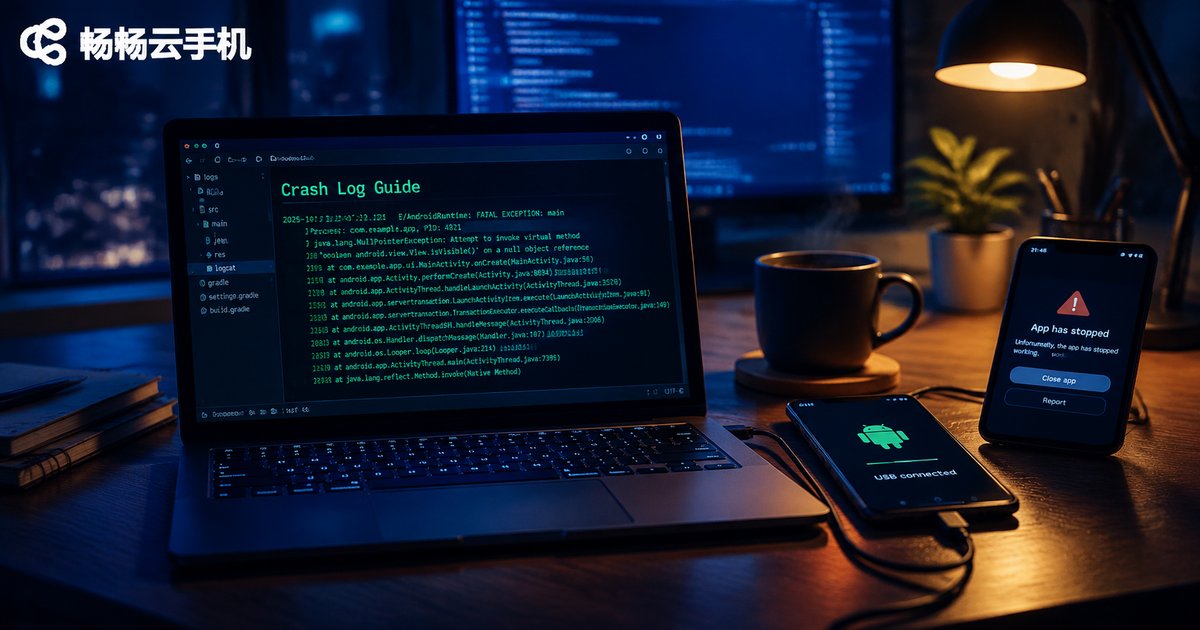
How to Export Cloud Phone Crash Logs: From Logcat Filtering to Stack Analysis
When an app crashes on your cloud phone, the crash log is the single most valuable piece of evidence. This guide walks through the complete troubleshooting chain: export the crash buffer with adb logcat -b crash, capture a full snapshot with adb bugreport, or use the root access most cloud phones provide to read tombstones and the dropbox archive directly. Then narrow millions of log lines with a four-layer filter of process, level, tag and keyword to isolate the FATAL EXCEPTION block, follow a four-step method to read Java and native stack traces, and grab a quick-reference table of common crash types plus practical tips for batch-collecting logs across multiple cloud phone instances.
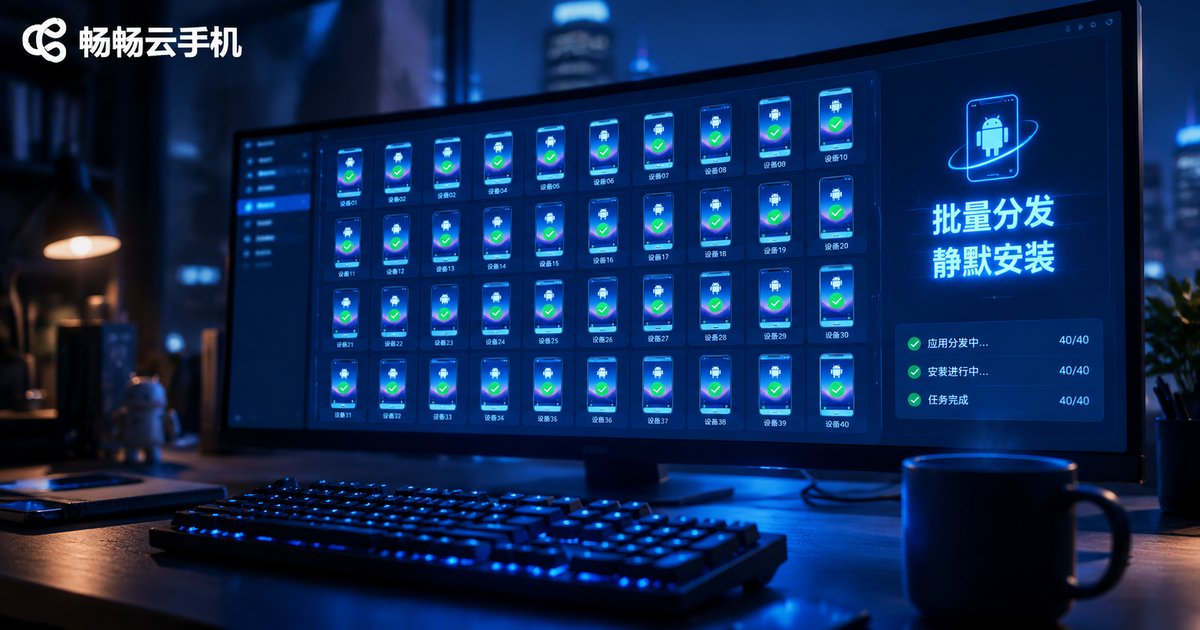
How to Call APIs for Batch File Distribution and Silent APK Installation on Cloud Phones
Managing dozens or hundreds of cloud phone instances makes one-by-one file uploads and manual APK installs slow and error-prone. This guide shows how to automate both with the cloud phone open API: creating API credentials, organizing instance groups, calling the batch file distribution endpoint, enabling silent APK installation, polling task status, and retrying failures. A complete Python example walks through the entire pipeline, so a new app version can be rolled out to an entire instance group in minutes with zero manual tapping. If you manage device fleets for app operations or automated testing, this workflow saves hours on every release.

Cloud Phone Instance Network Modes: Public Network vs Dedicated Network vs VPC Interconnection
Choosing the right network mode is one of the most overlooked decisions when running a cloud phone instance. Public network shares the platform's bandwidth with other users, making it the cheapest and simplest option for light personal use. Dedicated network assigns exclusive bandwidth to your instances, delivering stable and predictable performance for studios running devices around the clock. VPC interconnection goes one step further by placing cloud phones inside your own private cloud network, enabling low-latency internal communication with your servers and databases while keeping data off the public internet. This article breaks down the differences, includes a side-by-side comparison table, and offers practical advice for picking the right mode in different scenarios.