
Operations · Engineering · Trends
Hands-on playbooks, product updates and cross-border insights from the CCloudPhone team.
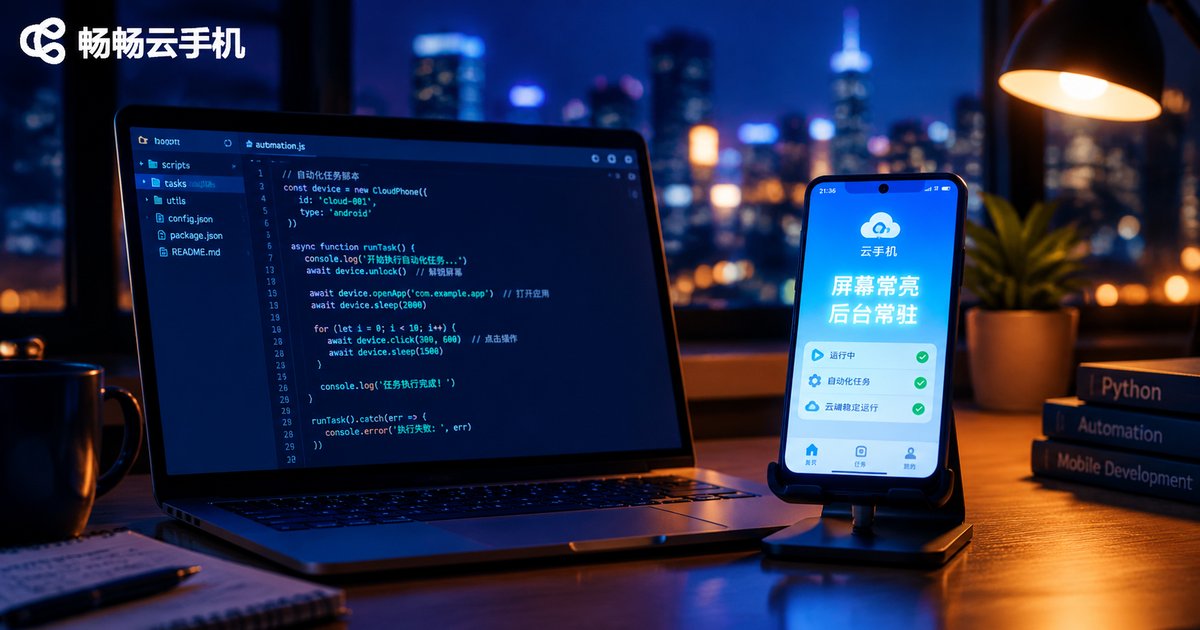
How to Configure Screen Always-On and Background Running Permissions for Automation Scripts on Cloud Phones
A step-by-step guide to configuring screen always-on and background running permissions before deploying automation scripts on a cloud phone. It covers sleep timeout settings, stay awake while charging, the battery optimization whitelist, auto-start and overlay permissions, plus ready-to-use ADB commands and a complete checklist table. The article also explains how cloud phones differ from physical devices in power-saving logic, why running scripts on ChangChang Cloud Phone keeps tasks alive around the clock, and how to verify each setting on a newly created cloud instance, so your automation never silently stops in the middle of the night again.
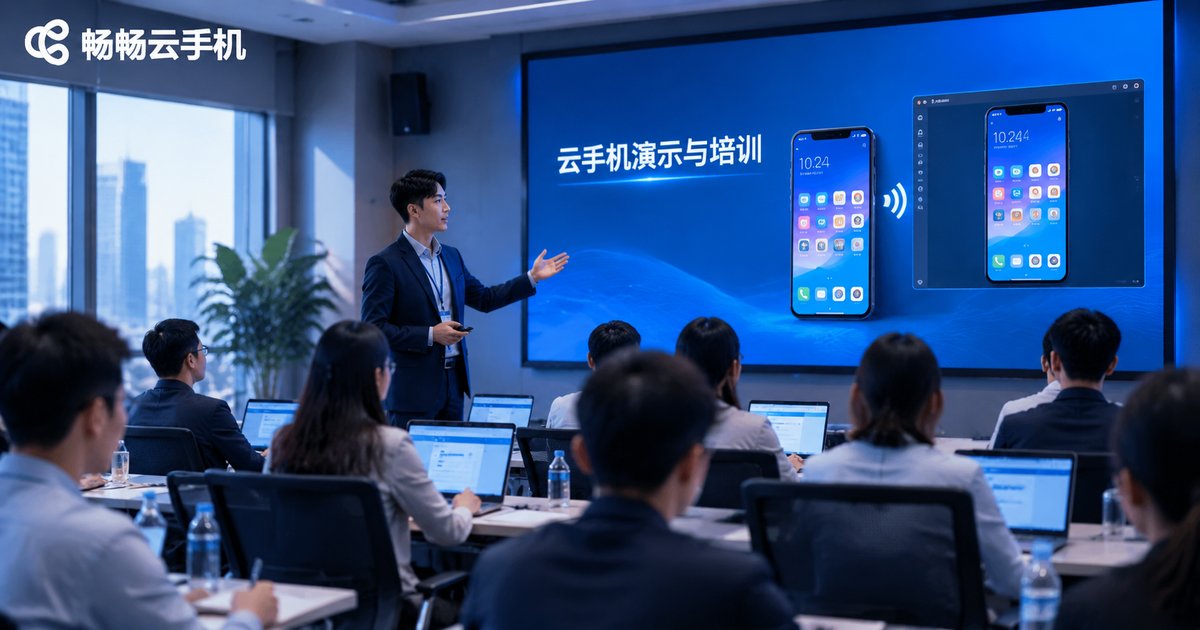
How to Use Cloud Phones for Demos and Training: Batch Environment Distribution, Remote Screen Casting, and Operation Recording
This article explains three core ways to use cloud phones for product demos and corporate training. With batch environment distribution, you configure one master device and clone it to every trainee instance in one click, eliminating repetitive manual setup. With remote screen casting, the cloud phone screen streams straight to a meeting-room display or an online conference, so demos are never limited by physical hardware. With operation recording, standard workflows are captured as videos that become reusable training material. The article walks through a complete five-step workflow, compares cloud phones with physical device fleets, and answers the most common questions.

How to Stress Test Cloud Phone Performance: Synchronized Monitoring of CPU, Memory, GPU Usage and Frame Rate
A complete hands-on guide to stress testing cloud phone performance. Learn the health reference lines for the four core metrics of CPU usage, memory, GPU load and frame rate, and why frame jitter matters more than the average. The article walks through a synchronized monitoring approach that aligns all four data streams on a single timeline, provides ready-to-use ADB commands for one-second sampling, and defines four typical stress scenarios ranging from single-app extreme loads to eight-hour soak tests. A symptom-to-bottleneck diagnosis table translates curves into concrete actions, while ChangChang Cloud Phone (ccloudphone) provides a stable multi-instance environment for batch testing without occupying local devices.
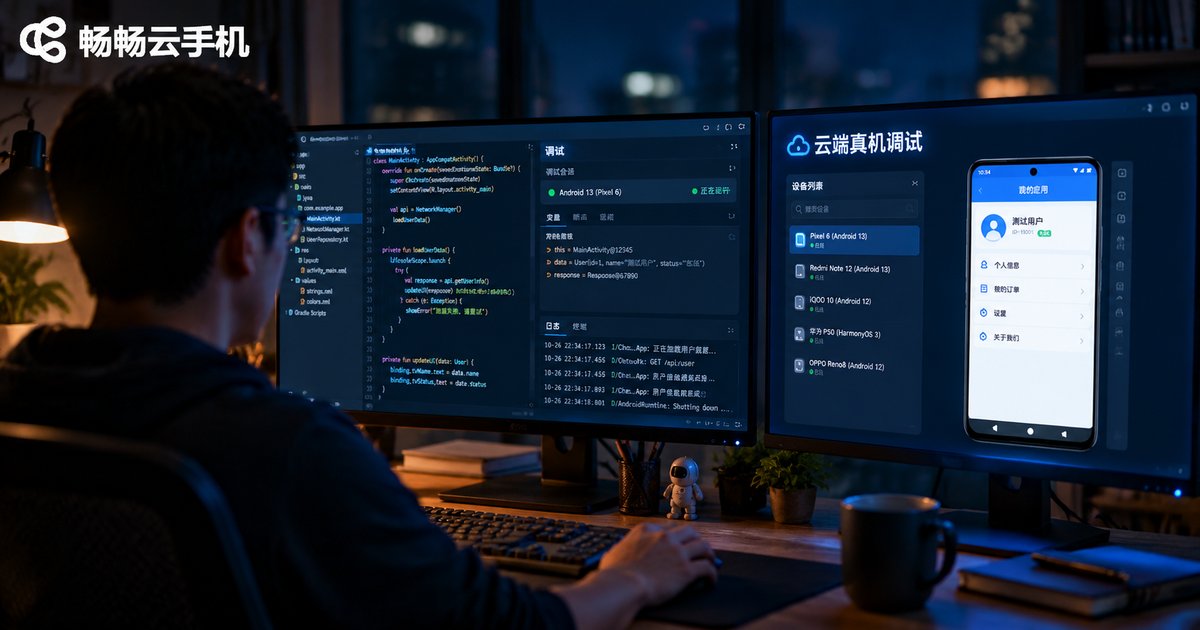
Cloud Phone Remote Real-Device Debugging: How Breakpoints, Variable Inspection, and Hot Reload Work in the Cloud
This guide explains how remote real-device debugging works on cloud phones: how a full Android system running in a data center connects to your local IDE through an encrypted tunnel; how breakpoints are set, hit, and stepped through remotely; why variable inspection, watch expressions, and call stacks behave exactly as they do over USB; and how hot reload stays nearly instant in the cloud. It also covers latency expectations, multi-device debugging tips, a local-versus-cloud comparison table, and a practical workflow with ChangChang Cloud Phone for developers evaluating cloud phones for compatibility testing.
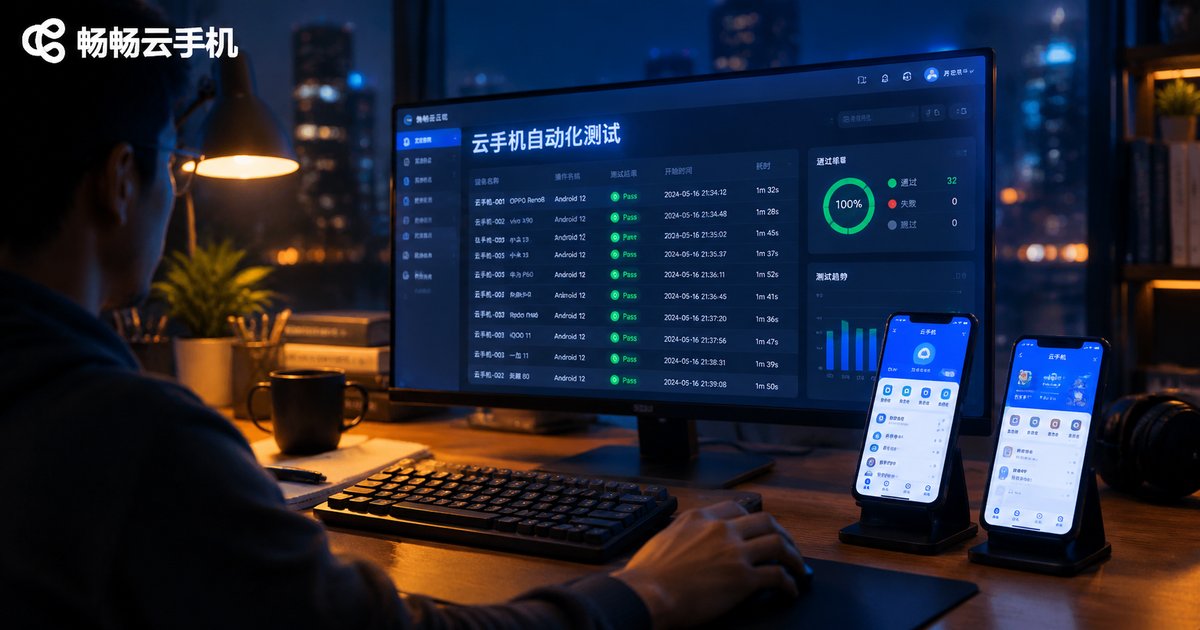
UI Automation Testing on Cloud Phones: How to Configure Element Locating and Screenshot Comparison
This guide walks you through building a UI automation testing environment on cloud phones. Starting from obtaining the cloud phone's ADB connection details and connecting remotely, it explains two element locating approaches, uiautomator dump and Appium with UiAutomator2, plus two screenshot comparison methods: OpenCV template matching and pixel-level diffing. You get ready-to-run Python code samples, a locator strategy comparison table, and tips for running tests in parallel across multiple cloud devices. A FAQ at the end answers common questions about connections and threshold tuning, with ChangChang Cloud Phone (ccloudphone) recommended as the test device platform.

The Standard Workflow of Cloud Phones in App Compatibility Testing: Multi-Device, Multi-Android-Version, and Multi-Resolution Coverage
Android device fragmentation makes app compatibility testing a gate every release must pass. This article walks through a standardized cloud phone testing workflow: building a three-dimensional test matrix across device models, Android versions, and screen resolutions; batch-deploying builds to dozens of cloud phone instances; running tests in parallel while collecting screenshots, logs, and performance metrics; and verifying fixes through reproducible regression testing. It also compares the cost and efficiency of cloud phones against traditional real-device labs, and explains how teams can use Changchang Cloud Phone (ccloudphone) to cover flagship, mid-range, and entry-level devices without buying hardware — catching compatibility issues before users ever see them.
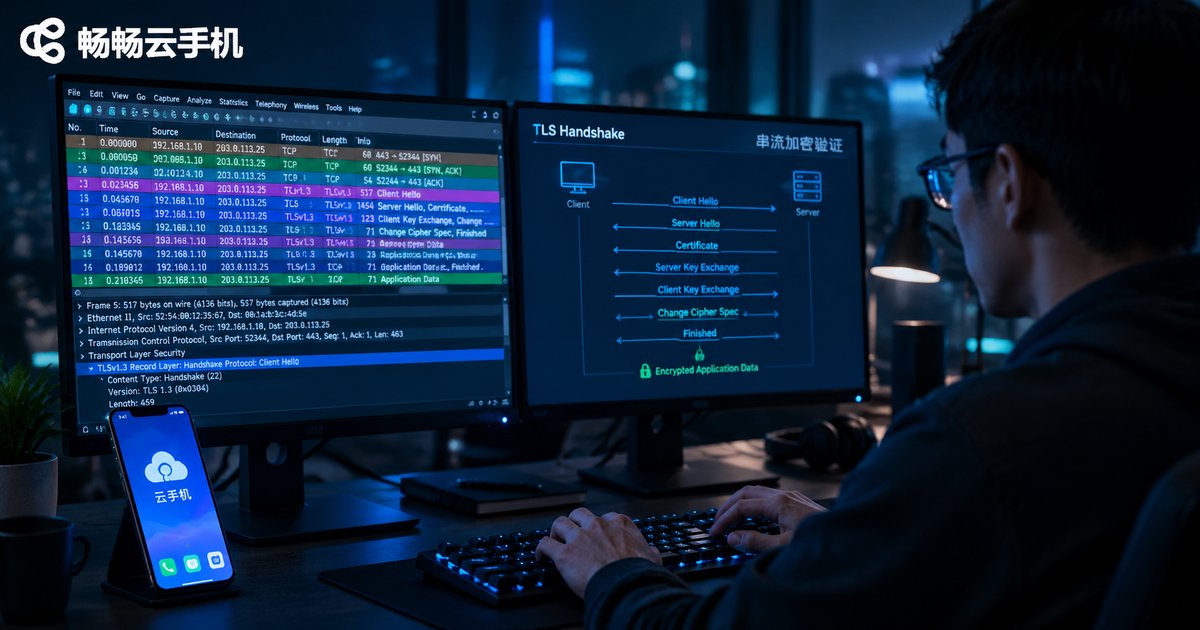
Is Cloud Phone Streaming Encrypted? How to Verify TLS Configuration with Packet Capture
Cloud phone screens and touch commands all travel through network streaming, so whether that traffic is encrypted decides the baseline security of your account and privacy. This article breaks down the streaming protocol stack, explains TLS handshakes, certificates, and cipher suites, and walks through a complete five-step Wireshark capture workflow: filter handshake packets, check protocol versions and certificates, and confirm that application data is truly encrypted. It also clears up common misreads — garbled bytes do not prove encryption, and port 443 is not a guarantee — so you can verify a vendor's security promises with real packet evidence.
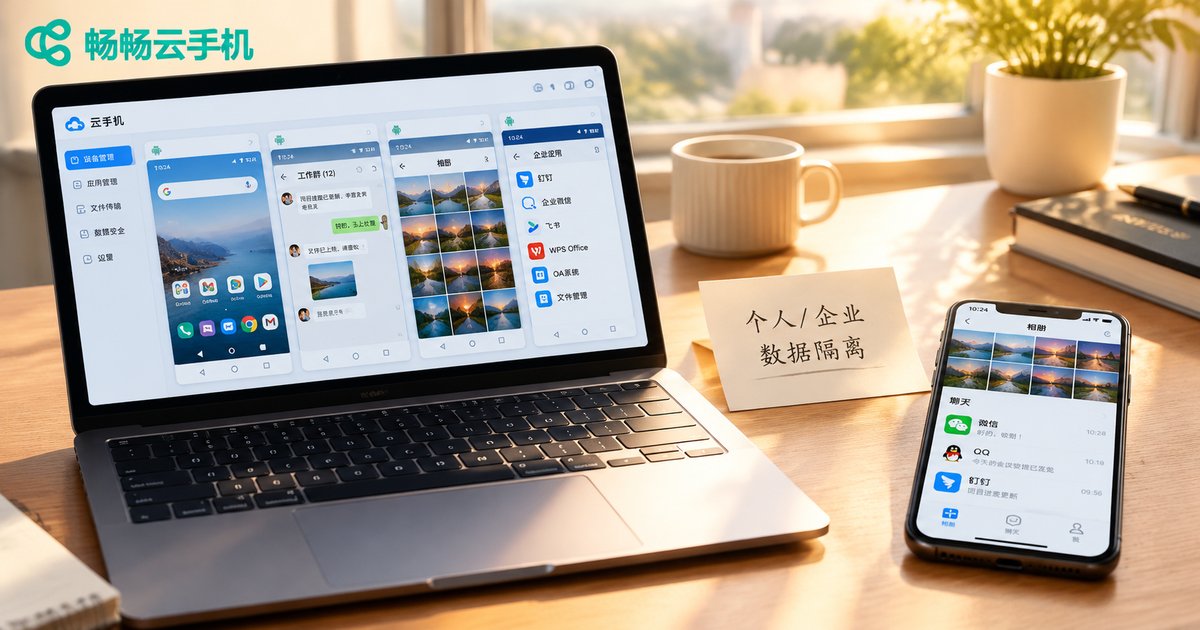
Data Isolation Strategies for Personal and Business Data in Cloud Phone Multi-Account Operations
Mixing personal and business data in multi-account operations exposes you to account linking risk, data leaks, excessive permissions, and painful handovers. This article presents a four-layer isolation scheme built on cloud phones: move all business accounts into independent cloud Android instances, keep one account per phone, let business files live only in the cloud, and separate access paths at the network layer. Daily rules for naming, permissions, backups, and handovers keep the isolation intact over time.

Cloud Phone Device Parameter Deep Modification vs Platform Terms of Service: Which Operations May Breach the Contract
Cloud phone device parameters can be modified, but not every modification is safe. This article maps the commonly modified parameters (device model, IMEI, Android ID and more), then dissects six major conflict points with cloud phone platforms' terms of service: bulk account registration, penalty evasion, cheating support, client tampering, promotion abuse, and out-of-scope account sharing. A comparison table separates safe operations from high-risk ones, followed by four practical compliance rules. Whether you run multi-account operations or app compatibility testing, you will learn how to use parameter modification features, including those built into ChangChang Cloud Phone (ccloudphone), without breaching your provider's agreement.
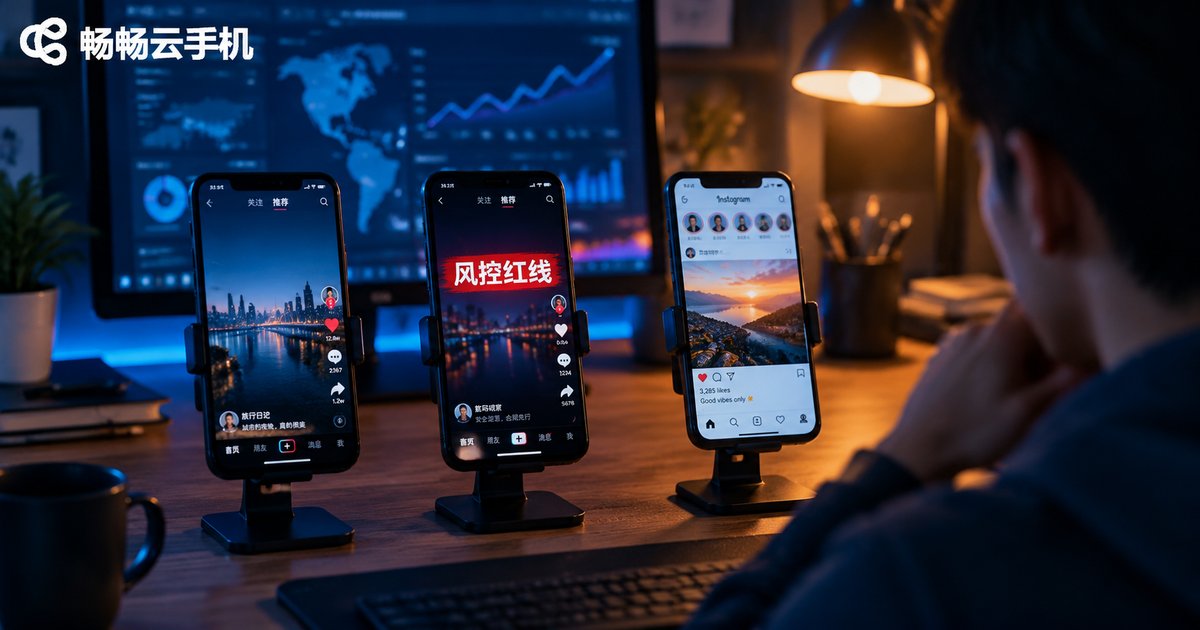
Cloud Phone Automated Marketing: Which Behaviors Cross Platform Anti-Fraud Red Lines — Risk Boundaries Explained
Cloud phones make automated marketing far more efficient, but platform anti-fraud systems keep evolving too. This guide breaks down risk control from four dimensions: device fingerprinting, behavior patterns, content quality, and network environment. It maps out the high-risk red lines, gray areas, and safe zones of marketing automation, then shares practical compliance tips such as one account per device, human-like pacing, and original content, so your accounts grow steadily instead of getting flagged.
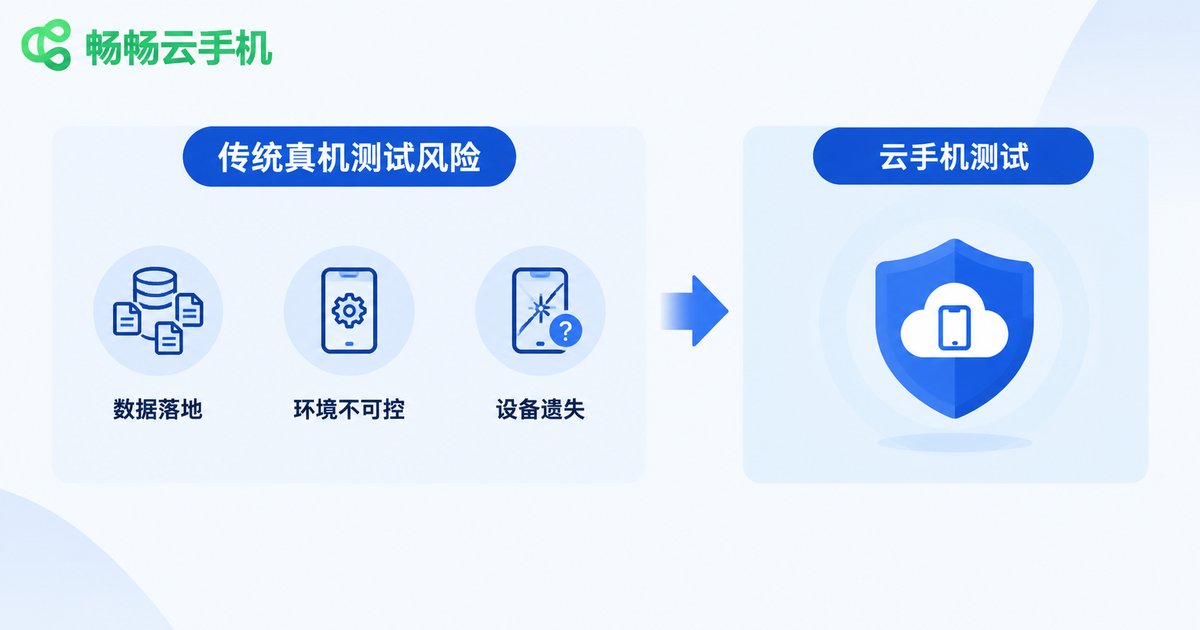
Compliance Requirements for Cloud Phones in Financial App Testing: Sandbox Isolation and Sensitive Data Non-Landing
Financial app testing involves highly sensitive personal information, so its compliance bar is far higher than that of ordinary apps. This article explains the three major risks of traditional real-device testing — data landing locally, uncontrolled environments, and lost devices — and shows how cloud phones meet regulatory expectations through sandbox isolation and a data non-landing architecture where test data stays in the cloud and local devices store nothing. It also provides a five-step workflow: desensitize data first, use dedicated instances, grant minimum permissions, keep traces in the cloud, and wipe after every round. With a compliance-versus-capability comparison table and practical FAQ, QA teams can turn compliance into the default setting of their testing process.

Cloud Phone Batch Management API Authentication: How to Contain the Damage After an ApiKey Leak
Your ApiKey is the identity credential for cloud phone batch management APIs. Once it leaks, control of your entire device fleet can fall into the wrong hands. This article breaks down the layered authentication used by mainstream cloud phone open platforms—ApiKey, signature, timestamp, and IP whitelist—reviews the five most common leak scenarios, and provides a golden-hour response playbook: reset the key, audit call logs, tighten access policies, and inspect device status, plus daily prevention habits to minimize API security risks.