
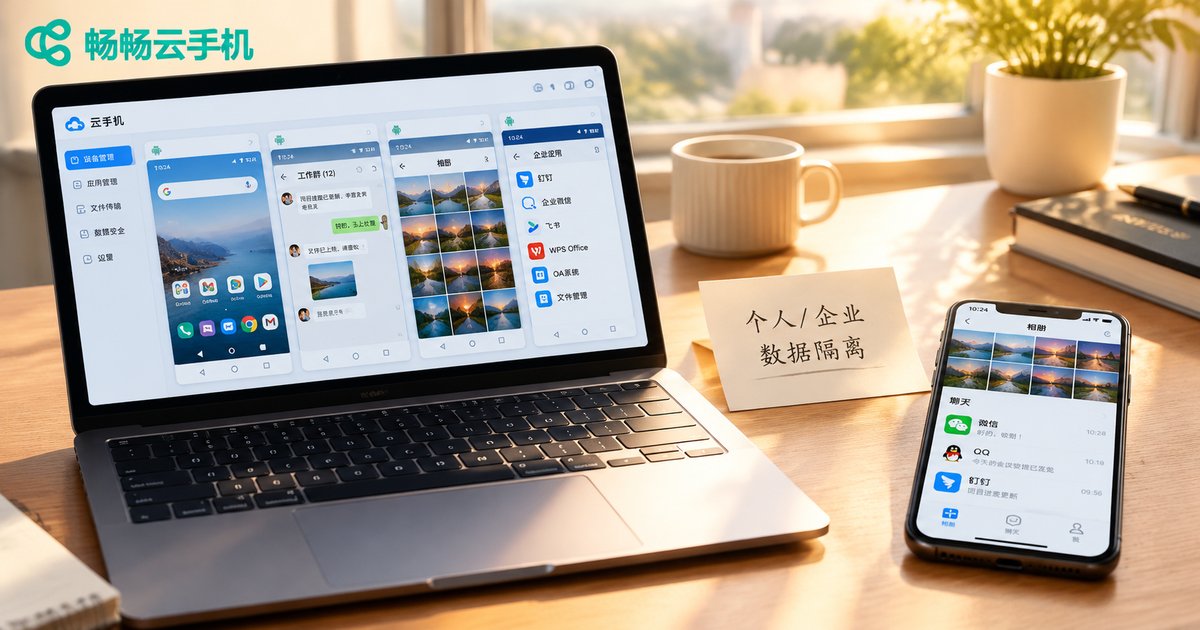
Data Isolation Strategies for Personal and Business Data in Cloud Phone Multi-Account Operations
Why Multi-Account Operations Demand Data Isolation
If you run multiple accounts at once—e-commerce stores, a social media matrix, or customer service and marketing accounts for your company—you have probably seen this: work messages and private messages mixed in one inbox, business passwords saved in the same notes app as personal ones, client files squeezed into the same photo album as family pictures. It looks like mere clutter, but it hides real security risks.
The core goal of data isolation comes down to one sentence: keep work and life in separate lanes so neither interferes with the other. If a business account triggers platform risk control, your personal data stays untouched; and if your personal phone is lost or infected, business files will not leak along with it.
Four Major Risks of Mixing Personal and Business Data
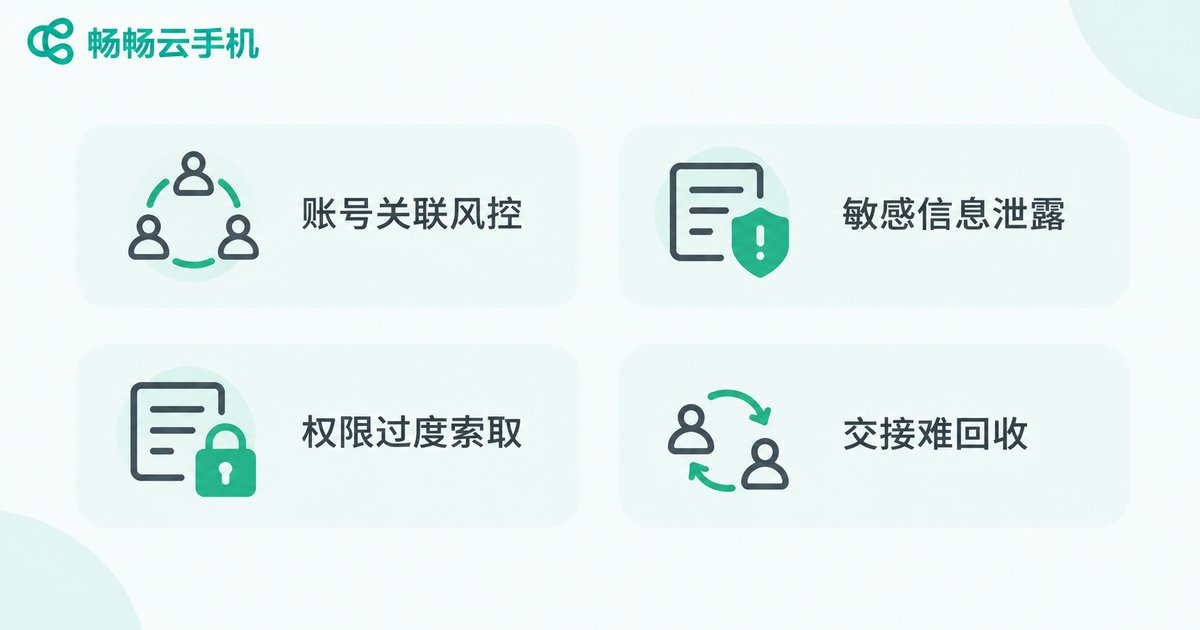
Before discussing solutions, let's be clear about how serious the problem is. In multi-account operations, mixing data mainly creates four types of risk:
Account linking and risk control: when several business accounts and your personal accounts share one device, platforms may detect the link through device characteristics; if one account gets into trouble, the others may be restricted as well.
Sensitive data leaks: client lists, quotations, and operation plans mixed with personal apps greatly increase the chance of accidental sending, deletion, or authorization.
Excessive permission requests: work apps installed on a personal phone often ask for contacts, photos, and location, quietly collecting your private data.
Handover and offboarding risks: when staff change, business data scattered across personal devices is hard to recover, while personal data may remain in work environments—a headache for both sides.
Cloud Phones: A Natural Isolation Carrier
Traditional isolation methods—carrying two phones, or constantly switching accounts on one device—are either costly or incomplete. Cloud phones offer a more elegant idea: move all business accounts into virtual phones in the cloud and keep the local device for personal life only.
A cloud phone is an independent Android instance running on cloud servers, and each instance has its own system environment and storage space. This brings three natural advantages:
Device-level separation: all business accounts run inside cloud phones, completely separated from your personal phone at the device level; platforms see two unrelated devices.
Data never touches the local device: chat records, client files, and operation documents all stay in the cloud, leaving no trace locally; even if the phone is lost, business data remains intact.
Scale on demand: launch more cloud phone instances when the business grows and release them when a project ends—no new hardware to buy and no painful data cleanup on old devices.
A Four-Layer Isolation Scheme: From Device to File
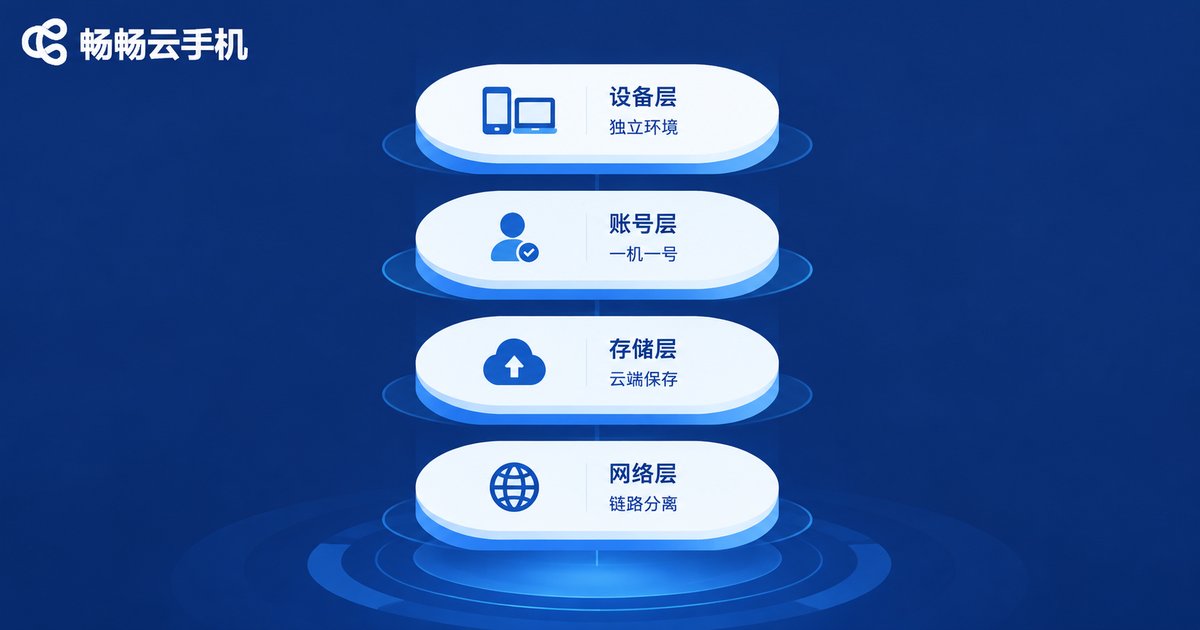
With cloud phones as the carrier, the next step is to make isolation fine-grained. A complete scheme should cover four layers:
| Layer | What Is Isolated | How to Do It |
|---|---|---|
| Device layer | Whole environment | Deploy all business accounts on cloud phones; keep only lifestyle apps on the personal phone |
| Account layer | Login identity | Log in only one business account per cloud phone—one device, one account, no mixing |
| Storage layer | Files and documents | Keep business files inside cloud phones or the company drive; never download them to personal devices |
| Network layer | Access path | Access business accounts through the cloud phone's network environment, separate from personal browsing |
The device layer is the foundation, the account layer is the key, the storage layer is the bottom line, and the network layer is reinforcement. Only when all four layers work together can personal and business data truly stay in their own places.
Daily Management Rules to Keep Isolation Intact
Once the scheme is in place, a few simple habits keep it working:
Unified naming: name each cloud phone by project-platform-role, such as East-China-Ecommerce-Support, so the purpose is obvious at a glance and wrong logins are avoided.
Minimum permissions: business apps inside cloud phones should only get the permissions operations requires; avoid granting contacts, photos, and other sensitive access casually.
Regular archiving: archive important client files and operation data to unified company storage on a schedule; cloud phone data lives in the cloud, so device upgrades and scaling never lose anything.
Reset on handover: when someone leaves, simply reset the corresponding cloud phone instance and wipe the data in one click for a clean handover.
Put the Isolation Scheme into Practice with ChangChang Cloud Phone
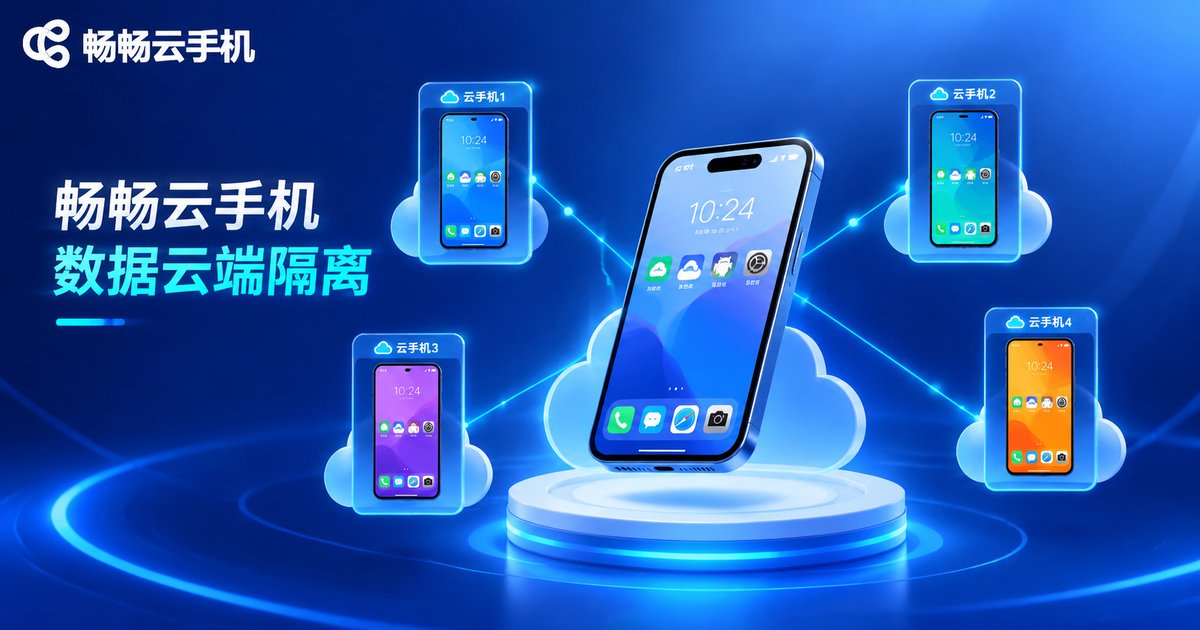
When choosing a cloud phone service, stability and data security come first. ChangChang Cloud Phone (ccloudphone) provides independent Android instances in the cloud, keeps all data stored in the cloud with zero residue on local devices, and supports many cloud phone instances running online at the same time—ideal for teams and individuals operating multiple accounts at once. Whether you run several e-commerce stores, manage a social media matrix, or host company accounts centrally, start by moving your core business accounts into cloud phones, run through the isolation workflow, and then scale up step by step.
Data isolation is not a one-time action but an ongoing habit. Keep business data inside the separate rooms of cloud phones, and your personal life stays clean while your business runs steadily for the long term.
FAQ
Q: Is data inside a cloud phone safe? Can others see it?
Reputable cloud phone services use independent instances and account systems: only your account can access your cloud phone environment, and data is stored on cloud servers—less likely to leak from a lost device than data kept on a personal phone.
Q: How many accounts can one cloud phone hold?
Stick to one device, one account: log in only one platform's main account per cloud phone for the cleanest isolation and lowest risk-control exposure. For more accounts, launch more cloud phone instances.
Q: Do I still need work apps on my personal phone?
No. Put all work apps inside cloud phones and keep only lifestyle apps on your personal phone—that is true isolation. Cloud phones stay online around the clock, so important messages are not missed when your local phone is off.
Q: If I switch to a new phone, is my cloud phone data still there?
Yes. Cloud phone data lives in the cloud, independent of local devices. Change phones or computers, log in with the same account, and pick up your operations right where you left off.


