

How Cloud Phone Pricing Works: Rental, Plans, Duration and Configuration Costs Explained
First, Understand Why Cloud Phones Charge by Usage
Everyone new to cloud phones asks the same question: how exactly are they billed? The logic is simple. A cloud phone is essentially an Android virtual device running in a provider data center, where the provider covers the cost of computing power, memory, storage and bandwidth on your behalf. Billing works much like renting an apartment: the more resources you occupy and the longer you stay, the more you pay.
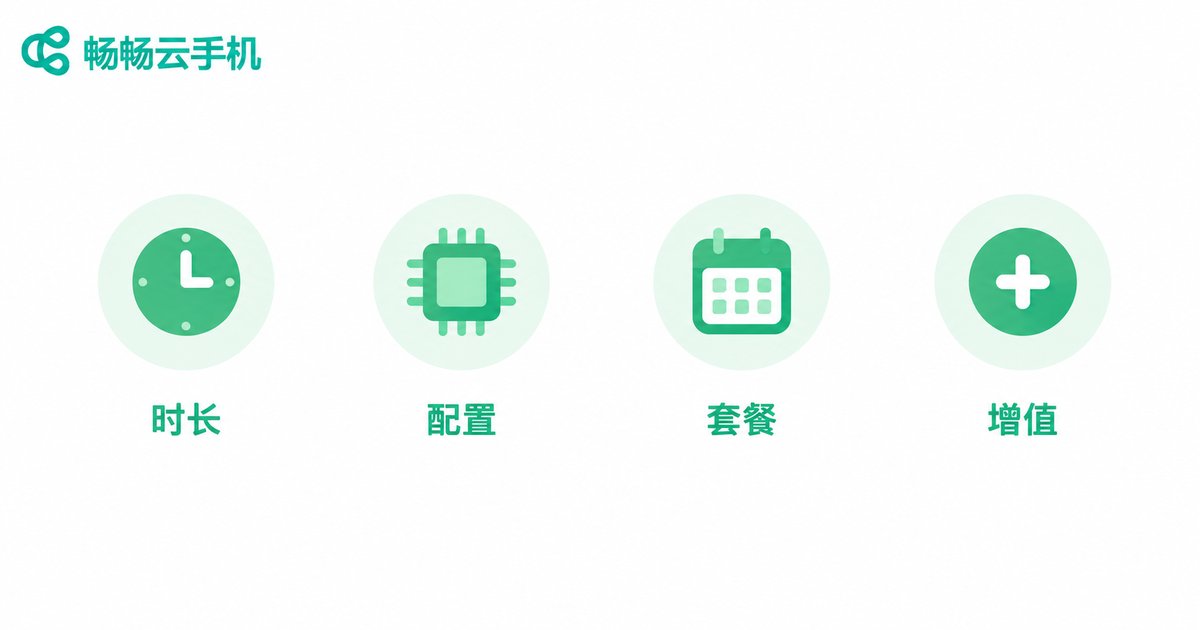
Following this logic, mainstream billing models fall into three categories: duration-based rental, monthly and yearly subscription plans, and configuration-tier pricing. Let us break them down one by one.
Model 1: Pay-As-You-Go Rental, Pay by the Hour
Duration-based billing is the most flexible option, usually offered by the hour or by the day, and it fits very specific scenarios.
For example, if you only need an account to stay online for a few hours, or want to briefly test whether an app runs properly on a cloud phone, hourly rental is very cost-effective. Shut it down when you are done and carry no long-term commitment.
But keep two things in mind: first, the hourly rate is usually higher than the effective monthly rate — if you use the device every day and accumulate long hours, a subscription is cheaper; second, remember to release the device in time. On some platforms, billing continues as long as the device is running, and forgetting to shut it down means burning money for nothing.
Model 2: Monthly and Yearly Plans, the Longer the Commitment, the Lower the Unit Price
If you are a long-term user — a multi-account gamer, a studio operator, or someone who needs devices online around the clock — monthly or yearly plans are almost always the right choice. The core logic is trading a usage commitment for a discount: the longer the commitment, the lower the effective monthly price.
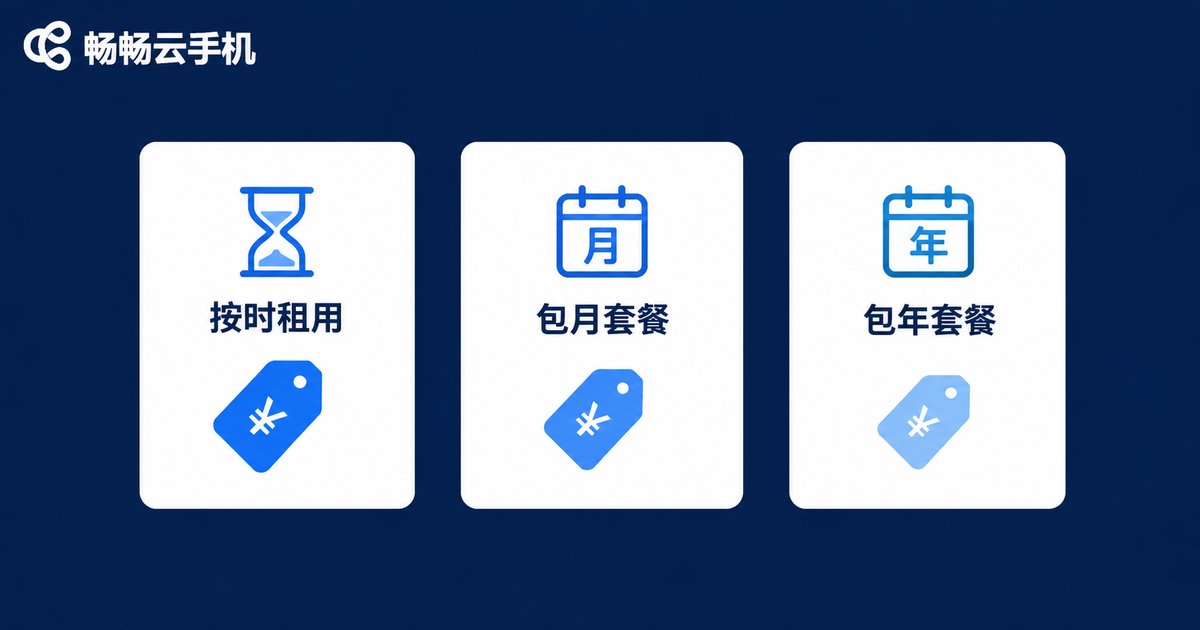
Here is how the three mainstream billing models compare:
| Billing Model | Best For | Unit Price | Flexibility |
|---|---|---|---|
| Hourly rental | Occasional, short-term use | Highest | Highest — start and stop anytime |
| Daily / weekly rental | Short projects, seasonal events | Medium | High |
| Monthly plan | Steady long-term users | Lower | Moderate — mid-term cancellation usually not refunded |
| Yearly plan | Studios, heavy users | Lowest | Lower — best when usage is certain |
When comparing plans, do not look only at the total price. Check the included duration, the number of devices and the configuration tier together. Some cheap plans limit you to a single low-spec device, which may not be enough in real use.
Model 3: Configuration Tiers Decide the Price Gap for the Same Duration
Why does one person pay a few dollars a month while another pays dozens for the same one-month subscription? The difference lies in configuration tiers. The main configuration factors are three:
CPU and RAM: determines how many apps run smoothly and whether games perform well. Multi-instance idle farming and heavy mobile games call for mid-to-high tiers.
Storage: the more games and apps you install, the more storage you need, and the price rises accordingly.
OS version and network environment: some apps require specific Android versions, and dedicated network environments are usually sold as add-ons that count toward your total cost.
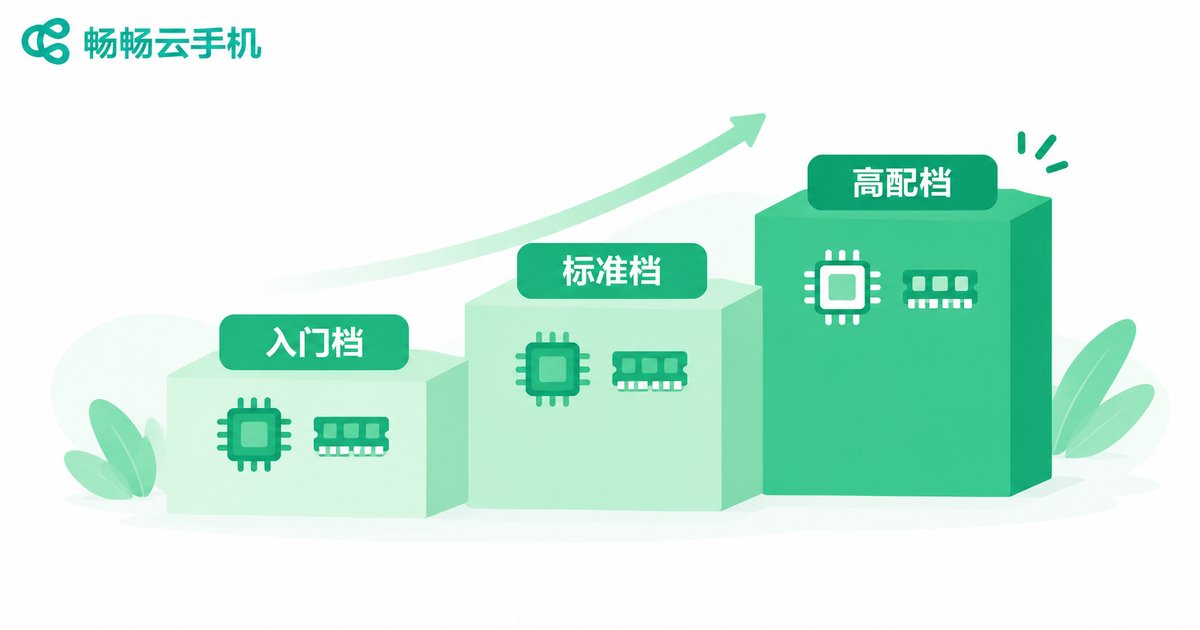
A simple rule of thumb: define what you need to run first, then work backwards to the configuration. One or two lightweight apps only need an entry-level device; if you run several large games at once, do not cut corners on specs — the hidden cost of lag and disconnects far exceeds the price gap.
Do Not Overlook These Costs Beyond the Base Rent
Besides the basic rental fee, the following items also affect your actual spending:
Add-on feature fees: group control, extra multi-instance slots, automation hosting — some platforms charge for these separately.
Overtime and renewal gaps: after a plan expires, continued usage may be billed at the temporary rate, which is often higher than the plan rate. Set a renewal reminder.
Time cost: a cheap low-spec device that lags and reboots constantly wastes your own operating time — count that in too.
A Simple Formula to Estimate Your Total Cost
Before subscribing, use this formula to quickly estimate your monthly spend:
Monthly cost ≈ number of devices × monthly rent per device (by tier)
            + add-on feature fees
            + expected overtime hours × overtime rate
For illustration only (numbers are examples, actual prices depend on the official website): suppose you need 5 standard-tier cloud phones online around the clock on a monthly plan plus a group-control add-on. Your total is simply 5 device subscriptions plus the add-on fee. Compare that with buying 5 physical phones plus electricity, bandwidth, repairs and depreciation — the total cost of ownership of cloud phones is usually significantly lower, which is exactly why more and more users are moving to the cloud.

Choosing the Right Provider Is What Makes the Price Worthwhile
For the same configuration tier, pricing and stability can vary a lot between providers. Focus on three things: transparent pricing (tier prices visible on the official website), reputation for network quality and stability, and responsive customer support.
If you want a reliable starting point, check out CCloud Phone (ccloudphone). It offers multiple device tiers from entry-level to high-spec with flexible duration options — pay for what you need, with prices publicly listed on the official website, suitable for everyone from individual players to multi-instance studios. The smartest way to save money: trial your workload on an hourly plan first, learn your real usage, then decide between monthly and yearly.
FAQ
Q: How much does a cloud phone cost per month?
The range is wide: entry-level devices often cost only a few dollars per month, while mid-to-high tiers range from around ten to dozens of dollars, depending on configuration, commitment length and add-ons. Define your scenario first, then check the official price list.
Q: Hourly rental or monthly plan — which is cheaper?
It depends on your monthly usage hours. For occasional use, hourly rental wins; for several hours online every day, the effective monthly rate is clearly lower. Track one week of real usage on hourly billing, then decide.
Q: Will I lose my data when a plan expires?
Most providers keep data for a grace period after expiration, but policies differ. The safe approach: back up important data regularly and confirm the retention window before renewal.
Q: Is a higher configuration always better?
No. Higher specs cost more, and running only lightweight apps on a high-spec device is a waste. The right order: list the apps and instances you need, then pick the lowest tier that runs them smoothly.
Q: Do multi-instance and group control cost extra?
Some platforms bill group control and batch operations as add-ons, while others bundle them into higher-tier plans. Confirm before subscribing whether the feature you need is included or charged separately, so your bill does not surprise you.


