
2026 Cloud Phone Buying Guide: Matching Configuration and Services to Your Needs
Why Your Needs Come First When Choosing a Cloud Phone in 2026
The cloud phone market is more competitive than ever, and differences in configuration naming and package structures keep growing. Many buyers start by asking which product is cheapest or which has the highest specs, only to discover after purchase that some features go unused while key capabilities are missing. The first step in choosing a cloud phone is not comparing prices — it is figuring out what you actually need it for.
By 2026, cloud phones have evolved far beyond simple Android emulators into productivity tools covering multi-account operations, game automation, app testing, live streaming, and more. Different scenarios demand very different configurations and services, so judging every product by a single standard easily leads to costly mistakes.
Ask Yourself First: What Will You Use the Cloud Phone For?
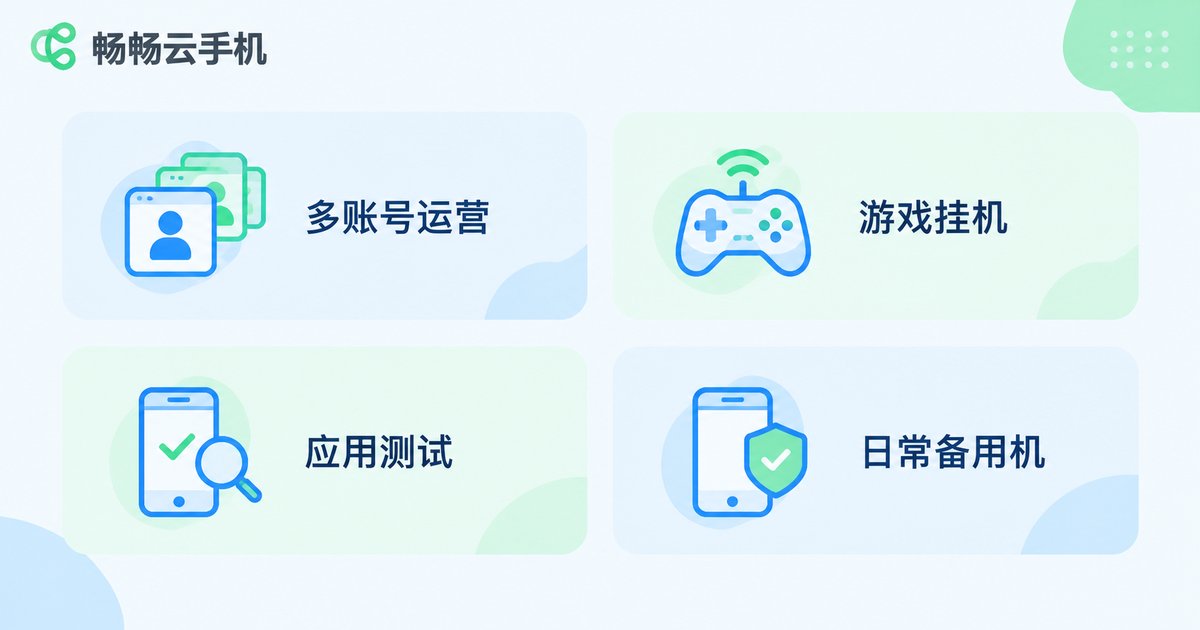
Once your needs are clear, the right choice becomes obvious. Here are the most common use cases and the configurations they prioritize:
| Use Case | Core Requirement | Configuration Focus |
|---|---|---|
| Multi-account operations (e-commerce, social media) | Stable uptime, isolated environments, bulk management | Instance count, environment isolation, group control |
| Game automation and multi-instance | Long-term stability, smooth performance | CPU performance, memory size, auto-reconnect |
| App testing and compatibility checks | Multiple device models, OS version coverage | Device model library, system version options |
| Everyday backup phone | Light usage, always available | Basic specs; focus on price and data allowance |
For example, if you run a social media matrix, one high-performance cloud phone is worth far less than ten average-spec phones that stay reliably online. If you are a heavy mobile gamer, single-device performance and graphics become the top priority. Different needs call for completely different optimization directions.
How to Read the Core Configuration Specs
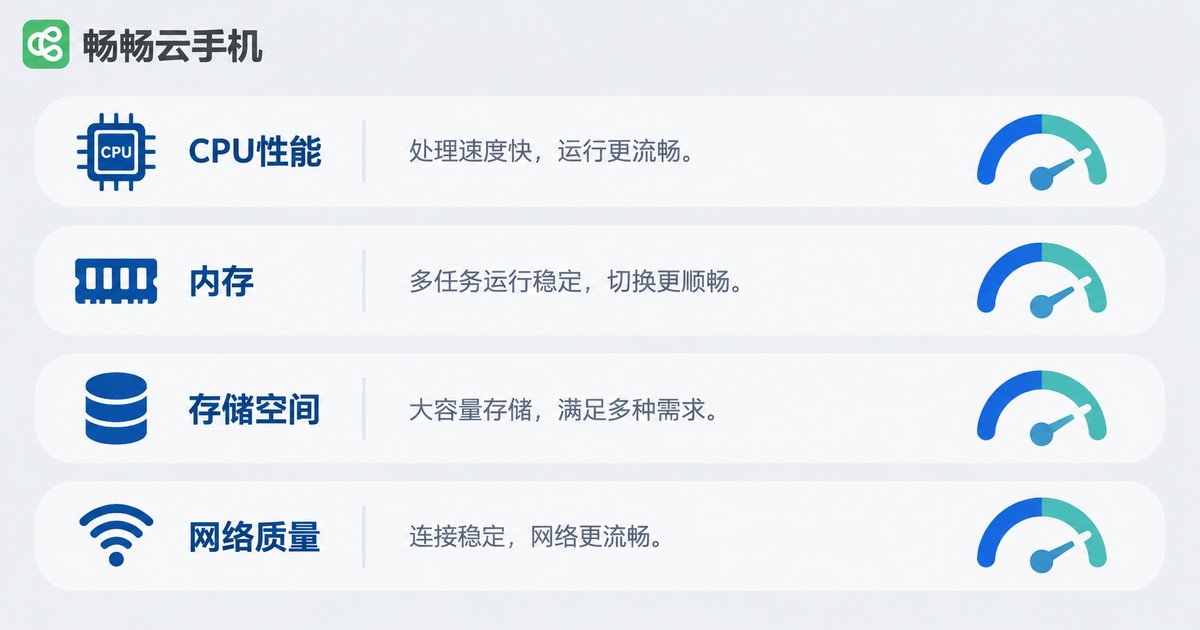
Cloud phone specs resemble those of physical phones, but the priorities differ. Focus on these when comparing:
1. CPU and memory: These determine how many apps run smoothly and the ceiling for game graphics. Automation tasks are not performance-hungry, but gaming and multi-instance scenarios call for high-spec models.
2. Storage: Beyond the system and apps, leave headroom for data and cache. Multi-account operations generate large volumes of images and videos — when in doubt, choose more storage.
3. OS version: Some older apps only run on specific Android versions. App testers should pay close attention to the range of system versions a provider offers.
4. Network quality: Every cloud phone action travels over the network, so latency and bandwidth directly shape the experience. Prefer providers with many nodes and nearby access points.
Service Quality Often Matters More Than Specs
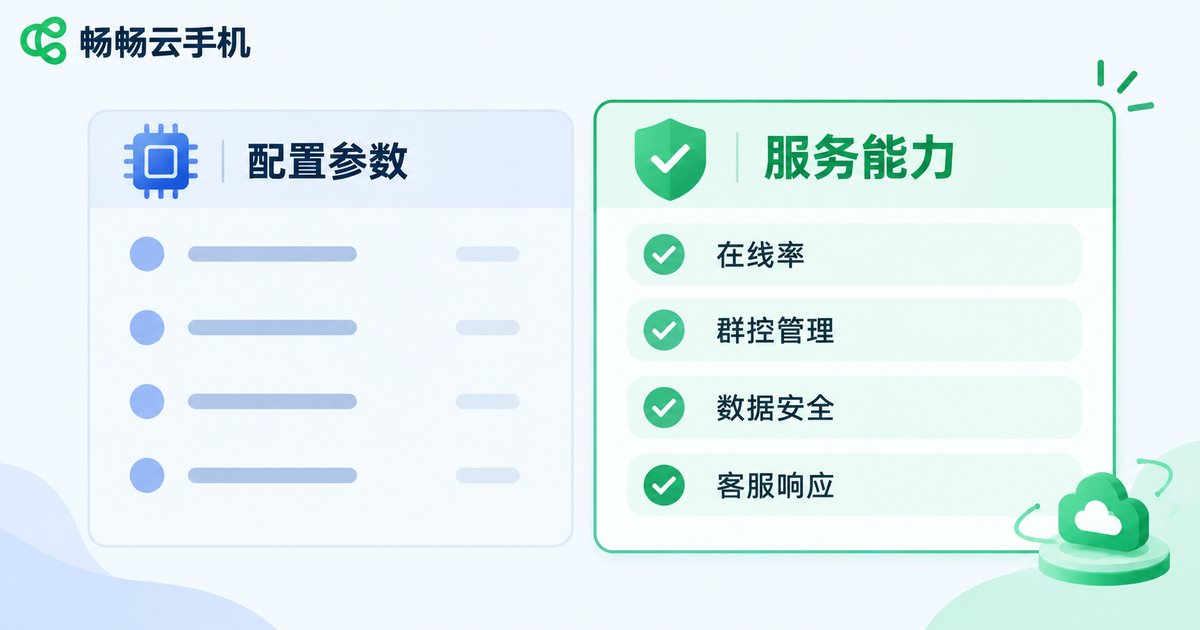
Specs are printed on the page and easy to compare, but service quality only reveals itself over months of use — and that is where the real gaps appear:
Uptime and stability: Nothing hurts automation and multi-account work more than disconnections. Check a provider's uptime track record and auto-reconnect mechanism before staring at spec sheets.
Group control and bulk operations: If you manage dozens or hundreds of cloud phones, the ability to batch-install apps, sync actions, and manage everything centrally directly determines your efficiency.
Data security: Cloud phones often hold accounts and customer data. Encryption and account protection mechanisms should never be an afterthought.
Support and after-sales response: Whether you can reach a real person and get problems solved quickly is something many users only regret not checking in advance.
A Practical Four-Step Buying Process
Step 1 — List your requirements: Write down your use cases, the number of instances you need, and your budget. Identify the must-have features.
Step 2 — Match specs to scenarios: Use the scenario table above to shortlist products whose configurations fit your needs. Do not pay for high specs you will never use.
Step 3 — Verify with a trial: Most cloud phone providers offer trials. Test peak-hour smoothness, disconnect frequency, and how well group control performs.
Step 4 — Calculate long-term costs: Add up monthly fees, renewal prices, and upgrade costs together, so a low first-month price does not trap you into expensive renewals.
Why Choose CC Cloud Phone?
Among the many cloud phone products available, CC Cloud Phone (ccloudphone) strikes a solid balance between stability and ease of use, making it well suited to mainstream scenarios such as multi-account operations and game automation:
Reliable uptime: Cloud cluster deployment keeps devices online around the clock with automatic reconnection, giving you peace of mind for automation and multi-account work.
Flexible configurations: A range of device models from entry-level to high-spec means you pay only for what you actually need.
Bulk management: Unified group control across multiple cloud phones — batch installs and synchronized actions — greatly improves matrix operation efficiency.
Easy to use: A clean, intuitive interface lets even beginners get started quickly and focus on the work that matters.
If you are researching cloud phones for 2026, visit the CC Cloud Phone official website for details, run a trial against your requirements list, and let hands-on experience make the final call.
FAQ
Q: How is a cloud phone different from an emulator?
A cloud phone runs on real cloud servers with an independent ARM environment and its own device fingerprint. Its stability, compatibility, and multi-instance capability far exceed local emulators, and it consumes none of your local resources.
Q: Are higher specs always better?
Not necessarily. Higher specs cost more; the key is matching your needs. Light automation works fine on basic configurations, while gaming and multi-instance scenarios need high-spec models.
Q: Do cloud phones disconnect?
Cloud phones depend on network connections, so latency can occur during network fluctuations. Choosing a provider with auto-reconnect and multi-node deployment keeps the impact to a minimum.
Q: How many cloud phones can I manage from one computer?
It depends on the provider's group control capability and your bandwidth. CC Cloud Phone supports batch group control, so with a stable network you can manage many devices at once.
Q: Can I try before buying?
Trial first, then decide. Focus on peak-hour smoothness, automation stability, and the group control experience, and only pick a plan after confirming it fits your needs.


