

How to Choose the Right Cloud Phone: A Comprehensive Guide to Specs, Latency, Quality, and Price
What Are You Really Choosing When You Pick a Cloud Phone?
Many first-time users assume that installing a cloud phone app is all it takes, then blame the technology when they run into lag or blurry visuals. In most cases, the real problem is a poor choice of device. A cloud phone is essentially an Android device running in a remote data center, and your own phone is just a screen plus a controller. What truly determines your experience is not the app interface but four hard metrics: configuration, latency, image quality, and price. These four factors interact and constrain one another, so you need to weigh them together to find a cloud phone that genuinely fits you.
First, Configuration: The Ceiling of Your Experience
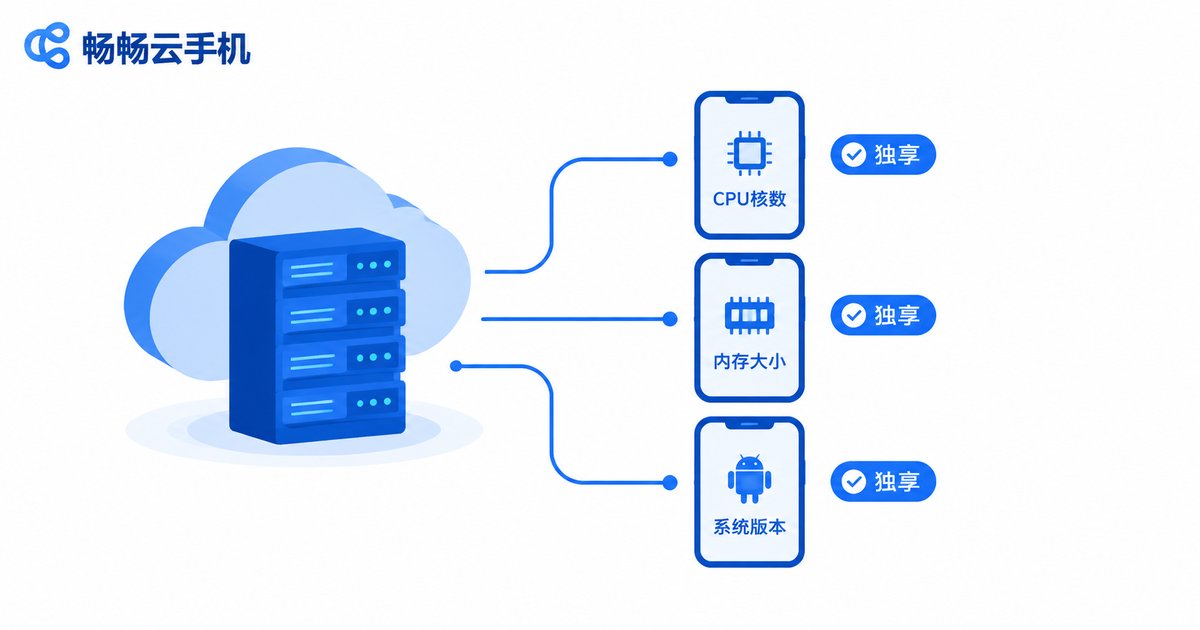
Configuration is the foundation, and three things matter most. CPU and RAM: for idle farming and lightweight apps, 2 cores with 2GB of RAM are usually enough; for mainstream mobile games, start at 4 cores and 4GB; demanding 3D titles or multi-instance setups call for higher specs. Android version: some older apps and newer games have system requirements, so confirm the supported version before you buy. Dedicated vs. shared resources: two plans can both claim 4 cores, but dedicated and shared cores feel very different. Shared plans are cheaper, yet resources can be squeezed at peak hours; if stability matters to you, go dedicated.
Second, Latency: What Really Shapes the Feel
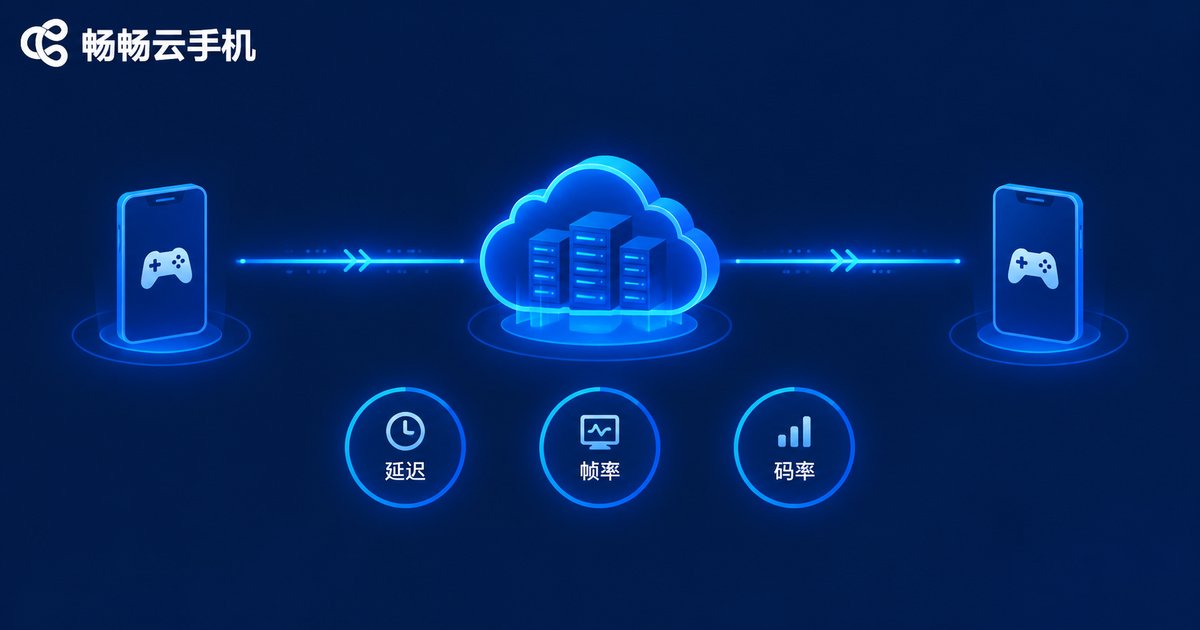
Latency is the gap between your tap and the on-screen response, and for gamers it matters even more than raw specs. It comes from three segments: transmission between your network and the data center, cloud processing time, and video streaming back to your screen. If any segment lags, the feel suffers. Do not rely on advertised numbers alone; test it yourself. Buy the shortest plan available, launch a game you play often, cast a few skills and pan the camera, and feel whether the response keeps up. As a rule of thumb, latency under 30ms feels instant, around 50ms is fine for everyday play, and above 80ms it clearly hurts action games.
| Latency | What You Feel | Best For |
|---|---|---|
| Under 30ms | Instant, perfectly in sync | Competitive, action games |
| 30-60ms | Barely noticeable, smooth | Mainstream games, daily apps |
| 60-80ms | Visible delay | Idle farming, turn-based games |
| Over 80ms | Obvious lag | Idle farming only |
Third, Image Quality: Balancing Resolution, Bitrate, and Frame Rate
Higher quality is not always better; three parameters work together: resolution caps the sharpness, bitrate decides whether details get compressed away, and frame rate determines smoothness. If any one of them falls short, the viewing experience suffers. Here is a simple rule: on a phone-sized screen the difference between 720P and 1080P is subtle, but if the bitrate cannot keep up, 1080P can actually look worse than a high-bitrate 720P stream. For action games, prioritize a high frame rate; for idle farming, lowering the frame rate buys you a more stable connection. When comparing cloud phones, check whether the settings let you adjust these parameters freely, rather than trusting the advertised maximums.
Fourth, Price: Pay for What You Actually Use
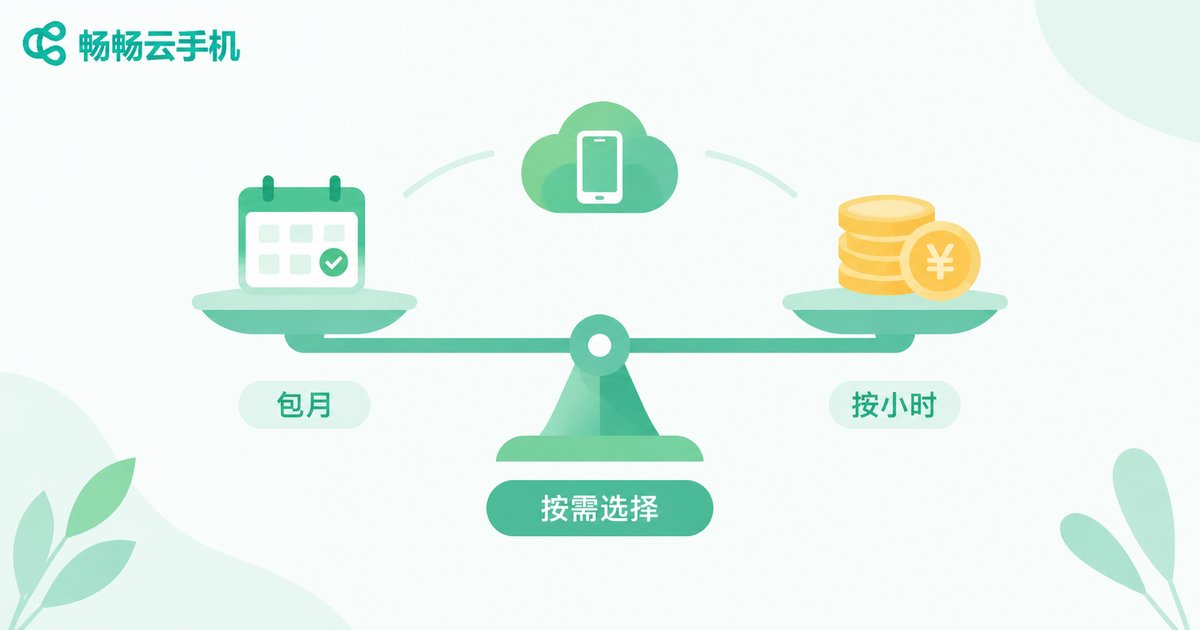
Cloud phones are typically billed by the hour, by the day, monthly, or yearly. The price tag alone means nothing; what matters is whether the billing model matches your usage. Long idle sessions: if a device stays online 10 hours or even 24 hours a day, monthly or yearly plans cost far less per hour than pay-as-you-go. Short trials: if you just want to test the waters, hourly or daily billing is the cheapest way to compare options. Multi-instance needs: when running many devices at once, calculate the total cost of one device times the quantity and look for volume discounts instead of staring at a single price tag. One more tip: higher specs cost more, yet many people buy top-tier devices and only ever use half the performance. Instead of going all-in at first, start mid-range and upgrade after real testing.
The Decision at a Glance
| Your Need | Suggested Specs | Focus On | Billing Tip |
|---|---|---|---|
| Daily idle farming | Entry, 2-core 2GB | Stability, uptime | Monthly |
| Mainstream mobile games | Mid, 4-core 4GB | Latency, frame rate | Monthly or hourly |
| Demanding 3D games | High-end dedicated | GPU power, bitrate | Test hourly, then monthly |
| Multi-account operation | Several mid-range devices | Batch cost, management tools | Monthly or yearly |
Remember the order: define your use case first, pick a spec tier, test latency and image quality in person, and only then choose a billing model that matches your usage. Follow this flow and you will rarely go wrong.
Why We Suggest Trying ChangChang Cloud Phone (ccloudphone) First
Filter options by the standards above and ChangChang Cloud Phone (ccloudphone) is well worth trying first. It offers a range of device models and plans covering everything from lightweight idle farming to multi-instance gaming. You can check the currently available models, configurations, and prices directly on the official website and match them to your budget and use case. The safer approach: start with the shortest billing period, test latency and image quality hands-on, and once the experience meets your expectations, switch to a longer plan that suits your actual usage. A cloud phone is a long-term service, so ten minutes of testing beats weeks of regret.
FAQ
Q: Does a cloud phone demand much from my local device?
Not at all. Any device that can install the app and keep a stable connection is enough. The local device only handles display and input, while the heavy lifting happens in the cloud.
Q: Is WiFi or mobile data better for cloud phones?
A stable 5GHz WiFi network or a strong 5G signal usually delivers the best experience. If latency feels high, check your local network first or switch to a closer node; the improvement is often immediate.
Q: Do my apps keep running after I close the app locally?
Yes. The cloud phone runs in a remote data center, so even if you exit the app or power off your local device, the cloud device keeps running, which is exactly why it suits idle farming.
Q: Which is cheaper, monthly or hourly billing?
Estimate your daily usage: over 3 hours a day, a monthly plan usually wins; occasional use is cheaper by the hour.
Q: Will I lose my data if I switch devices?
No. Cloud phone data lives in the cloud, not on your local device. Log in with the same account on a new phone or computer and everything continues where you left off.


