
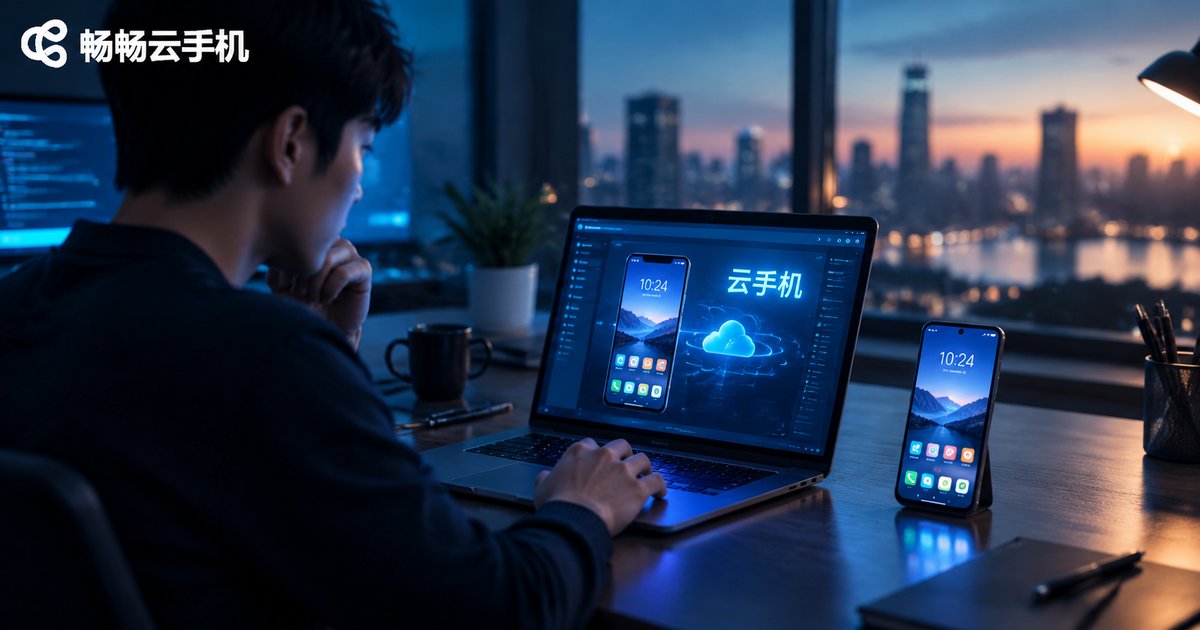
Who Should Use a Cloud Phone: Office, Entertainment, Testing and Multi-Account Scenarios Explained
What Is a Cloud Phone? Explained in One Sentence
A cloud phone is simply an Android device running on cloud servers. It has no physical body—its system, apps and data all live in a data center. You log in from a computer, tablet or old phone and use it just like a real device. Because the computing power sits in the cloud, a cloud phone can stay online 24/7, run many instances at once, and never suffers from a cracked screen, water damage or aging hardware. Sounds abstract? Let's look at four groups of real users to see who benefits most.
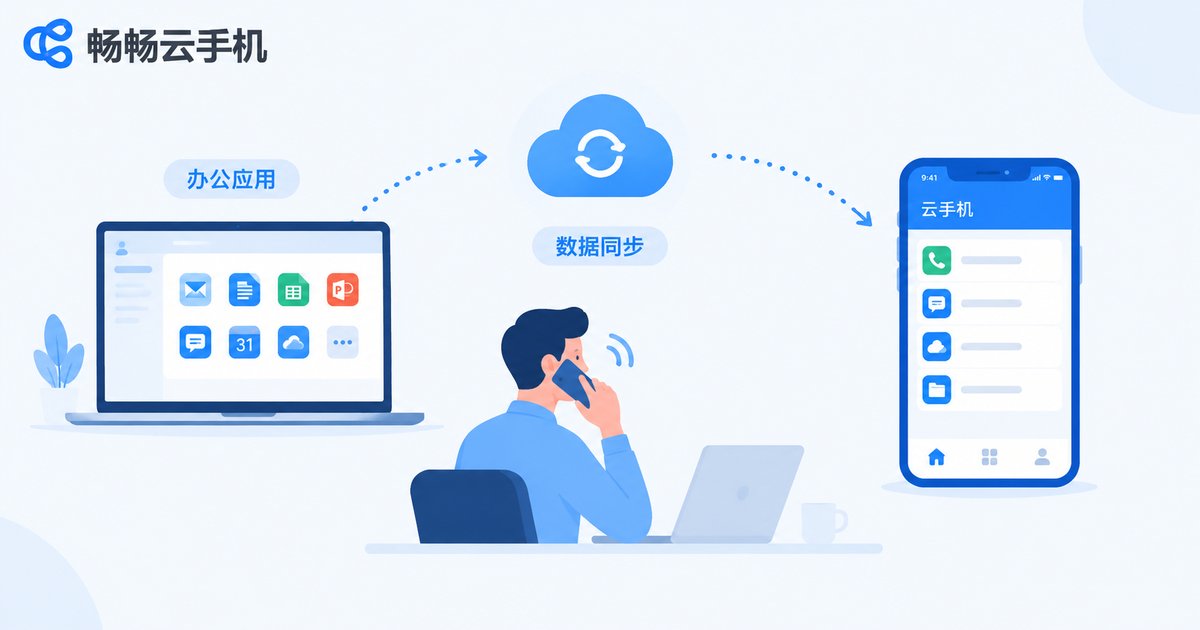
Scenario 1: Office Workers—Keep Work and Life on Separate Devices
Many professionals share the same pain: work chats and business apps live on their personal phone, so notifications keep buzzing after hours; when a document needs urgent attention, they have to hunt for a laptop. A cloud phone offers a simple fix—install all work-related apps inside the cloud device and keep your personal phone for your personal life.
The benefits are practical: sign in to the cloud phone during work hours and log out to truly disconnect; while traveling, open it from a hotel computer with all your office apps and chat history intact; since work data lives in the cloud, losing your personal phone doesn't matter. For anyone who needs mobile office capability while protecting their personal time, a cloud phone works like an always-ready work companion.
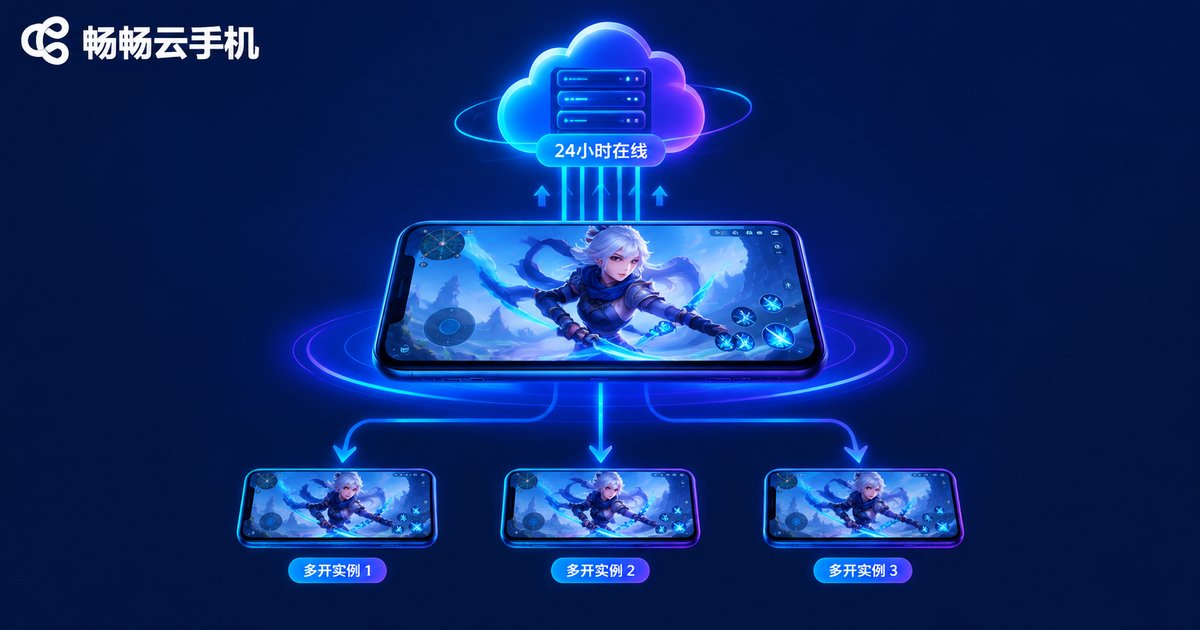
Scenario 2: Mobile Gamers—Idle Farming Around the Clock
For gamers, the most obvious appeal is 24/7 idle farming. RPGs and idle games demand long online sessions for dailies and resource grinding; running them on a physical phone means heat, battery drain and a device you can never turn off. Move the game to a cloud phone and those problems disappear—the cloud device runs all day while your main phone stays free.
Multi-instance play is another big draw. Feeding resources from alt accounts, forming your own teams, or playing on different servers—all of it runs on multiple cloud instances instead of a shelf of old phones. And because the heavy lifting happens in the cloud, even an older, low-spec phone can run demanding games smoothly, which is great news for students and budget-conscious players.
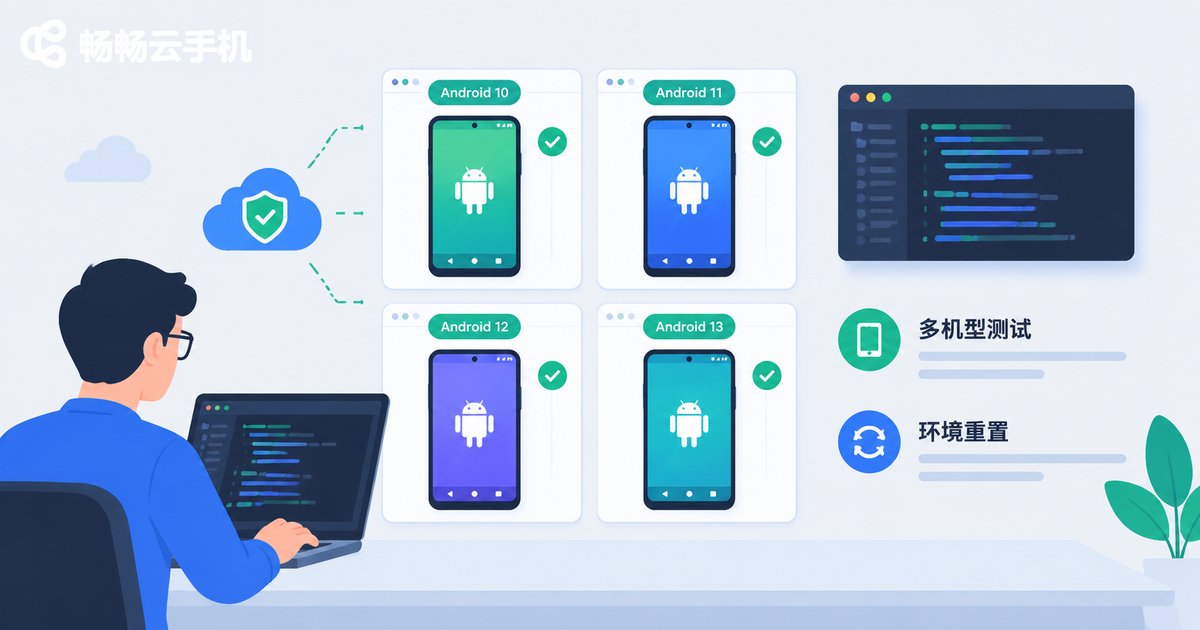
Scenario 3: Developers and QA Teams—A Low-Cost Multi-Device Lab
The biggest headache in Android app testing is device fragmentation: different brands and OS versions behave differently, and no team can buy every real device. Cloud phones offer a lightweight alternative—spin up cloud devices with different configurations on demand, push your build, and surface compatibility issues early.
For indie developers the value is just as clear: no need to stockpile handsets, since costs follow usage; test environments can be reset at any time, so install-uninstall cycles cost nothing; automated scripts keep running in the cloud, so regression tests don't need someone watching. Deep hardware tests involving cameras and sensors still need real devices, but for daily functional checks and compatibility screening, cloud phones are more than enough.
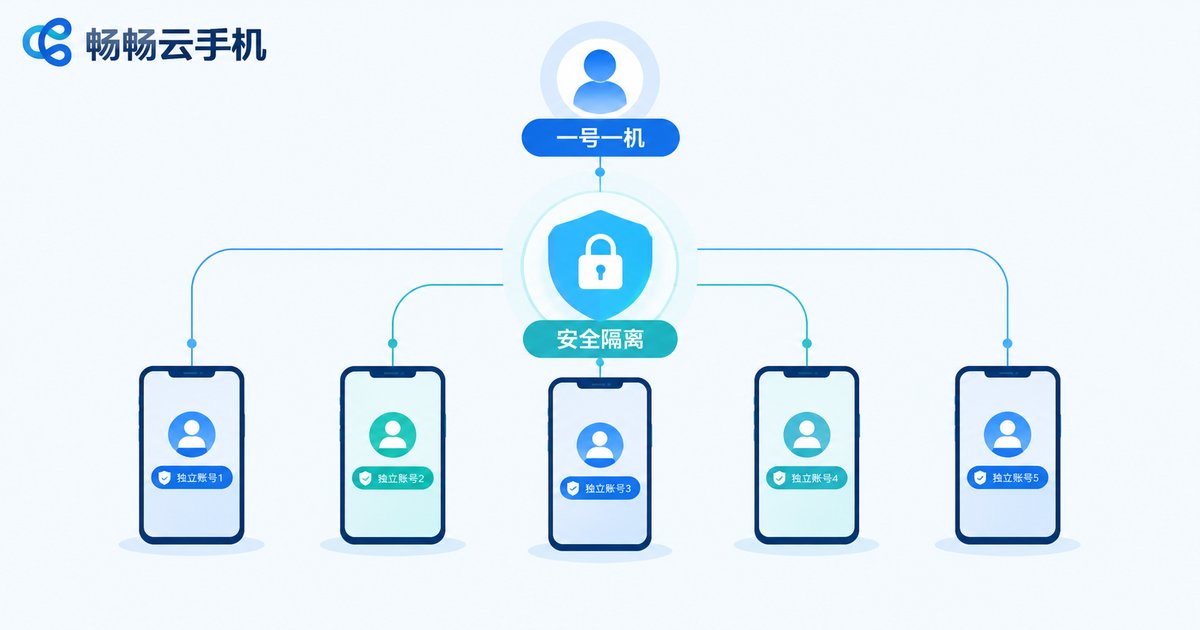
Scenario 4: Multi-Account Operators—One Device per Account, Safely Isolated
E-commerce sellers, content creators and community managers often juggle dozens of accounts. On physical phones that means buying a pile of devices or logging in and out constantly—cumbersome and risky in terms of account linking. Cloud phones fit this need naturally: each cloud device is an independent environment, so one account per device keeps login records and app data completely separate.
In practice, operators assign accounts on different platforms to different cloud devices, and team members sign in only to the devices they handle, avoiding account mix-ups; devices stay online around the clock, so customer messages and platform notifications are never missed; when staff changes happen, you simply hand over the cloud account and all business data stays intact. For studios running account matrices, this is close to a must-have.
Quick Comparison of the Four Scenarios
| Scenario | Core Pain Point | What a Cloud Phone Changes |
|---|---|---|
| Office work | Work and life mixed, devices hard to carry | Work apps isolated in the cloud, available on any screen |
| Mobile gaming | Heat and battery drain, multi-boxing needs many phones | Cloud-based 24/7 idle farming with parallel instances |
| App testing | High device costs, hard to cover many models | On-demand devices with resettable environments |
| Multi-account ops | Linking risks and messy management | Independent environment per account, clear team handover |
What to Look for When Choosing a Cloud Phone
If any of the scenarios above sounds like you, evaluate providers on four things: stability (does the device stay online for long stretches), smoothness (input latency and streaming quality), instance management (batch control and grouping) and data security (account isolation and storage reliability).
For a hassle-free starting point, take a look at 畅畅云手机. It provides cloud Android devices with multi-instance management and long-duration online sessions, covering office work, idle gaming, testing and multi-account management. You can sign up and start directly from the browser, so the learning curve is minimal. Try your most common scenario on a basic configuration first, confirm the smoothness and stability meet your expectations, then scale up the number of devices as needed.
FAQ
Q1: How is a cloud phone different from an Android emulator on a PC?
An emulator depends on your local computer's performance and stops when the PC shuts down. A cloud phone runs on remote servers, consumes none of your local resources, keeps working when your computer is off, and can be accessed from phones, tablets and PCs alike.
Q2: What kind of network does a cloud phone need?
Office and social apps run fine on ordinary broadband or 4G/5G. For demanding games, a faster and more stable connection gives lower latency and better image quality.
Q3: Is my data safe on a cloud phone?
Data from a reputable provider is stored in professional data centers with devices isolated from one another. Still, enable account verification, avoid saving passwords on shared computers, and log out after each session.
Q4: How many accounts can one cloud phone hold?
The best practice is one account per device—it keeps the environment clean and safe. If you manage many accounts, run multiple cloud devices in parallel, one account each.
Q5: Will gaming on a cloud phone lag?
It mainly depends on your network and the provider's server performance. Services like 畅畅云手机 optimize both data centers and network routes; with a stable local connection, mainstream mobile games feel similar to a mid-range physical phone.


