
Operations · Engineering · Trends
Hands-on playbooks, product updates and cross-border insights from the CCloudPhone team.
How to Secure Your Cloud Phone Account: Password Management, Binding Info and Leak Prevention Tips
Your cloud phone holds game accounts, social apps, and work data, which makes account security critical. This guide covers three pillars of protecting a cloud phone account: smart password management, keeping binding information such as your phone number and email up to date, and daily habits that prevent leaks. You will learn how to build a strong password, when to change it, why binding info works as a second lock, and how to spot phishing and verification-code scams. We also explain how a reliable platform like ChangChang Cloud Phone (ccloudphone) helps safeguard your data, so your digital assets in the cloud stay firmly under your control.

Is Cloud Phone Data Safe? Privacy Protection, Account Isolation, and Usage Boundaries Explained
Where does your cloud phone data actually live, and is it safe? This article breaks down how cloud phones protect your privacy: data is stored in professional cloud data centers rather than on a local device, with encrypted transmission and isolated storage adding layers of defense. You will learn how account isolation works — each instance runs in its own environment, so multiple accounts never interfere with or link to each other — along with clear usage boundaries, including what cloud phones are ideal for and what to avoid. The article closes with four practical criteria for choosing a trustworthy provider and a look at how ChangChang Cloud Phone (ccloudphone) handles isolation and stability, so you can start using a cloud phone with confidence.

How to Manage Cloud Phone Team Collaboration: Permission Assignment, Operation Standards, and Audit Best Practices
When teams share cloud phones, the most common failure modes are messy permissions, improvised operations, and actions that cannot be traced afterward. This article lays out a three-step framework: assign role-based permissions—admin, operator, and auditor—under the least-privilege principle, with one named owner per device; publish a one-page operation standard covering account ownership, dual review for sensitive actions, and documented handovers; and close the loop with operation logs, weekly reviews, and alerts on critical actions, with practical rollout tips using CCloudPhone.

2026 Cloud Phone Enterprise Procurement Guide: Service Capabilities, Security Requirements, and Cost Accounting
Choosing a cloud phone provider in 2026 requires far more than comparing price tags. This enterprise procurement guide lays out a practical evaluation framework across three dimensions: service capability, security requirements, and cost accounting. You will find six capability metrics with hands-on verification methods, five non-negotiable security requirements covering isolation, encryption, access control and backup, a total-cost-of-ownership comparison between physical device farms and cloud phones, and a four-step procurement process from requirement scoping to full rollout. It also explains how to spot hidden costs such as overage fees, separately priced modules and downtime losses, and why a real-workload trial of at least three days is essential before signing any contract.
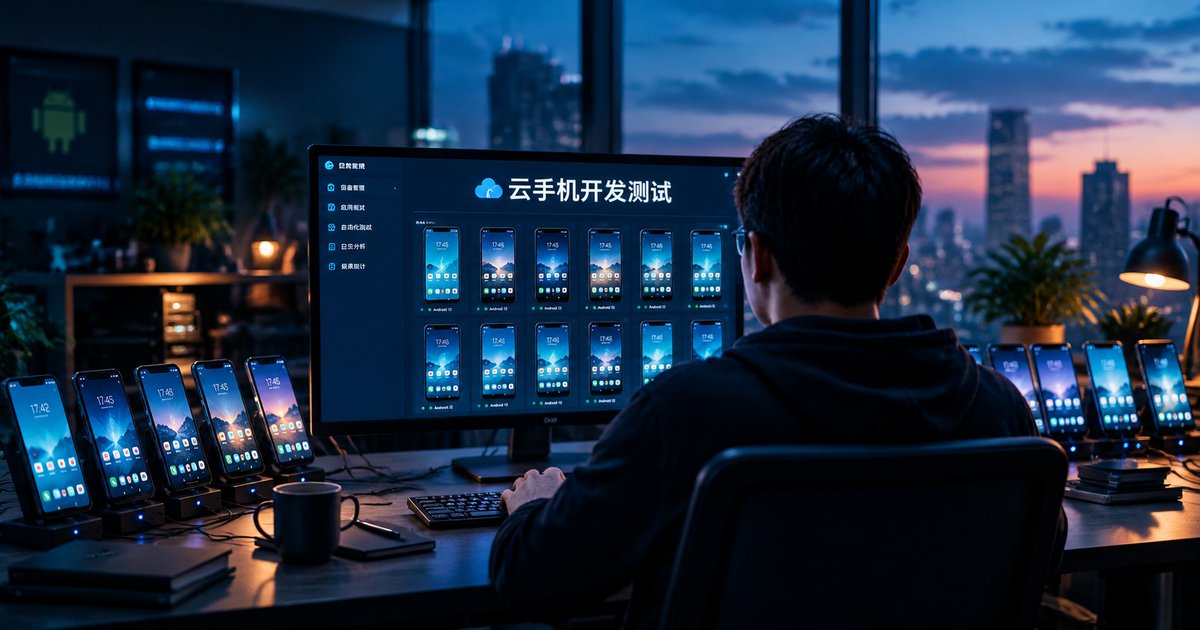
Cloud Phones for Development & Testing: Environment Setup, Compatibility Validation, and Operations Strategy
Cloud phones are becoming a cost-effective backbone for mobile development and testing teams. This guide walks through building a complete testing environment on cloud phones, from instance selection and batch creation to automated debugging; running compatibility validation across Android versions, screen resolutions, and vendor ROMs with a structured device matrix; and operating a stable device pool through monitoring, CI/CD integration, and cost control. It also shows how ChangChang Cloud Phone (ccloudphone) fits into real testing workflows, helping teams ship higher-quality apps with a scalable cloud-based pipeline.
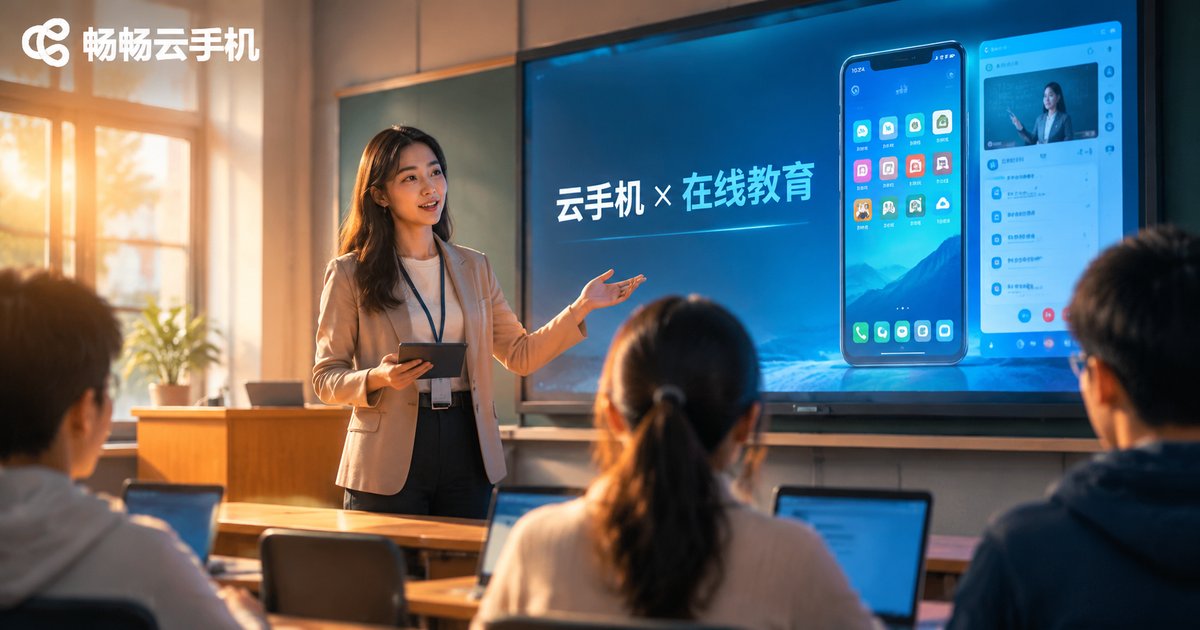
Cloud Phone Applications in Online Education: Classroom Demos, Training Environments, and Usage Boundaries
Cloud phones are becoming quiet infrastructure for online education. In live classes, teachers can share a cloud-hosted Android screen with the whole room, making mobile app demonstrations crisp and stable. In practical training, a standardized environment can be cloned and distributed so every student works on an identical device with progress saved between sessions. But boundaries matter: cloud phones fit teaching demos and skill practice, not exam cheating or platform abuse. This article walks through three real scenarios, compliance and technical limits, and a three-step rollout plan using ccloudphone as an example.
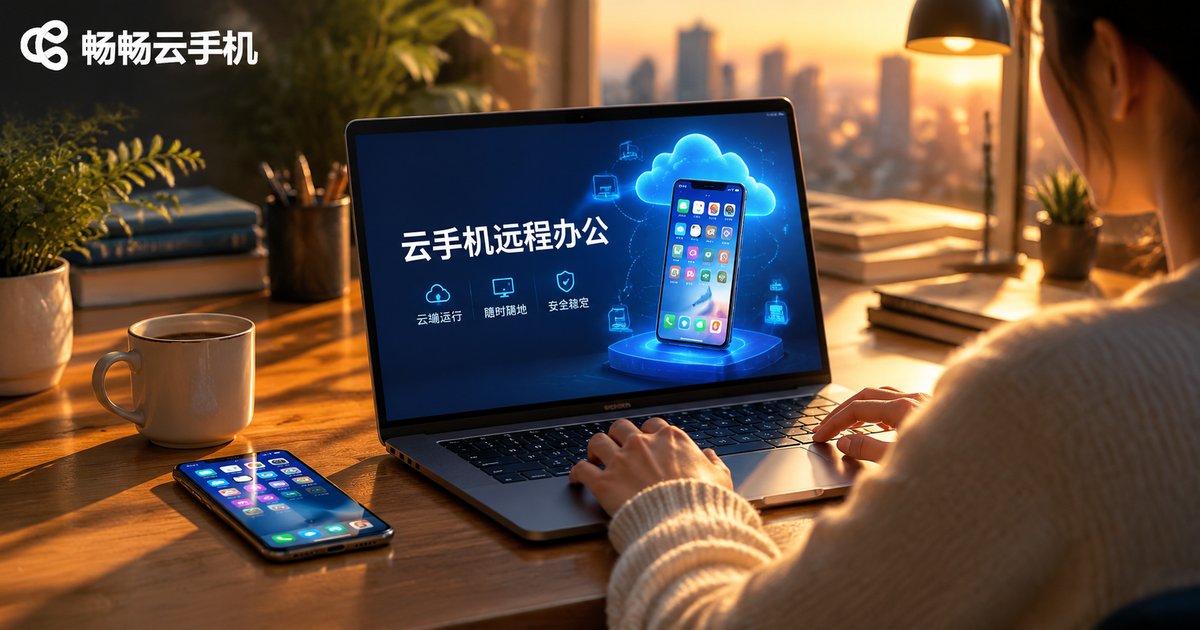
How to Use a Cloud Phone for Remote Work: Document Collaboration, Message Management, and Data Security
This guide explains how to use a cloud phone for remote work. By installing your office apps inside a virtual smartphone running in the cloud, you can collaborate on documents from any device, keep work messages organized in one dedicated space, and store business data in the cloud instead of on local hardware, reducing the risk of leaks if a device is lost. The article compares traditional remote work with the cloud phone approach, shares practical workflows for document collaboration and message management, introduces ChangChang Cloud Phone (ccloudphone) as a practical option, and answers frequently asked questions.

Cloud Phones for E-commerce Operations in 2026: Multi-Account Management and Security Essentials
In 2026, e-commerce operations have fully entered the multi-account matrix era, and stacking physical devices is costly, error-prone, and risky. Cloud phones solve this with independent Android environments in the cloud: one computer can centrally manage dozens of accounts across store monitoring, social media nurturing, bulk listing, and campaign checks. This article walks through four practical multi-account management tips and five essential security considerations, including environment isolation, password hygiene, and platform compliance. It also explains how ChangChang Cloud Phone (ccloudphone) helps e-commerce teams cut hardware costs, prevent account linking, and keep every store online around the clock.
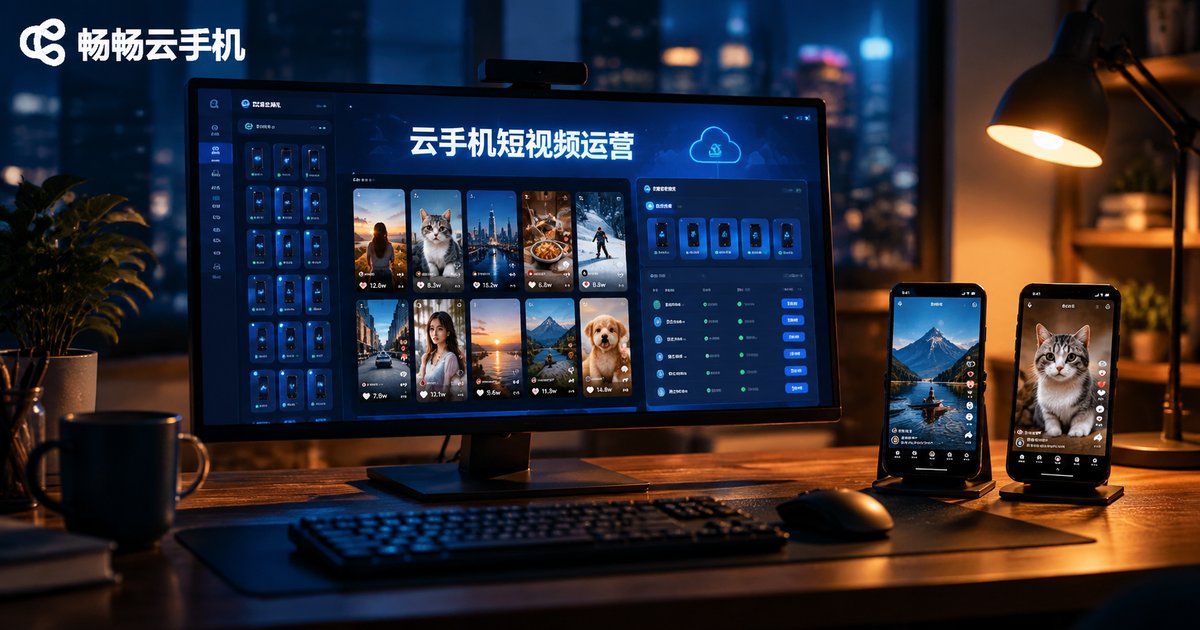
Cloud Phones for Short Video Operations: Content Management, Upload & Download, and Efficiency Tools
Short video operations demand multi-account management, frequent uploads and downloads, and endless repetitive tasks. This article walks through three core scenarios where cloud phones shine: building an account matrix with a centralized cloud asset library, batch-uploading videos with scheduled publishing and smooth asset transfer, and using group control and automation tools to save hours of manual work every day. It also compares traditional multi-device setups with cloud phone solutions across cost, efficiency, and data security, and introduces how ccloudphone supports real-world short video workflows. Whether you are a solo creator or a team running dozens of accounts, you will find practical tips to streamline publishing, keep account environments safe, and scale your operations with less hardware and less hassle.

How to Use Cloud Phones for Live Streaming: Stream Setup, Network Requirements and Picture Settings
Live streaming with a cloud phone frees you from expensive hardware: the stream is pushed from a cloud server, while your local device only handles monitoring and control. This guide walks through the three core stages of cloud phone live streaming. First, a practical pre-stream checklist covering account permissions, push stream details, test streams, titles and cover images. Second, network requirements, explaining why stable upload bandwidth matters more than raw speed, with a reference table for 720P and 1080P. Third, picture settings, showing how to match resolution, frame rate and bitrate for smooth, sharp footage. Using ChangChang Cloud Phone (ccloudphone) as an example, it demonstrates the full workflow from adding a cloud device to going live and monitoring, and closes with answers to frequently asked questions.
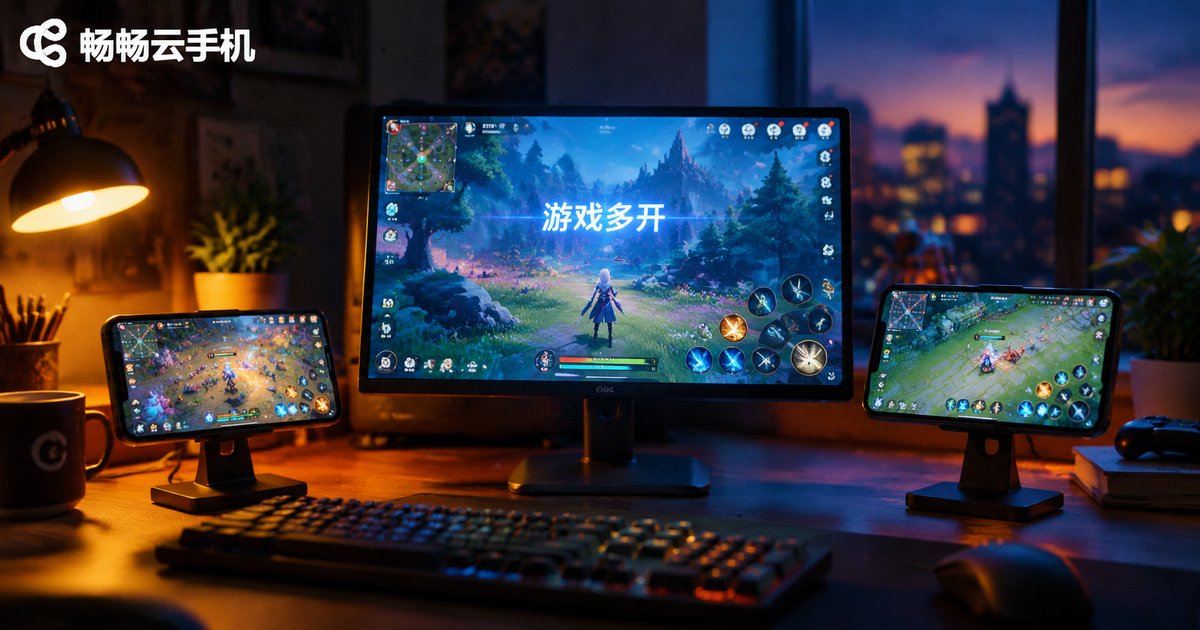
How to Plan Cloud Phone Game Multi-Instance: Practical Ideas for Resource Allocation and Cost Control
Running multiple game instances on a cloud phone is not about opening as many as possible, but about planning. This article explains how to classify task types, tune resolution and frame rates, and find your smoothness threshold through small-scale testing. It also shares four practical cost control habits: shutting down idle instances, scheduling tasks off-peak, grouping configurations, and reviewing usage weekly. Whether you are a beginner or a seasoned multi-account player, these ideas help every instance run smoothly while keeping your budget under control.

How to Troubleshoot Cloud Phone Gaming Lag: Network, Configuration, and Settings
Lag in large games on a cloud phone usually comes from three places: the network, the instance configuration, or the settings. This guide walks you through them in order — test latency, packet loss, and bandwidth and switch to a stabler connection; match the game's requirements with your cloud phone's CPU, memory, and server node; then tune in-game graphics, stream clarity, and performance mode. A symptom-to-cause table and an FAQ help you find the real bottleneck fast and get back to smooth, responsive gameplay.