
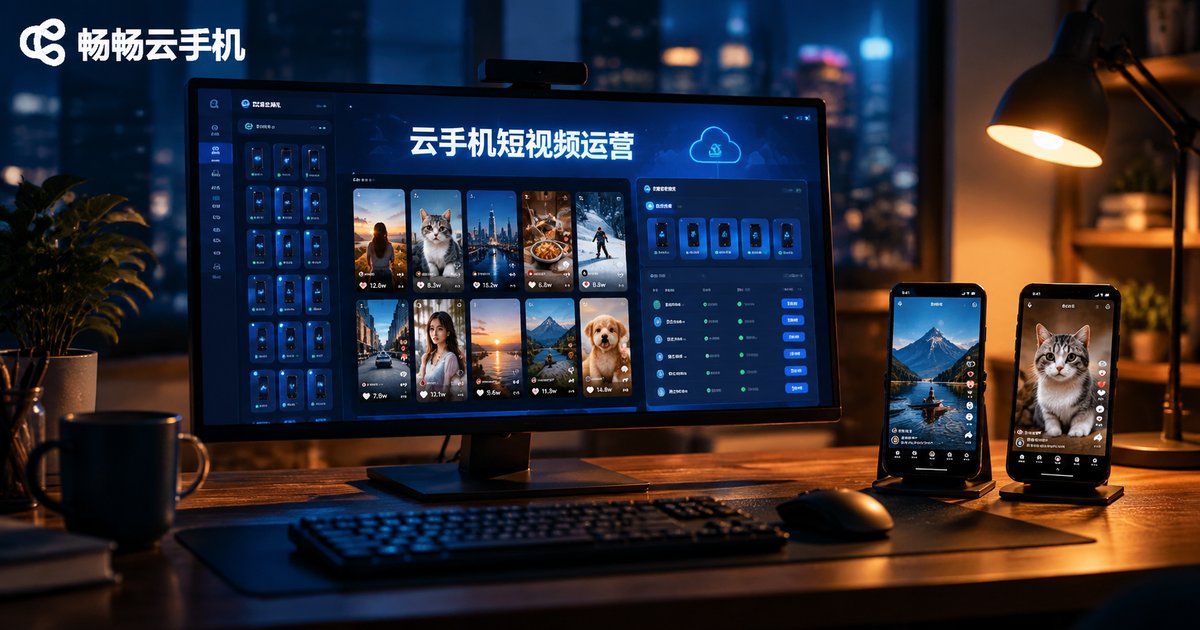
Cloud Phones for Short Video Operations: Content Management, Upload & Download, and Efficiency Tools
Why Short Video Operations Need Cloud Phones
Anyone who runs short video accounts knows the most time-consuming part of the job is rarely the creative work itself — it is the repetitive operations: switching account logins, uploading videos device by device, publishing on schedule, replying to comments, organizing assets. When your accounts grow from one or two to a dozen or more, juggling physical phones one by one simply does not scale.
Cloud phones offer a smarter approach: Android systems running in cloud data centers, which you control remotely from a computer or a phone. For operators, this brings three key changes: isolated account environments, devices that scale on demand, and data that lives in the cloud and never gets lost. These three points hit exactly where short video operations hurt most.
Scenario 1: Content Management — Account Matrix and Cloud Asset Library
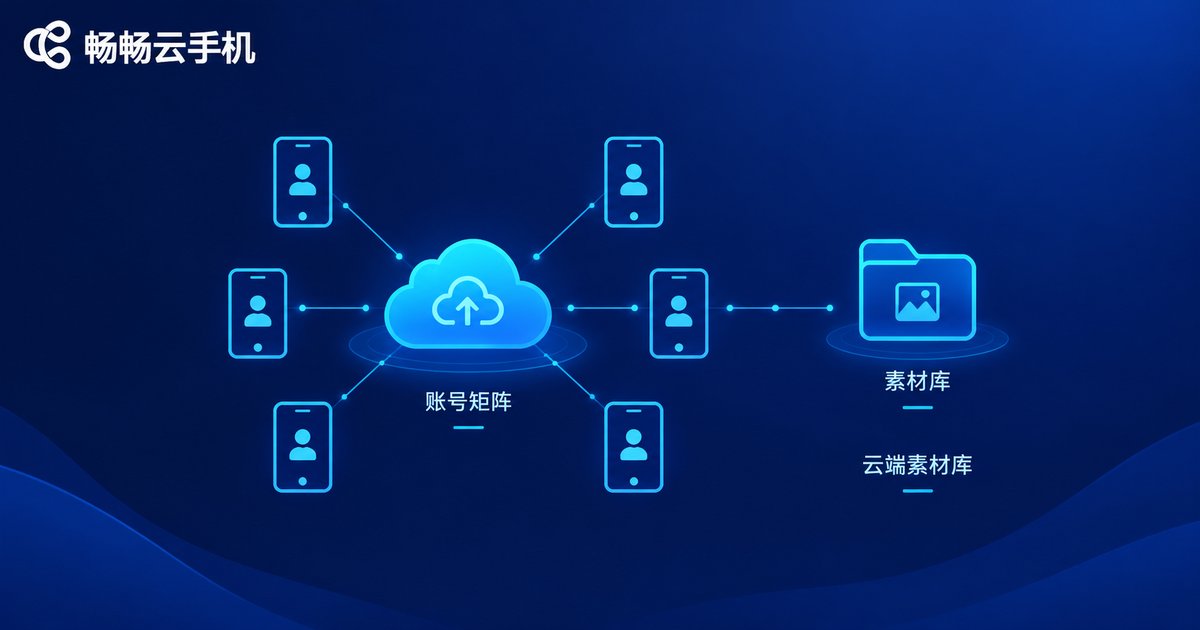
Mature short video operations usually adopt an account matrix strategy: a main account carries the brand image, vertical accounts cover different audience segments, and smaller accounts test content directions. Cloud phones let every account run in its own isolated cloud environment, reducing the risk-control issues caused by constant login switching, while making it easy to group accounts by project or platform.
Asset management can move to the cloud as well: finished videos, cover images, and copywriting scripts stay in a unified cloud space that the whole team can access, and you always know which asset was published to which account and how it performed. When devices or team members change, no assets or account data are lost, and handover costs drop dramatically.
Scenario 2: Upload and Download — Batch Publishing and Asset Flow
Uploading and downloading are the most frequent actions in short video operations, and the place where cloud phones deliver the most visible value:
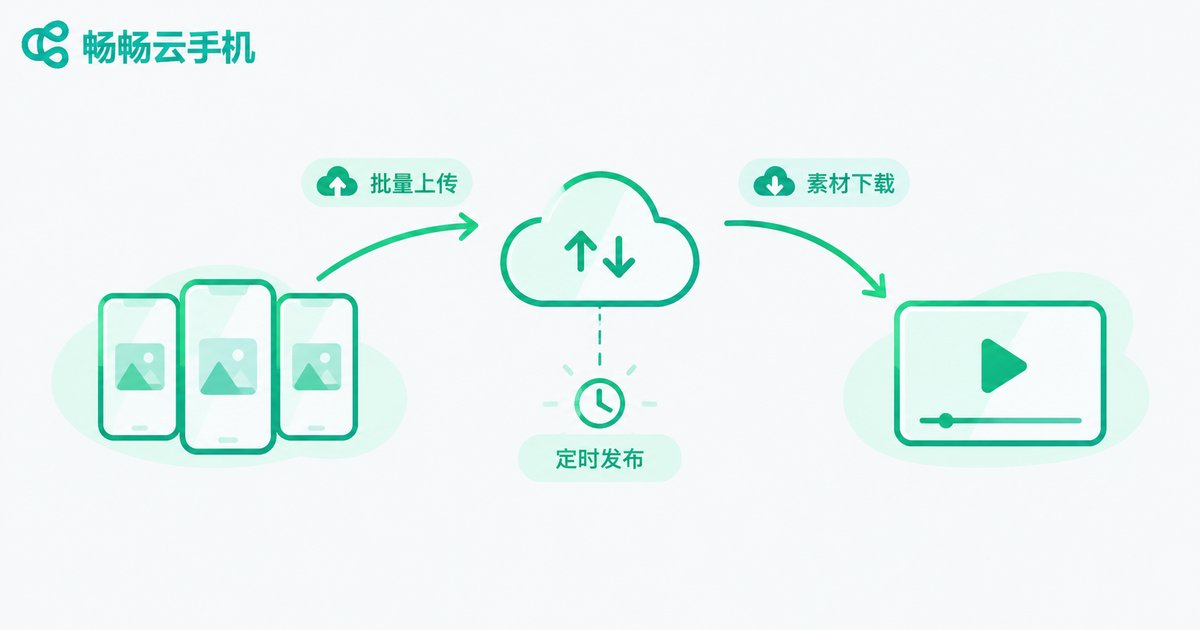
Batch uploading: push finished videos to multiple cloud phones at once, then publish them to the corresponding accounts — prepare once, distribute everywhere, with no more transferring files device by device.
Scheduled publishing: traffic peaks differ across platforms and time slots. With scheduled tasks on cloud phones, you can line up content in advance and let it go live automatically, never missing golden windows in the early morning or on holidays.
Asset download and transfer: cloud devices can exchange files directly. Downloaded materials, reference videos, and analytics screenshots flow back into cloud storage, ready to grab from your computer — no cables, no middleman cloud drives.
Scenario 3: Efficiency Tools — Group Control and Automation
If multi-instance running solves the problem of managing many devices at once, group control solves how to manage them fast: from a single console you operate dozens of cloud phones simultaneously — batch-installing apps, batch-publishing, batch-engaging. Work that once kept several people busy for a full day now takes one person a couple of hours.
Add automation on top — scheduled app launches, predefined workflows, automatic alerts when something goes wrong — and the team is freed from mechanical tasks to focus on content itself. For accounts that must stay online around the clock, the always-on, never-shutdown nature of cloud phones keeps live sessions alive and messages answered promptly.

Recommended Tool: ccloudphone
Among cloud phone products, ccloudphone is built for multi-instance and batch operation scenarios: stable Android cloud devices, many cloud phones online at the same time, batch group-control operations, and cloud data sync, accessible from both PC and mobile. It suits short video teams building account matrices and handling daily publishing and engagement. For details on features and plans, visit the official ccloudphone website.
Traditional Multi-Device vs Cloud Phone Setup
| Dimension | Traditional Physical Phones | Cloud Phone Setup |
|---|---|---|
| Hardware cost | One phone per account, high investment | Provision cloud devices on demand, scale elastically |
| Account management | Constant login switching, risk-control triggers | Isolated environments, always online |
| Publishing efficiency | Manual upload, device by device | Batch upload and scheduled publishing |
| Data security | Lose the device, lose the data | Data in the cloud, safe across devices |
| Team collaboration | Whoever holds the phone operates it | Multiple people can take over the same device anytime |
FAQ
Q: Is it safe to run short video accounts on a cloud phone?
Choose a reliable cloud phone provider and keep a natural operating rhythm; avoid massive repetitive actions in short bursts. With isolated environments, accounts are actually safer than when several of them share one physical device.
Q: How many cloud phones can one computer manage?
It depends on how many cloud devices you have provisioned and your local network. Cloud phones run in the data center — your computer only streams the screen and sends commands — so an ordinary office PC can smoothly manage dozens at once.
Q: Will video assets be lost on a cloud phone?
Cloud phone data lives on cloud servers. As long as your account is in good standing, assets and app data remain after renewal or when you switch devices. Still, back up critical assets to cloud storage regularly.
Q: Are cloud phones suitable for individual creators?
Yes. Start with a small number of cloud devices to manage two or three accounts with scheduled publishing, then add more as your matrix grows — costs stay under control.
Q: Where can I learn more about ccloudphone?
Visit the official ccloudphone website for feature and plan details. After signing up, create your cloud devices, migrate your existing account environment, and start operating.


